

Default Admin Color Scheme
v1.0.3Plugin Pizza · 2013年12月26日 上架
Select a default admin color scheme for new and existing users. Optionally disable the color scheme picker to force a color scheme for all users.
- 正在使用
- 800+
- 评分
- 4.7 / 5
- 累计下载
- 1.5 万
- 最近更新
- 2026年6月6日
 Plugin Pizza
 Barry Ceelen
 Functions File
截图
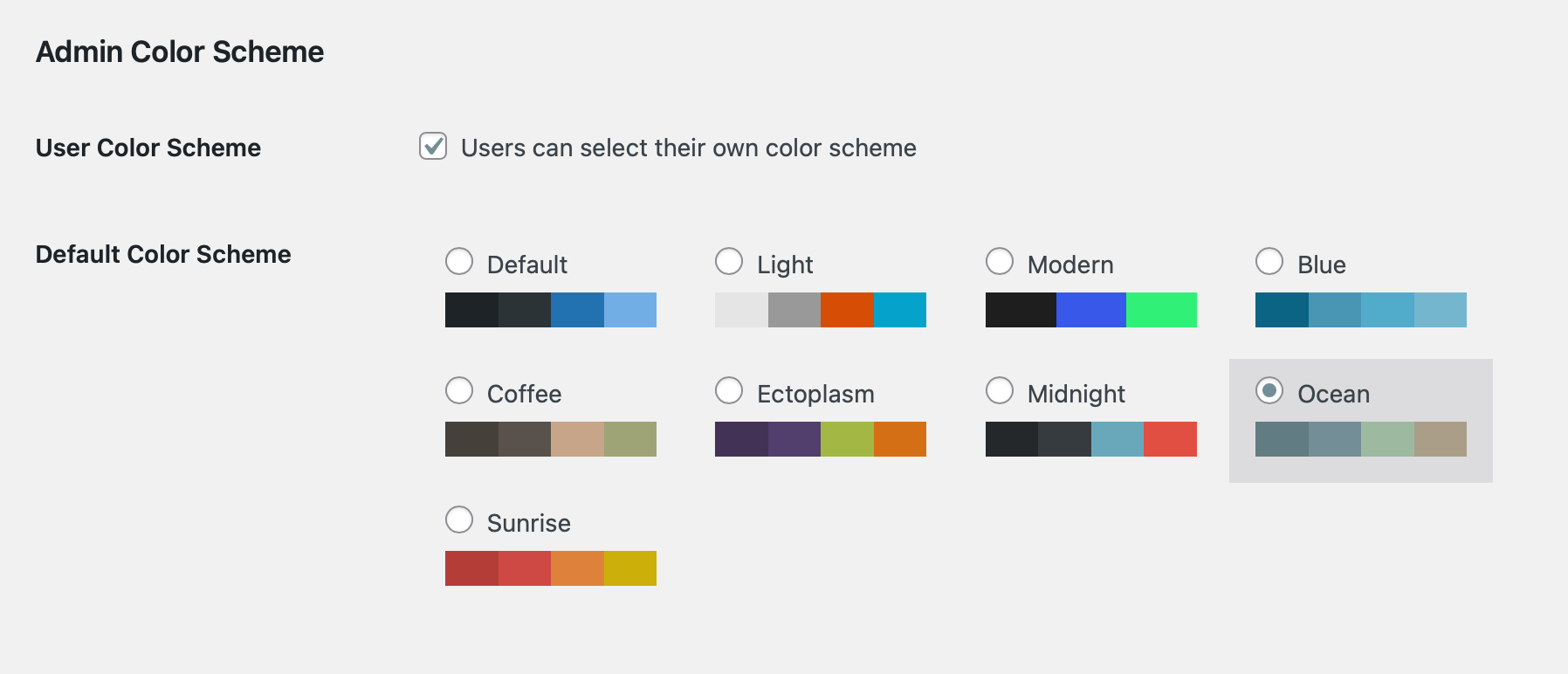
Select a default admin color scheme for new and existing users. Optionally disable the color scheme picker to force a color scheme for all users.
By default, WordPress uses the ‘Default’ color scheme unless a user has selected another color scheme on their profile settings page.
Default Admin Color Scheme adds a color scheme picker to the ‘General’ settings page where you can change the default color scheme for all users.
Force an admin color scheme for all users?
An additional option allows you to remove the admin color scheme picker from each user’s ‘Profile’ settings page. Using this option results in all users seeing the same color scheme in the WordPress admin.
Bug Reports
Do you want to report a bug or suggest a feature for Default Admin Color Scheme? Best to do so in the Default Admin Color Scheme repository on GitHub.