

DCO Comment Attachment
v2.4.0Denis Yanchevskiy · 2019年5月6日 上架
Allows your visitors to attach files with their comments
- 正在使用
- 5,000+
- 评分
- 4.9 / 5
- 累计下载
- 6.9 万
- 最近更新
- 2022年10月3日
10 条评价需要 WordPress 4.6+已测试到 6.0.19PHP 5.6+
 Denis Yanchevskiy
截图




DCO Comment Attachment allows your visitors to attach images, videos, audios, documents and other files with their comments. They will also be able to automatically embed links from Youtube, Facebook, Twitter and other services in the comment text.
With plugin settings you can:
- Limit the maximum file upload size.
- Make an attachment required.
- Specify whether the attachment will be embedded or displayed as a link.
- Enable/Disable autoembed links (like Youtube, Facebook, Twitter, etc.) in the comment text.
- Select an attachment image size from thumbnails available in your WordPress install.
- Link a thumbnail to a full-size image with lightbox plugins support (see FAQ for details).
- Open a full-size image in a new tab or link thumbnail to the attachment page.
- Enable/Disable multiple upload.
- Combine images to gallery.
- Select an attachment image size for the images gallery.
- Restrict attachment file types.
- Decide who will be able to upload attachments: all users or only logged users.
- Manually moderate comments with attachments.
You can also:
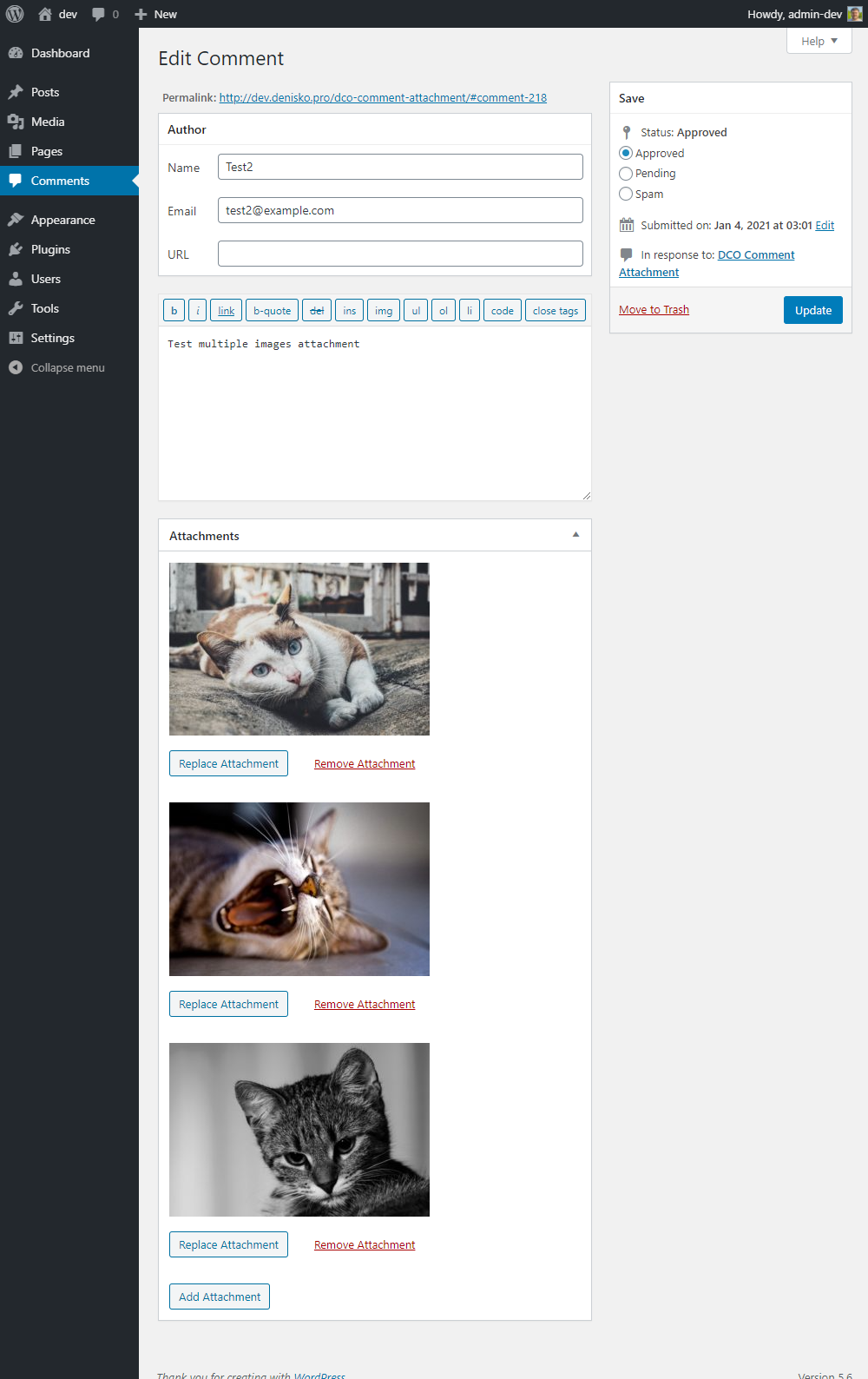
- Add, replace or delete an attachment from a comment on the Edit Comment screen.
- Attach an unlimited number of attachments to the comment in the admin panel.
- Delete an attachment from a specific comment or bulk delete attachments from comments on the Comments screen.
- Display attachments attached to comments to the current post (or a specific post) with the
[dco_ca]shortcode. You can also filter by type. See FAQ for details.
Attachments are uploaded to the WordPress Media Library and deleted along with the comment (if this is set in the settings).
REST API is supported.
DCO Comment Attachment is also available on GitHub.