
DB Error Customizer – Free
v2.0KenazChan · 2016年3月15日 上架
With DB Error Customizer, it helps you to handle Error establishing a database connection problem easily and professionally.
- 正在使用
- 10+
- 评分
- 5.0 / 5
- 累计下载
- 2,385
- 最近更新
- 2017年1月14日
贡献者
 KenazChan
截图

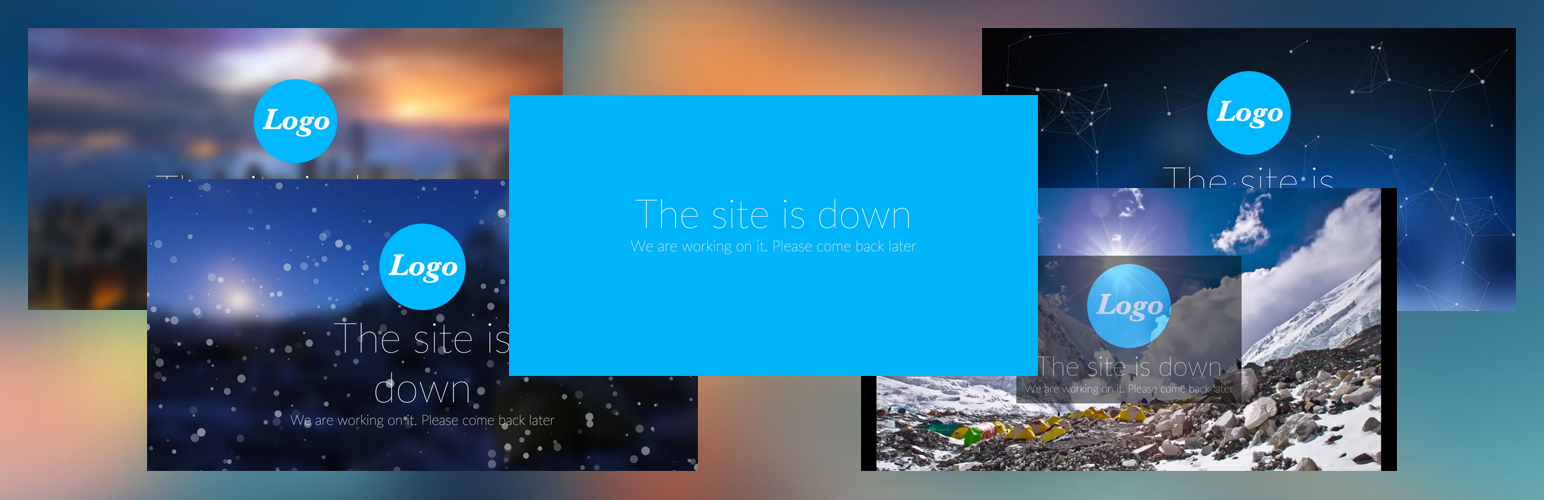
Database not responding is a very common issue in hosting a WordPress website. Instead of showing a blank page with an error message Error establishing a database connection, DB Error Customizer helps you to handle it professionally. Not only you can easily customize a beautifully designed database error page using our predefined templates, it tells your visitors that everything is under control.
Premium Support
Our team does not always provide active support for the DB Error Customizer plugin on the WordPress.org. One-on-one email support is available to people who bought the DB Error Customizer Premium plugin only.
Note that the DB Error Customizer Premium plugin has many extra features too, including beautifully designed templates, animation effects and auto email alert. It might be well worth your investment!
Below are the features of DB Error Customizer:
- Comes with basic templates and allows you to customize:
- Main message to show your visitor, instead of standard error
- Sub message below main message
- Font size adjustment
- Font color adjustment
- Background color
- Preview customized output before saving
- Inform search engine that the error page is temporarily (HTTP 500 Internal Server Error header) and it should not cache it
Customize DB Error Page
After enabling DB Error Customizer, you can access it at Settings->DB Error Customizer. Below is description of each feature:
- Template: Drop down option for you to select a predefined templates. The selected template will unlock different other options. (Free version only supports basic template)
- Background Color: Change background color via color picker.
- Font Color: Change main/sub title color via color picker.
- Main Title: The main title of database error page.
- Main Title Size: The size of main title.
- Sub Title: The sub title of database error page.
- Sub Title Size: The size of sub title.
Preview: When you press Preview button at the bottom of dashboard, a message box will apear at the top of dashboard with message Preview page generated successfully! Click Preview to proceed. You can press the Preview link to launch the preview page.
Setup/Update DB Error Page: When you press Setup/Update DB Error Page button at the bottom of dashboard, the plugin will save your settings and install this customized database error page to your WordPress. The page will automatically show up to visitor when your website’s database does not respond.
Support
Please refer the developer’s site at Centil Technology. If you would like to provide feedback/contact or just drop us an email, please feel free to contact us at info[at]centil[dot]co