

Data Tables – present your data in clean, customizable tables
v1.1.2bPlugins · 2022年6月10日 上架
Create responsive WordPress data tables with sorting, paging, and filtering. Build tables visually with a Gutenberg block or embed via shortcode.
- 正在使用
- 100+
- 评分
- 5.0 / 5
- 累计下载
- 5,666
- 最近更新
- 2026年7月26日
2 条评价需要 WordPress 5.8+已测试到 6.8.13PHP 7.1+
 bPlugins
 shehabulislam
截图
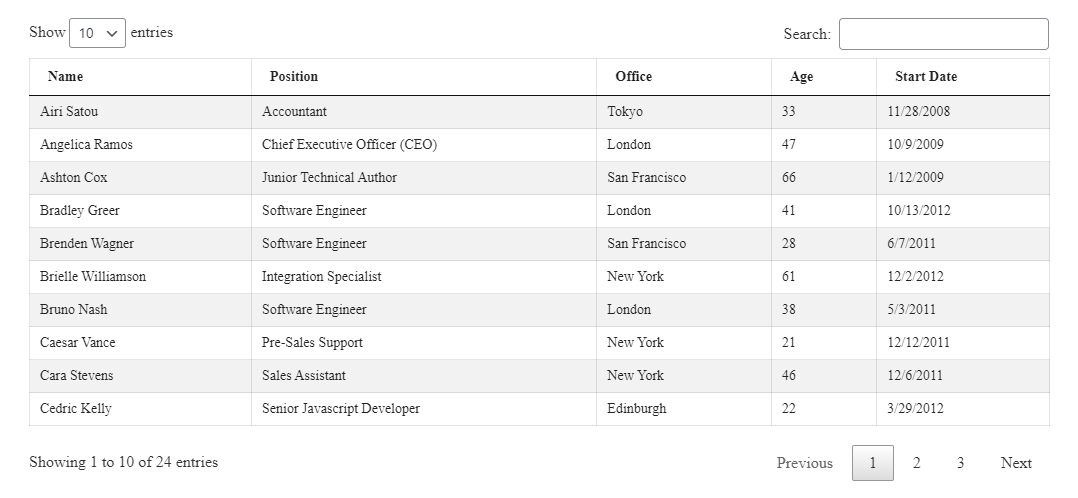
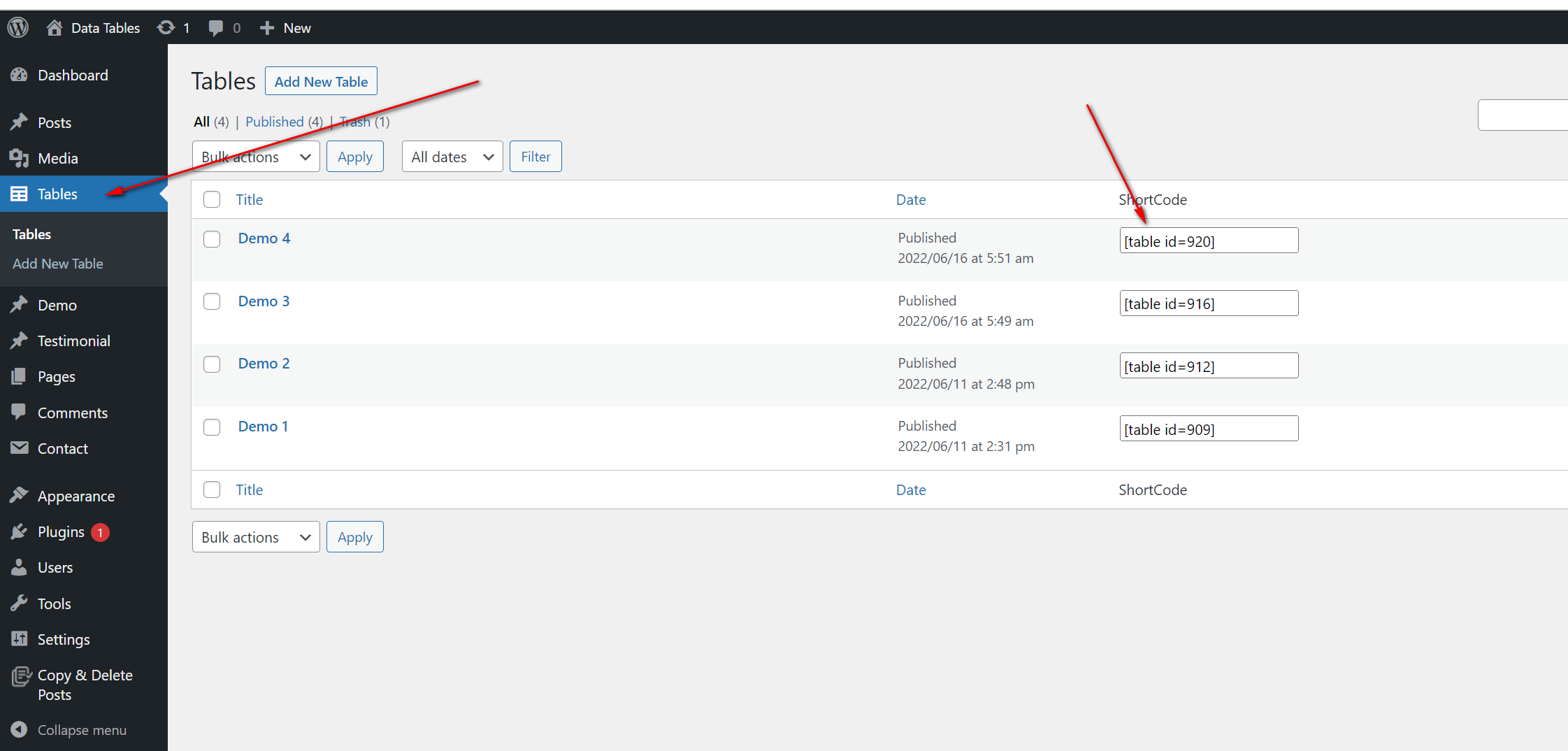


Turn raw data into clean, sortable, filterable tables your visitors can actually read – built visually, with no code required.
Why Data Tables?
Data Tables gives you a Gutenberg block to build data tables visually, plus shortcode support so you can embed the same table in multiple areas. Create a table once and reuse it across posts, pages, and widgets.
Sorting, paging, and filtering are built in, so even large datasets stay easy to browse – all with minimal effort on your side.
Free Features
- Visual Table Builder: Create and edit tables directly in the Gutenberg editor.
- Shortcode Support: Embed any table in posts, pages, or widgets.
- Reusable Tables: Build a table once and use it anywhere on your site.
- Sorting: Let visitors sort table columns instantly.
- Paging: Split long tables into easy-to-browse pages.
- Filtering: Help visitors find the exact rows they need.
- Serial & Attachment Columns: Add a serial number column and enable an attachment column.
- Unlimited Tables: Publish as many tables as you want.
How to Use – Quick Start
- Install and activate the Data Tables plugin.
- Open a post or page in the Gutenberg editor.
- Click the + icon and add the Data Tables block.
- Build your table visually and configure sorting, paging, and filtering.
- Publish – or copy the shortcode to reuse the table in other posts, pages, or widgets.
Use Cases
- Pricing & Comparison Tables: Present products or plans side by side.
- Reports & Statistics: Publish sortable data readers can explore.
- Directories & Lists: Share member lists, schedules, or catalogs with filtering.
- Downloads: Use the attachment column to list files alongside data.