

Dashboard Navigator
v1.1.3OllieJones · 2025年4月14日 上架
Navigate your WordPress dashboard by searching with a few keystrokes. Press shift shift, then a few letters of the menu item you want.
- 正在使用
- 10+
- 评分
- 5.0 / 5
- 累计下载
- 1,701
- 最近更新
- 2026年11月22日
贡献者
 OllieJones
截图
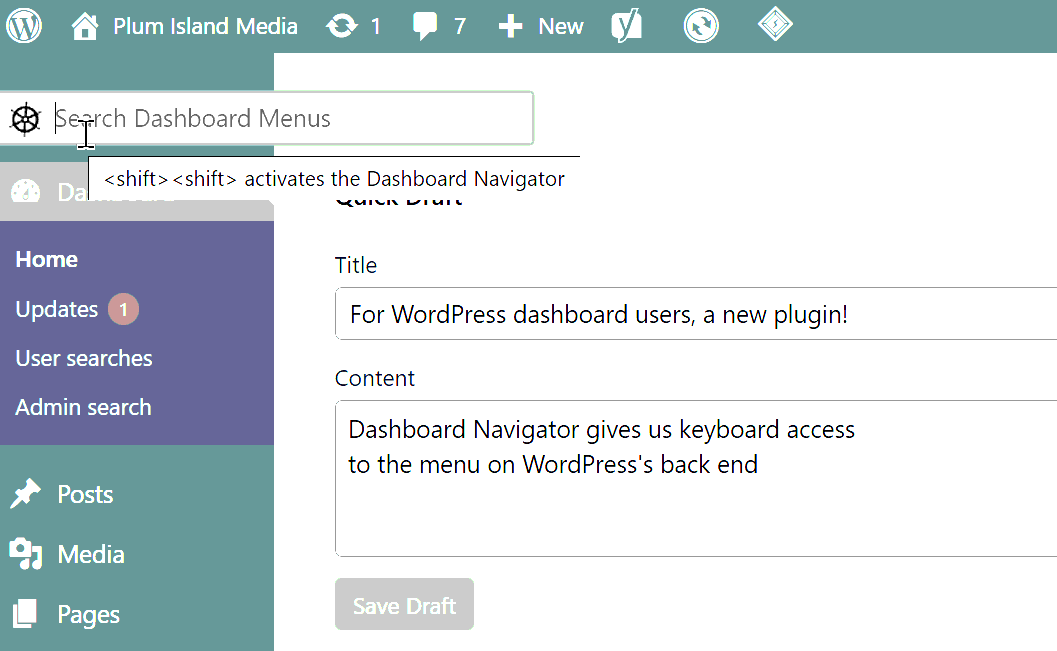
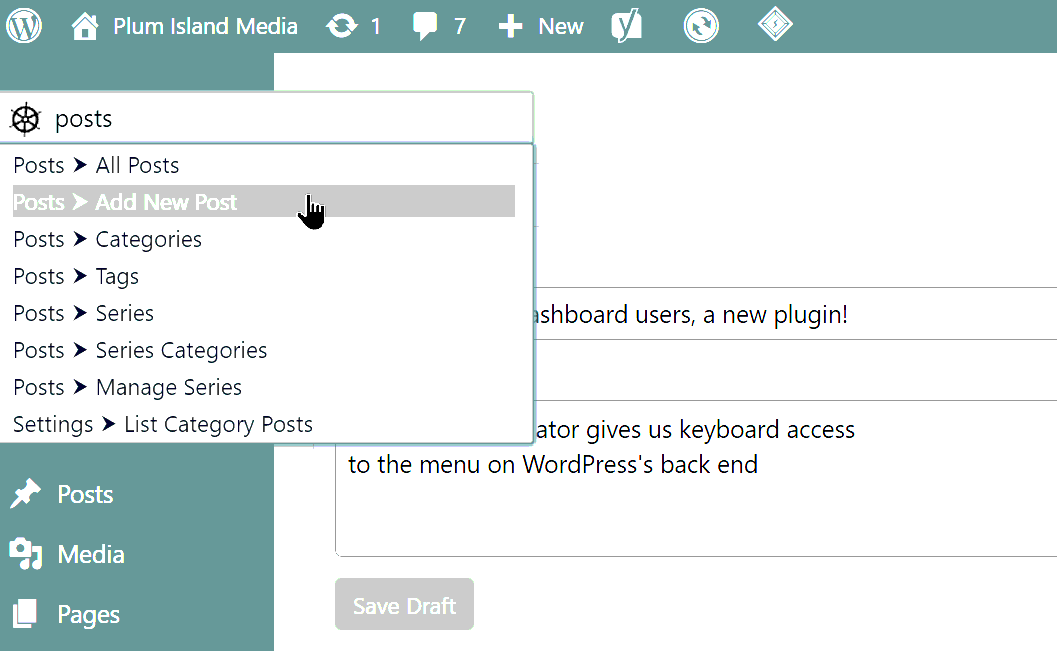
In modern operating systems you can press a Start or Spotlight key, type a few letters of the operation you need, and choose it. There’s no need to waste time clicking around in the menus looking for your command. This plugin gives you the same capability for WordPress’s dashboard and its features.
The plugin places a search box at the top of the menu at the top left of WordPress’s dashboard. (That menu is at the top right if you use a right-to-left language such as Rohingya or Arabic.) Click in that menu and type a few letters. You’ll see a drop-down list of matching commands. Use arrow keys to select the command you want, and press Enter or Tab.
You can press Shift twice rapidly instead of clicking in the search box. So, for example, to go to your orders in your WooCommerce store, type this.
Shift Shift o r d e r s Enter
Tnat’s it.
How does this plugin work? It is lightweight. It sends its small JavaScript file to your browser for every dashboard page. That JavaScript analyzes the WordPress menus and prepares the dropdown list.
Credits
Props to herchen for his Admin Menu Search plugin. This is, I hope, worthwhile improvement on it.