
Content Blocks (Custom Post Widget)
v3.4.4Johan van der Wijk · 2010年11月15日 上架
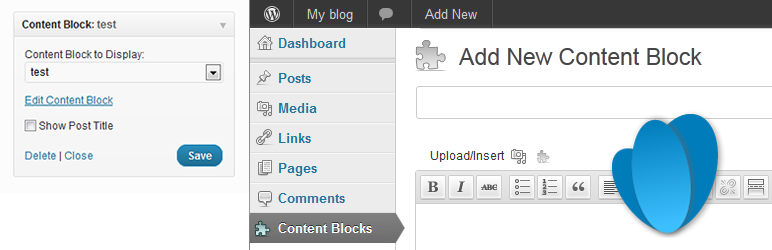
This plugin enables you to edit and display Content Blocks in a sidebar widget or using a shortcode.
- 正在使用
- 1 万+
- 评分
- 4.9 / 5
- 累计下载
- 77 万
- 最近更新
- 2026年9月22日
 Johan van der Wijk
截图
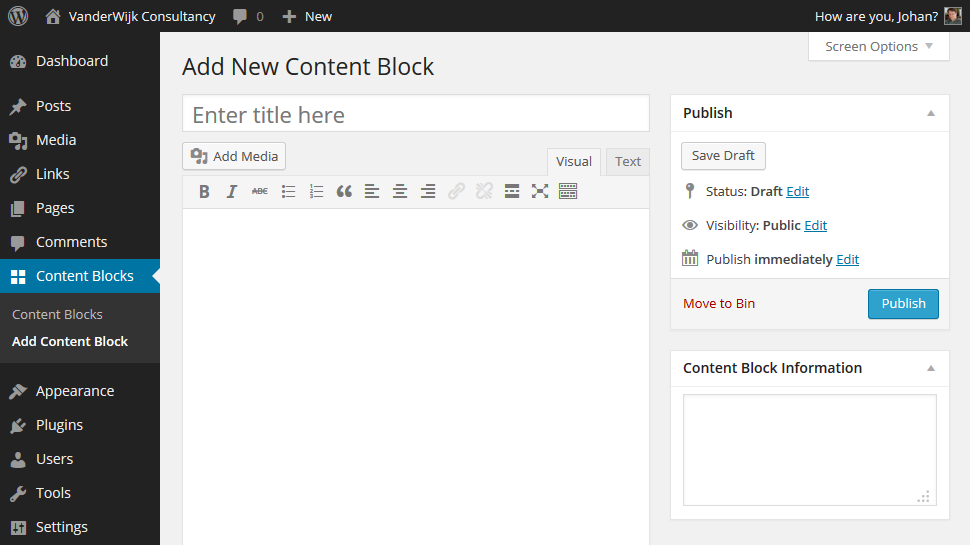
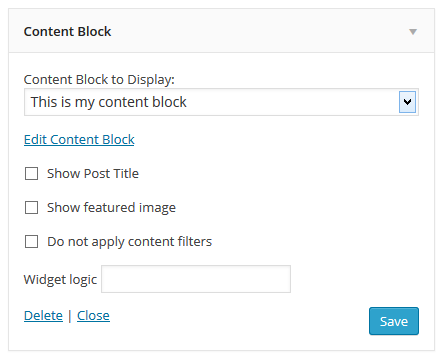
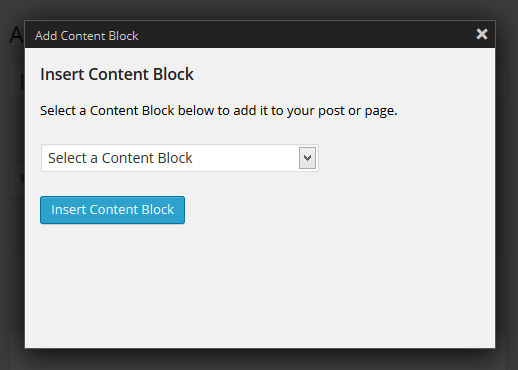
The Content Blocks allows you to display the contents of a custom post type in a sidebar widget or using a shortcode.
Even though you could use the text widget that comes with the default WordPress install, this plugin has some major benefits:
- The Content Blocks plugin enables users to use the WYSIWYG editor for editing the content and adding images.
- If you are using the standard WordPress text widgets to display content on various areas of your template, this content can only be edited by users with administrator access. If you would like to give content editors access without exposing them to the whole WordPress admin, this plugin solves that problem.
- You can even use the featured image functionality to display them in a widget.
- The Content Blocks plugin is compatible with the WPML Multi-Language plugin and automatically shows the correct language in the widget area.
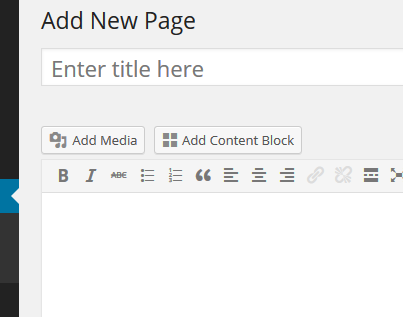
- The Content Blocks can be included in posts and pages using the built-in shortcode functionality.
This plugin creates a ‘content_block’ custom post type. You can choose to either display the title on the page or use it to describe the contents and widget position of the content block. Note that you can easily hide the title if you want a cleaner layout.
To add content to a widget, drag it to the required position in the sidebar and select the title of the custom post in the widget configuration.
Includes the following translations:
- Swedish (sv_SE) by Andreas Larsson
- Spanish (es_ES) by IBIDEM GROUP
- Portuguese (pt_BR) by Ronaldo Chevalier
- Polish (pl_PL) by Kuba Skublicki
- Dutch (nl_NL) by Johan van der Wijk
- Czech (cs_CZ) by Martin Kucera