

Custom Post Type Maker
v2.0.0Graffino · 2013年2月4日 上架
Custom Post Type Maker lets you create Custom Post Types and custom Taxonomies in a user friendly way.
- 正在使用
- 5,000+
- 评分
- 4.7 / 5
- 累计下载
- 16 万
- 最近更新
- 2026年11月4日
18 条评价需要 WordPress 6.5+已测试到 7.1.5PHP 8.1+
 Graffino
 Zeno Popovici
 Jorn Bakhuys
截图

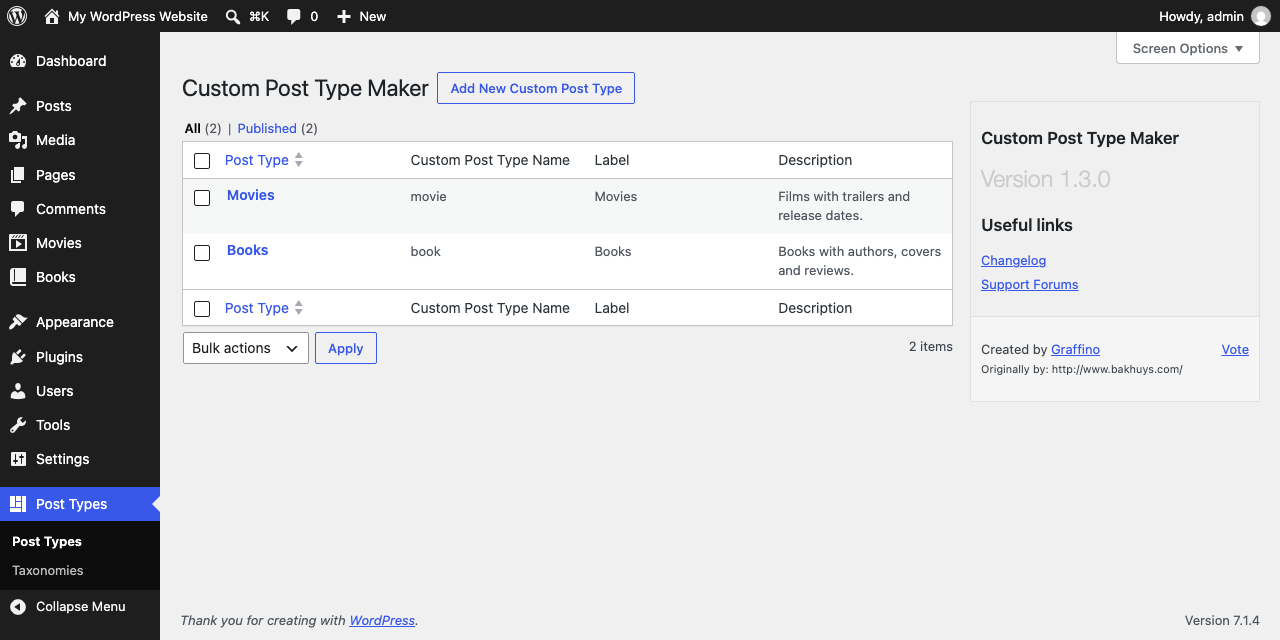


Custom Post Type Maker is the perfect plugin to create Custom Post Types and custom Taxonomies in a user friendly way, just like managing your regular posts and pages.
Originally by Bakhuys.
Features
- Fully integrates with the WordPress API, for the best compatibility
- Lets you create Custom Post Types and custom Taxonomies without the need of writing any code
- Provides an interface to manage your Custom Post Types, just like managing your regular posts and pages
- Provides almost all the parameters of the WordPress CPT API
- Shows you a list of all other registered Custom Post Types and custom Taxonomies in WordPress
- Uses the WordPress Media Uploader or Dash Icons (Native WordPress Icons) to let you manage the Custom Post Type icon
- Block editor templates and template locks for your post types
- Export and import as JSON, import from Custom Post Type UI, and PHP code export
- WP-CLI commands:
wp cptm list,export,importandcode
Additional configuration
You can add CPTM_DONT_GENERATE_ICON in wp-config.php to prevent CPTM to generate the 16x16px WordPress image_size. You can do this after you upload an initial icon.
We’ve added this option because some users have very large image galleries and the additional WordPress image_size matters.