
Custom Meta Fields for FluentCart
v1.1.1upfluent · 2026年10月2日 上架
Custom fields for FluentCart (Fluent Cart) products, shown anywhere with a shortcode, plus GTIN and MPN per variation and a brand for Google.
- 正在使用
- 10 以下
- 评分
- 5.0 / 5
- 累计下载
- 697
- 最近更新
- 2026年11月4日
贡献者
 upfluent
截图


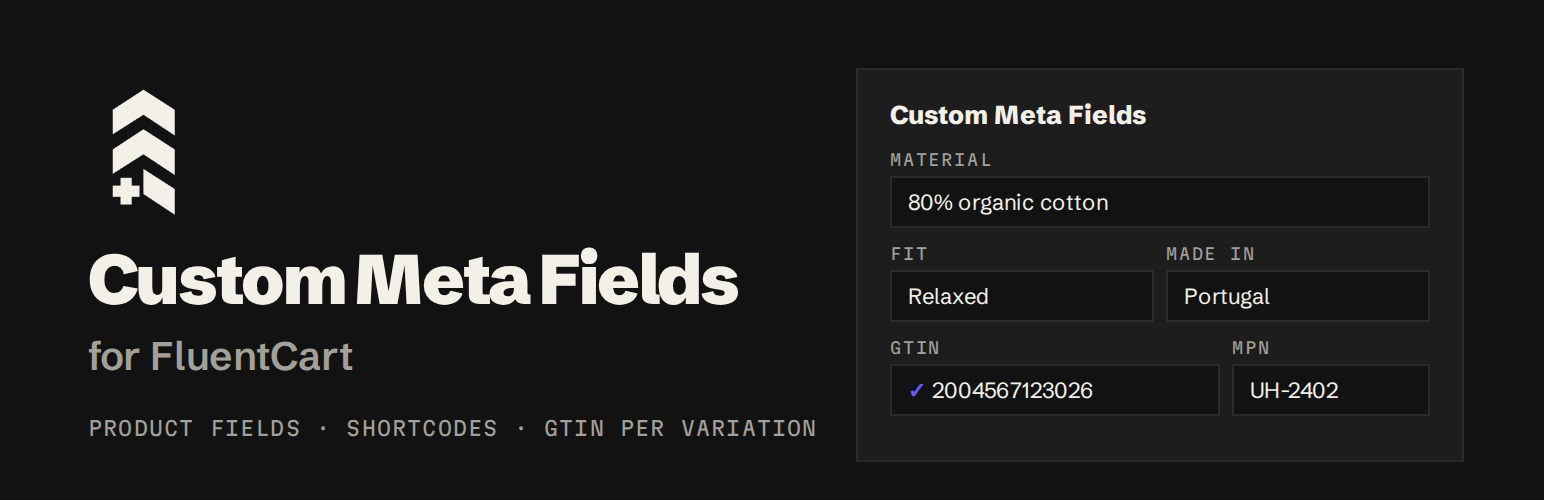
Custom Meta Fields for FluentCart adds custom product fields to FluentCart (also written Fluent Cart), the WordPress eCommerce plugin, plus GTIN, EAN, UPC, ISBN and MPN per variation and a brand per product for Google Shopping. Define a field once and it appears on every FluentCart product edit page, in a Custom Meta Fields card in the editor sidebar, saved with FluentCart’s own Update button. It also adds your own questions and file uploads to the FluentCart checkout. Every feature is free.
Values are stored as real WordPress post meta and registered with register_post_meta(), so they are typed, exposed in the REST API, copied when a product is duplicated, and readable by page builders’ custom-field dynamic tags.
Who it is for
- FluentCart stores that need extra product data: specs, materials, ingredients, sizes, author or ISBN.
- Stores selling on Google Shopping or Merchant Center that need a GTIN and MPN on every variation and a brand on every product.
- Stores moving from WooCommerce to FluentCart that want to keep their GTINs (identifier import).
- Stores that need extra answers at checkout: gift messages, delivery dates, file uploads, B2B details.
- Book sellers: products with fields using the IDs
spec_isbn13,spec_pagesorspec_authors(and similarspec_book fields) are marked up as a Book.
Features
- Unlimited product fields: text, textarea, number, select, checkbox, URL, email, date, color, media and repeater.
- Shortcodes:
[upfluent_cmf_field key="FIELD_ID"]prints a field anywhere, with the shortcode shown and copyable next to each field. - Product structured data: Product, BreadcrumbList and Organization JSON-LD built live from FluentCart prices, stock, images, store address, return policy and shipping rates.
- GTIN, EAN, UPC, ISBN and MPN per variation: FluentCart has a SKU per variation but no GTIN. Add one to every variation, plus a brand per product, with check-digit validation and duplicate detection. They go into Google structured data (as a ProductGroup with one variant per variation), and
[upfluent_cmf_gtin]shows the selected variation’s code. - Fluent look: the settings screen matches the Fluent suite, supports dark mode and loads inside the FluentHub portal.
- REST API and WordPress Abilities (MCP): let AI agents and integrations manage your fields.
- Permissions: follows FluentCart’s own roles for who can define fields and edit values.
- Media fields: images, video, audio or files from the media library, rendered responsively.
- Repeater fields: rows of sub-fields with drag-and-drop ordering, and
[upfluent_cmf_repeater]in list, grid or scrolling-row layouts. - Elementor widgets for media and repeater fields.
- Checkout fields: add your own questions to the FluentCart checkout with placement, required and conditional logic. Answers are saved on the order and shown on the order screen, the thank-you page and in emails.
- File uploads at checkout, stored through FluentCart’s own storage driver (local, S3 or R2).
- Identifier import: bring GTINs and MPNs over from WooCommerce (its own GTIN field and the common GTIN plugins), matched on SKU, or import a CSV. Every row is previewed before anything is saved.