
Custom Image Login Logo
v1.4.4Volodymyr Hannibal · 2025年3月5日 上架
Customize the WordPress login page by adding a custom logo, changing the link and title, and ensuring full responsiveness.
- 正在使用
- 10 以下
- 评分
- 暂无
- 累计下载
- 885
- 最近更新
- 2025年12月24日
 Volodymyr Hannibal
截图


Custom Image Login Logo allows you to replace the default WordPress login logo with your own. You can upload a custom logo, change the logo’s link and remove title, and ensure it displays correctly on all screen sizes.
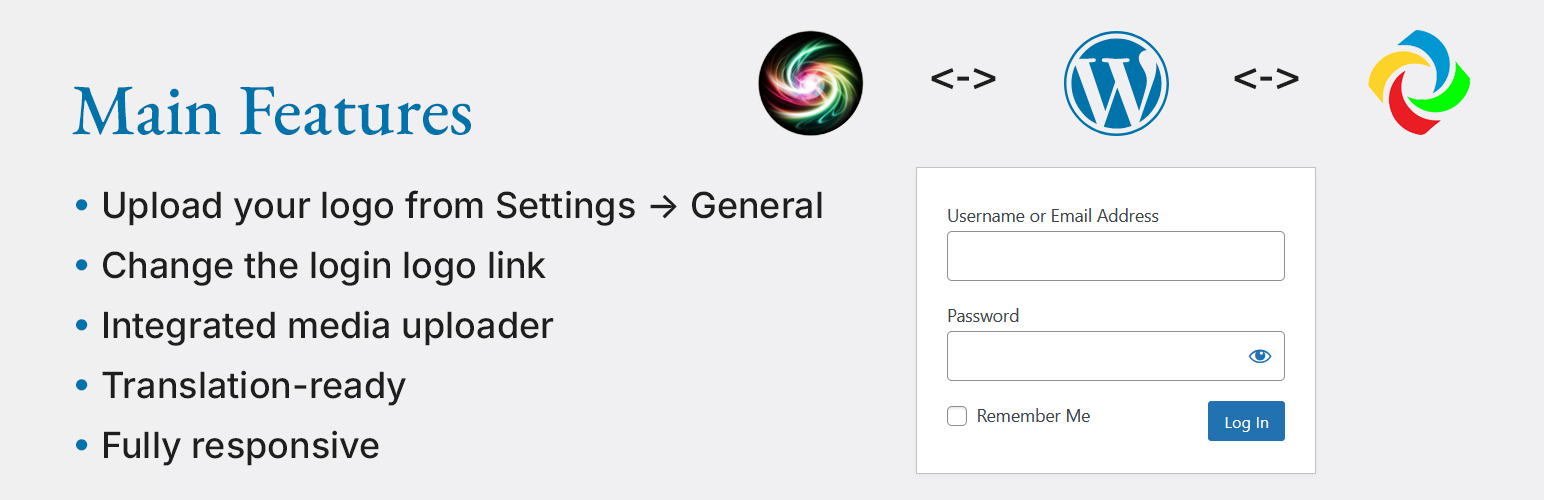
🎨 Main Features:
✅ Upload your logo from Settings General
✅ Change the login logo link
✅ Fully responsive on mobile and tablet
✅ Translation-ready
✅ If no custom or theme logo is selected, the default WordPress logo is displayed
✅ Integrated media uploader – select images directly from the Media Library
✅ cill-admin.js – enhances media uploader functionality for better user experience
🆕 New in Version 1.4:
– Optimized CSS loading – styles are now loaded from a separate CSS file
– Fixed theme logo detection – now correctly applies the theme’s custom logo
– Enhanced sanitization – improved security for stored settings
– Integrated cill-admin.js – improves media library selection and image removal
– If no custom or theme logo is selected, the default WordPress logo is displayed
📌 Want to contribute a translation? Submit your translation via WordPress.org!
Usage
-
Upload your logo:
- Navigate to Settings > General
- Enter or select an image URL from the Media Library
-
Customize login page settings:
- Set the login logo link (default: homepage)
-
Fallback to default WordPress logo:
- If no custom or theme logo is selected, the default WordPress logo will be used
-
Use Media Library for logo selection:
cill-admin.jsenables smooth integration with WordPress media uploader- Supports selecting, previewing, and removing images easily
How do I restore the default WordPress logo?
Q: How do I restore the default WordPress logo?
A: Just deactivate the plugin.
Is this plugin compatible with multisite?
Q: Is this plugin compatible with multisite?
A: Yes, it works with WordPress Multisite.
Does the plugin support translations?
Q: Does the plugin support translations?
A: Yes! The plugin is fully translation-ready.
Author
Volodymyr Hannibal
🌍 https://volhan.com
- Ownership Verification: This plugin is officially developed and maintained by Volodymyr Hannibal (volhan) – https://volhan.com
If you find this plugin useful, please leave a ⭐⭐⭐⭐⭐ rating on WordPress.org!