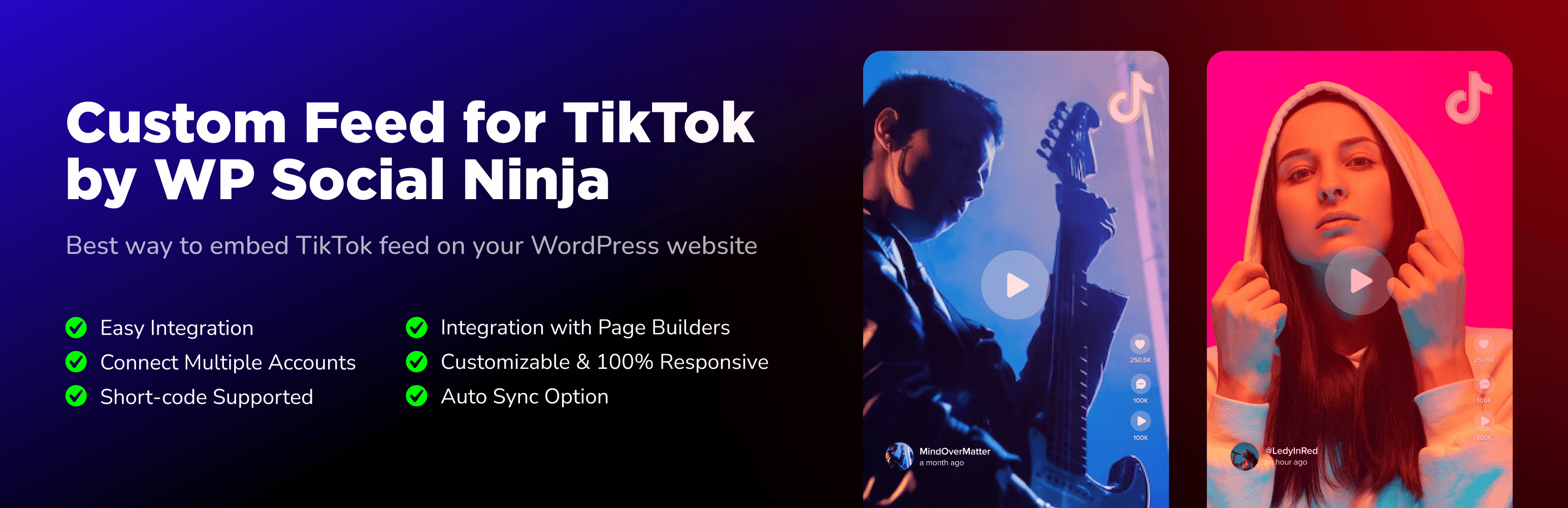

Custom Feed for TikTok – Social Post Feed Plugin for TikTok
v1.2.7Deb Nath Utpol · 2024年3月12日 上架
Display TikTok videos on your WordPress site with a customizable option. No coding needed. Works with Elementor, Oxygen, and Beaver Builder.
- 正在使用
- 1,000+
- 评分
- 4.0 / 5
- 累计下载
- 2.3 万
- 最近更新
- 2026年11月21日
 Shahjahan Jewel
 Deb Nath Utpol
 Musarrat Anjum Chowdhury
 WPManageNinja
截图
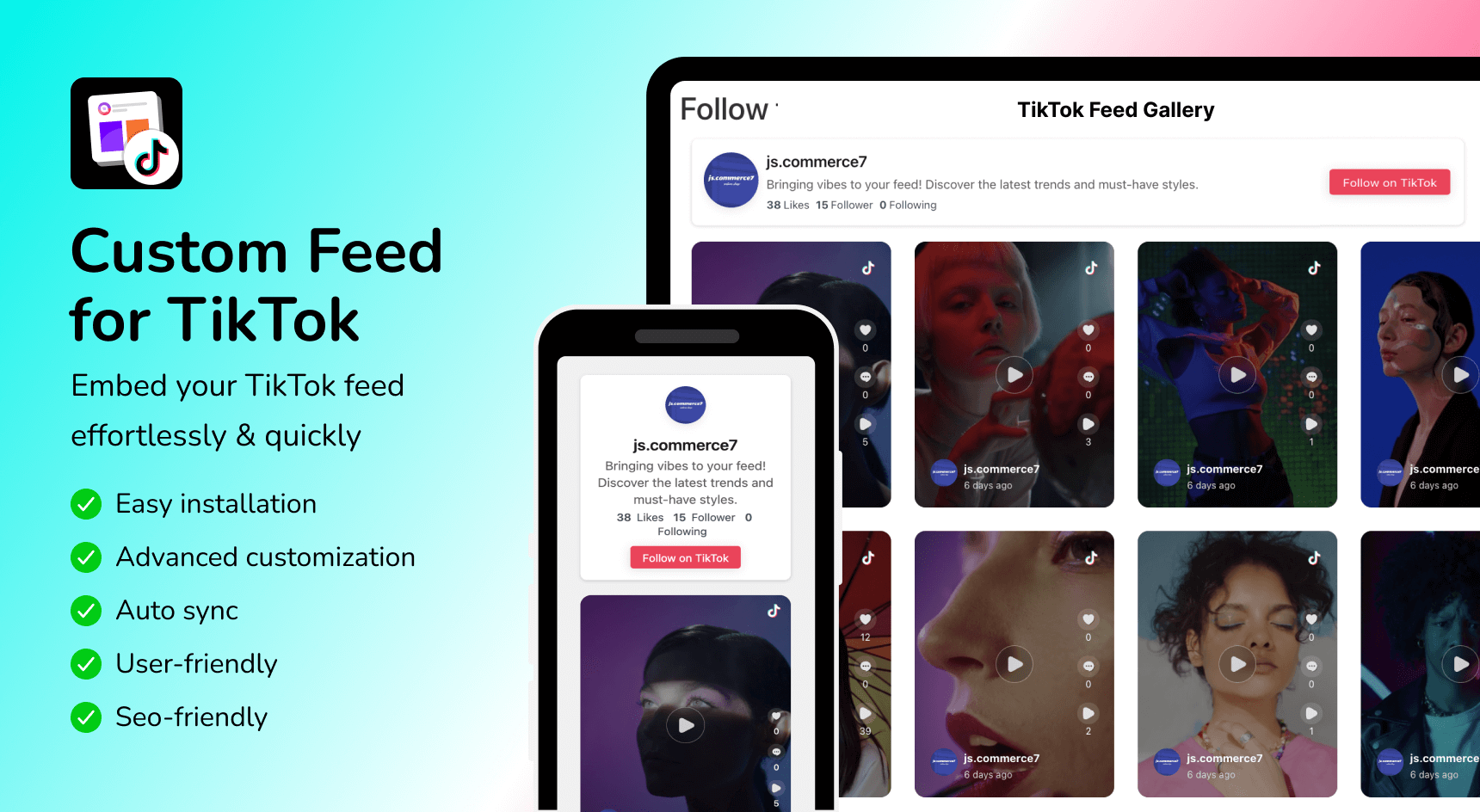

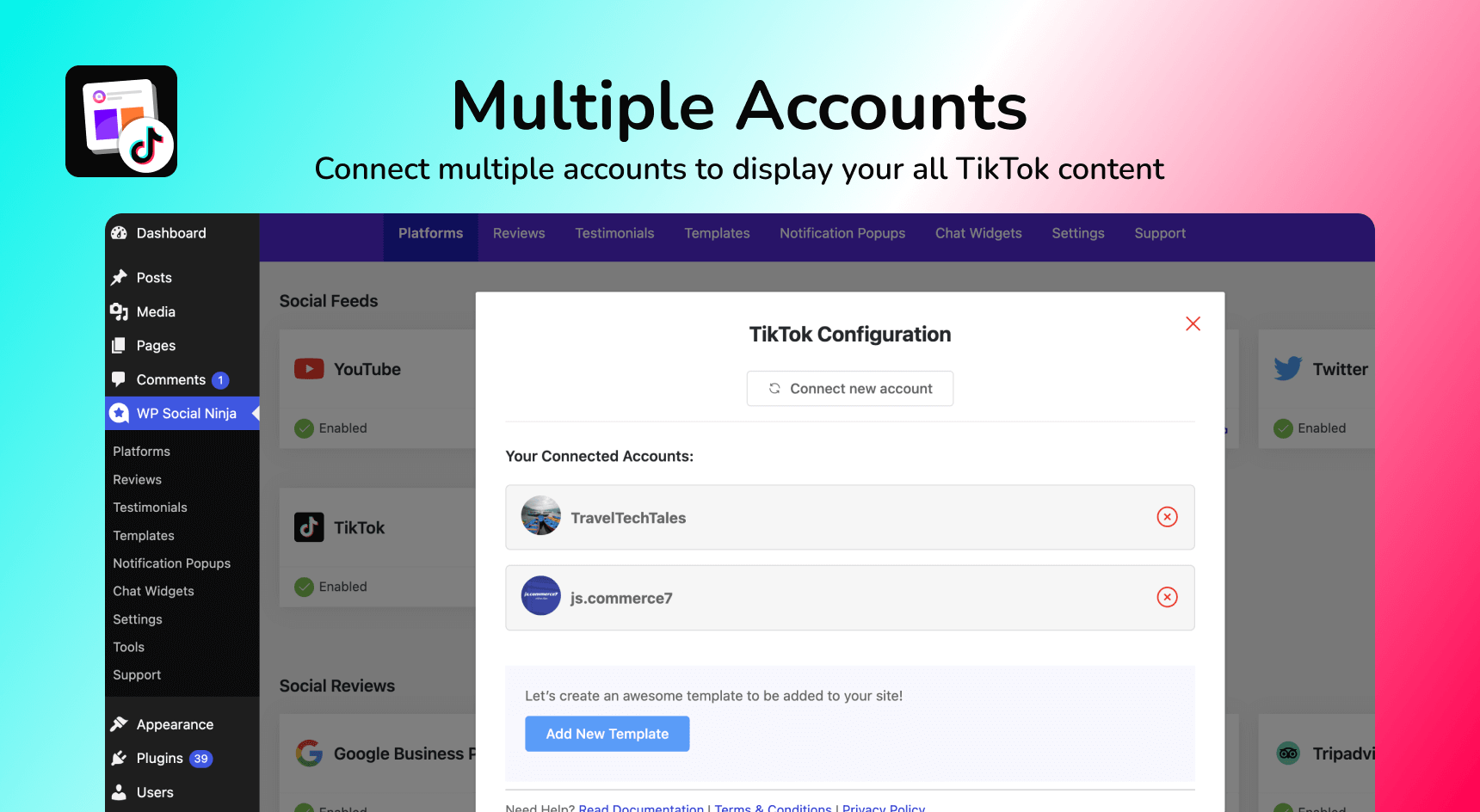
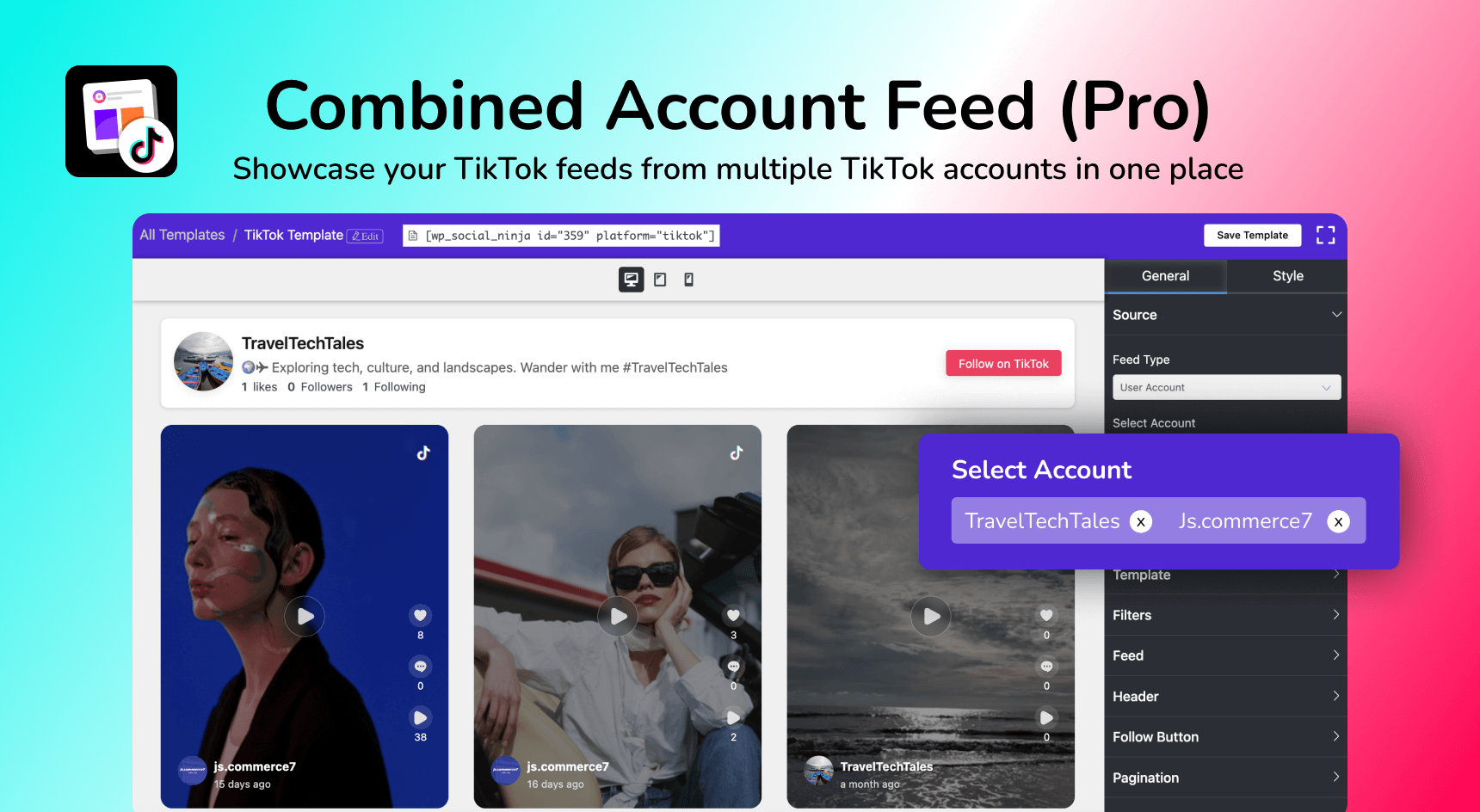
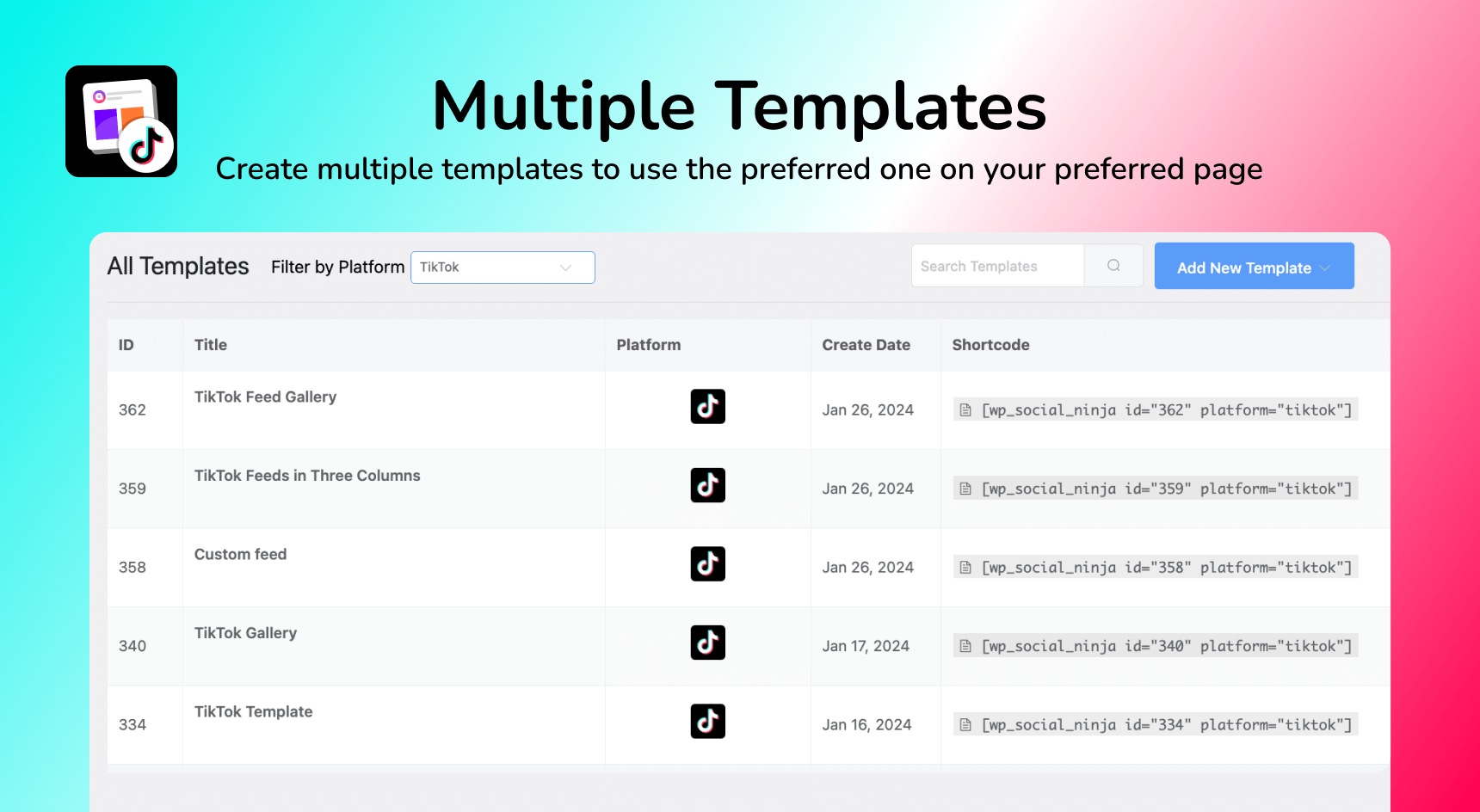
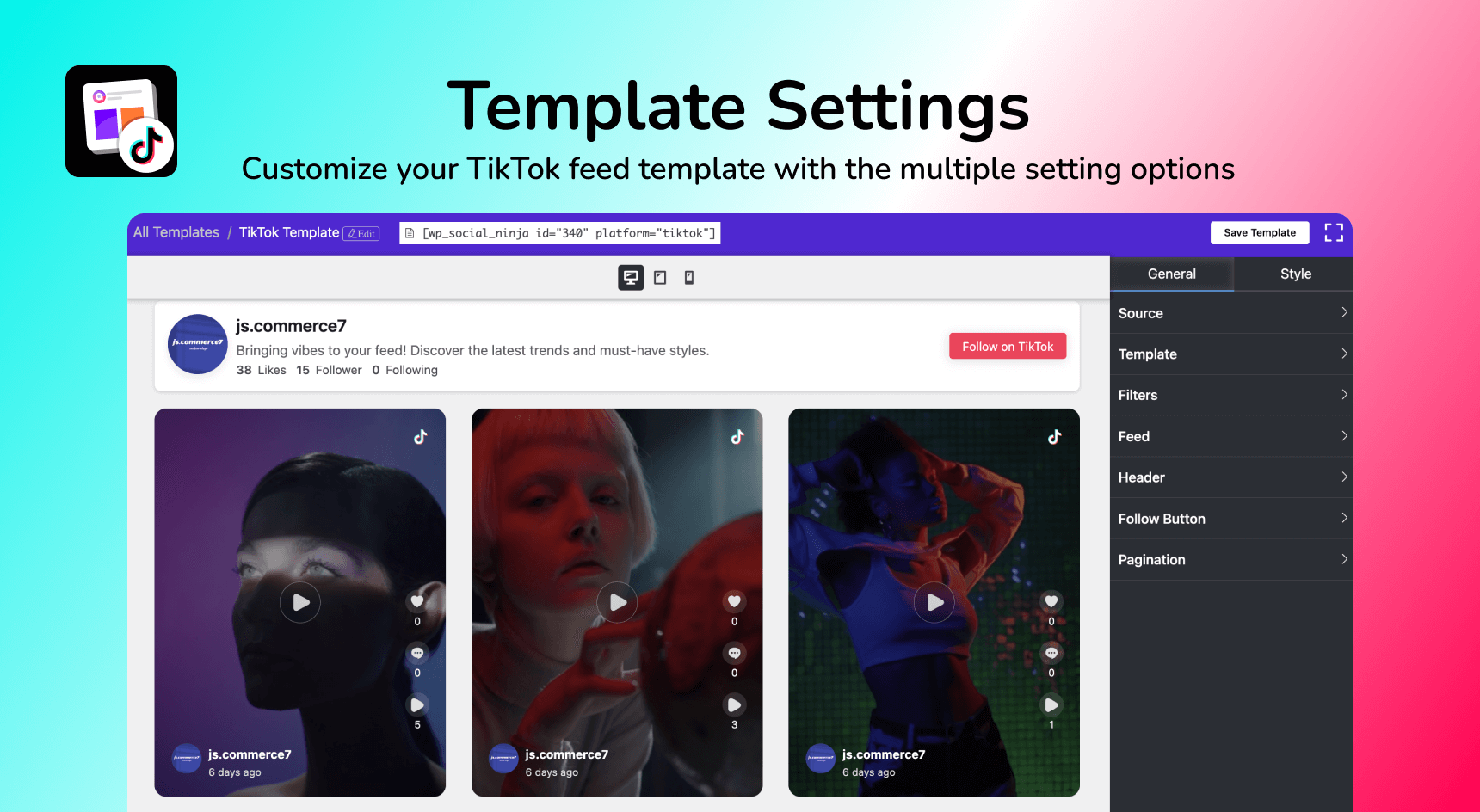
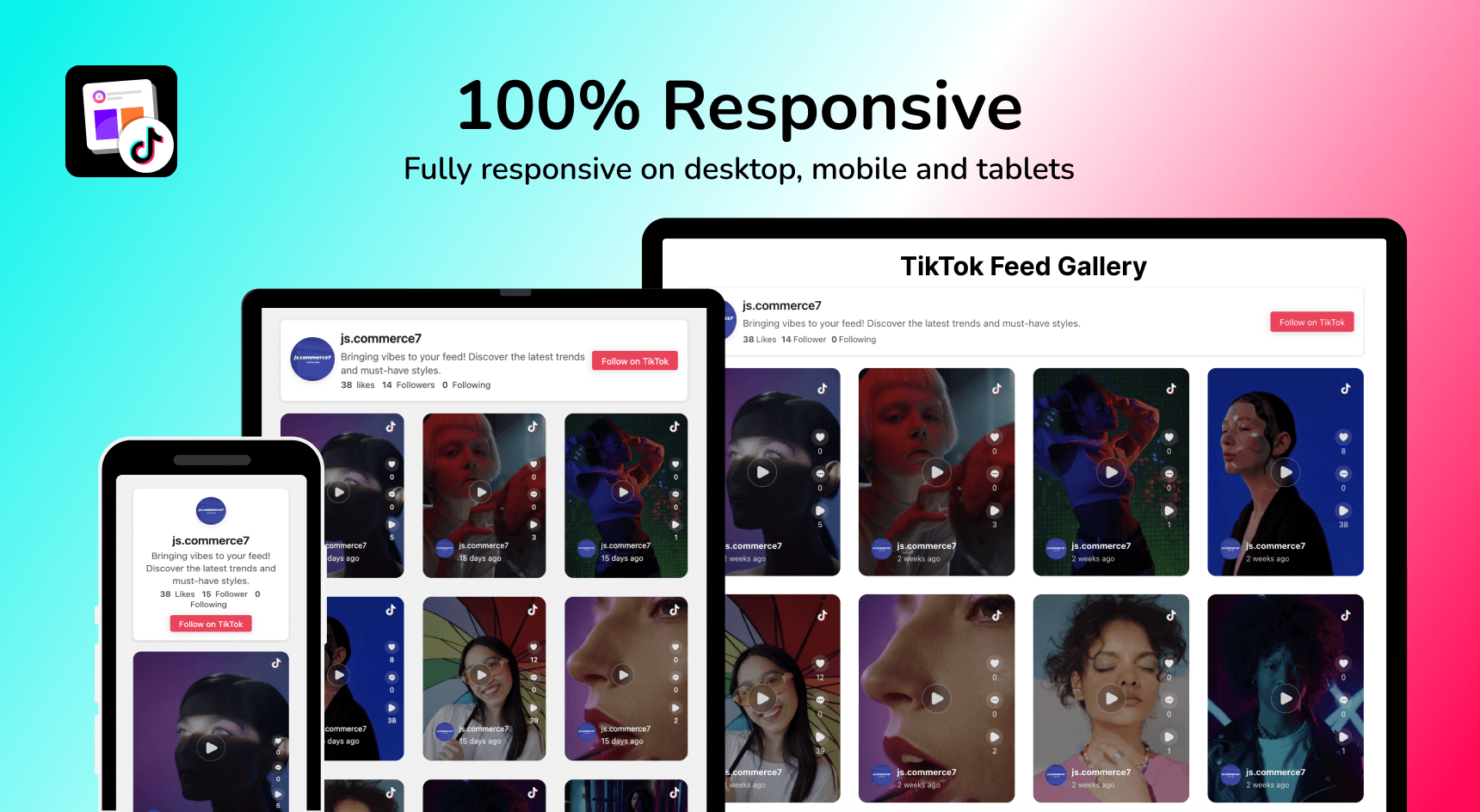
Custom Feed for TikTok is a WordPress plugin that lets you show your TikTok videos directly on your website, with a quick and simple setup.
Connect your TikTok account, pick a layout, and embed your TikTok feed anywhere on your site using a shortcode. Your feed updates automatically every time you post on TikTok.
👉 Official Page: Custom Feed for TikTok
👉 Setup Guide: Documentation
👉 Live Demo: See it in action
👉 Support: Submit a Ticket
👉 Community: Join the Facebook Group
Who is this plugin for?
Content Creators & Influencers: Show your latest TikTok videos on your website or portfolio. Turn visitors into followers by promoting your content directly.
Small Business Owners: Display your products, services, or behind-the-scenes TikTok videos on your site. Keep your website updated without creating extra content.
E-commerce & WordPress Store Owners: Show your TikTok product videos in your store. Add unboxing videos, and demos directly to product pages to help customers make buying decisions.
Digital Marketers: Use TikTok content to boost engagement on landing pages and campaigns. Show real content that builds trust and improves conversions.
Agencies & Freelancers: Manage multiple TikTok accounts from one place. Display different feeds for different clients easily on the same site.
Media Sites & Bloggers: Add a TikTok video gallery to your posts or pages. Show relevant content using hashtags to match your topics.
Why Choose Custom Feed for TikTok?
Easy setup: Get your feed up and running in minutes with a simple visual builder.
Flexible layouts & styling: Customize how your feed looks with layout options, colors, spacing, and display settings to match your site.
Auto-sync feeds: New videos appear on your site automatically without manual updates.
Works with your page builder: Compatible with Elementor, Oxygen, and Beaver Builder.
Popup video player: Let visitors watch videos in a lightbox without leaving your site.
Performance optimized: Images are stored locally for faster loading and fewer API requests.
Multiple accounts, one dashboard: Connect and manage multiple accounts from one place.
Fully responsive: Your feed adapts smoothly to mobile, tablet, and desktop.
SEO-friendly: Clean structure with captions used as ALT text to help visibility.
GDPR compliant: Load feeds in a privacy-friendly way and give users control when needed.
Free Features
Display Your TikTok Feed: Connect your TikTok account and display your videos in a responsive grid gallery on any WordPress page or post.
Grid Layout with Adjustable Columns: Choose how many columns to display and set the spacing between videos. Works on all screen sizes.
Control How Many Videos Show: Set a specific number of TikTok videos to display. Useful for keeping pages clean and focused.
Post Order: Display videos in ascending or descending order based on when they were posted.
Feed Settings: The multiple feed setting options will allow you to open your post by default or on the TikTok site. Also, you can choose to display/hide the Author Name, Photo, TikTok video caption, or Platform Icon.
Header Display: Show your TikTok profile picture and account name above the feed, or hide the header entirely.
Pagination: Split your videos across multiple pages. Set how many videos appear per page and customize the pagination button text.
Feed Caching: Set a cache refresh interval to control how often the plugin fetches new data from TikTok. Improves performance and reduces API calls.
Shortcode Embed: Add your TikTok feed anywhere using the shortcode: [wp_social_ninja id="template_id" platform="tiktok"]
Pro Features
Multiple TikTok Accounts: Connect multiple TikTok accounts and display feeds, separately or combined into a single gallery.
Masonry Layout: Show your TikTok feed in a masonry grid for a clean, Pinterest-style look.
Carousel Slider: Display your TikTok feed as a horizontal carousel with autoplay, slide speed control, number of slides visible, and navigation type (arrows, dots, both).
Advanced Post Order: Sort your feed by Most Viewed, Most Liked, Ascending, Descending, or Random.
Number of feeds: This filter option of Custom Feed for TikTok will allow you to show how many feeds you want to show.
Hashtag and Keyword Filtering: Show only videos that include specific words or hashtags. Or hide videos containing certain terms. Useful for campaigns, product categories, or curated content pages.
Popup Video Player Settings: Full control over what appears in the pop-up with play button, video description, like count, share button, and more.
Follow Button: Add a TikTok Follow button to the header, footer, or both. Customize the button text.
Advanced Style Controls: Granular styling for every element like background color, border radius, font size, button styles, box shadows, and more. Match your exact brand without touching code.
How to Set Up Your TikTok Feed (Quick Start)
- Install and activate Custom Feed for TikTok from the WordPress plugin directory
- In your WordPress dashboard, go to WP Social Ninja Platforms TikTok
- Generate your TikTok access code to connect your account
- Click Add New Template and choose your layout
- Configure your feed setting with number of videos, post order, header display, and more.
- Click Save and copy the shortcode.
- Paste the shortcode into any page, post, or widget. Your TikTok feed is live.
Other Plugins by the Same Team
- WP Social Ninja
- Contact Form Plugin – Fastest Contact Form Builder Plugin for WordPress by Fluent Forms
- Email Marketing, Newsletter, Email Automation and CRM Plugin for WordPress by FluentCRM
- Fluent Support – WordPress Helpdesk and Customer Support Ticket Plugin
- Ninja Tables – Best Data Table Plugin for WordPress
- FluentSMTP – WP Mail SMTP, Amazon SES, SendGrid, MailGun and Any SMTP Connector Plugin