
Currently Reading
v4.1.6eroux · 2011年1月28日 上架
Displays a cover image of a book with a link to Google Books based on a supplied ISBN-10 or ISBN-13.
- 正在使用
- 60+
- 评分
- 5.0 / 5
- 累计下载
- 1.1 万
- 最近更新
- 2024年5月14日
1 条评价需要 WordPress 6.0+已测试到 6.5.15
贡献者
 eroux
截图
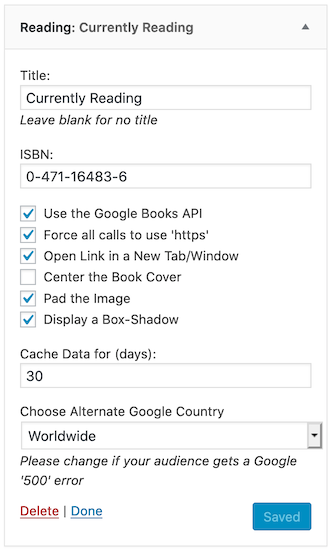
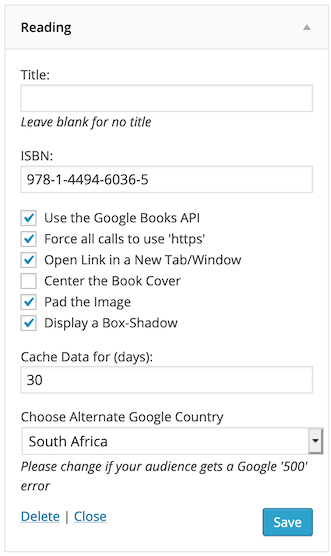
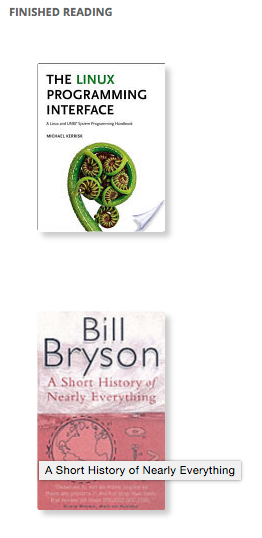

Supplying an ISBN (and, optionally, a Title) will display a cover image of the relevant book with a link to that book’s page on Google Books using the Google Books API.
Using the Widget you can choose whether to:
- Force all calls to Google to be HTTPS, instead of the API returned HTTP
- Pad the Image (selected by default, uses internal CSS)
- Display a Box-Shadow (selected by default, uses internal CSS)
- Choose Alternate Google Country (defaults to “Worldwide”)
as well as
- Decide whether you would like to use a Title
- Define the ISBN-10 or ISBN-13 of the book.
Usage
- Activate the Plugin via “Plugins” “Currently Reading” “Activate” (if you hadn’t already done so).
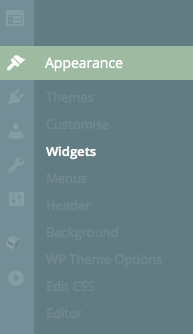
- Go to “Appearance” “Widgets” and drag the “Reading” widget into whichever Sidebar you choose.
- In the “Currently Reading” widget, you can then customise it further.