

Culprit – Conflict Detection
v1.0.1ManicSoup · 2026年8月6日 上架
Find the plugin or theme that broke your site. Culprit catches fatal errors and white screens and names the culprit in plain English.
- 正在使用
- 10 以下
- 评分
- 暂无
- 累计下载
- 277
- 最近更新
- 2026年8月7日
贡献者
 ManicSoup
截图
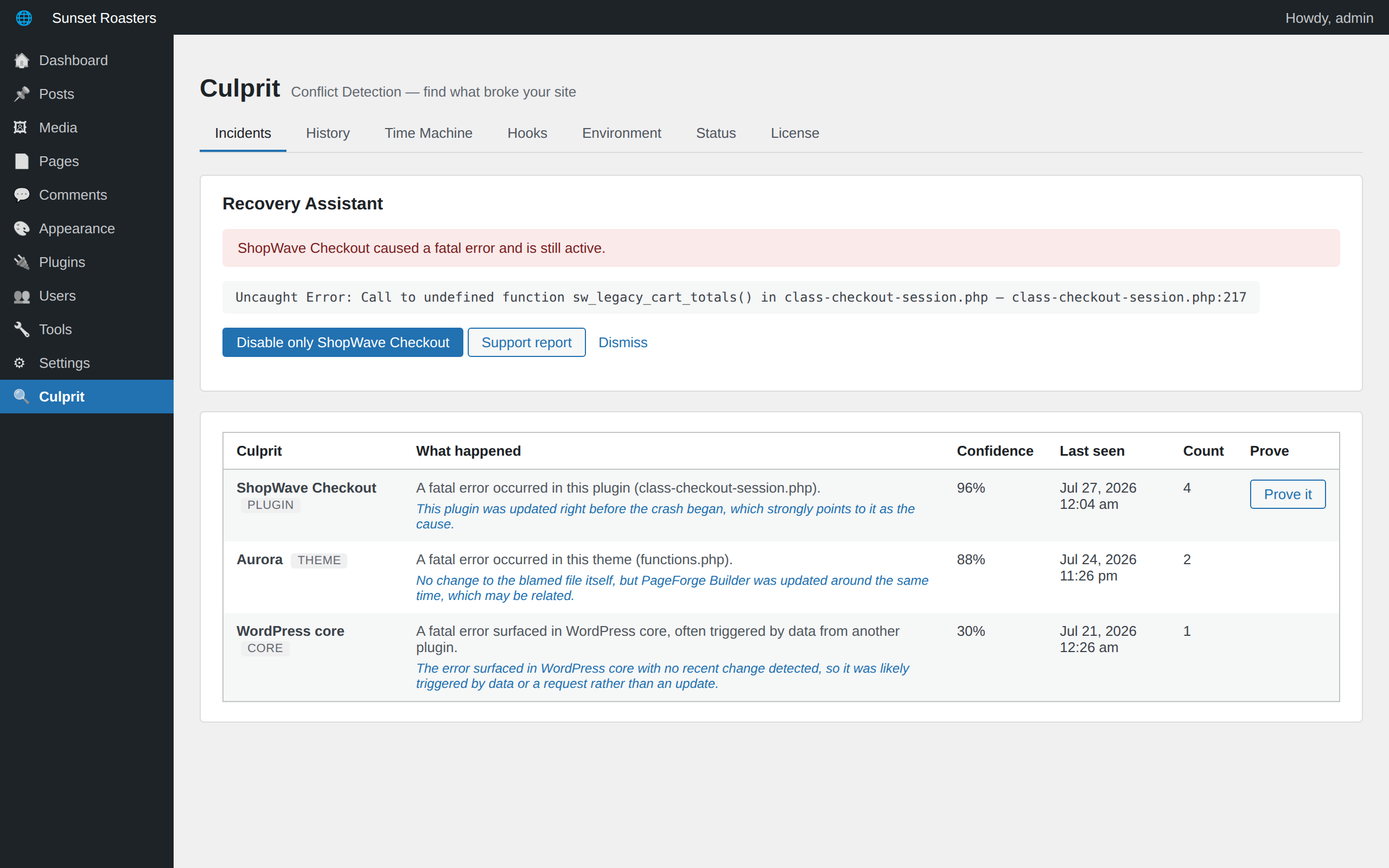
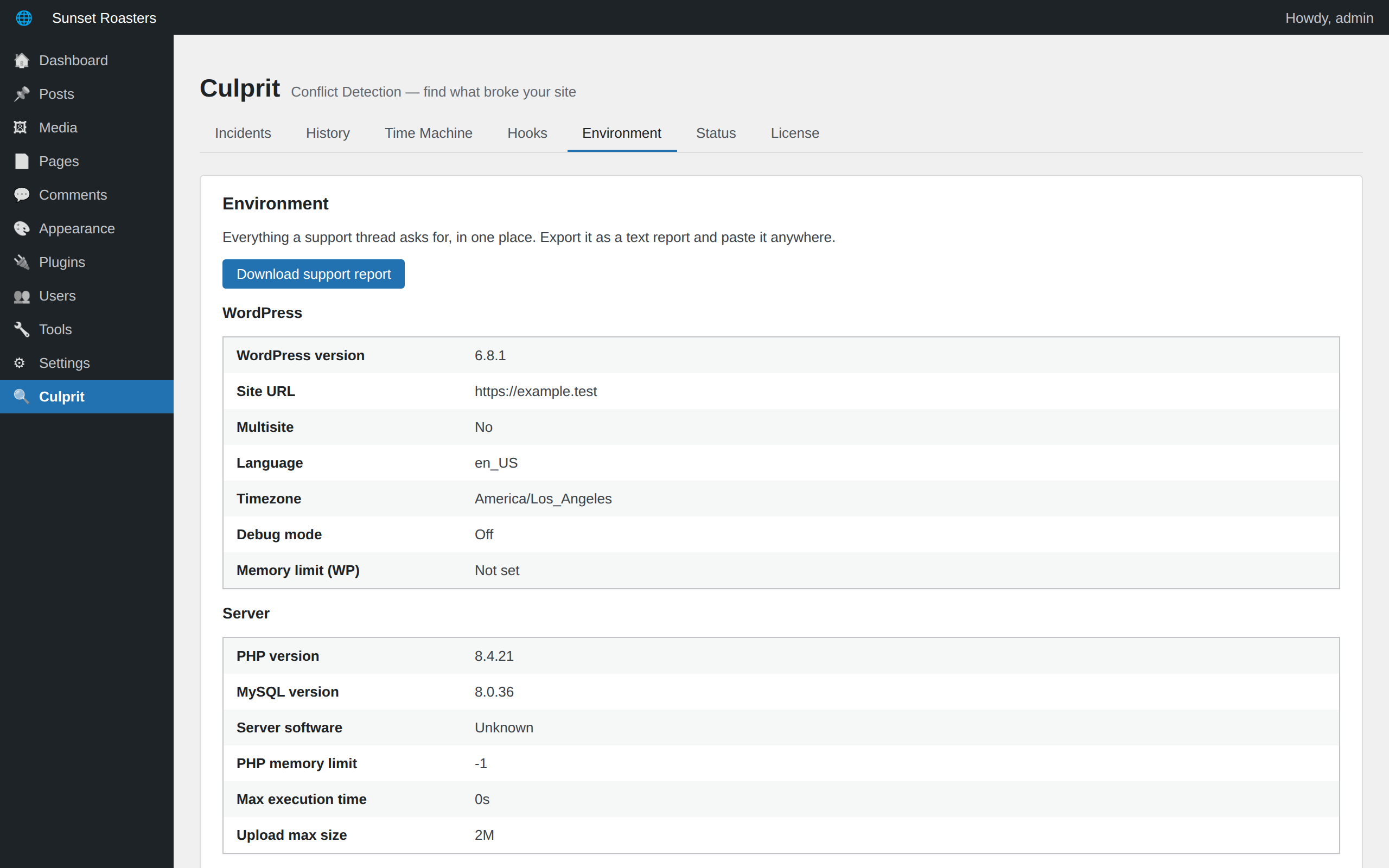
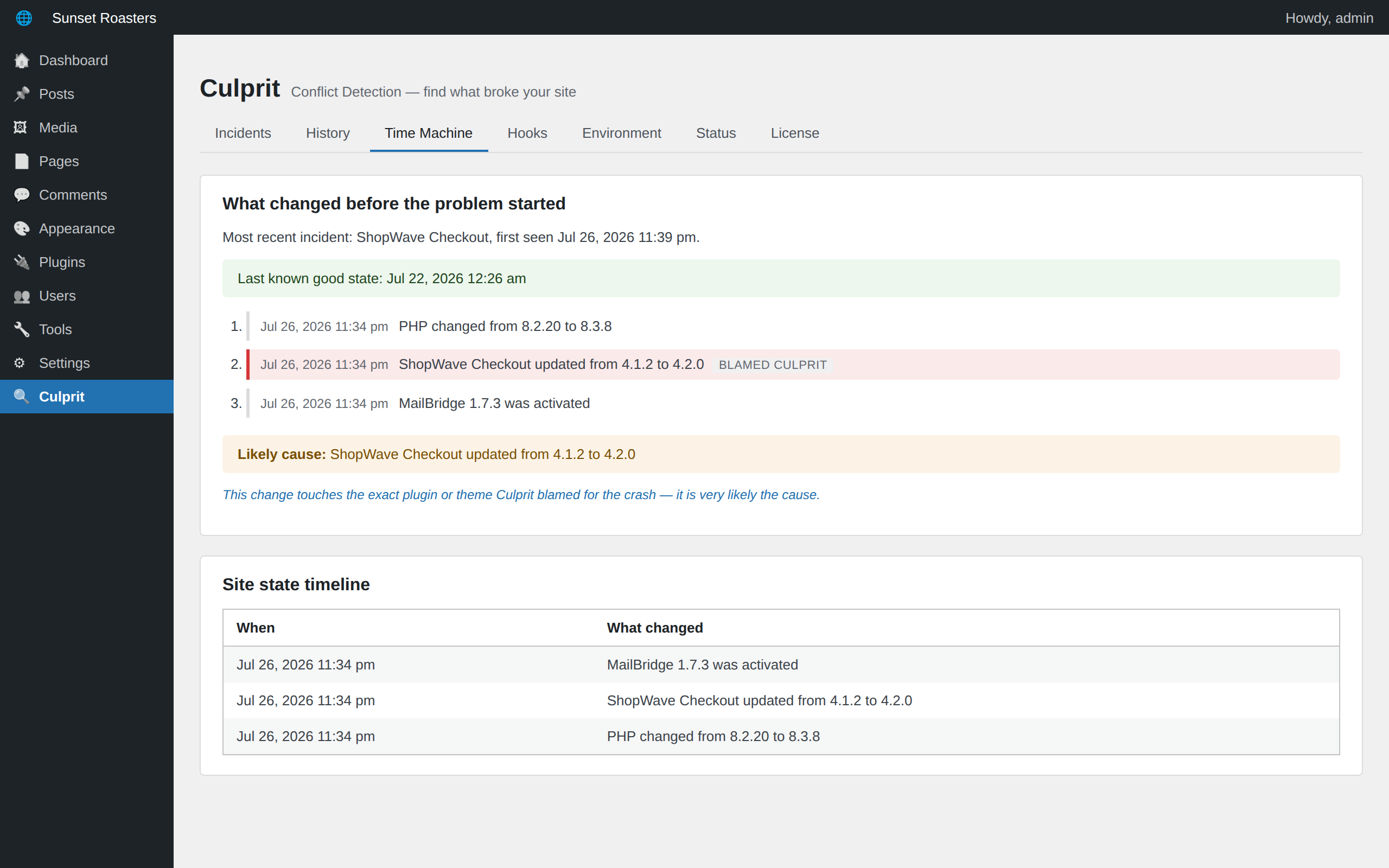
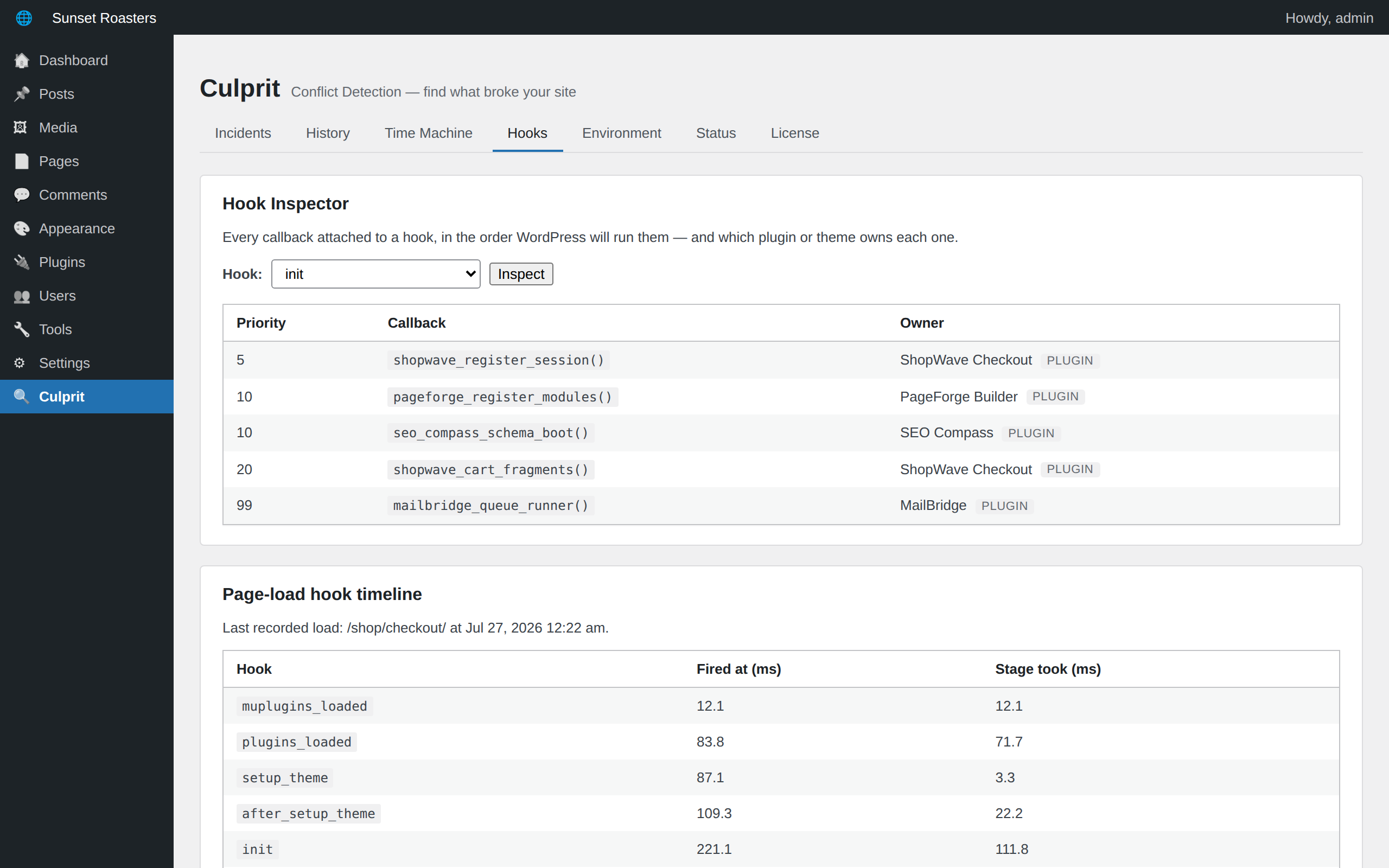
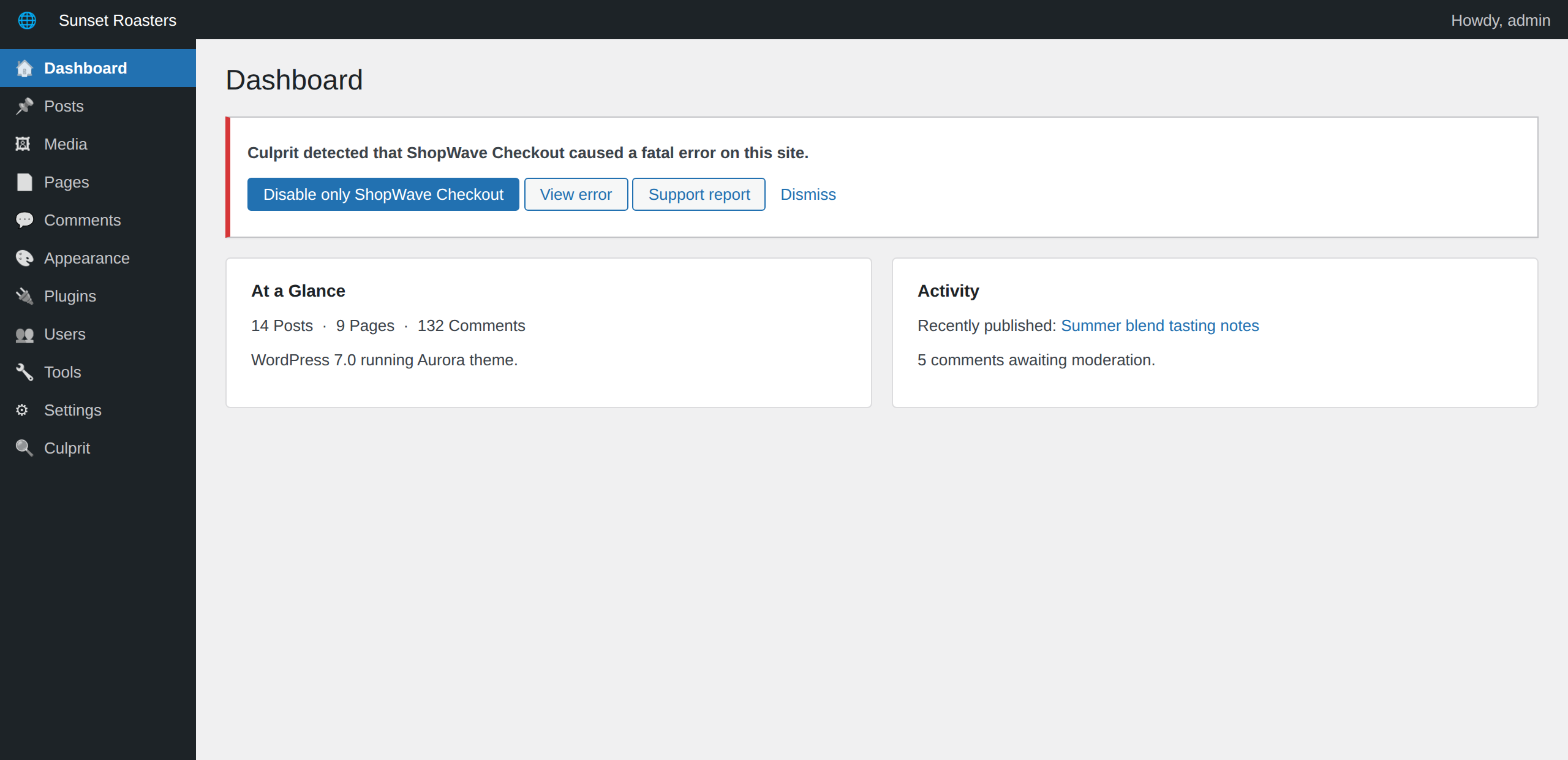
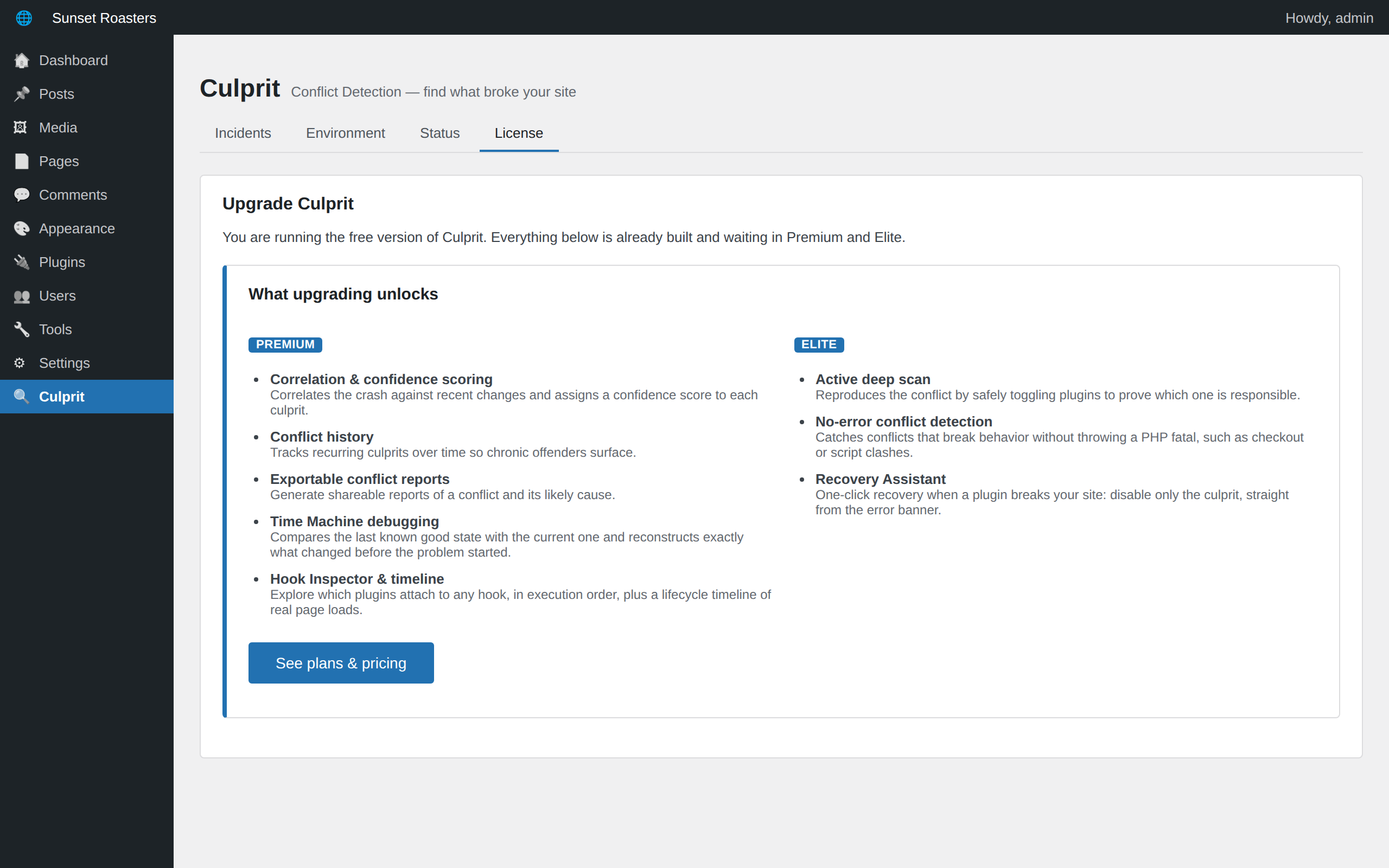
When your WordPress site breaks, the first question is always the same: which plugin or theme did it? Culprit answers that.
Culprit catches PHP fatal errors and the White Screen of Death the moment they happen, identifies the plugin or theme that owns the failing code, and shows you a clear, readable incident: what broke, when, and how many times. If you choose to enable it, an optional early-boot watcher extends coverage to crashes that occur before plugins load — even when the crash happens so early that you can’t reach your admin.
This is the free core. It runs quietly, costs almost nothing, and never touches your site — it only observes.
What Culprit does (free)
- Catches PHP fatal errors and white screens the moment they happen.
- Optional early-boot watcher (explicit opt-in) that also catches crashes occurring before plugins load.
- Identifies the plugin or theme responsible for the failing file.
- Shows recent changes around the time of the crash for context.
- Lists incidents with the culprit, time, and occurrence count.
- Environment report — WordPress, PHP, database, server, theme, and plugin versions in one place, exportable as a support report.
- Reports the watcher’s health, with a graceful fallback if your host restricts the mu-plugins directory.
Premium (available at manicsoup.com)
- Correlation and confidence scoring — see what changed right before the crash.
- Time Machine debugging — compare the last known good state with today and see exactly what changed before the problem started.
- Hook Inspector — see which plugins attach to any hook, in execution order, plus a lifecycle timeline of real page loads.
- Conflict history to surface chronic offenders.
- Exportable conflict reports.
Elite
- Active deep scan — prove the culprit by safely reproducing the conflict.
- Recovery Assistant — one-click recovery that disables only the plugin that broke your site.
- Detect conflicts that break behavior without throwing an error.