

CSV Import to Table
v1.0.0Sujan Shrestha · 2026年2月3日 上架
Import CSV files and convert them into beautiful, editable tables with a simple Gutenberg block.
- 正在使用
- 10 以下
- 评分
- 暂无
- 累计下载
- 475
- 最近更新
- 2026年2月4日
需要 WordPress 6.0+已测试到 6.9.12PHP 8.2+
贡献者
 Sujan Shrestha
截图
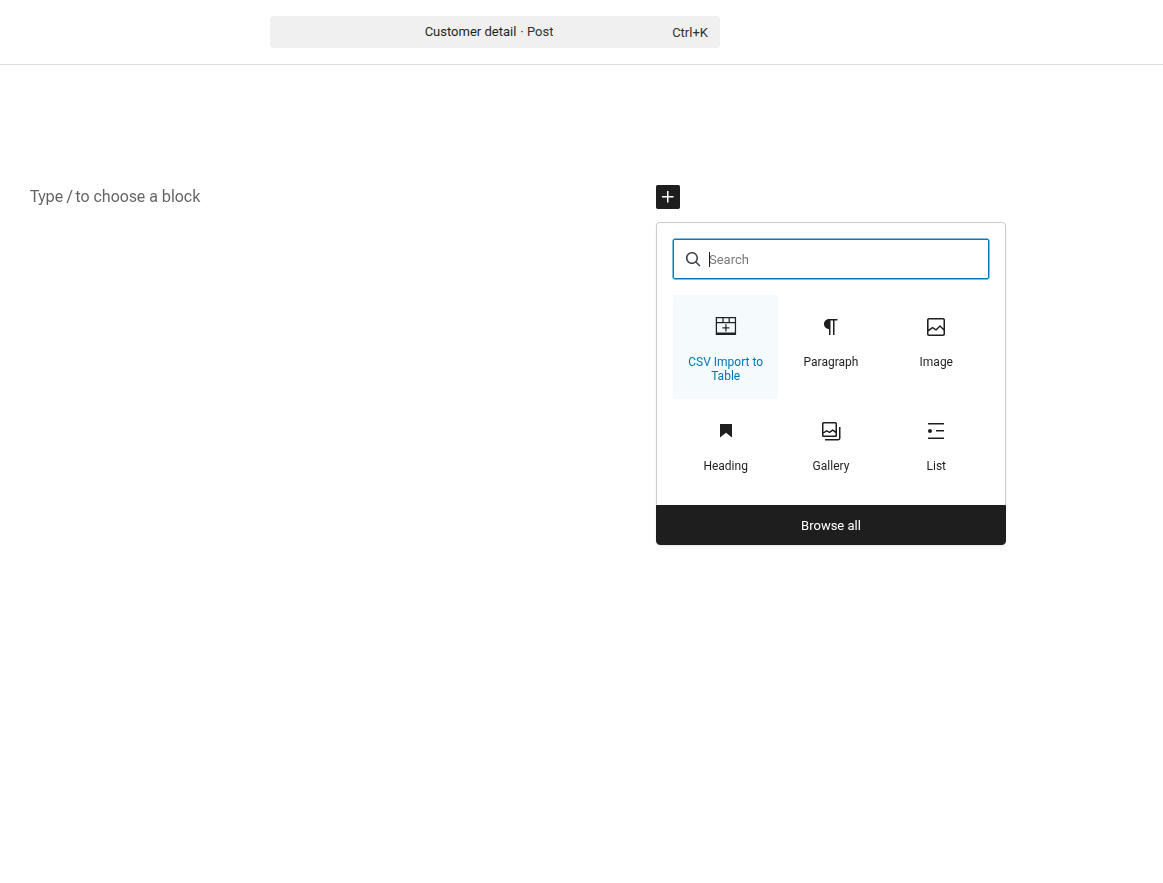
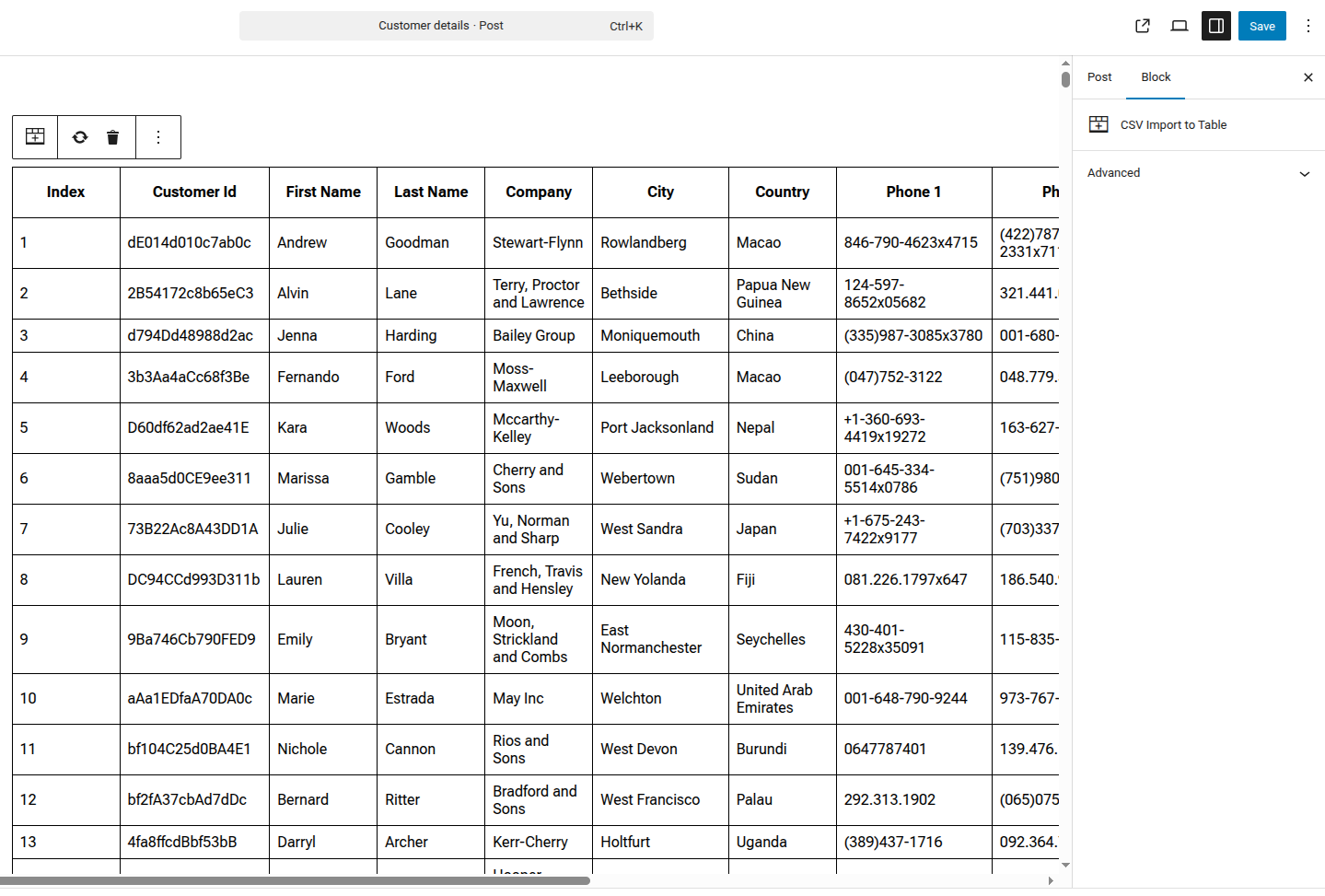
CSV Import to Table is a powerful Gutenberg block that allows you to easily import CSV files and display them as fully editable tables in your WordPress posts and pages.
Key Features:
- Import CSV files directly from WordPress media library
- Edit table cells directly in the block editor
- Automatic CSV validation before import
- Clean, responsive table design
- Fast processing for large CSV files
- Replace or clear table data anytime
Perfect for:
- Data presentations
- Price lists
- Product comparisons
- Statistics and reports
- Any tabular data from CSV files
How to Use:
- Add the “CSV Import to Table” block to your post/page
- Click “Import CSV” and select your CSV file from the media library
- Edit any cell by clicking on it
- Publish your post with the beautiful data table
Additional Info
Support:
For support, please visit the plugin support forum.
Rate Us:
If you like this plugin, please leave a 5-star review. It helps us improve!