
CronEngine: Real Cron Scheduler
v1.0.2CronEngine · 2026年10月26日 上架
Run WP-Cron on a real schedule. Scheduled posts, emails and backups run on time, even when nobody visits your site.
- 正在使用
- 10 以下
- 评分
- 暂无
- 累计下载
- 251
- 最近更新
- 2026年11月16日
贡献者
 CronEngine
截图
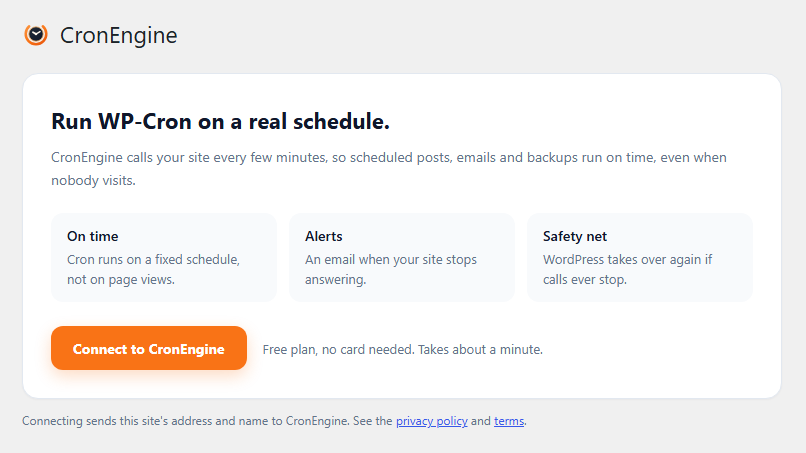

WordPress only checks for scheduled tasks when someone loads a page. On a quiet site that means scheduled posts go out late (“Missed schedule”), and emails, backups, imports and WooCommerce tasks wait. On a busy site it means visitors pay for cron with slower page loads.
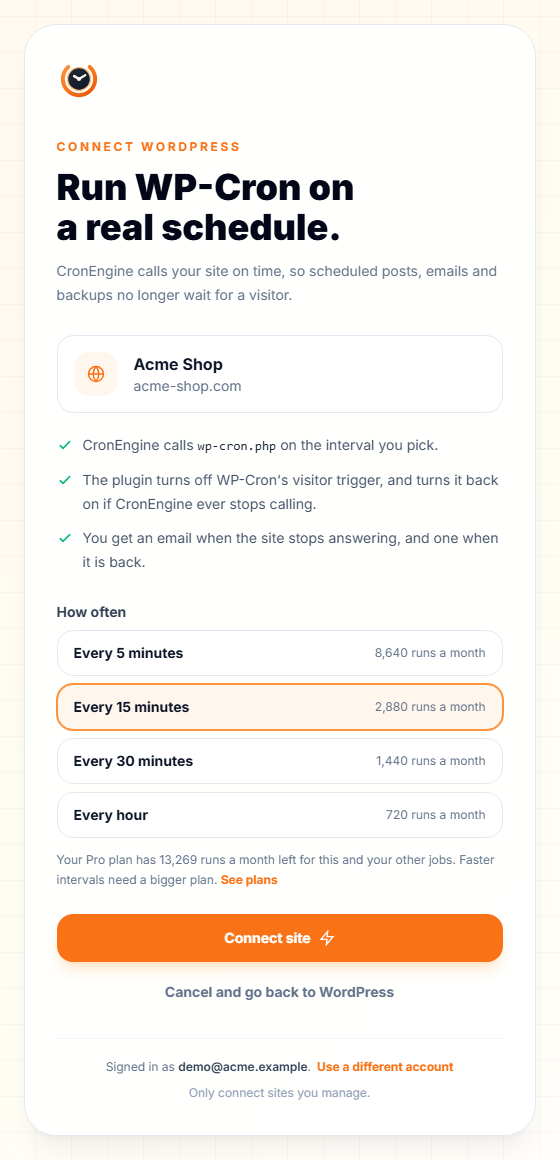
CronEngine fixes both. It calls your site’s wp-cron.php on a real schedule from the outside, and the plugin stops page views from starting cron.
- One click to set up. Click Connect, sign in or create a free account, and you are back in WordPress with cron running. No wp-config.php edits, no server crontab.
- On time. As often as your plan’s monthly runs allow: every 5 minutes fits the free plan, and every minute fits every paid plan. Quiet sites can go as slow as every 3 hours, so one plan covers more of them.
- Alerts. You get an email when your site stops answering, and one when it is back.
- Safety net. If CronEngine ever stops calling, WordPress goes back to running cron on visits by itself, so nothing is skipped.
- See it working. Last run, next run and recent results right in Tools, CronEngine, and a check in Site Health.
- More when you need it. Retries, Slack, Discord and webhook alerts, run history and custom schedules are in your CronEngine account.
Deactivating the plugin puts WordPress back exactly as it was.
External services
This plugin connects your site to CronEngine (https://cronengine.com), a hosted cron and monitoring service run by Furora BV, Belgium. The plugin does nothing that involves CronEngine until an administrator clicks “Connect to CronEngine”.
What is sent, and when:
- When you click Connect: your browser is sent to cronengine.com with this site’s address, its name, the plugin version, and a random one-time value used to finish the connection securely. You sign in or create an account there.
- When the connection finishes, when you open Tools, CronEngine, or change the interval: the plugin asks CronEngine for this site’s status or sends the new interval, using the site’s own key.
- When you disconnect or delete the plugin: the plugin tells CronEngine to delete this site’s cron job.
- From CronEngine to your site: CronEngine requests
wp-cron.phpon the interval you chose. It records the HTTP status and timing of each request, and the response only when a request fails.
No visitor data, content, or personal data about your users is sent.
- Terms of Service: https://cronengine.com/terms
- Privacy Policy: https://cronengine.com/privacy-policy