
Creative Commons
v2022.09.1Timid Robot · 2019年9月3日 上架
Official Creative Commons plugin for licensing your content. With Creative Commons licenses, keep your copyright AND share your creativity.
- 正在使用
- 700+
- 评分
- 5.0 / 5
- 累计下载
- 2.1 万
- 最近更新
- 2022年9月10日
 Ahmad Bilal
 BjornW
 Timid Robot
 hugosolar
 Kevin Batdorf
 robmyers
 Tarmo Toikkanen
 possumbilities
截图
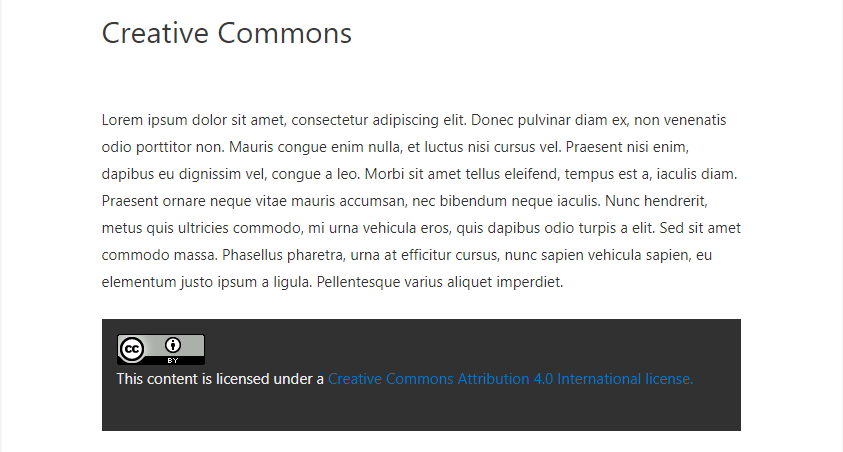
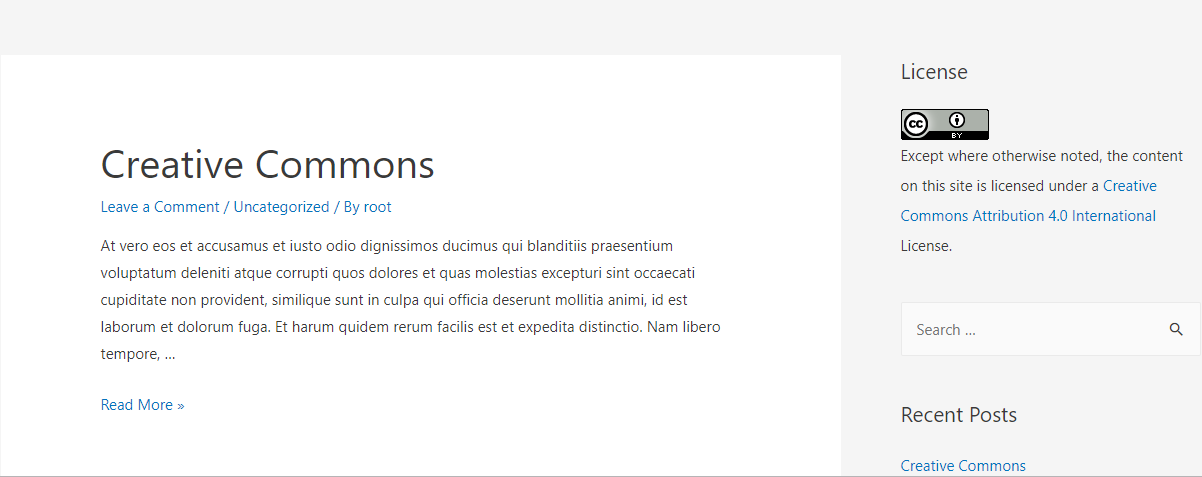
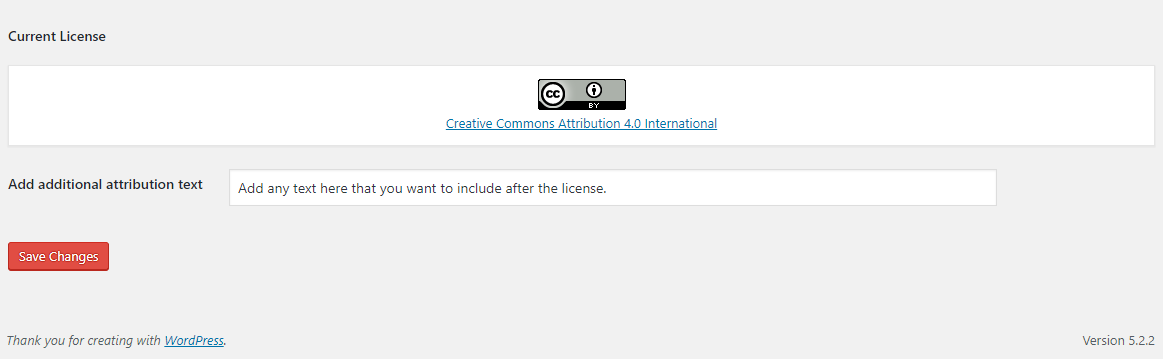
The Creative Commons WordPress plugin gives authors the ability to license content with a Creative Commons license (Choose a License). With this plugin you can:
- License your blog (single WordPress install)
- Display license for the site, posts and pages
- Prevent license changes per site (all pages on a site must use the same license)
- License your WordPress Network (WordPress Multisite install)
- License some of your sites differently in your WordPress Network
- Prevent license changes in your WordPress Network (all pages on all sites need to use the same license)
- License all your content with the same license (license per author)
- License some posts, pages, or images differently from your default license (per content license)
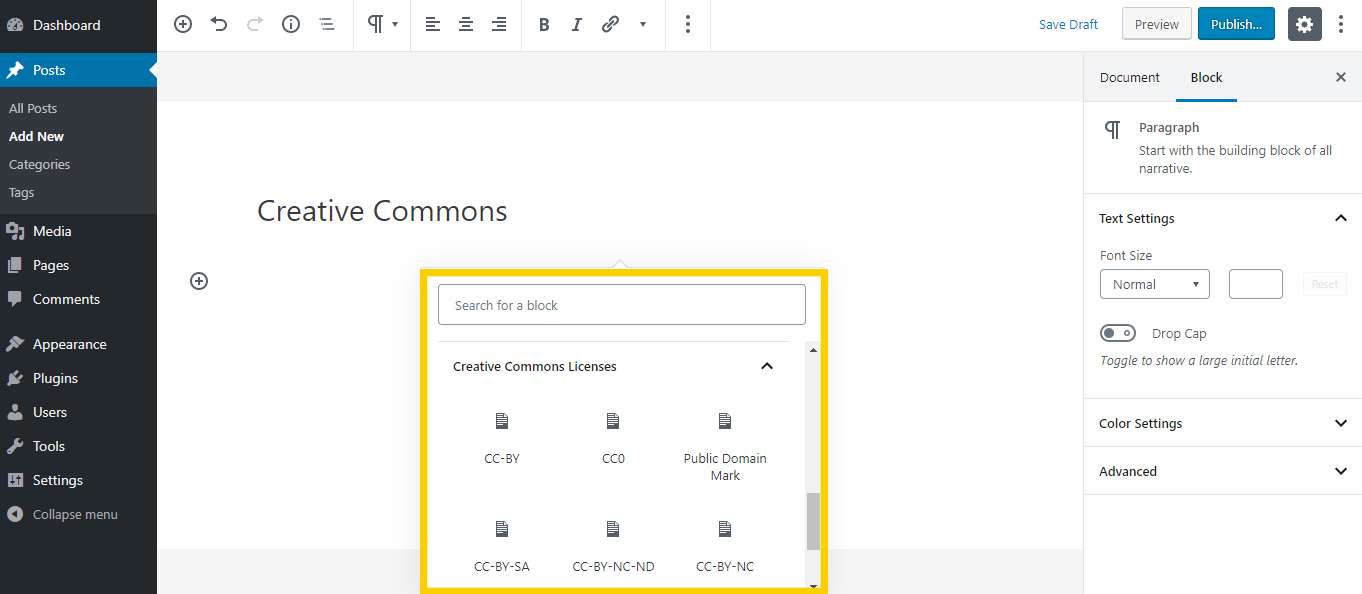
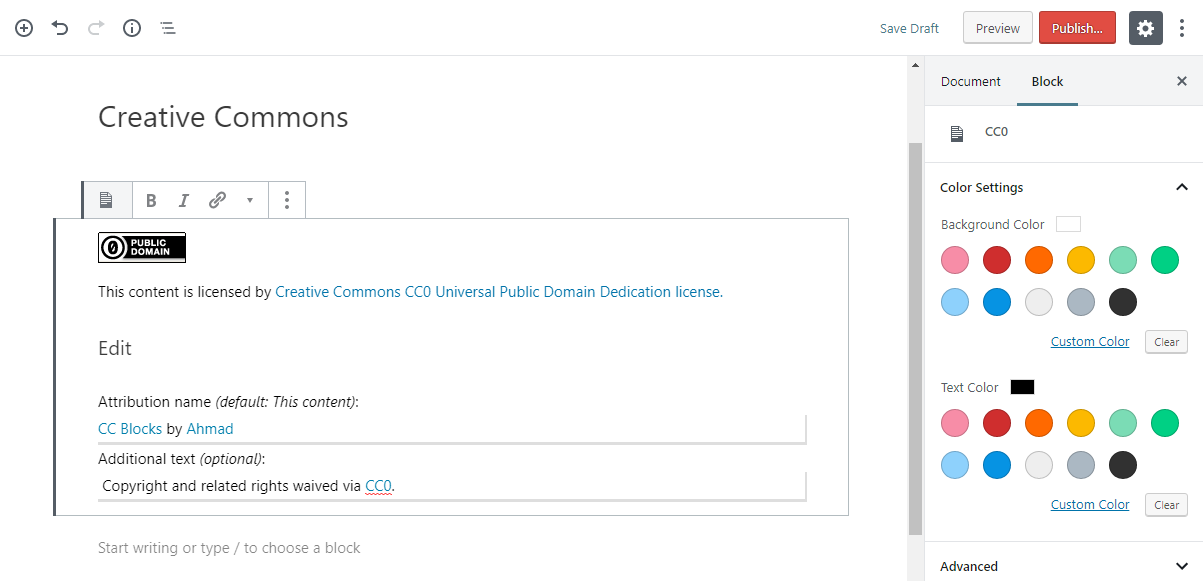
- License posts and pages by simply including CC Gutenberg blocks for each license required (Gutenberg License Blocks)
- Display license information with “One Click Attribution” for images
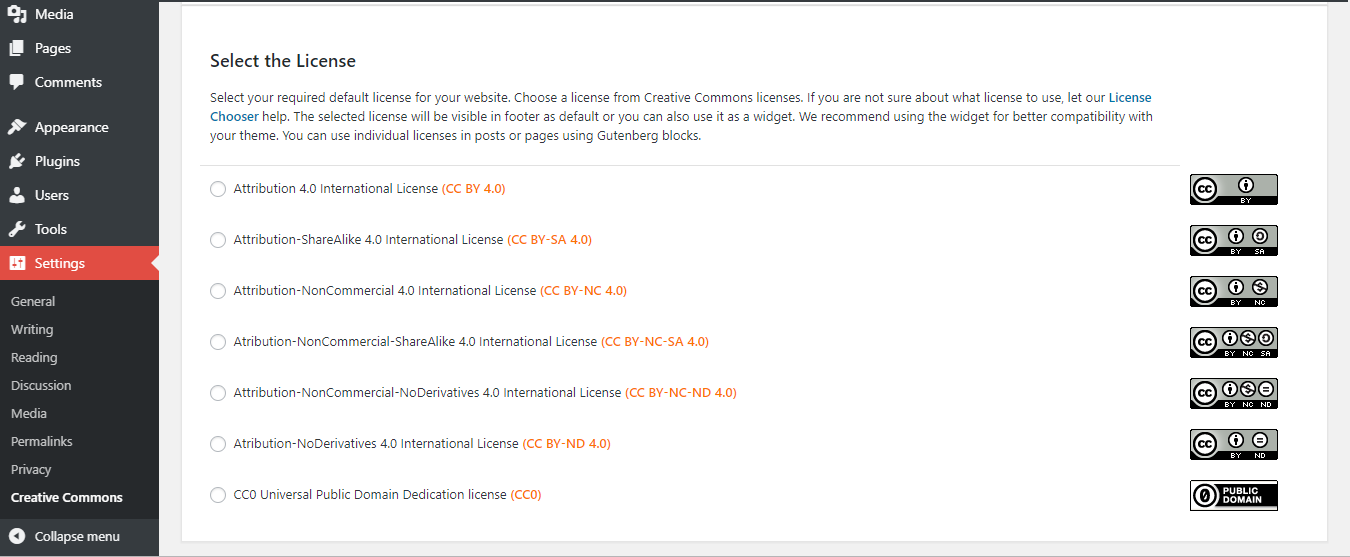
The default license for the site used by the plugin is the Creative Commons Attribution-ShareAlike (CC BY-SA) license. This can be easily changed including attribution, depending on the permissions by a user with the role: superadmin, site admin or author.Selecting a license is straight forward. If you are not sure about what license to use, you can use the linked license chooser.
The selected license can be displayed as a widget or a footer or both at the same time. In Appearance > Widgets, the CC License widget can be dragged to any widget area like the side-bar and all other available areas. You can also include the license in footer. We recommend using the widget for better compatibility with your theme. You can use individual licenses in posts or pages using Gutenberg blocks.