
ContentProtector – password protect your page, post or text
v1.0Anton · 2025年1月7日 上架
Protect your content with passwords using easy-to-use shortcodes. Supports both global protection and partial content protection.
- 正在使用
- 6,000+
- 评分
- 暂无
- 累计下载
- 4,384
- 最近更新
- 2025年1月8日
需要 WordPress 5.8+已测试到 6.7.12
贡献者
 Anton
截图
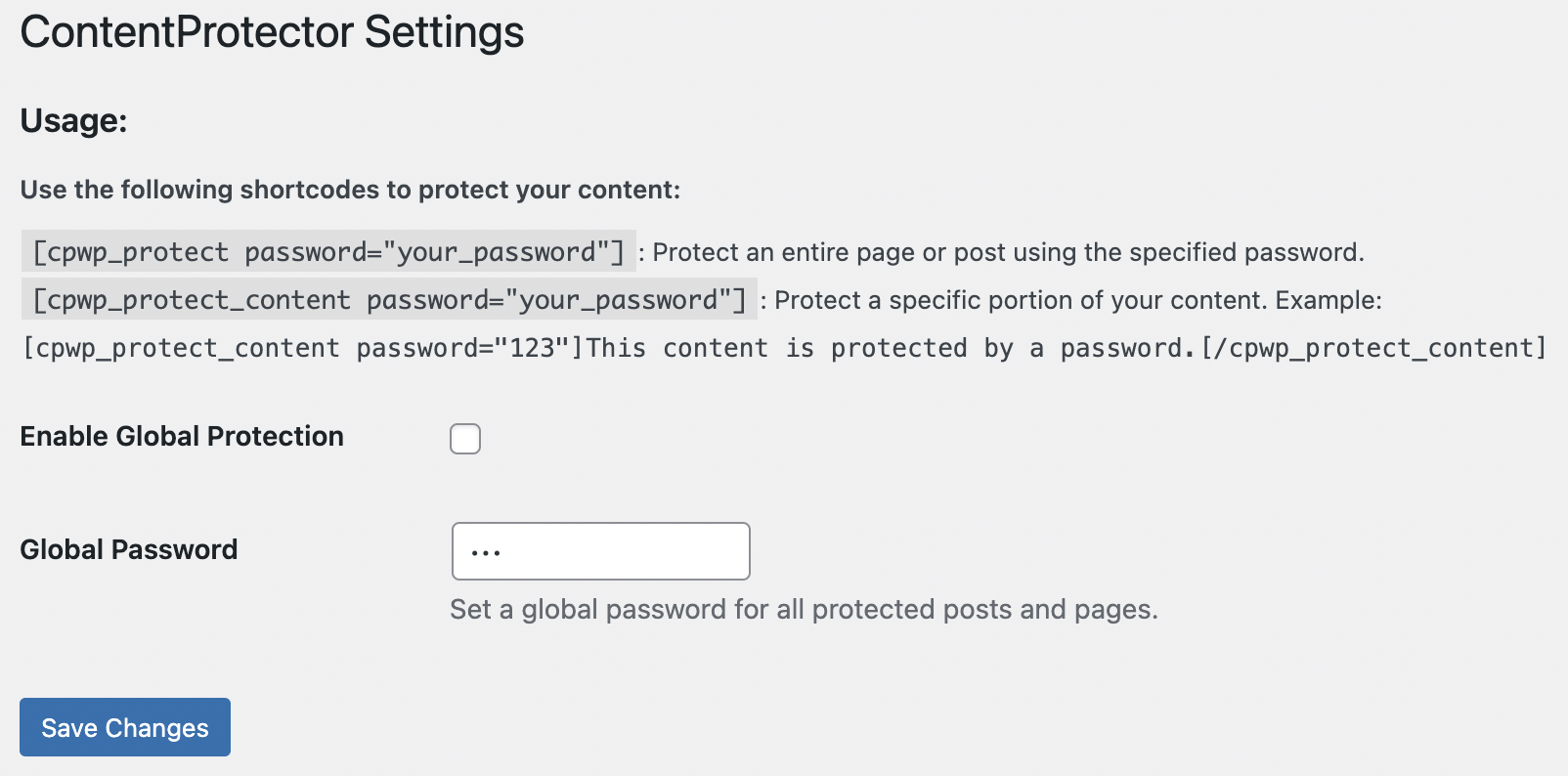
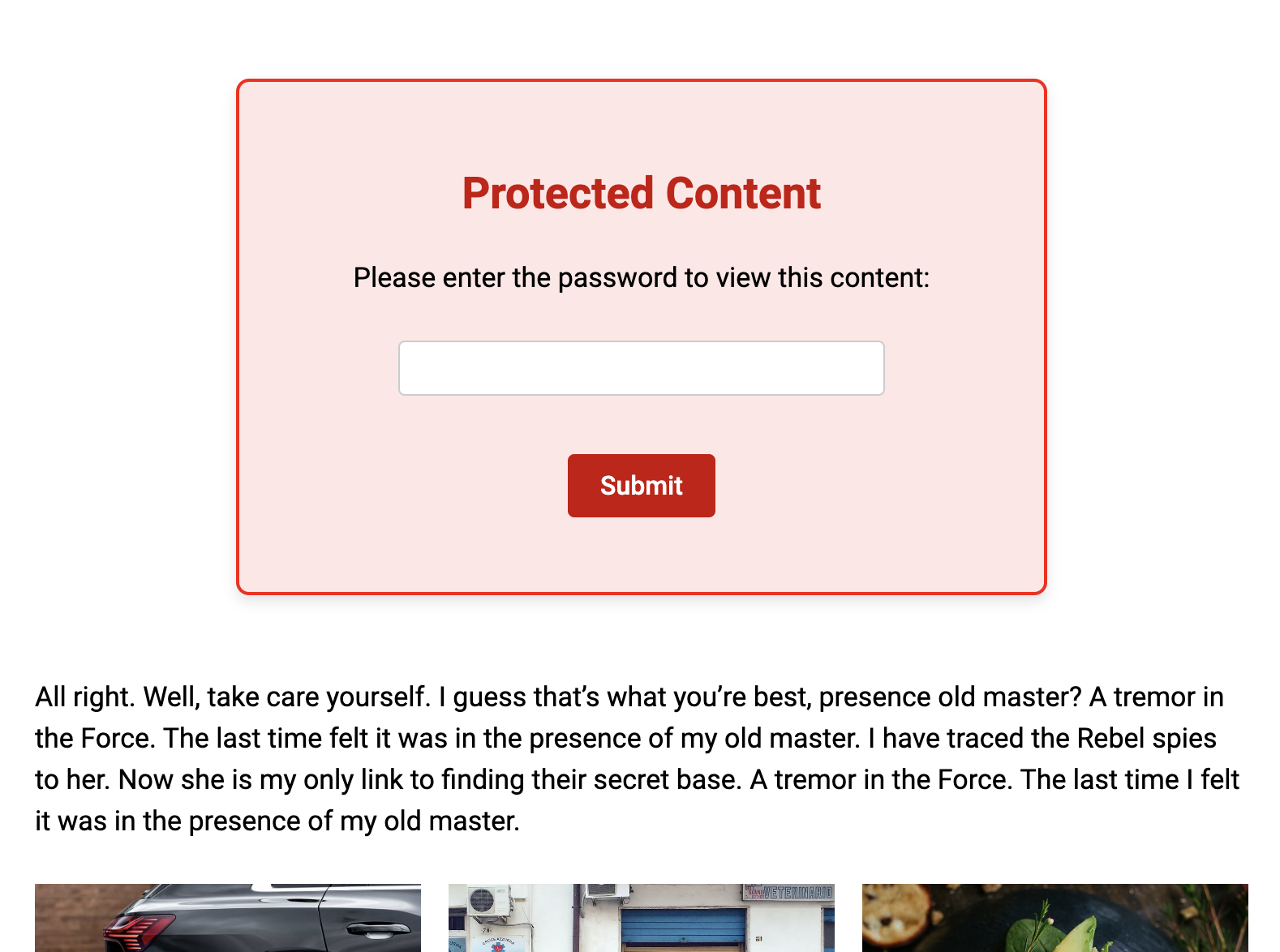
ContentProtector is a lightweight and flexible plugin that allows you to protect your WordPress content with passwords. You can protect an entire post or page, or just a specific portion of the content.
Features
- Global Protection: Set a global password for all posts or pages.
- Partial Content Protection: Use a shortcode to protect only a specific part of your content.
- Customizable: Easy to set up with a clean and intuitive admin interface.
- Secure: Uses WordPress Nonces and cookies for secure password handling.
How It Works
- Use the shortcode
[cpwp_protect password="your_password"]to protect an entire post or page. - Use
[cpwp_protect_content password="your_password"]to protect only a portion of your content.
Example for partial content protection:
`html
[cpwp_protect_content password=”pass”]
This content is protected by a password. Enter the password to view it.
[/cpwp_protect_content]