

Content Visibility for Divi Builder
v5.03Jonathan Horowitz · 2016年2月28日 上架
Content Visibility for Divi Builder.
- 正在使用
- 2,000+
- 评分
- 4.8 / 5
- 累计下载
- 7.9 万
- 最近更新
- 2026年10月7日
 Jonathan Horowitz
截图
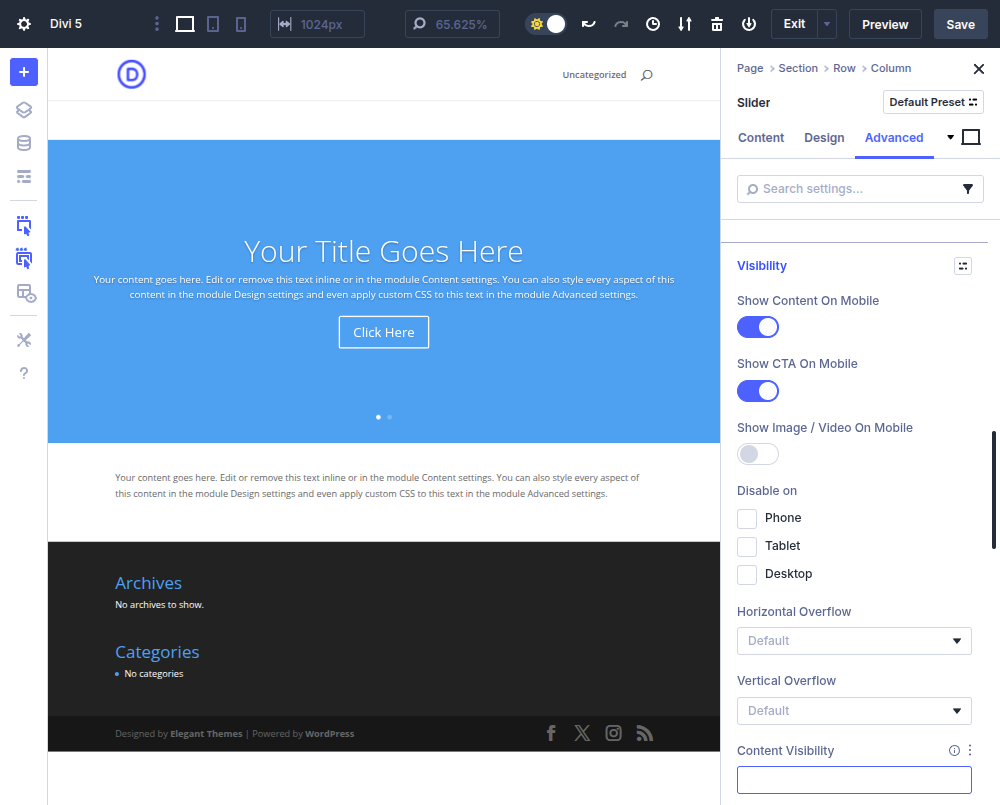
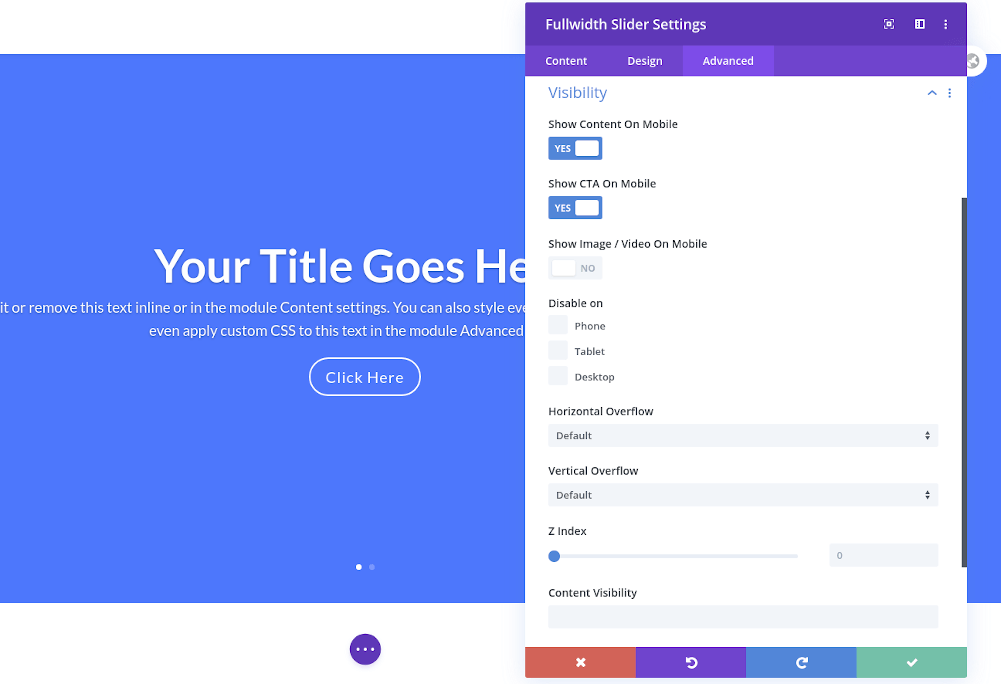
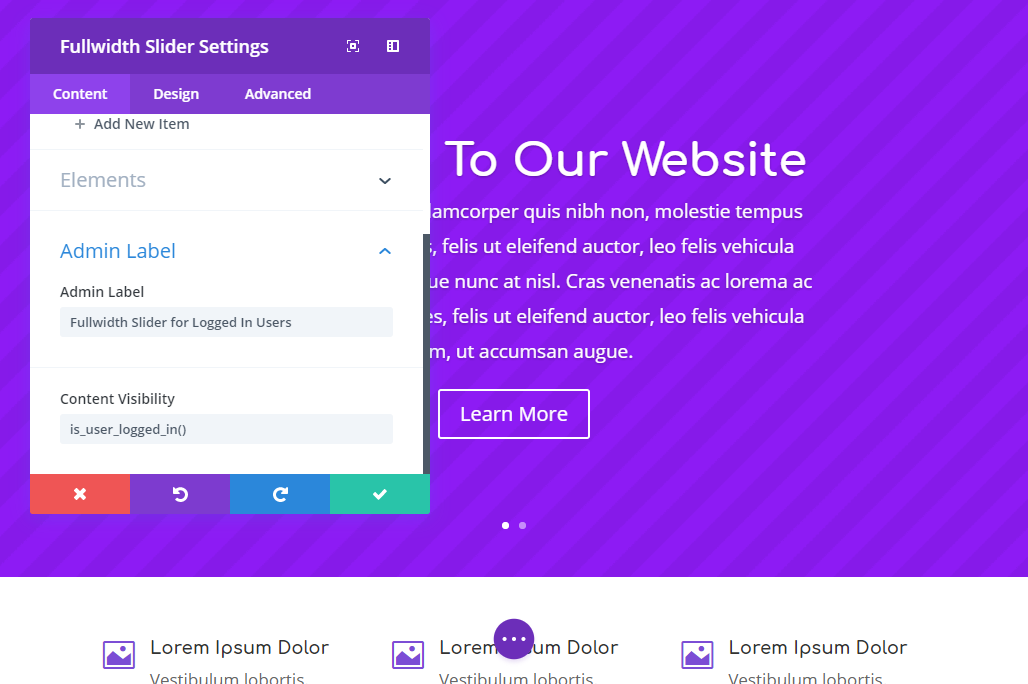
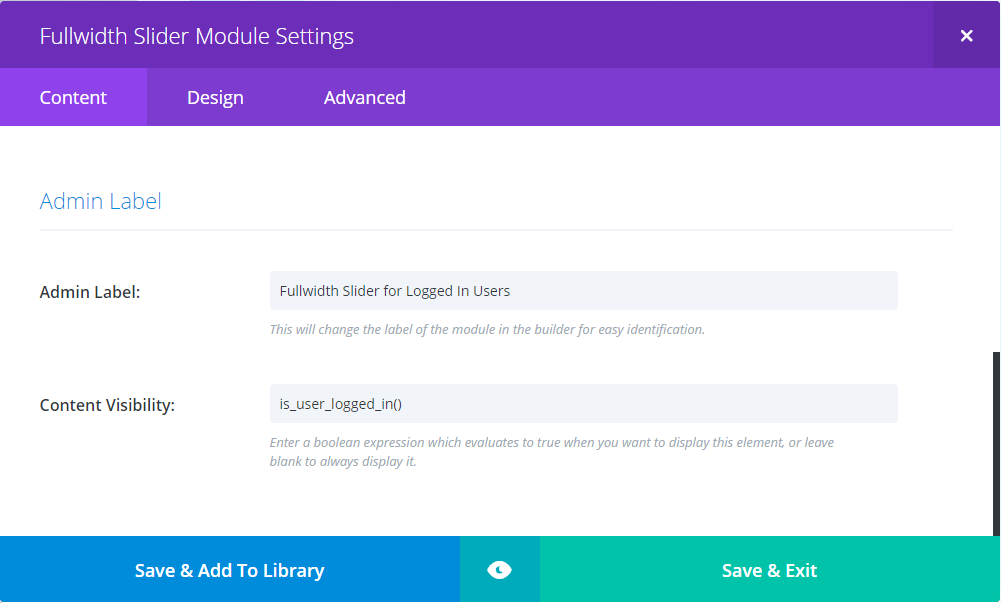
Content Visibility for Divi Builder allows Sections and Modules to be displayed/hidden based on the outcome of a PHP boolean expression.
This plugin is for both the standalone Divi theme (or child themes thereof) and the Divi Builder plugin, version 3 or higher!
Developer Filters
Expression Validation Filters
The following filters allow developers to customize expression validation behavior. Add these filters in your theme’s functions.php or in a custom plugin.
content_visibility_for_divi_builder_blocked_functions
Filter the array of blocked function names. Functions in this list will cause an expression to fail validation. All comparisons are case-insensitive.
Example – allow file_get_contents (blocked by default):
add_filter( 'content_visibility_for_divi_builder_blocked_functions', function( $functions ) {
    return array_diff( $functions, array( 'file_get_contents' ) );
} );
Example – block an additional function:
add_filter( 'content_visibility_for_divi_builder_blocked_functions', function( $functions ) {
    $functions[] = 'my_dangerous_function';
    return $functions;
} );
content_visibility_for_divi_builder_allowed_tokens
Filter the array of allowed PHP token types (T_* constants). Tokens not in this list will cause an expression to fail validation. This is an advanced filter – consult the PHP tokenizer documentation before modifying.
Example – allow the T_VARIABLE token type (blocked by default, use with caution):
add_filter( 'content_visibility_for_divi_builder_allowed_tokens', function( $tokens ) {
    $tokens[] = T_VARIABLE;
    return $tokens;
} );
content_visibility_for_divi_builder_allowed_chars
Filter the array of allowed single-character tokens. Characters not in this list (such as =, ;, {, }, `, @, &, |, ~, ^) will cause an expression to fail validation.
Example – allow the & character for bitwise operations:
add_filter( 'content_visibility_for_divi_builder_allowed_chars', function( $chars ) {
    $chars[] = '&';
    return $chars;
} );
content_visibility_for_divi_builder_allowed_callables
Filter the array of callables (function names and Class::method static-method entries) the validator considers known-safe. Anything not on the allowlist (and not on the blocked_functions denylist) is treated as an “Unknown callable” error. Names are normalized (leading \ stripped, namespace\ keyword prefix stripped, lowercased) before comparison, so \My\Namespace\Class::method, My\Namespace\Class::method, and namespace\My\Namespace\Class::method all match the same allowlist entry. The default list ships with WordPress conditional tags (is_user_logged_in, current_user_can, is_admin, etc.). The Expression Validation tab’s content scanner generates a ready-to-paste snippet for this filter pre-populated with every custom callable currently in your content.
Example – allowlist a theme helper and a static service method:
add_filter( 'content_visibility_for_divi_builder_allowed_callables', function( $callables ) {
    $callables[] = 'mytheme_should_be_visible';
    $callables[] = 'MyTheme\Visibility\Service::checkUser';
    return $callables;
} );