

Content Protection and Disable Right Click
v1.3WP Copy Defender · 2019年12月7日 上架
Protect your content and disable right click, copy paste, text selection, and view source with this SEO-friendly plugin.
- 正在使用
- 40+
- 评分
- 5.0 / 5
- 累计下载
- 3,074
- 最近更新
- 2025年1月14日
贡献者
 WP Copy Defender
截图
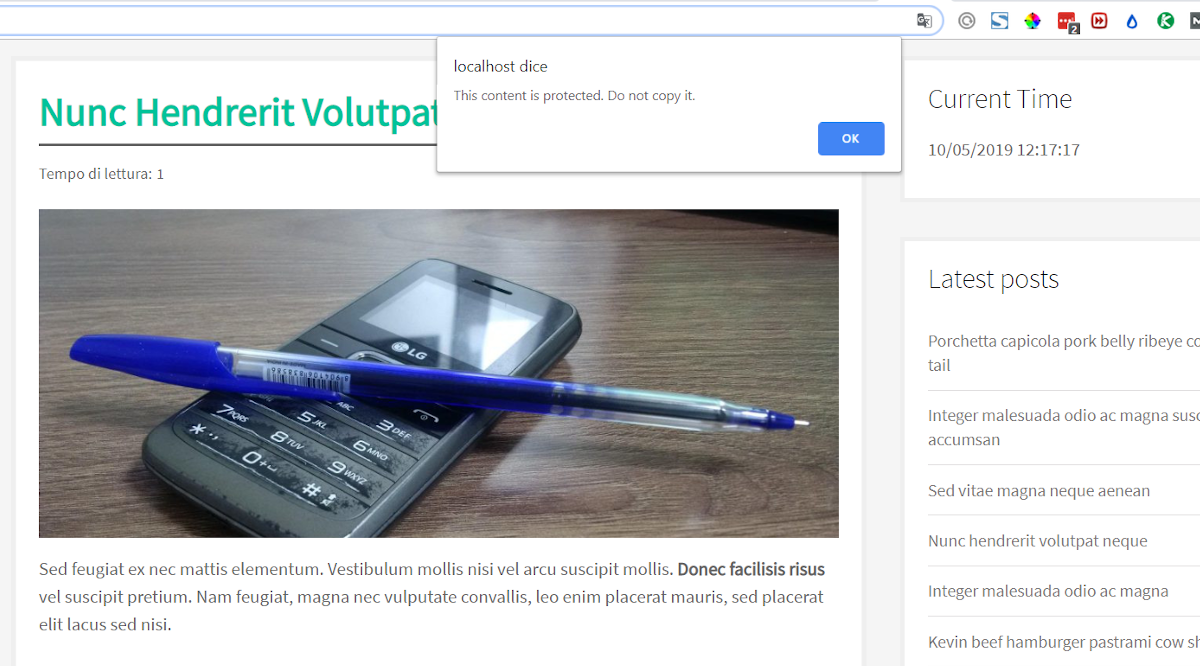

PROTECT YOUR CONTENT FROM STEALERS
Are you worried by users that steal your content? Activate this plugin and forget all your nightmares, because visitors won’t be able to copy, select, or save your text.
SEO-friendly and lightweight code
This plugin contains lightweight code to be very fast to load, SEO-friendly, and it is developed to have full compatibility with WordPress 3.1 (2011) up to WordPress 5+ (2019), from PHP 5.6 up to PHP 7.3.
FEATURES:
- Choose what protection feature to activate
- Disable right click
- Disable text selection
- Disable F12 to inspect source code
- Lightweight code to quickly load the page and keep a good pagespeed score
- No cookies are set by this plugin to visitors
- Compatible with all resolutions: desktop, tablet, and smartphones
Explore the premium version with additional features designed to safeguard your content from copycats.
HOW TO USE:
In order to protect your content, you just activate this plugin, select what type of protection you want to activate, and that’s it. Enjoy!