
Content Importer for Notion
v1.0.1Patrick Chang · 2025年1月8日 上架
Sync and display content from a Notion database in your WordPress site. Easily customize element styles and add custom CSS.
- 正在使用
- 30+
- 评分
- 5.0 / 5
- 累计下载
- 1,439
- 最近更新
- 2025年1月15日
贡献者
 Patrick Chang
截图
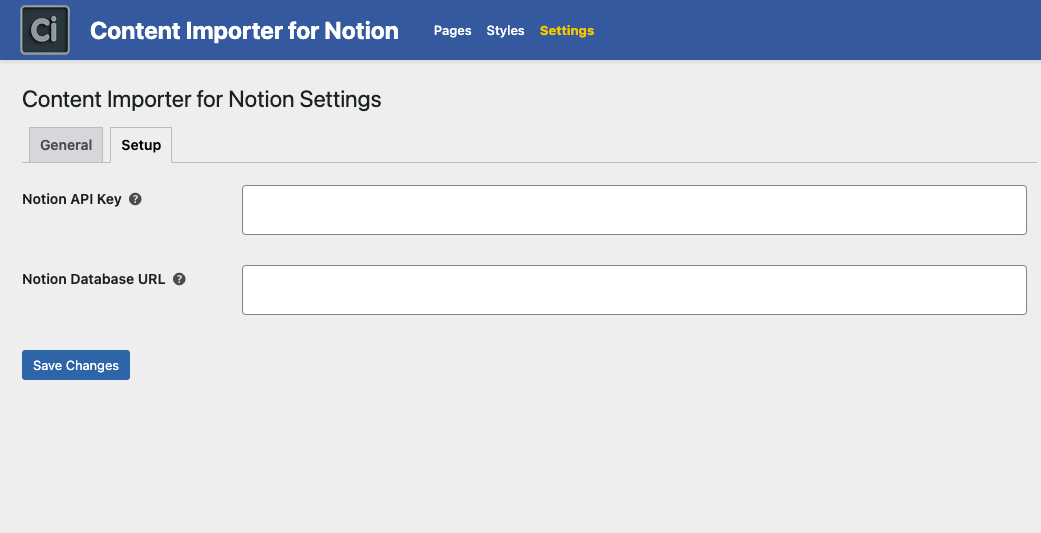
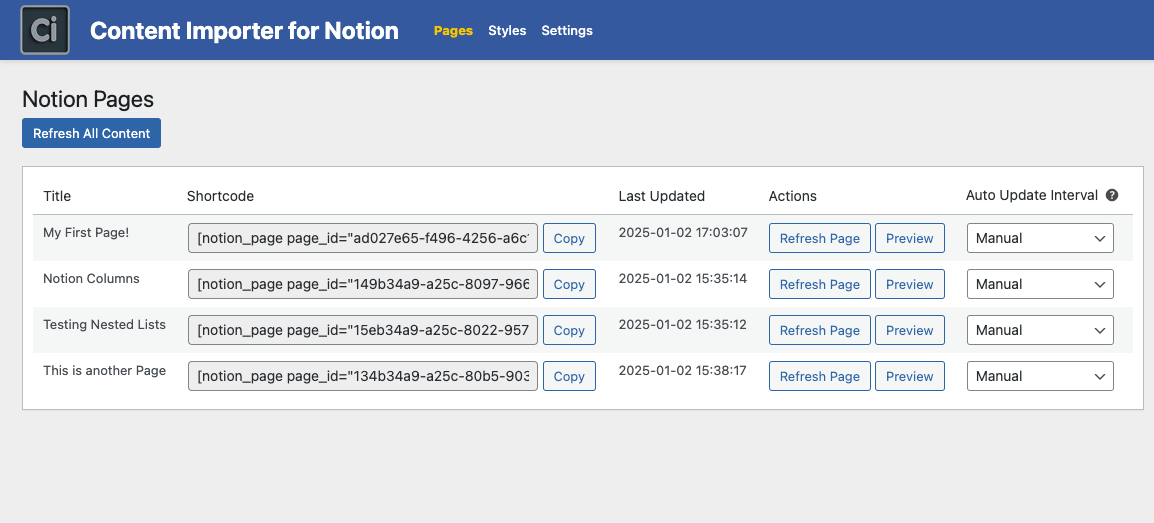
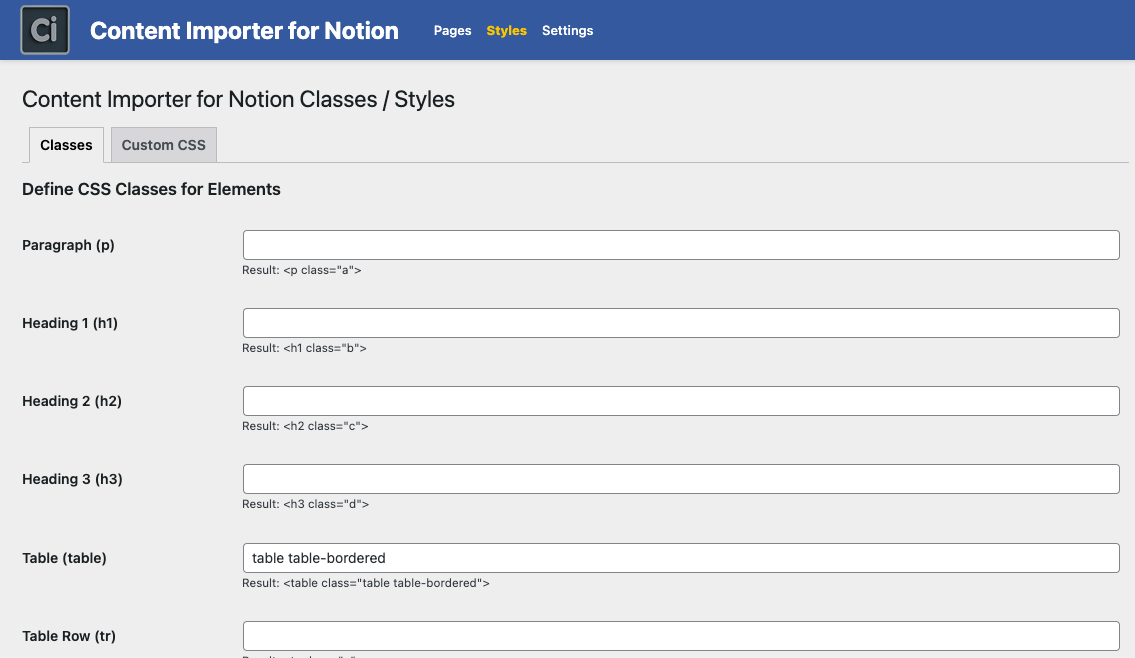
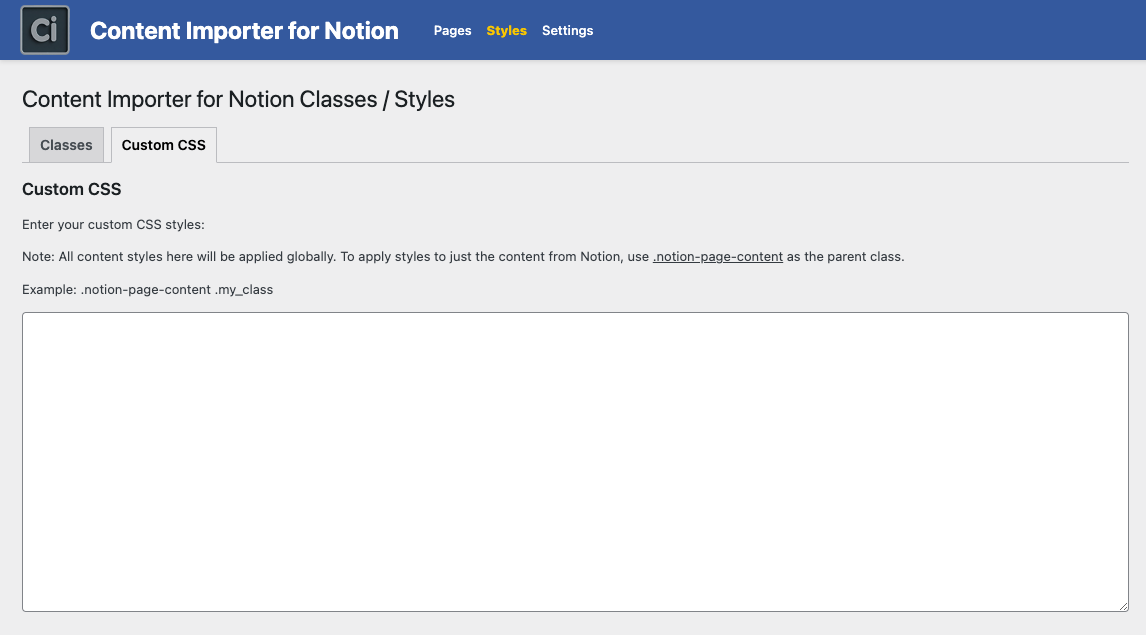
Content Importer for Notion is a powerful WordPress plugin that allows you to pull content from a Notion database directly into your WordPress site. This plugin provides a flexible way to display and style Notion pages using shortcodes, manage individual page refreshes, and configure custom styles in the WordPress admin.
Key Features
- Sync Notion Content: Pull content from any Notion database using your API Key and Database URL.
- Content Shortcodes: Generate shortcodes for individual Notion pages to display them easily in posts or pages.
- Flexible Styling: Customize styles for tables, lists, and list items, and add global custom CSS.
- Local Storage: Stores Notion content locally, reducing API calls and improving performance.
- Customizable Admin Interface: Set up tabs for easy style and custom CSS management.
Usage
- After setup, navigate to Content Importer for Notion > Notion Pages to see a list of pages from your connected Notion database.
- Copy the shortcode for a page and paste it into any WordPress post or page.
- Customize styles and global CSS under Content Importer for Notion > Styles.
External services
This plugin uses the Notion API to fetch content from Notion databases and display them in WordPress. It does not use the Notion API to update content in Notion. The data that is sent to the api are the Developer Integration Token and the Database URL. These are user generated and stored in the WordPress database. Content from Notion is stored locally as a custom post type. This reduces the number of API calls and improves performance and reduces the number of API calls to Notion. Content can be refreshed manually for specific pages or all pages at once.
This plugin uses the following API calls:
https://api.notion.com/v1/databases/{database_id}/query – Get list of pages in a database
https://api.notion.com/v1/blocks/{database_id}/children – Get list of blocks in a page
https://api.notion.com/v1/pages/{page_id} – Used for getting the title of a page
For more information on the Notion API, please refer to the Notion API documentation.
Privacy
This plugin does not collect any data from your site or users. It only uses the data that you provide to it. The Developer Integration Token and the Database URL are stored in the WordPress database and are not shared with any external services. The content is stored locally as a custom post type and is not shared with any external services.
License
This plugin is licensed under the GPLv2 or later. See https://www.gnu.org/licenses/gpl-2.0.html for details.