
Contact Form by Supsystic – Drag & Drop Form Builder with Templates & Form Statistics
v1.13.0supsystic · 2016年5月17日 上架
Drag-and-drop contact form builder with ready templates, 25+ field types, reCAPTCHA, saved submissions and form statistics. No coding needed.
- 正在使用
- 6,000+
- 评分
- 4.7 / 5
- 累计下载
- 67 万
- 最近更新
- 2026年11月23日
贡献者
 supsystic
截图


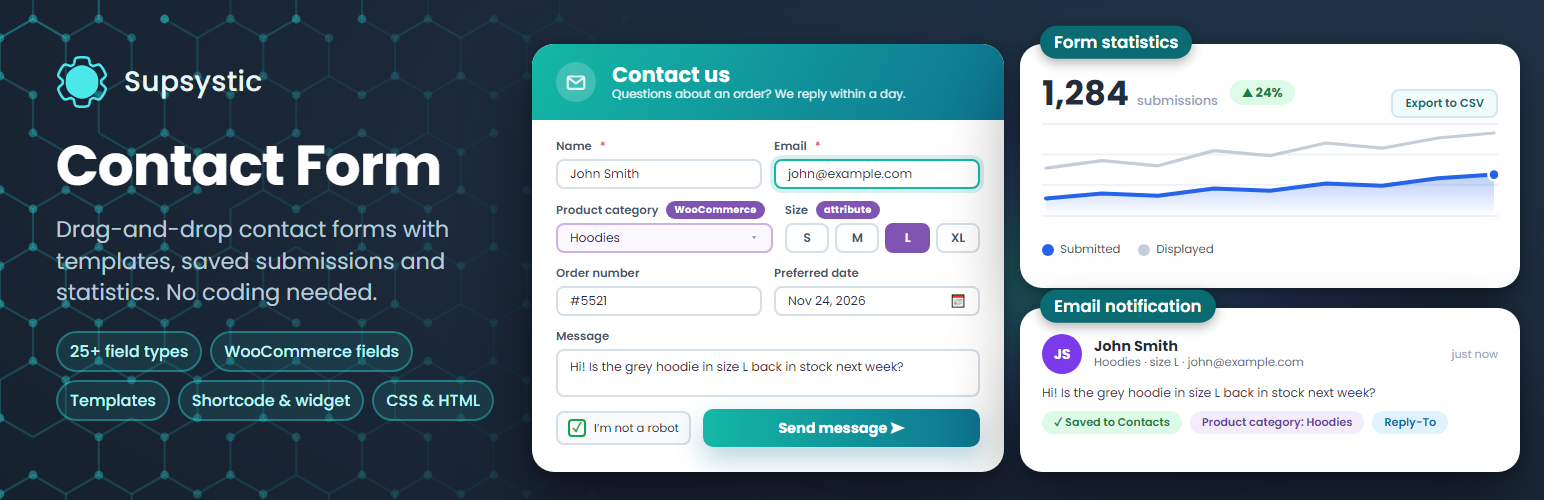
Contact Form by Supsystic is a drag-and-drop form builder for WordPress. Pick a template, add the fields you need, set what happens after the visitor clicks Send and paste the shortcode into any page. Submissions can be saved on your site, and built-in statistics show how many people saw the form and how many sent it.
Unlimited forms, fields and submissions are free.
Try it in your browser: open a live demo in WordPress Playground – no install, no account.
Ready-made form templates
Start from a designed template instead of a blank page: Base Contact, Simple White, Neon, Spearmint, Opacity Grey, Support Service, Time for Tea, holiday designs and more. Every template is fully editable.
25+ field types
- Text, email, number, URL and textarea
- Select box, select list, radio buttons and checkboxes
- Country list and multiple country list
- Date, time, month and week pickers
- Colour picker and range slider
- Google Map field
- Hidden fields and HTML / text delimiters
- Google reCAPTCHA
- Submit and reset buttons
Mark any field as required, set placeholders and labels, and drag fields into the order you want.
Design without code
- Form width in pixels or per cent
- Background colour or image for the form, the fields and the buttons
- Live preview of the form while you edit
- CSS and HTML code editor for full control
What happens after Send
- Email notification to you, with your own subject, sender, Reply-To and message
- Copies to several email addresses
- A success message in your own colour, or a redirect to any page
- Hide the form after it is sent
- A test email button to check that your site sends mail
Submissions and statistics
- Save every submission in the Contacts list on your site with one switch per form
- Export submissions to CSV
- Statistics for views, submits, successful sends and errors by hour, day, week or month
- Export the statistics to CSV
Add forms anywhere
- Shortcode for posts, pages and widget areas
- Contact Form widget for sidebars
- Works with page builders and popup plugins through the shortcode
- Fully responsive on phones, tablets and desktops
Works with Gutenberg, Elementor and widgets
- Gutenberg block – “Contact Form (Classic)” in the Supsystic category, with a live preview and the form picker in the sidebar
- Block widget editor – the same block in any widget area of your theme
- Classic WordPress widget – “Contact Form (Classic) by Supsystic” with a simple form picker
- Elementor – “Contact Form (Classic)” widget with a live preview and its settings in the panel
- Classic editor – the “Insert a Contact Form (Classic)” toolbar button puts the shortcode in for you
Contact Form Pro
Pro adds advanced logic, fields and integrations:
- Conditional logic: show or hide fields based on earlier answers
- A/B testing of form variants
- Subscribe visitors to ConvertKit, ActiveCampaign, GetResponse, Constant Contact, Campaign Monitor, SendGrid, Salesforce and more
- WordPress user registration through a form
- Publish content: visitors submit posts from a form
- WooCommerce fields: product categories and product attributes such as size or colour
- File upload, rating, address search, WordPress editor and post category fields
- reCAPTCHA v3, hCaptcha and Cloudflare Turnstile