

Controls for Contact Form 7 (Redirects, Analytics & Tracking)
v0.10.2Kaspars · 2014年9月13日 上架
Analytics, tracking, redirects and storage for Contact Form 7.
- 正在使用
- 1 万+
- 评分
- 5.0 / 5
- 累计下载
- 20 万
- 最近更新
- 2026年11月10日
贡献者
 Kaspars
 Neil Murray
截图
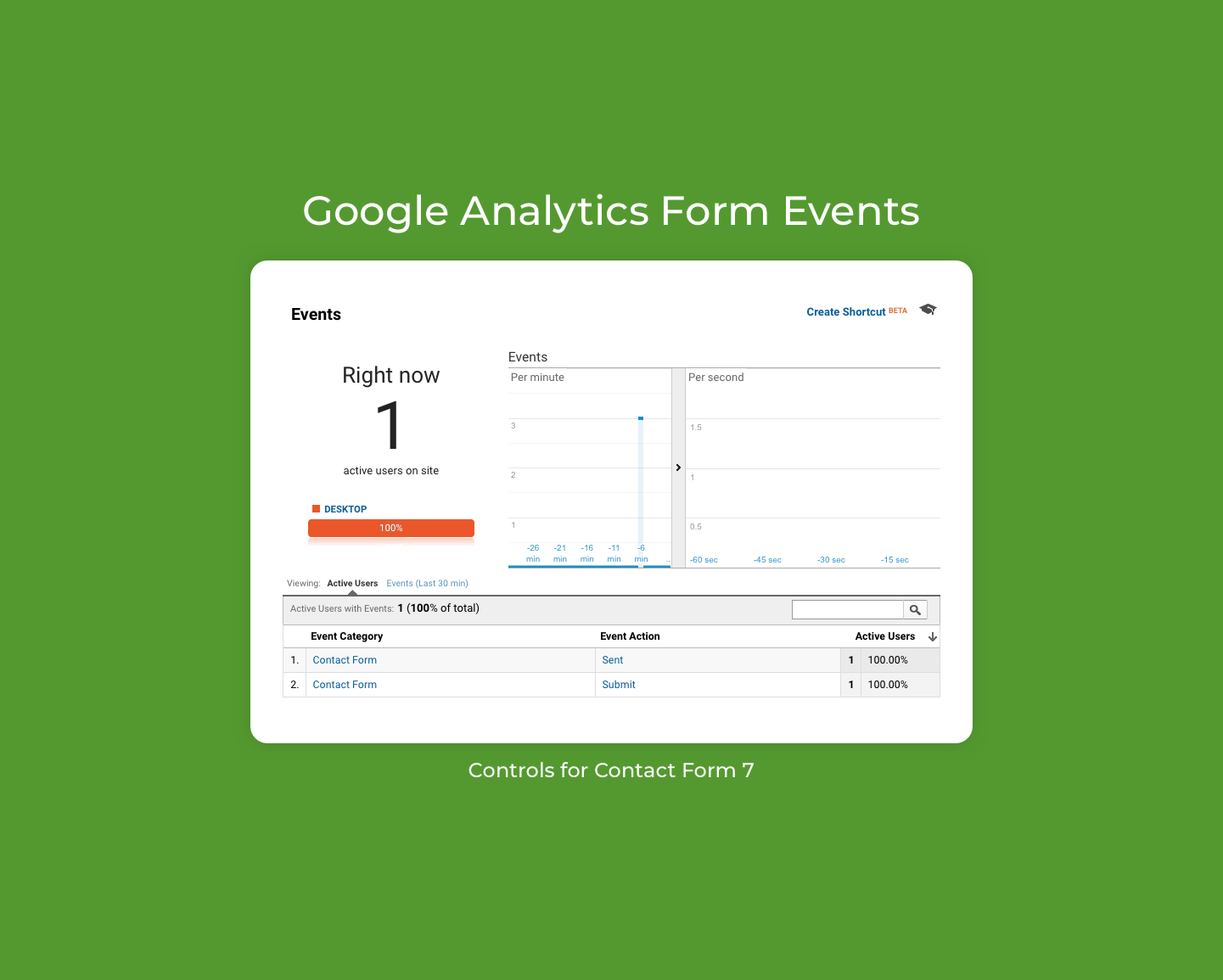
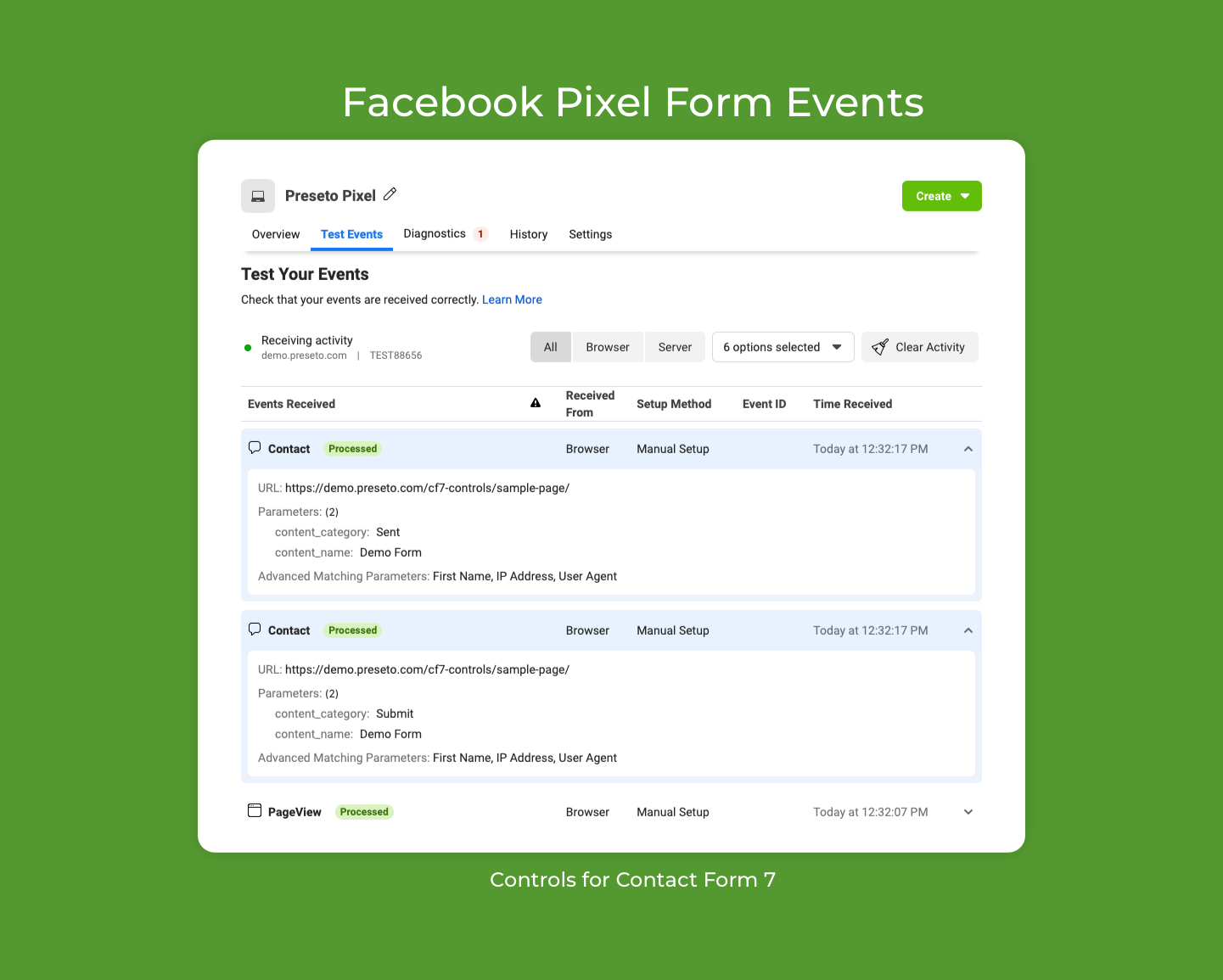
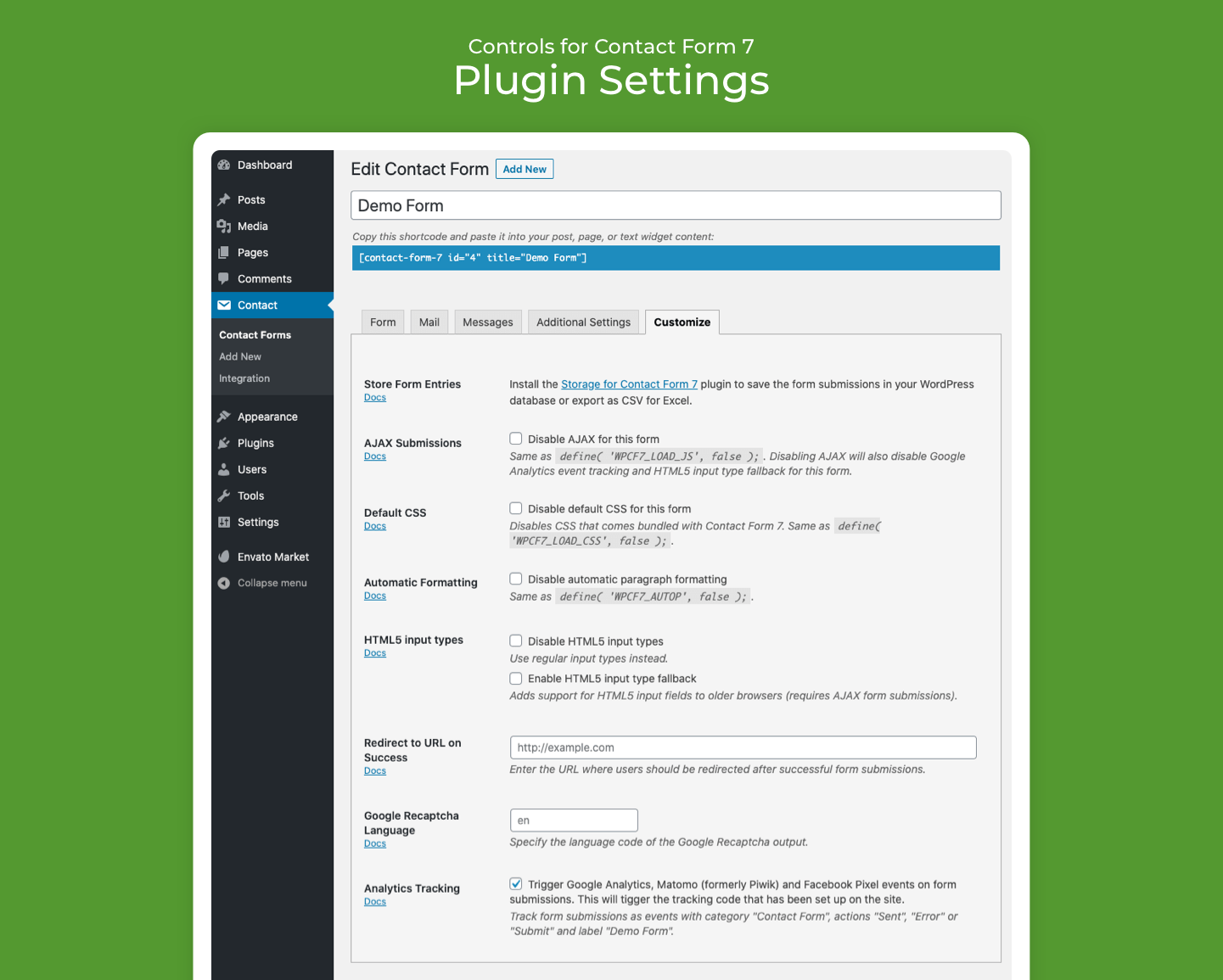
NEW: Subscribe to the 🚀 PRO version for advanced analytics and tracking features, and professional support by the plugin author.
This is an addon for the Contact Form 7 plugin with the following features:
- Track form submissions, errors and completions with Google Analytics (GA4), Google Tag (gtag.js), Google Tag Manager (GTM), Matomo (formerly Piwik) and Facebook Pixel.
- Redirect to URL on form submission.
- Enable native WordPress shortcodes in form content.
- Disable AJAX form submissions.
- Disable default form CSS.
- Disable automatic paragraph formatting.
- Disable HTML5 input field types or enable the HTML5 input type fallback.
- Specify the Google reCAPTCHA language.
- Store form submissions in Storage for Contact Form 7 or TablePress.
Please note that some settings work on the per-page level and will apply to all forms on the same page. For example, disabling AJAX form submissions for one form will disable AJAX submissions on all forms on the same page.
Requirements
- Contact Form 7 version 4.3 or later for features related to submission tracking and redirects.
Usage
The plugin adds a new “Controls” tab for each Contact Form 7 form in the WordPress administration area.
Form Submission Storage
Setup the official companion plugin Storage for Contact Form 7 plugin for capturing the form submissions safely in the WordPres database.
Alternatively, there is also a basic integration with the TablePress plugin. Select the TablePress table where to store the form submissions. The plugin will add any missing columns for each form field, and append the form entries as rows to the table. Additionally, fields cf7_time (submission time as ISO 8601) and cf7_url (URL where the form was submitted) are stored along with the form data.
Analytics Tracking
The plugin automatically triggers analytics events for the following services:
- Google Analytics (GA4) using Google Tag Manager and Global Tag (gtag.js) with
ga(),_gaq.push()anddataLayer.push()implementations, - Matomo (formerly Piwik),
- Facebook Pixel Conversion Tracking.
It passes the following data with the event:
- “Contact Form” as the event category,
- “Submit”, “Sent”, “Error” or “Spam” as the event action, and
- the form title as the event title.
Facebook Pixel
The standard Contact event is used for Facebook Pixel with content_category property set to the event type (Submit, Sent, Error, Spam) and content_name set to the form title.
Contribute
- Report issues and suggest improvements on GitHub.
- Add a translation to your language.