
Connect Restrict Content Pro to Discord AddOn
v1.0.6expresstechsoftware · 2022年12月27日 上架
This add-on enables connecting your Restrict Content enabled website to your discord server. Now you can add/remove RCP customers directly to your dis …
- 正在使用
- 10+
- 评分
- 暂无
- 累计下载
- 2,183
- 最近更新
- 2025年5月15日
 expresstechsoftware
 Ravi Soni
 Sunny Soni
 Younes
截图


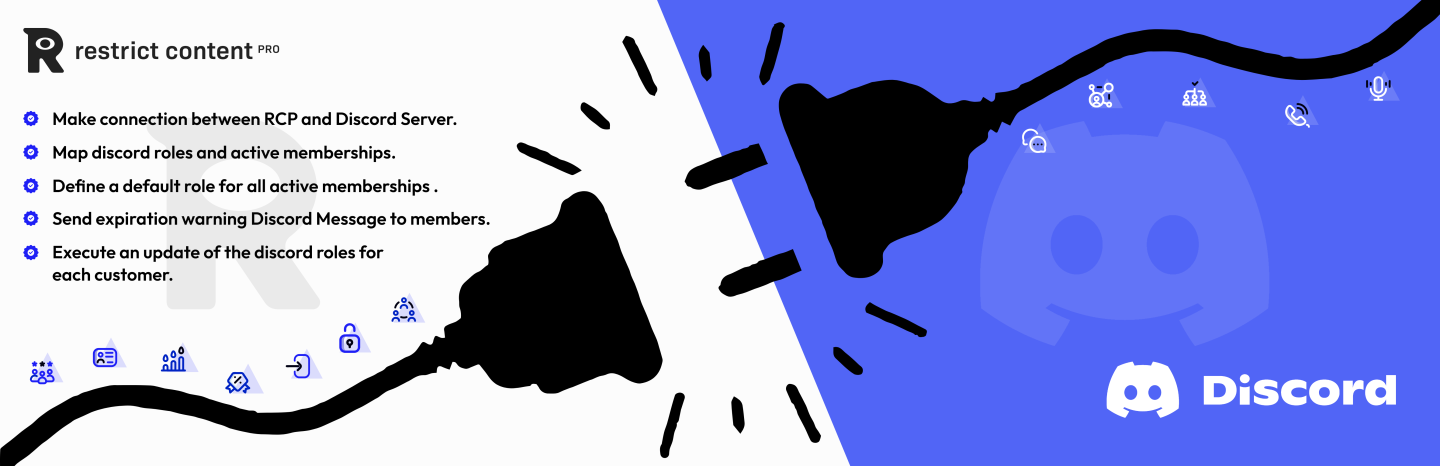
This Restrict Content AddOn enables connecting your RCP customers to connect to your discord online community, with the server roles assigned to members as per their membership level.
Very simple setup and intutive User interface to Manage Member Role inside Discord.
– Please always contact support if you are facing issues in setup or see any bug.
– If you did like the plugin, kindly support us in doing free excellent work our PayPal email is: business@expresstechsoftwares.com
This plugin provides the following features:
1) Allow any member to connect their discord account with their RCP membership account.
2) Members will be assigned roles in discord as per their membership level.
3) Members roles can be changed/remove from the admin of the site.
4) Members roles will be updated when membership expires.
5) Members roles will be updated when membership cancelled.
6) Send a Direct message to discord members when their membership has expired.
7) Send a Direct message to discord members when their membership is cancelled.
8) Send membership expiration warnings Direct Message when membership is about to expire.
9) ShortCode [ets_restrictcontentpro_discord] can be used on any page to display connect/disconnect button.
10) Using the shortcode [ets_restrictcontentpro_discord] on any page, anyone can join the website discord server by authentication via member discord account. New members will get default role if selected in the setting.
11) Button styling feature under the plugin appearance tab.
Checkout Our Other Plugins
- Connect MemberPress and Discord
- connect Learnpress and Discord
- Connect LearnDash and Discord
- Connect GamiPress and Discord
- Connect LifterLMS and Discord
- Webhook For WCFM Vendors
- Inspect HTTP Requests
- Product Questions & Answers for WooCommerce
- Connect Ultimate Member and Discord
- Connect Badgeos and Discord
- connect Eduma Theme and Discord
- Connect Paid Memberships Pro to Discord
- Connect ProfilePress to Discord