

Companion Auto Update
v3.9.4Papin Schipper · 2016年5月23日 上架
Manage all updates on your WordPress site. Stay in the know with several optional e-mail notifications and logs. For free.
- 正在使用
- 4 万+
- 评分
- 4.8 / 5
- 累计下载
- 424 万
- 最近更新
- 2026年3月21日
 Papin Schipper
 QreativeWeb
截图


Companion Auto Update is a powerful and completely free plugin that allows you to manage all the updates on your WordPress site. Our aim is to give you the best control over these updates and stay in the know at all times.
We understand that you might not always be able to check if your WordPress site has any updates that need to be installed. Especially when you maintain multiple websites keeping them up-to-date can be a lot of work. This plugin can help you with that. We’ll keep your site up-to-date and keep you posted about what’s happening and notify you when we need your help with something.
If you have a feature suggestion or idea you’d like to see in the plugin, we’d love to hear about it! Suggest a Feature
Main features
- Auto-updating for plugins, themes, core and translation files
- Set at what time you wish to update
- Filter plugins and themes to not be updated
- E-mail notifications about old software, pending updates and completed updates
- An update log with all updates
- Option to delay automatic updates with an x number of days
Full control over everything
Full control, that’s what this plugin is all about. With this plugin you can enable (or disable) automatic updating for plugins, themes, WordPress core updates (both minor and major can be changed separately) and for translation files. Don’t want to run the updater for all plugins? Don’t worry, just disable auto updating for the plugins you’d like to skip and we can even notify you when there’s an update for these plugins so you can go and update them yourself.
Scheduling
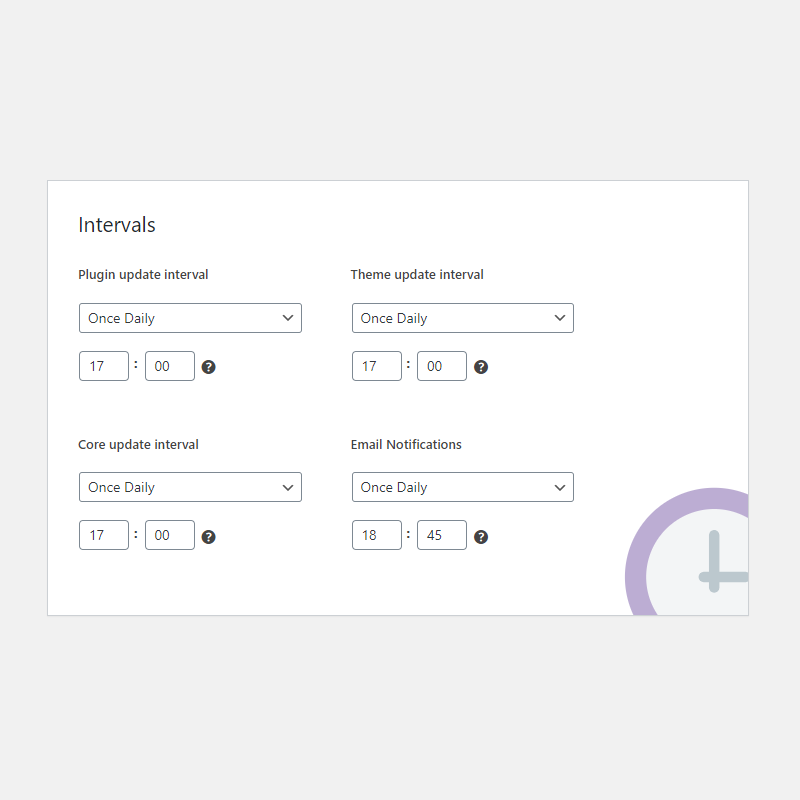
By default we’ll check for updates twice a day but you can change this to several different options if you’d like. When choosing to update on a daily basis you can even select at what time you’d like it to run. Besides the updaters you can also schedule te notifications, want to update every hour but only recieve notifications once a day? No problem!
Sometimes developers will push an update that will cause errors on your site, they’ll often fix it within a day but if the updater has run in the mean time it can cause all kinds of issues. Now you can choose to delay updates with an x number of days to prevent this from happening.
Know what’s happening
We want you to know what’s happening on your website. This plugin offers settings for various email notifications. We can send you an email when an update is available, when a plugin has been updated or when wordpress has been updated.
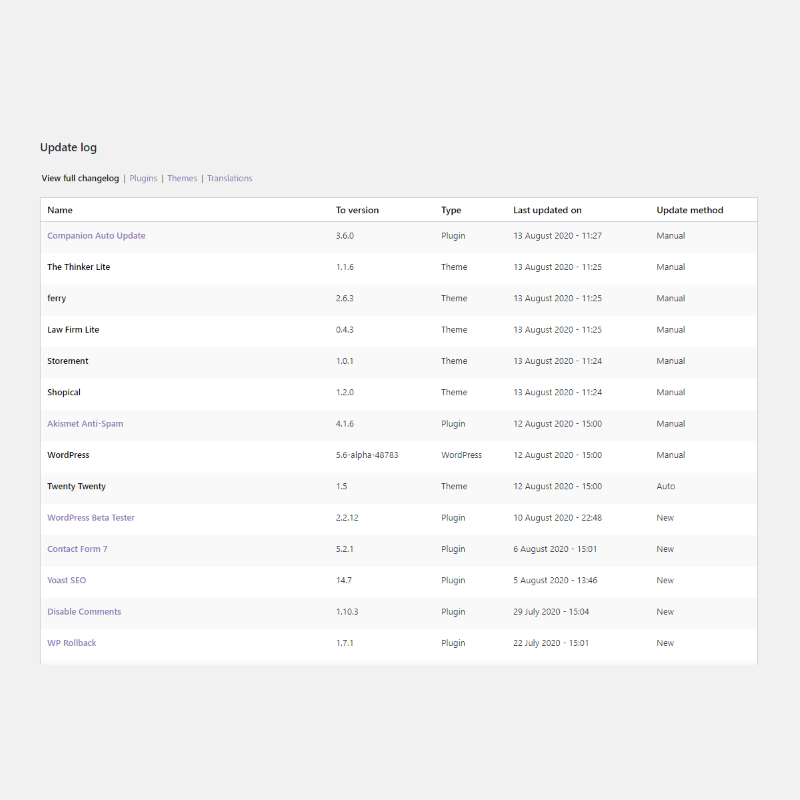
But if you don’t want to recieve emails about this you can still log in and view the changelog to see what happened.