

Comment Emojis for WP
v1.1.3Jayesh Chopda · 2024年5月7日 上架
Add a lightweight emoji picker to the default WordPress comment textarea so visitors can insert emojis quickly.
- 正在使用
- 100+
- 评分
- 5.0 / 5
- 累计下载
- 2,758
- 最近更新
- 2026年4月11日
2 条评价需要 WordPress 5.0+已测试到 6.9.12PHP 7.4+
贡献者
 Jayesh Chopda
截图


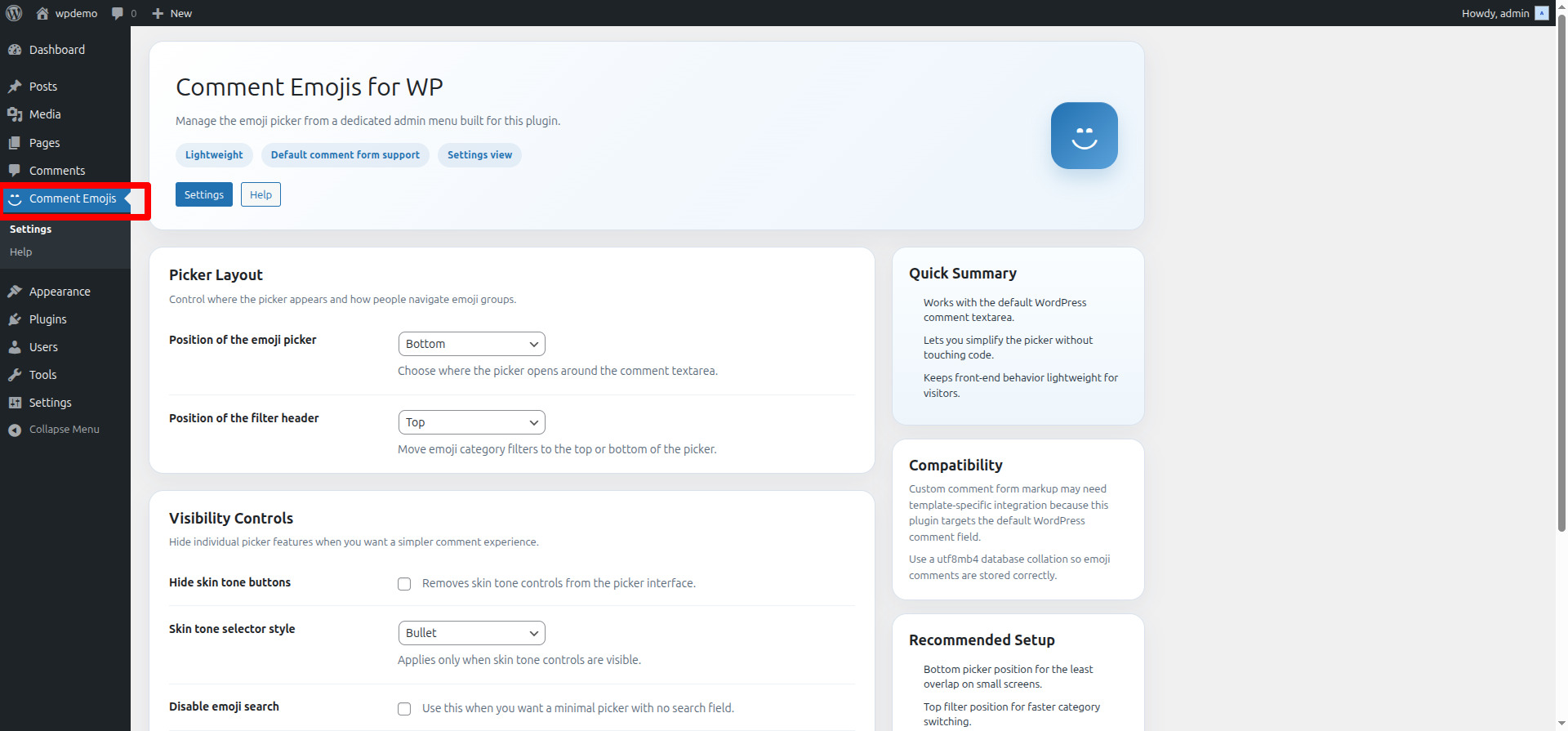
Comment Emojis for WP adds a lightweight emoji picker to the default WordPress comment textarea on your site. Visitors can insert emojis into comments quickly, with optional search, recent emoji history, and picker layout controls.
Features include:
- Add emojis directly to the default WordPress comment textarea.
- Insert multiple emojis into a comment without leaving the form.
- Save and display recently selected emojis in the picker.
- Search emojis by name for faster selection.
- Browse emojis by category or scroll through the picker.
- Control picker layout, including picker position, filter position, and search panel position.
- Hide selected interface elements such as search, recent emojis, or skin tone controls when you want a simpler experience.
This plugin follows WordPress coding standards and is designed to stay lightweight for optimal performance.
Setup
- Go to Comment Emojis > Settings in your WordPress admin dashboard.
- Configure the available options using the provided checkboxes and dropdowns.
- Save your changes.
- Open a post with the default WordPress comment form and test the picker.
Support
For support, visit the plugin’s support forum.
If you’d like to support ongoing development, donations are greatly appreciated: Donate