
Colvor Announcement Bar – Notification Bar, Marquee & Header Banner
v0.5.4colvor · 2026年8月26日 上架
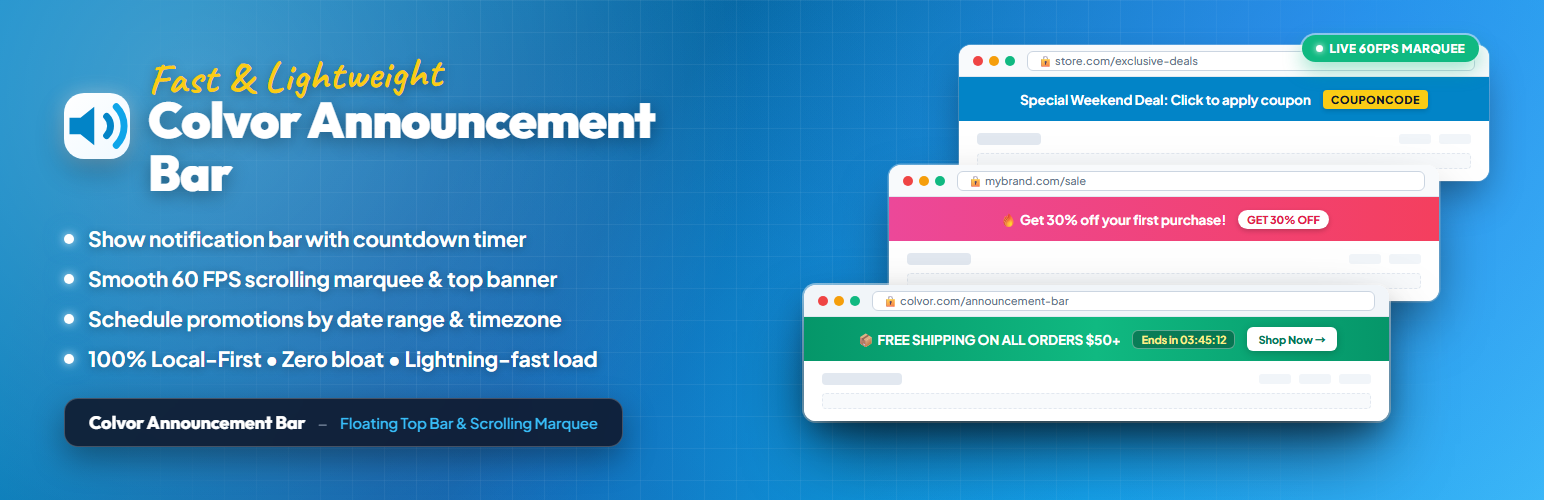
Create an ultra-lightweight, local-first announcement bar and scrolling marquee entirely inside WordPress. Zero bloat, instant setup, no external depe …
- 正在使用
- 10 以下
- 评分
- 暂无
- 累计下载
- 706
- 最近更新
- 2026年9月27日
贡献者
 colvor
截图

Colvor Announcement Bar is local-first. Install it, open Settings > Announcement Bar, create your message, and save. Free use requires no Colvor account, connection, token, heartbeat, or configuration synchronization.
The front end reads only the colvor_announcement_config WordPress option. It never contacts Colvor, so an existing bar keeps rendering if Colvor is unavailable with zero impact on page load speed or Core Web Vitals.
Free includes
- Enable or disable the bar with one click.
- Smooth scrolling marquee ticker or static alert banner.
- Rich text formatting: bold, italic, underline, strikethrough, and inline text color.
- Background color and vibrant multi-stop gradient backgrounds with 1-click presets and custom angles.
- Selected-text size in the editor, with a rem slider and custom px, rem, em, vw, vh, vmin, vmax, or % units.
- 100% Local-first: no external API calls, no third-party tracking, zero site slowdown.
Pro adds
- Link and link underline control.
- All-page or selected-path scope targeting.
- Date schedule: set start and end dates with site-timezone precision to automate promotions.
- Intuitive motion speed slider (faster to slower, down to 0 for static).
- Letter and item spacing with rem sliders or custom units, plus a separator.
Setup
- Install and activate the plugin.
- Open Settings > Announcement Bar.
- Create the bar and save it.
- Optionally purchase Pro, paste a License Key or Promotion Code, and click Activate.
External services
Free configuration and visitor page loads do not use an external service.
Colvor at https://colvor.com is contacted only when an administrator explicitly clicks Upgrade to Pro, Activate, or Deactivate. Activate sends the entered License Key or Promotion Code, a random plugin installation identifier, and the plugin version to /api/v1/license/activate. Deactivate sends the activation identifier and random installation identifier to /api/v1/license/deactivate. The plugin does not send visitor activity, page content, users, posts, WooCommerce orders, or payment details.
If an activation or deactivation request fails, the existing local configuration and last valid Pro state are kept. An expired License locks Pro editing but does not remove or alter the current bar.
See the Colvor Privacy Policy.