
Custom Login Page Customizer
v2.3.1colorlibplugins · 2018年4月17日 上架
Customize your WordPress login page with live preview. Change logo, background, colors, and form styling without coding.
- 正在使用
- 5 万+
- 评分
- 4.9 / 5
- 累计下载
- 116 万
- 最近更新
- 2026年9月29日
贡献者
 Silkalns
截图
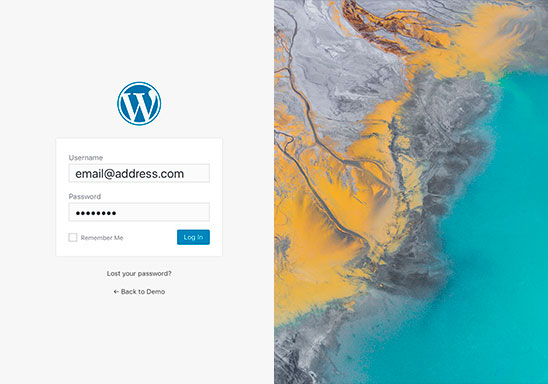
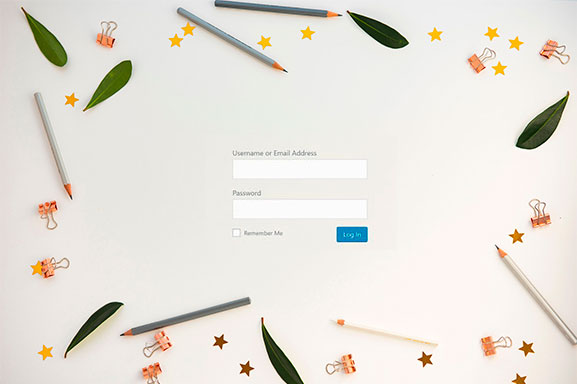
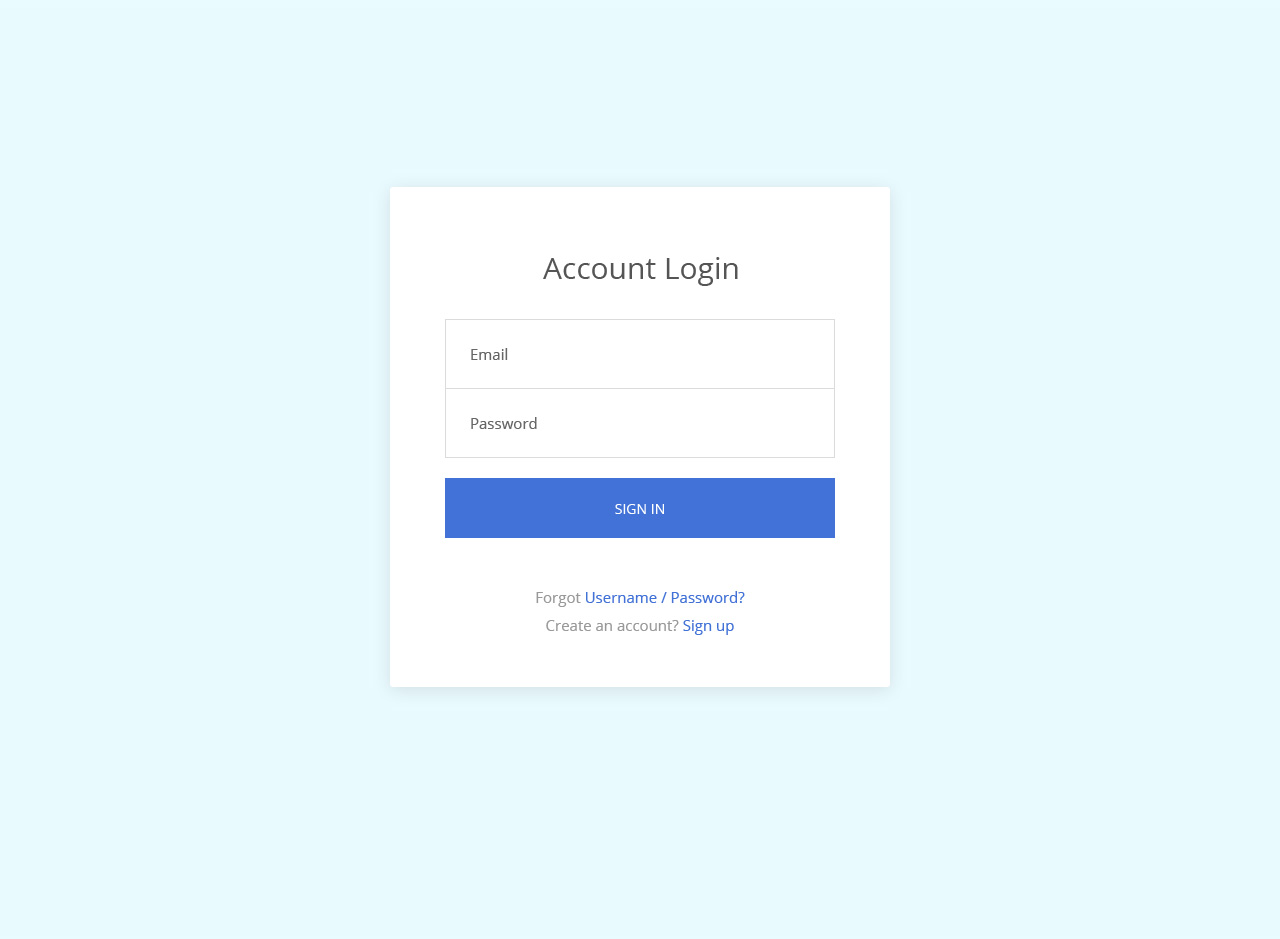
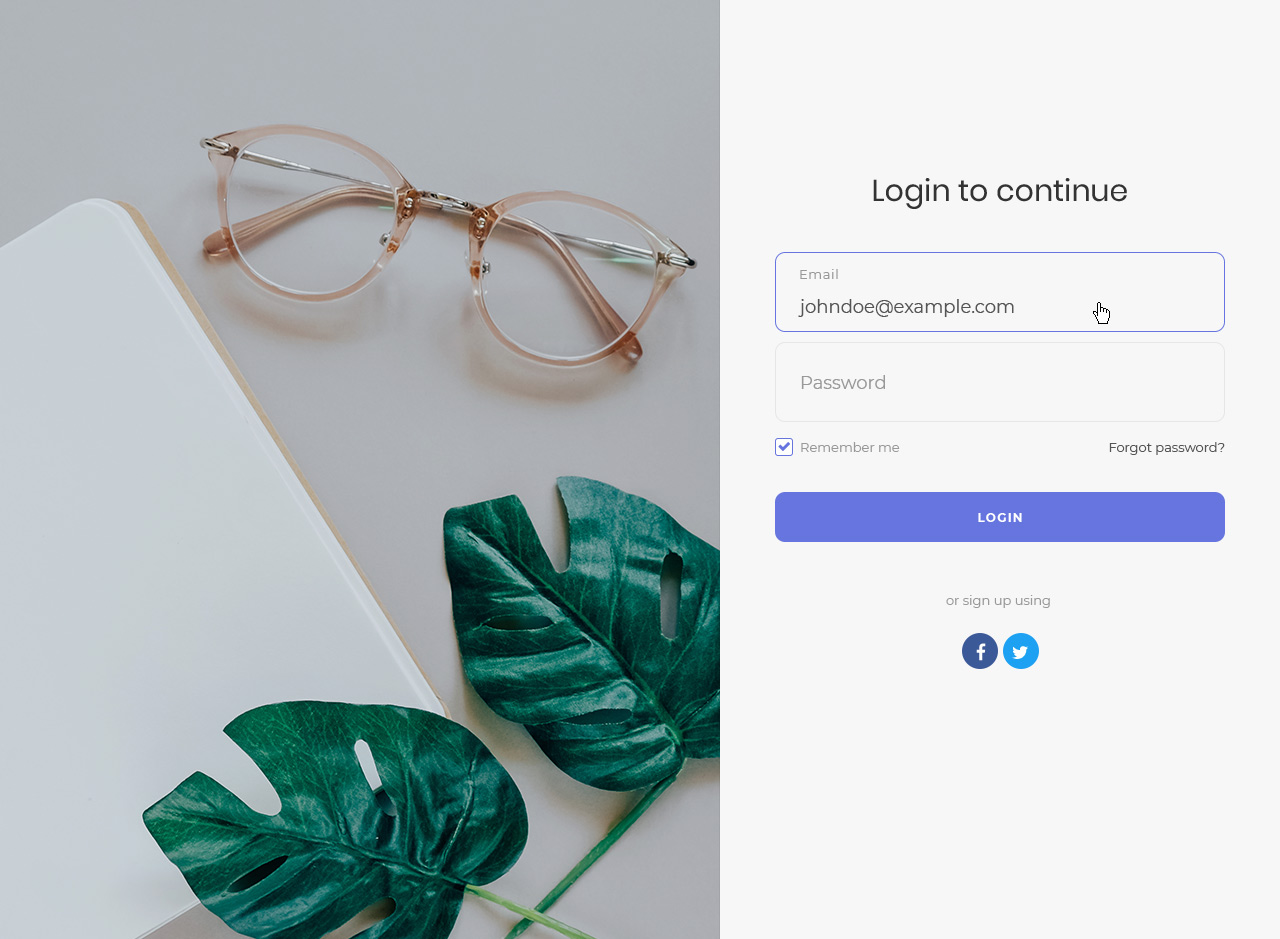
Custom Login Page Customizer transforms your default WordPress login page into a branded, professional experience that matches your website. Perfect for agencies, freelancers, and businesses who want to impress clients and users from their very first interaction.
Why Customize Your Login Page?
Your login page is often the first thing clients and team members see. A branded login page:
- Builds trust – Professional appearance increases user confidence
- Reinforces your brand – Consistent branding across every touchpoint
- Impresses clients – White-label your WordPress sites for a polished look
- Takes seconds – No coding required, instant live preview
Key Features
Live Customizer Preview – See every change instantly before saving. No guesswork, no refreshing.
Ready-Made Templates – Choose from 9 professionally designed login page templates including modern gradients, glassmorphism, dark themes, and split-screen layouts.
Complete Logo Control – Upload your custom logo, adjust dimensions, or use text-based branding. Link your logo to any URL.
Background Customization – Add custom background images, solid colors, or gradients to create stunning login pages.
Form Styling – Customize every aspect of your login form including width, padding, borders, border radius, field colors, and button styles.
Button & Link Styling – Match your brand colors with customizable button backgrounds, hover states, shadows, and link colors.
Custom CSS – Advanced users can add custom CSS for pixel-perfect control.
Multi-Column Layouts – Create split-screen login pages with customizable column widths and alignments.
Registration & Password Forms – Customize the registration form and lost password form to match your login page styling.
Perfect For
- Web Agencies – White-label client sites with branded login pages
- Freelancers – Deliver polished, professional WordPress sites
- Membership Sites – Create welcoming login experiences for members
- Corporate Intranets – Reinforce company branding for employee portals
- WooCommerce Stores – Brand your customer account login pages
- Multisite Networks – Customize login pages across your network
How It Works
- Install and activate the plugin
- Go to Appearance Customize Custom Login Page Customizer
- Customize your login page with live preview
- Click Publish – done!
Detailed Customization Options
Logo Section
– Custom logo image upload
– Logo width and height control
– Logo URL customization
– Text-only or image-only options
– Logo text color and hover color
Background Section
– Custom background image
– Background color picker
– Form column background options
Form Section
– Form width and height
– Form background color and image
– Padding and border controls
– Border radius for rounded corners
– Field width, margin, and styling
– Label text customization
– Field background and text colors
Button Section
– Background color and hover color
– Border color and hover border color
– Button shadow and text shadow
– Submit button text customization
Links Section
– Link color and hover color
– Show/hide navigation links
– Show/hide “Remember Me” checkbox
Documentation & Support
Need help? Visit our support forum for assistance.
About Colorlib
This plugin is developed by Colorlib, creators of popular free WordPress themes downloaded by millions. We are committed to building high-quality, user-friendly WordPress plugins.
If you enjoy Custom Login Page Customizer, please leave a 5-star review. Your feedback helps us improve!