

Colorlib 404 Customizer
v1.1.1colorlibplugins · 2018年12月4日 上架
Replace your theme's plain 404 page with one of 20 ready-made designs, edited live in the Customizer. No code, no page builder.
- 正在使用
- 5,000+
- 评分
- 4.7 / 5
- 累计下载
- 22 万
- 最近更新
- 2026年9月29日
贡献者
 Silkalns
截图
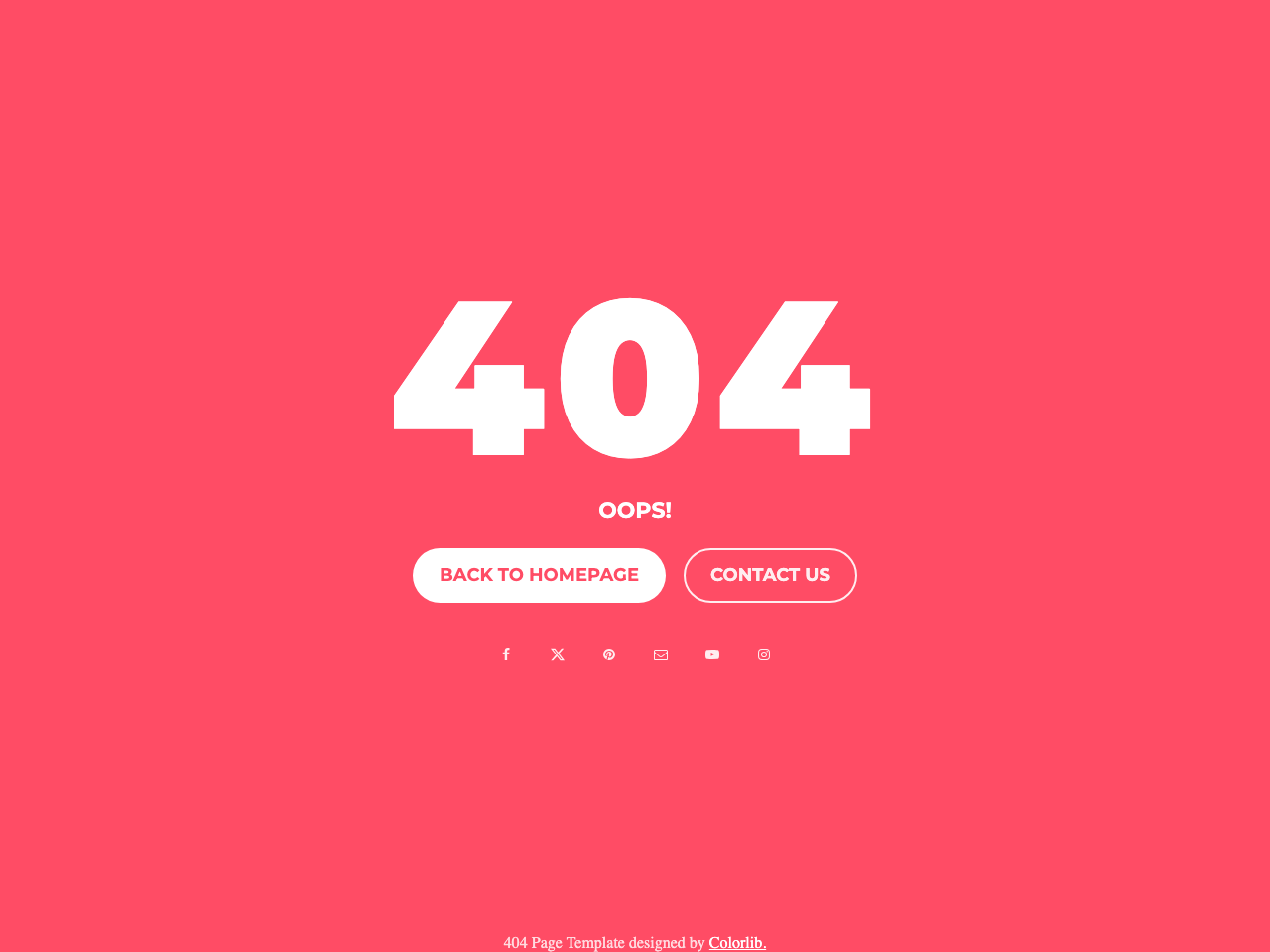
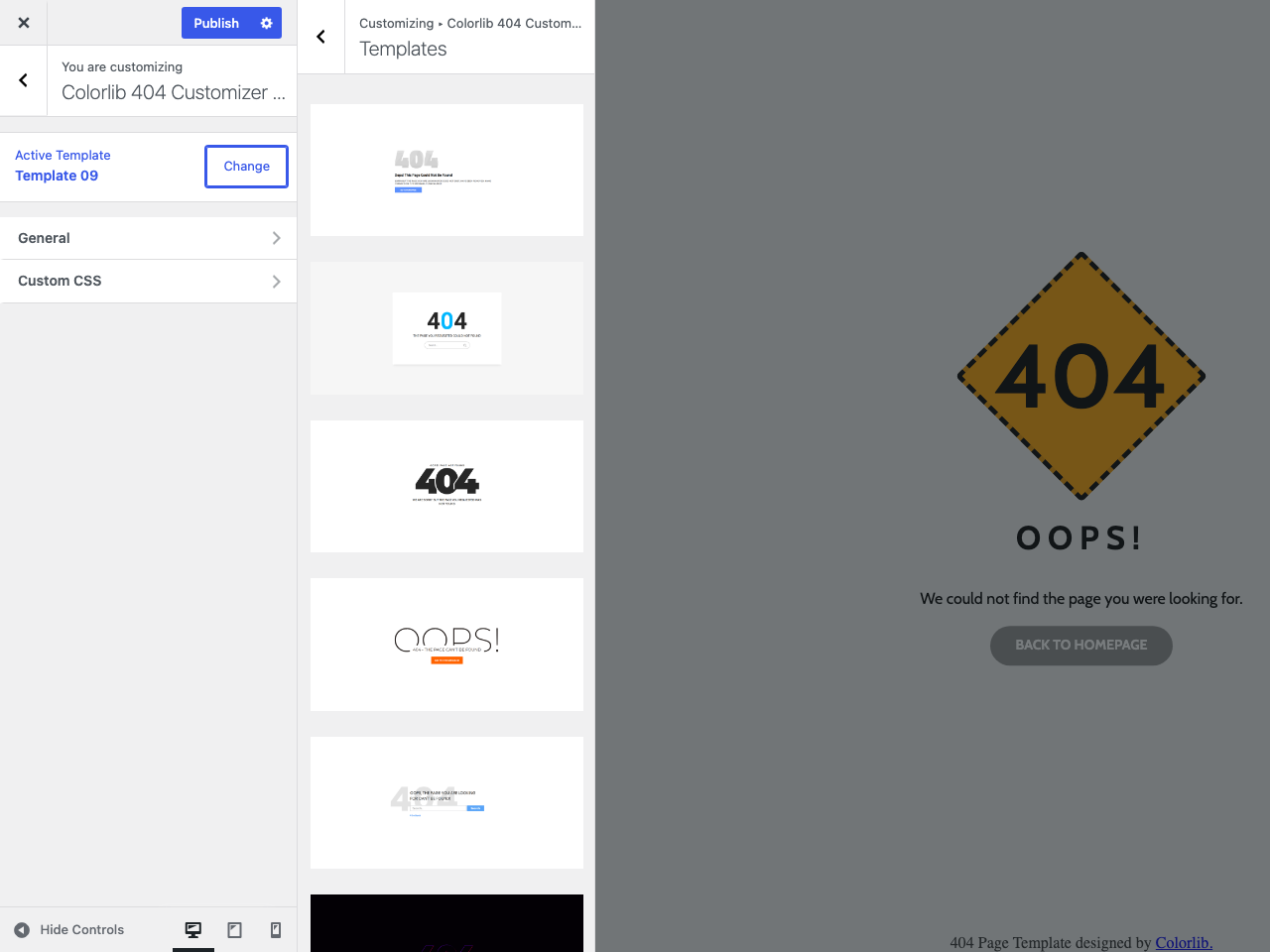
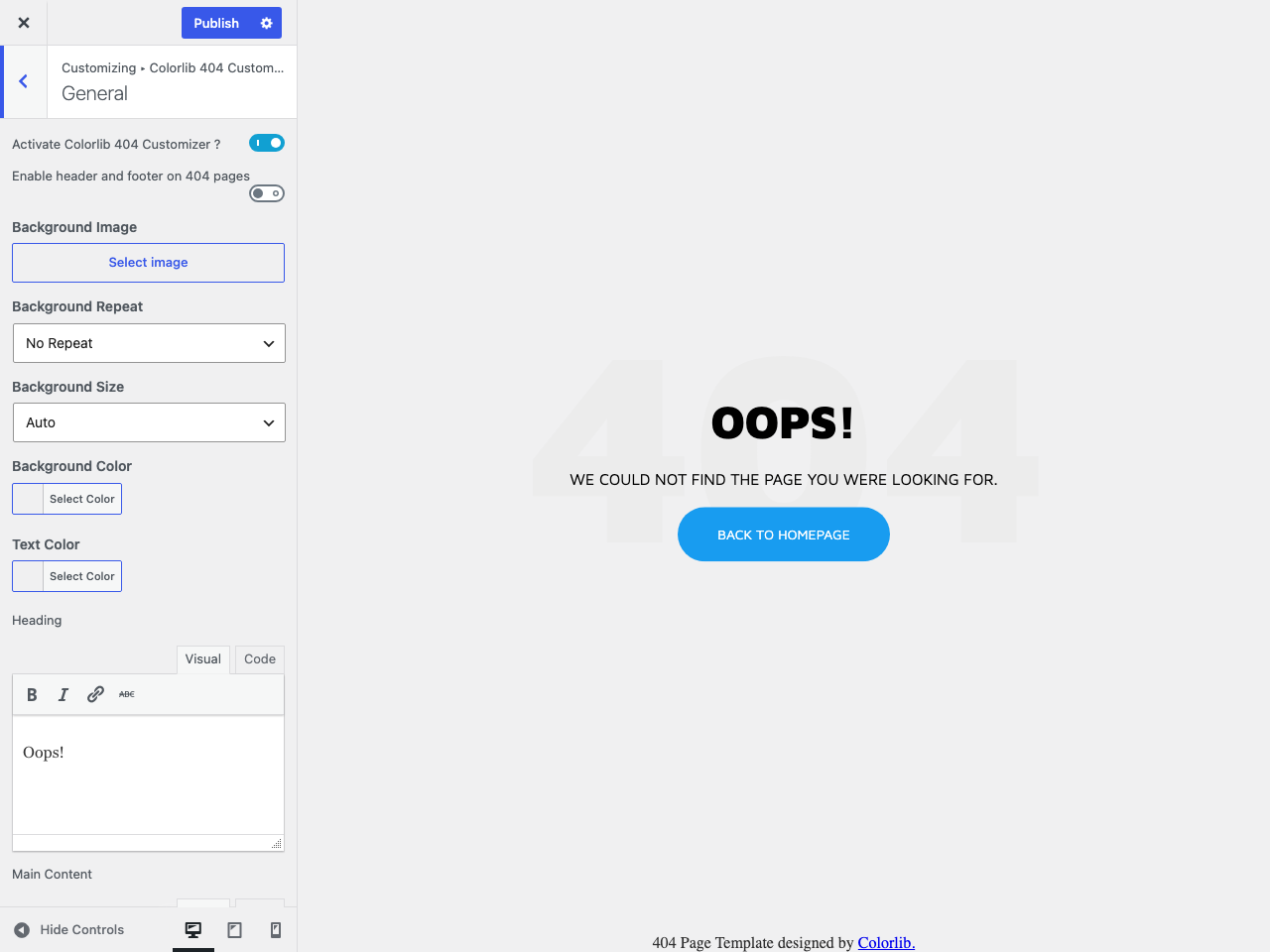
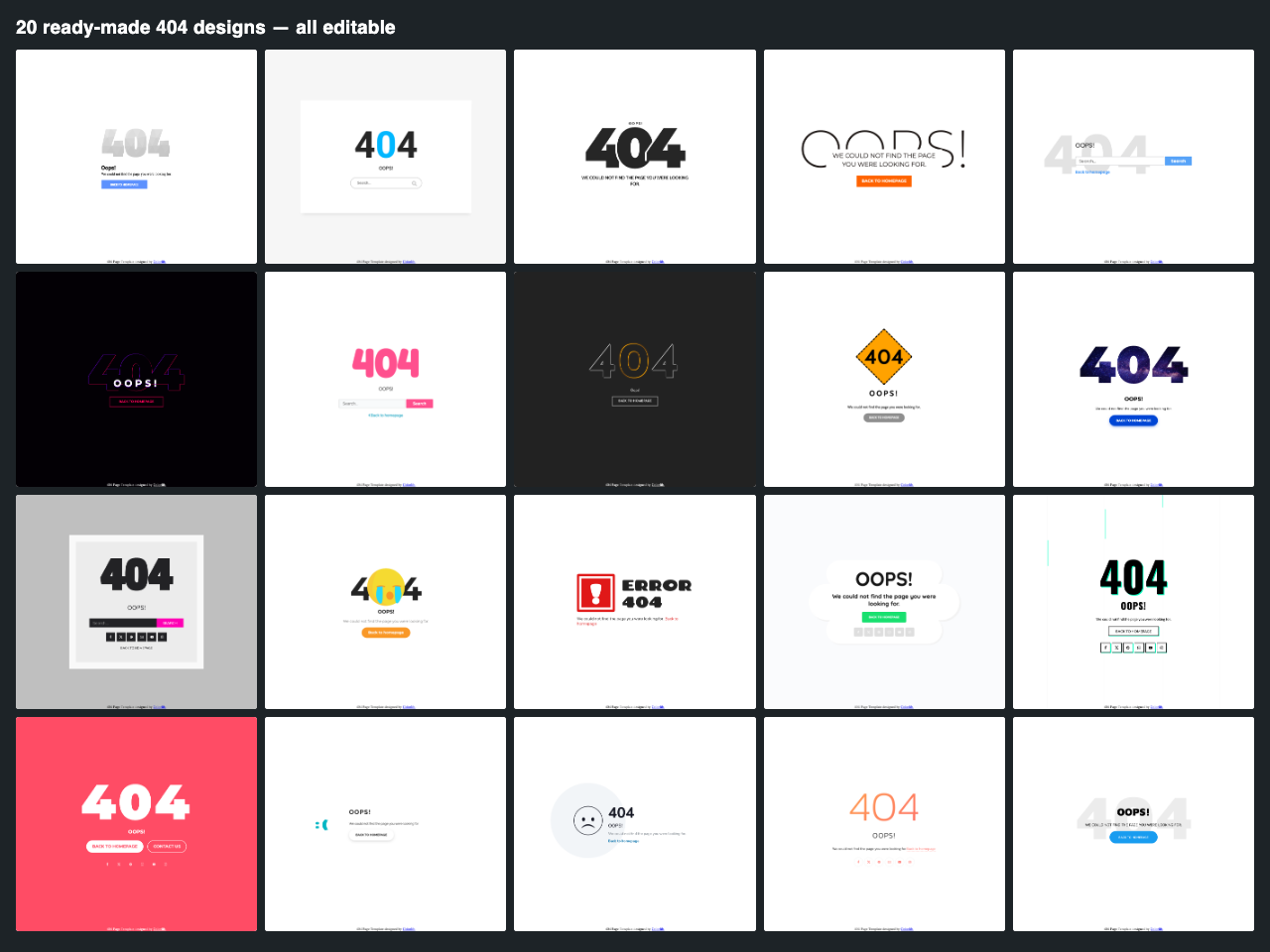
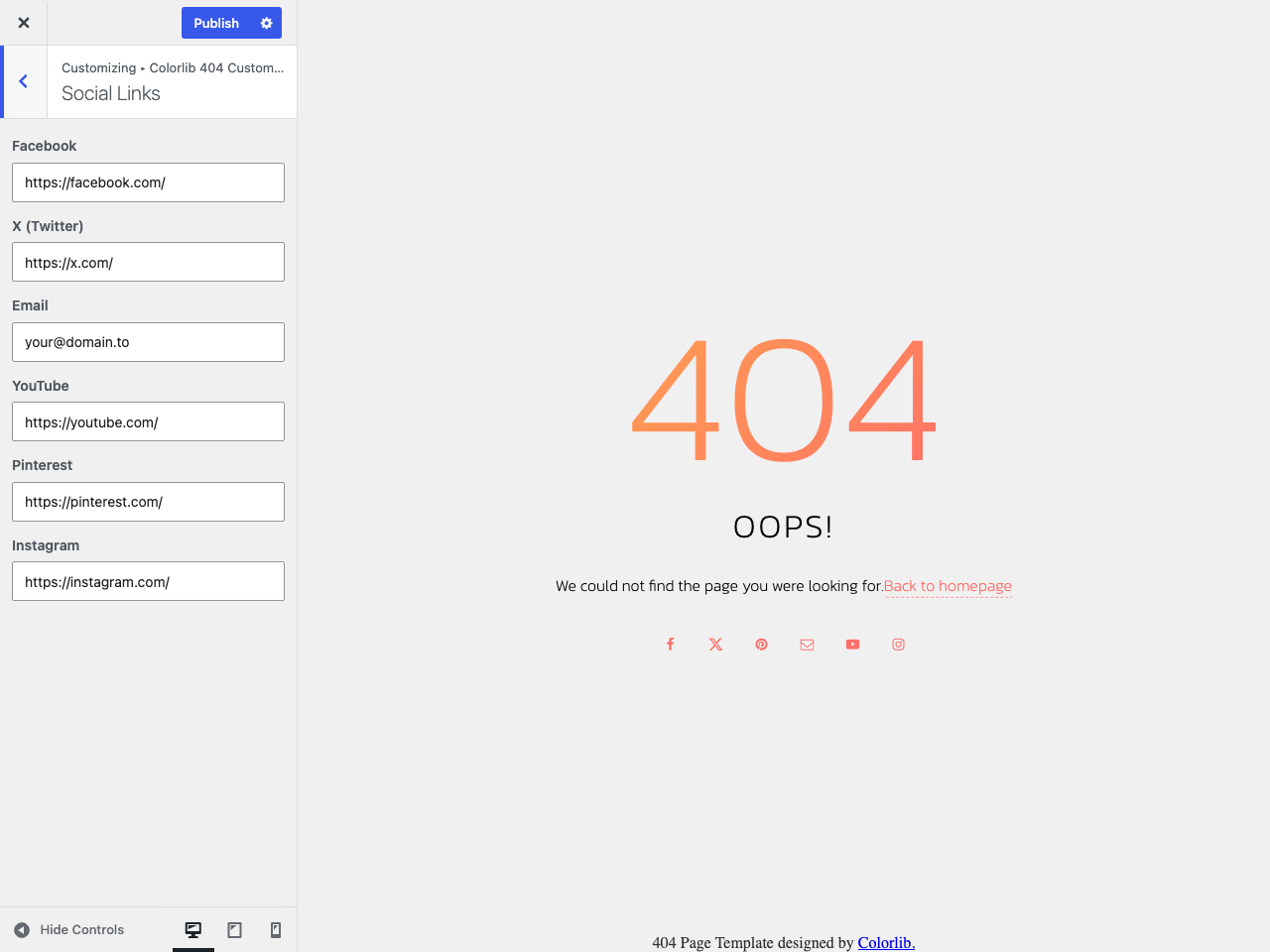
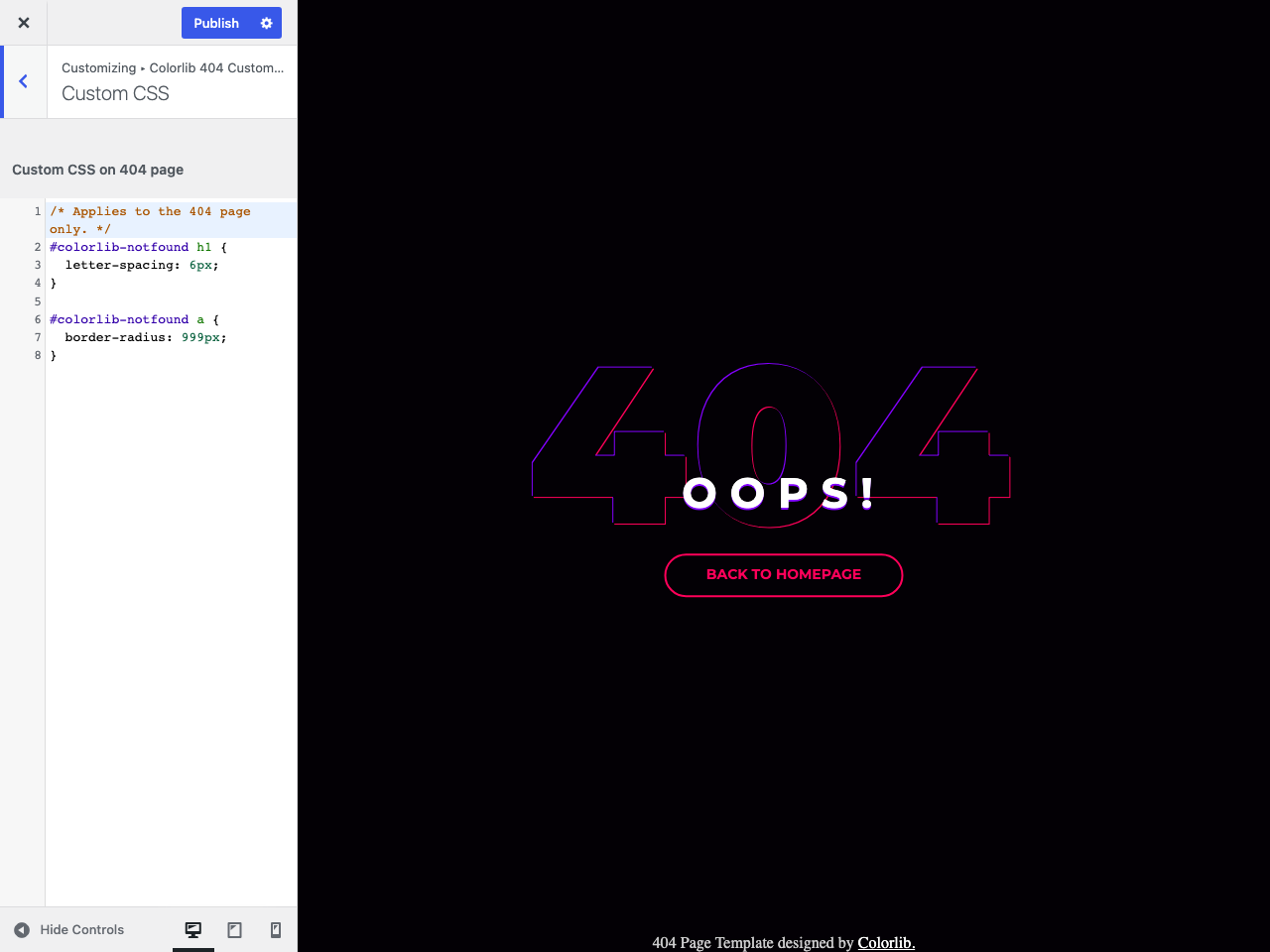
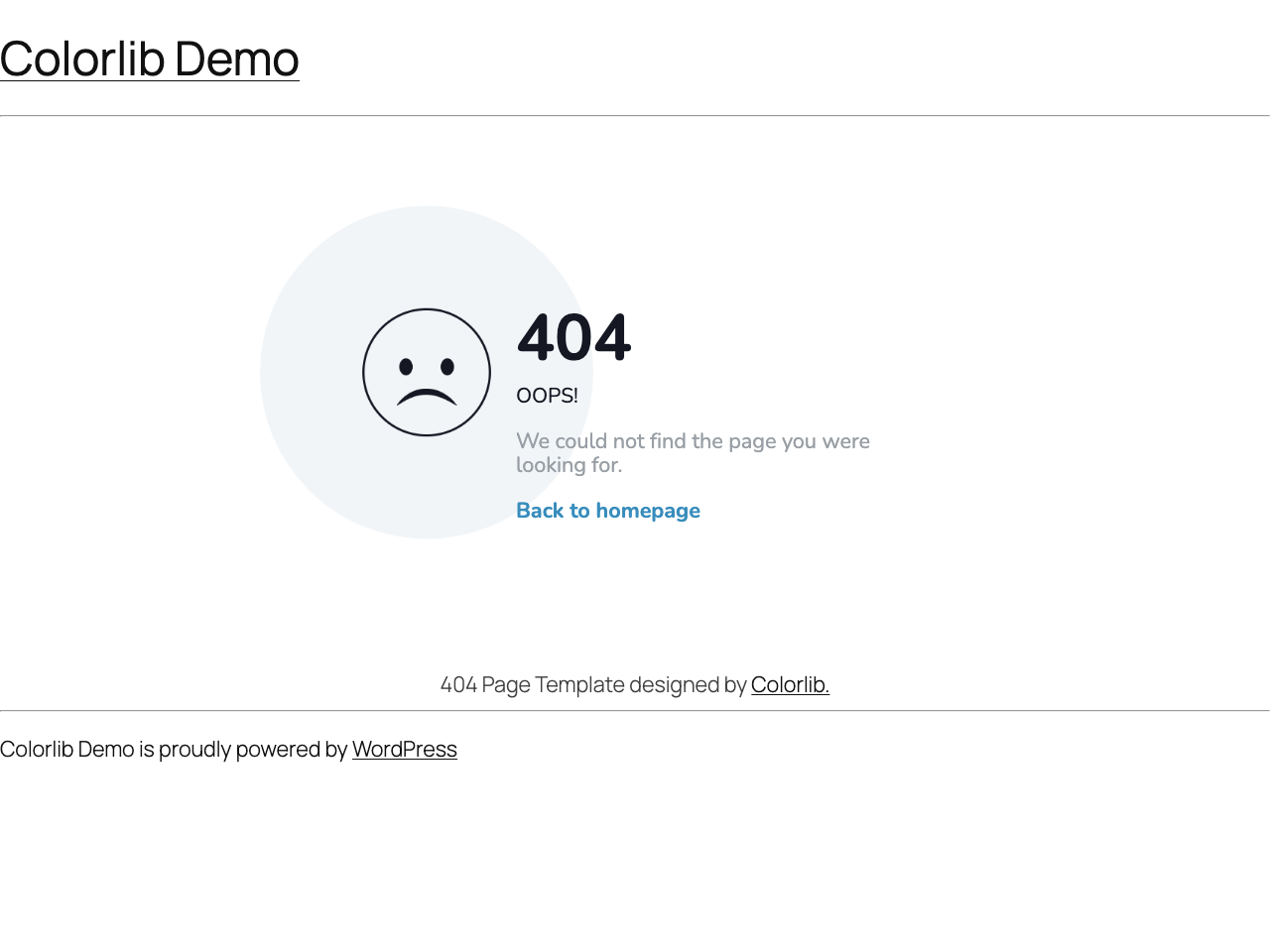
Every site gets 404s. Someone mistypes a URL, an old link goes stale, a page moves. Most themes answer with a bare “Nothing found” and no way out, and that visitor leaves.
Colorlib 404 Customizer replaces that dead end with a designed page that gives people somewhere to go — a way back home, a search box, your social profiles, a contact link. Pick one of 20 templates, edit the wording and colours in the WordPress Customizer, and watch the result update as you type. There is no separate settings screen to learn and nothing to code.
Built to stay out of the way
A 404 page is the one page you hope nobody sees, so it has no business slowing down the pages they do see. This plugin loads nothing at all on the rest of your site — its CSS and fonts are requested only when a 404 is actually served.
The 404 page itself ships no JavaScript: no jQuery, no icon webfont. Social icons are inline SVG, so there is no extra download and nothing to wait for. A visitor who lands on a 404 downloads roughly 8 KB of CSS and one webfont — and nothing else.
What you can change
- Choose a design from 20 templates, each previewed as a thumbnail before you commit
- Rewrite the wording — heading, message and the back-to-home button — with a small rich-text editor
- Set colours for text and background, or drop in a background image with repeat and size controls
- Add your social profiles — Facebook, X, Pinterest, YouTube, Instagram and email — on the templates that show them
- Add a contact link so people can tell you the link is broken
- Write custom CSS, with syntax highlighting, if you want to go further
- Use your theme’s header and footer to keep the 404 page inside your existing layout, or leave them off for a clean full-screen design
Correct by default
- Sends a genuine 404 HTTP status, so search engines drop the missing URL instead of indexing it — no soft 404s
- Marked
noindexfor good measure - Works with any theme, because the page is rendered by the plugin rather than the theme
- Icon-only social links carry screen-reader labels
- Your email address is obfuscated in the markup to slow down scrapers
- Switch the whole thing off with one toggle and your theme’s own 404 page comes straight back
Translations
The plugin is fully translatable and ships a .pot file. Translations are resolved by WordPress automatically.
About Colorlib
This plugin is developed and maintained by Colorlib, best known for free WordPress themes. If you are getting started, we can show you how to make a website, and if you already have one, how to pick WordPress hosting that keeps it fast.
If the plugin is useful to you, a review genuinely helps other people find it.