
ColorBreezy — CMYK to sRGB Converter
v1.1.4FROTSQUARNEL CO.LTD. · 2026年9月26日 上架
Detect and convert CMYK JPEG and single-page TIFF images to sRGB on upload or in batches, with original backups.
- 正在使用
- 10 以下
- 评分
- 暂无
- 累计下载
- 265
- 最近更新
- 2026年10月2日
 FROTSQUARNEL CO.LTD.
截图


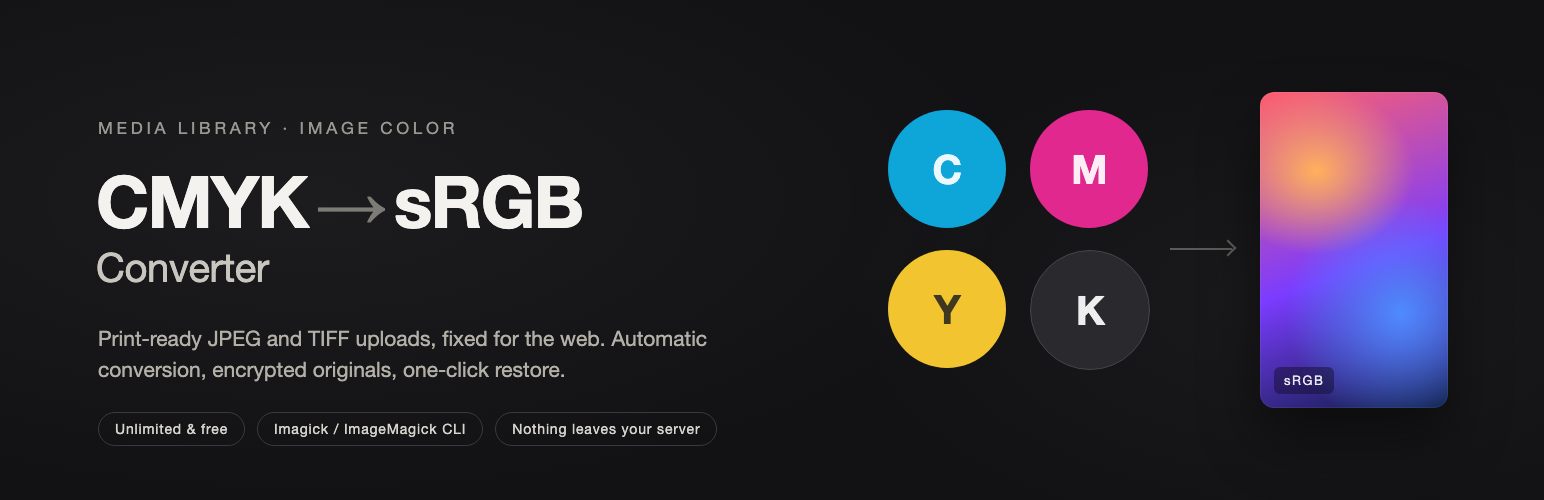
ColorBreezy automatically converts CMYK JPEG and TIFF uploads to sRGB. You can also bulk-convert existing images in the Media Library. Original-image backup and restoration are supported. It uses PHP Imagick when available and falls back to ImageMagick CLI.
- Automatic conversion on upload.
- Media Library scan and batch conversion.
- Optional scheduled conversion using WP-Cron, disabled by default until an administrator enables it.
- Authenticated encrypted original backups with opaque filenames under
wp-content/uploads/cmyk-originals/. - Configurable retention with daily backup cleanup.
- Configurable conversion-log retention with daily cleanup.
- Conversion history, authenticated original downloads and one-click full-size restoration.
- CSV export of the conversion log.
- Removal of stale EWWW WebP/AVIF sidecars so an optimizer can regenerate them.
- Unlimited JPEG and single-page TIFF image conversions in the free edition.
Uploaded images and image contents never leave your WordPress server.
The optional one-question Yes/No satisfaction feedback is stored only in this WordPress site’s options. It has no free-text field, does not collect personal information, is not written to conversion logs, and is never sent externally. Administrators can clear it from Settings.
Privacy and external services
The plugin includes the Freemius SDK for opt-in usage analytics, update and future licensing support. Administrators may choose whether to share basic site, user, plugin, theme and environment information with Freemius. Declining does not disable image conversion. Freemius may also show an optional feedback form when the plugin is deactivated.
Freemius terms: https://freemius.com/terms/
Freemius privacy policy: https://freemius.com/privacy/
Third-Party Notices
The bundled sRGB_v4_ICC_preference.icc profile is Copyright (c) 2012 International Color Consortium and distributed unchanged under the terms published for this profile: https://registry.color.org/rgb-registry/srgbprofiles
Color conversion is best-effort and results vary with the source profile and server image library. Keep backups enabled and verify color-critical output before publishing. PHP Sodium is required for authenticated encrypted backups.