
CodingBunny Mail SMTP
v1.0.7CodingBunny · 2026年1月28日 上架
Configure an SMTP server to send emails from your WordPress site. Simple, lightweight, and secure.
- 正在使用
- 10+
- 评分
- 暂无
- 累计下载
- 976
- 最近更新
- 2026年10月20日
贡献者
 CodingBunny
截图
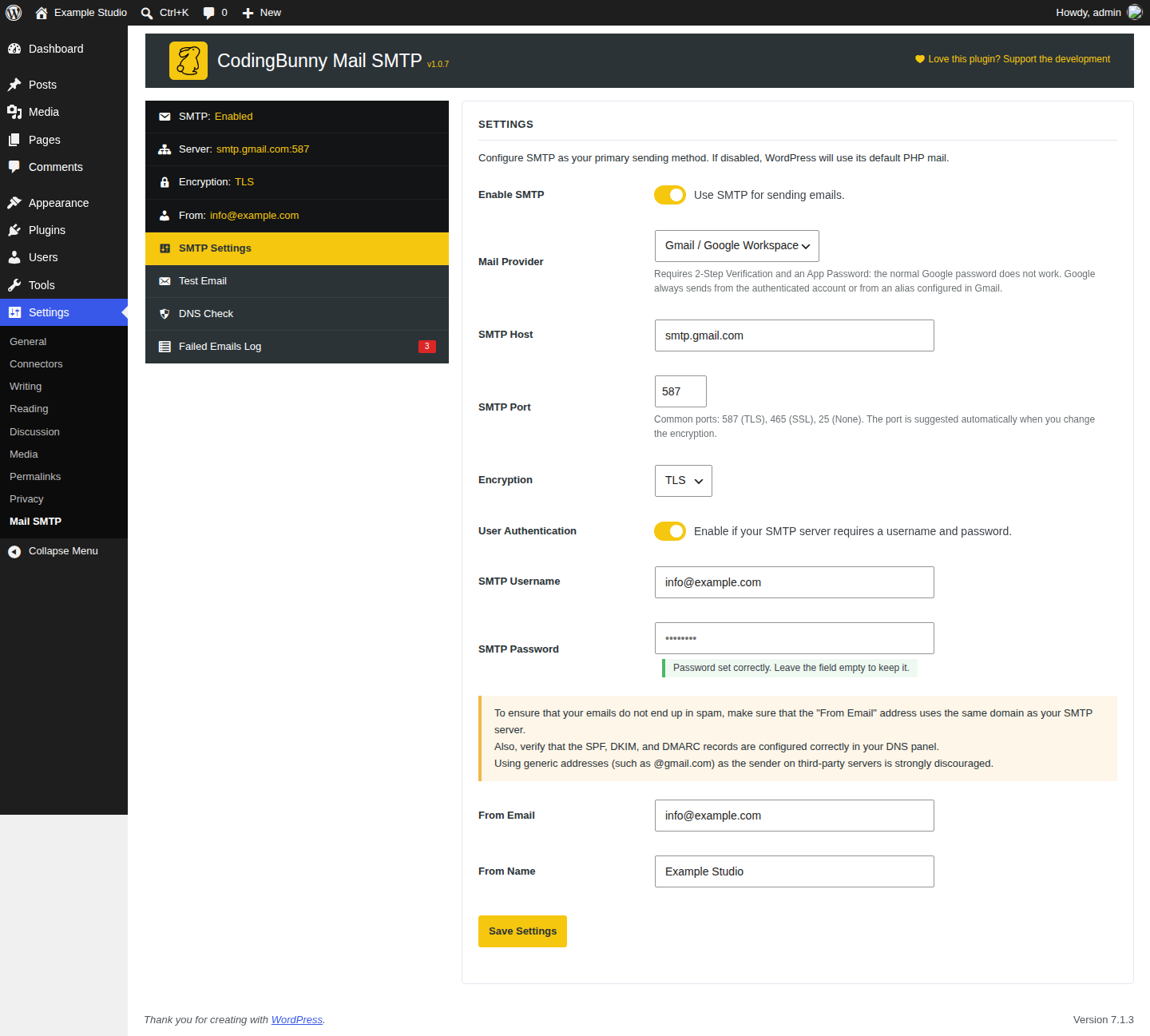
CodingBunny Mail SMTP allows you to easily configure an SMTP server to send all outgoing emails from your WordPress website.
By default, WordPress uses the wp_mail() function which relies on the server’s PHP mail configuration. This often leads to delivery issues or emails ending up in spam. This plugin solves that problem by routing emails through a reliable SMTP server.
Key Features
- Enable or disable SMTP with a single toggle
- Presets for the most common mail providers
- Supports SSL, TLS, or no encryption
- SMTP port suggested automatically based on the encryption type
- Optional SMTP authentication (username & password)
- Secure password storage using encryption
- Settings can be defined as constants in wp-config.php
- Custom “From Email” and “From Name”
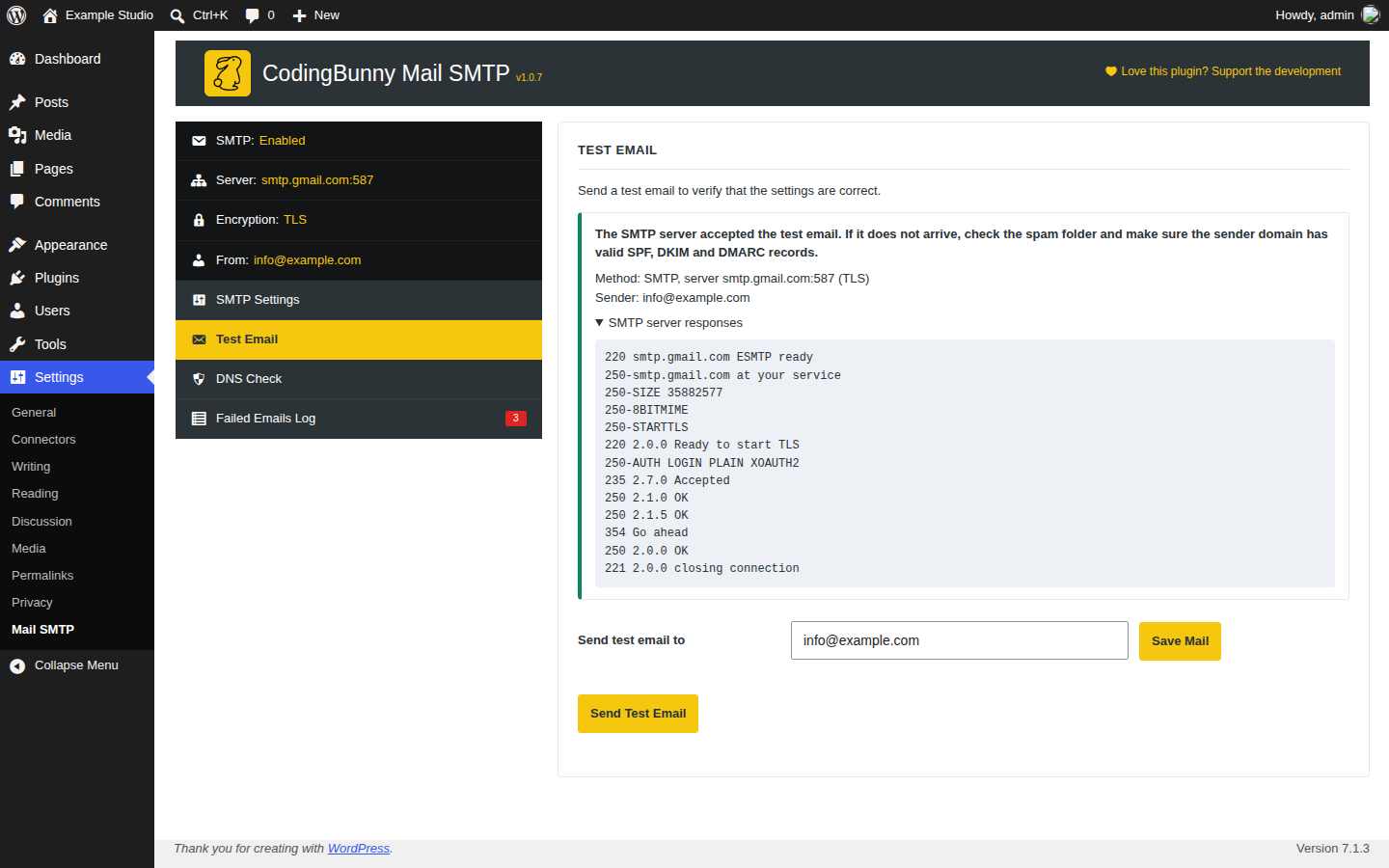
- Built-in test email tool
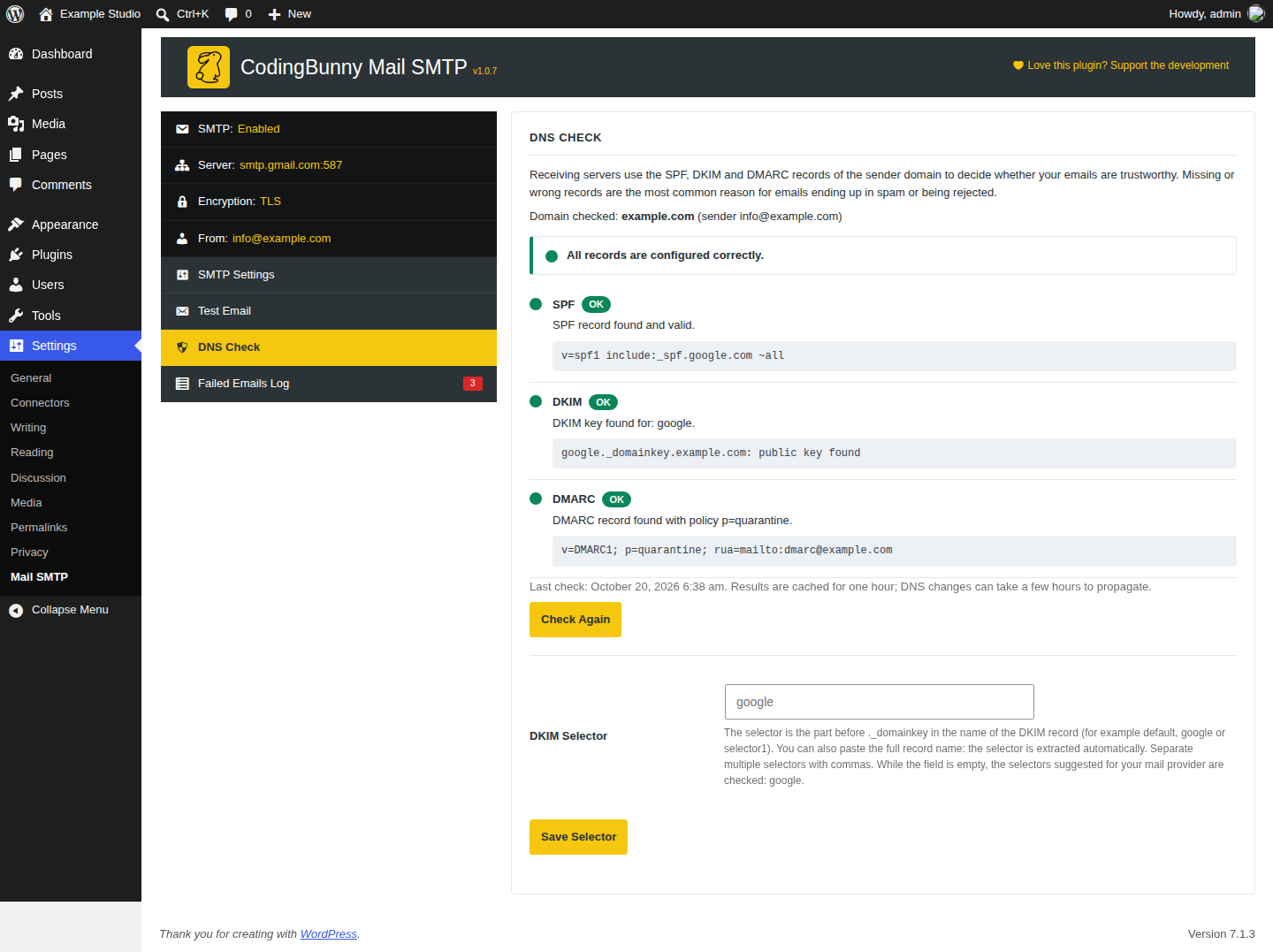
- SPF, DKIM and DMARC check of the sender domain
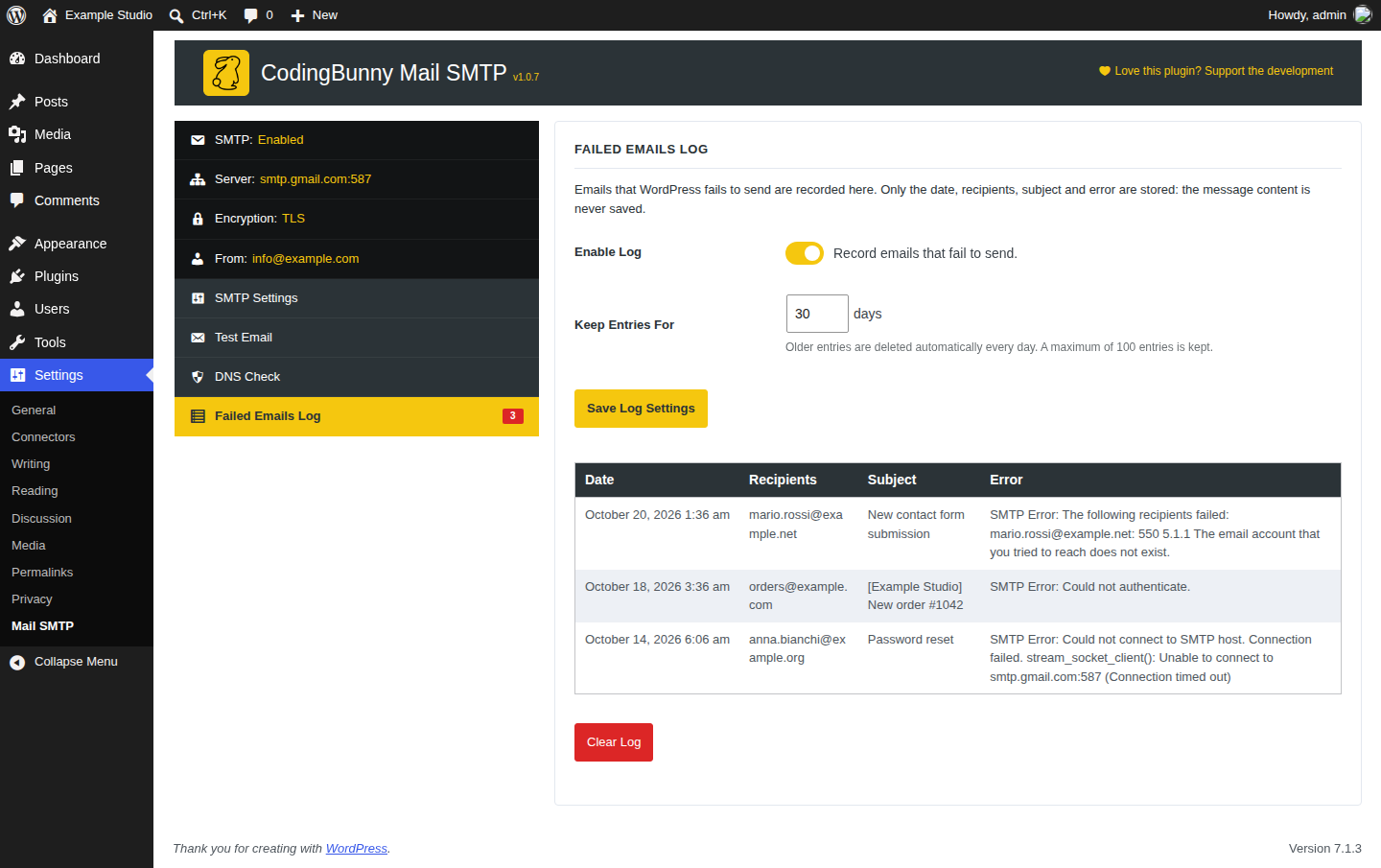
- Failed emails log with configurable retention
- Lightweight, no third-party dependencies
- Fully compatible with WordPress PHPMailer
- Clean and accessible admin interface
Security
The SMTP password is encrypted with authenticated AES-256-GCM before being stored in the database and is never displayed in plain text in the WordPress admin area. For maximum security, you can define it as a constant in wp-config.php so that it is never stored in the database at all.
Configuration
You can configure the following options:
- SMTP Host (e.g.
smtp.example.com) - SMTP Port (e.g.
587) - Encryption: None, TLS, or SSL
- Enable/Disable SMTP authentication
- SMTP Username & Password
- Sender Email Address
- Sender Name
After saving, use the Test Email section to verify your configuration.
Configuration via wp-config.php
Every setting can also be defined as a constant in wp-config.php. Constants take priority over the values saved in the admin area, and the related fields are shown as read-only.
define( 'CODINGBUNNY_MAIL_SMTP_ENABLED', true );define( 'CODINGBUNNY_MAIL_SMTP_HOST', 'smtp.example.com' );define( 'CODINGBUNNY_MAIL_SMTP_PORT', 587 );define( 'CODINGBUNNY_MAIL_SMTP_ENCRYPTION', 'tls' );(none,tlsorssl)define( 'CODINGBUNNY_MAIL_SMTP_AUTH', true );define( 'CODINGBUNNY_MAIL_SMTP_USERNAME', 'user@example.com' );define( 'CODINGBUNNY_MAIL_SMTP_PASSWORD', 'your-password' );define( 'CODINGBUNNY_MAIL_SMTP_FROM_EMAIL', 'noreply@example.com' );define( 'CODINGBUNNY_MAIL_SMTP_FROM_NAME', 'My Website' );
You can define only the constants you need: the remaining settings are read from the admin area.
Uninstall
When the plugin is uninstalled, all plugin options (including encrypted credentials and the failed emails log) are removed from the database.