
Codeavour Smart Backup & Restore
v2.0.1codeavour Team · 2026年7月13日 上架
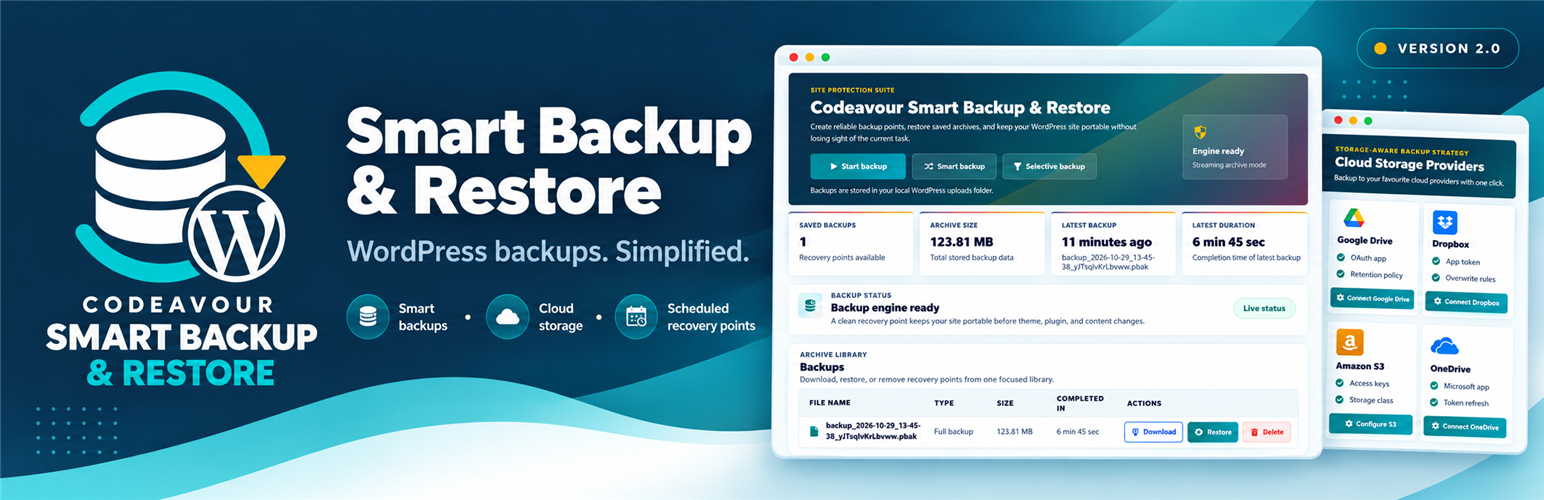
Fast, reliable WordPress backup, migration, and restore with smart incremental backups, selective profiles, scheduling, and cloud storage.
- 正在使用
- 10+
- 评分
- 暂无
- 累计下载
- 573
- 最近更新
- 2026年10月30日
贡献者
 codeavour Team
截图
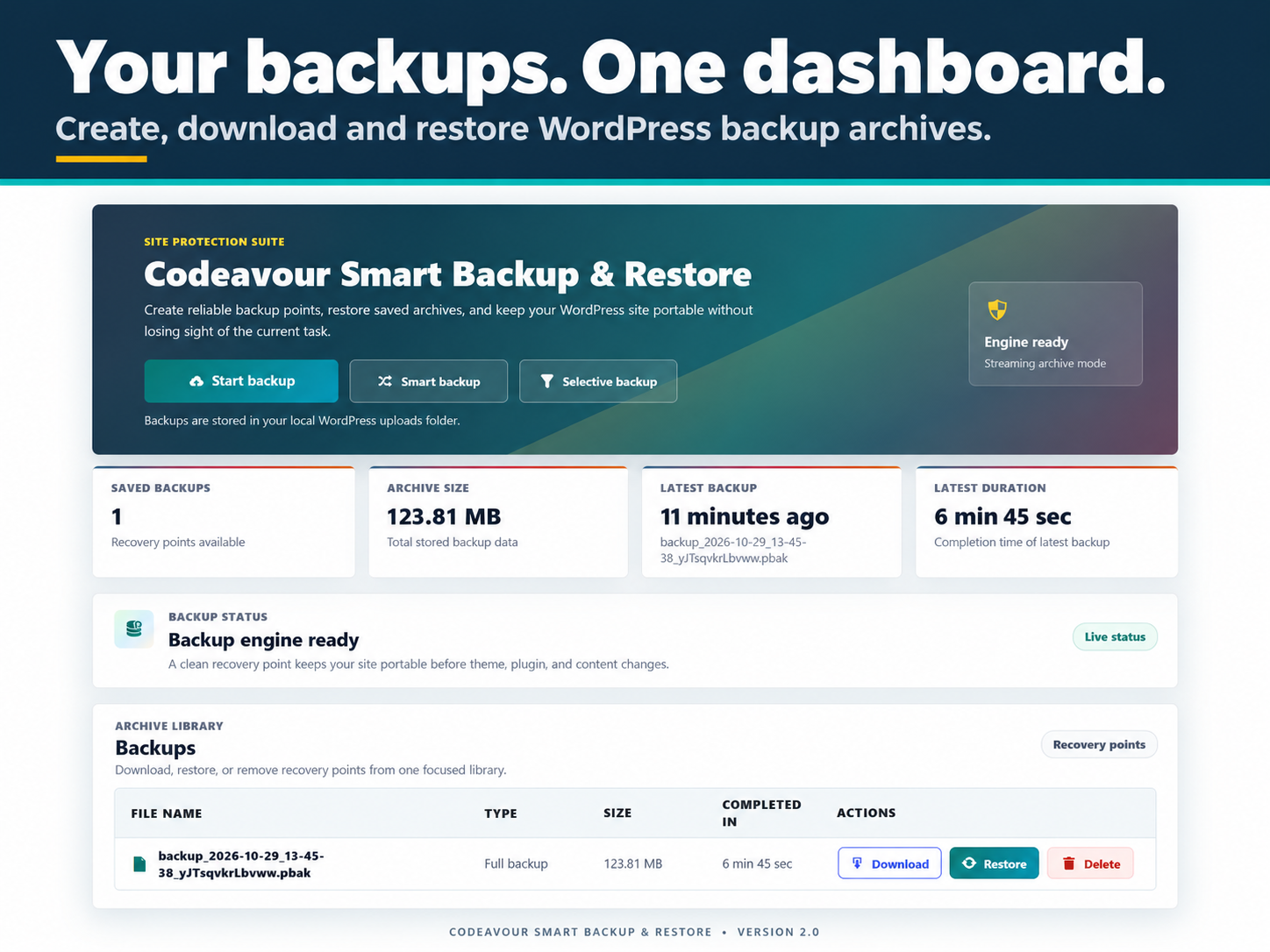

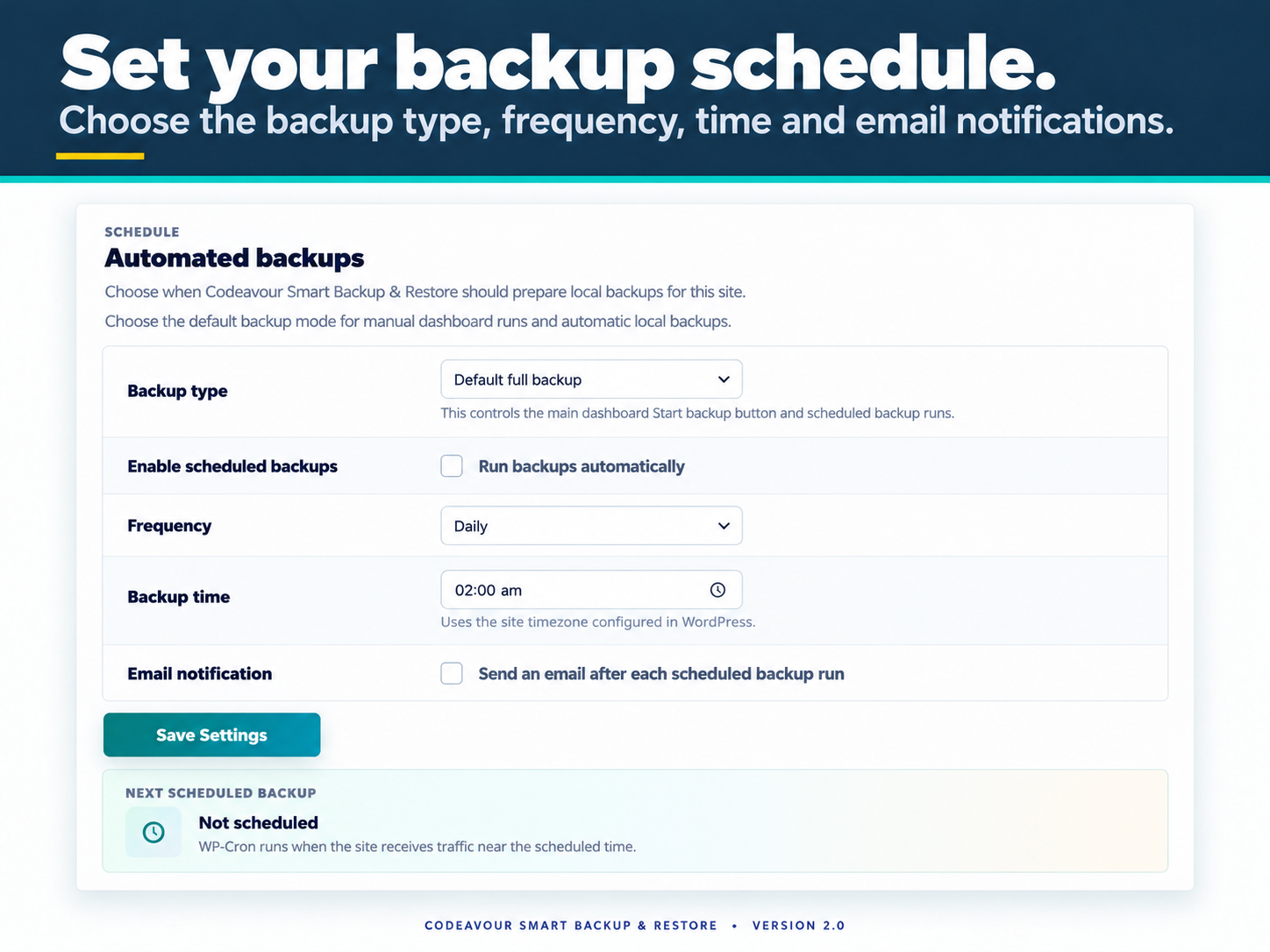
Codeavour Smart Backup & Restore provides a complete solution for WordPress site backup, migration, and restore. It is designed for performance and reliability, using streaming-based chunked processing to eliminate timeout errors and reduce memory pressure on servers of any size.
Key features include:
– One-click backup and restore
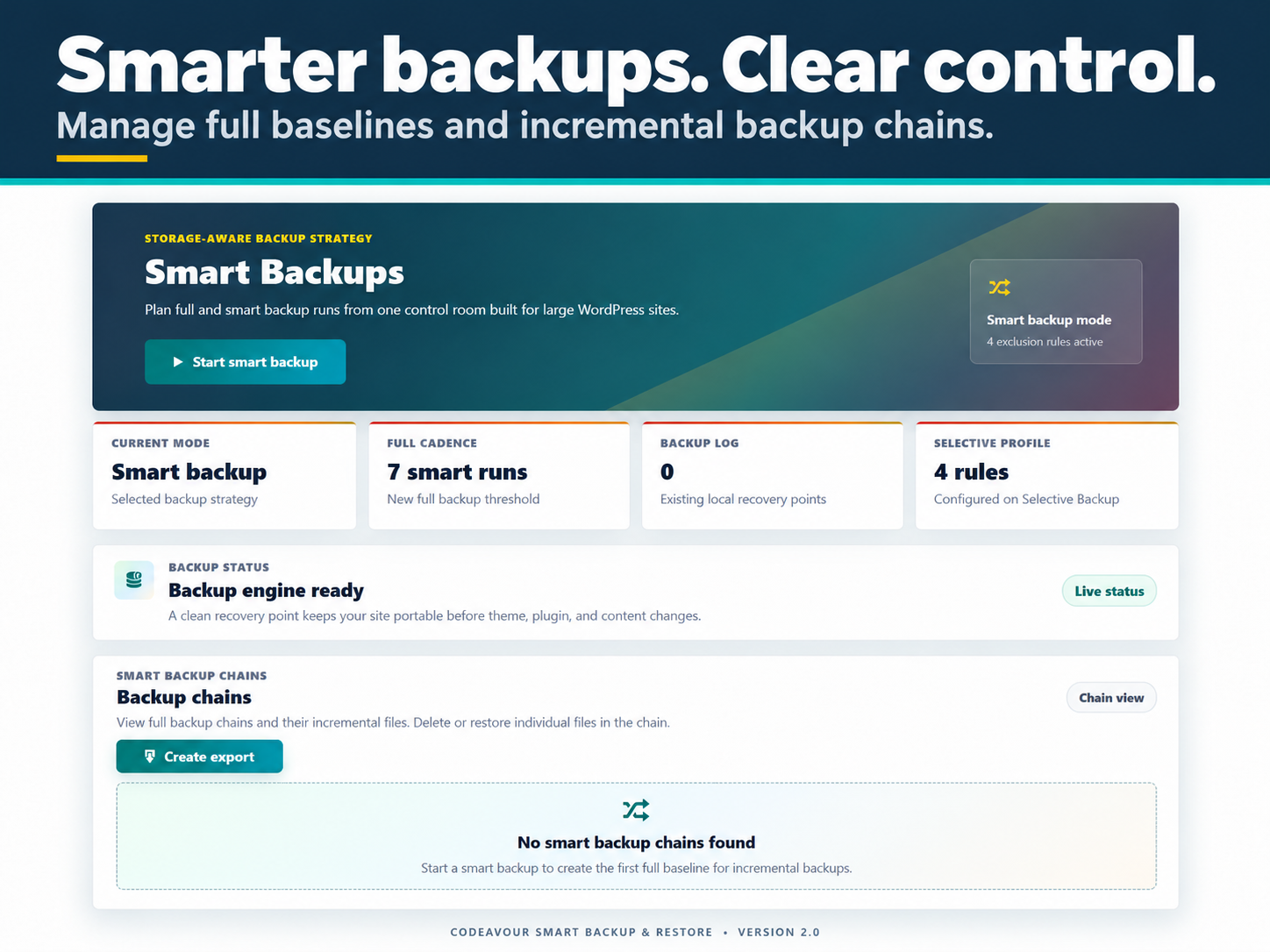
– Smart Backups (incremental chains that save storage space and time)
– Selective Backup profiles with granular component inclusion/exclusion
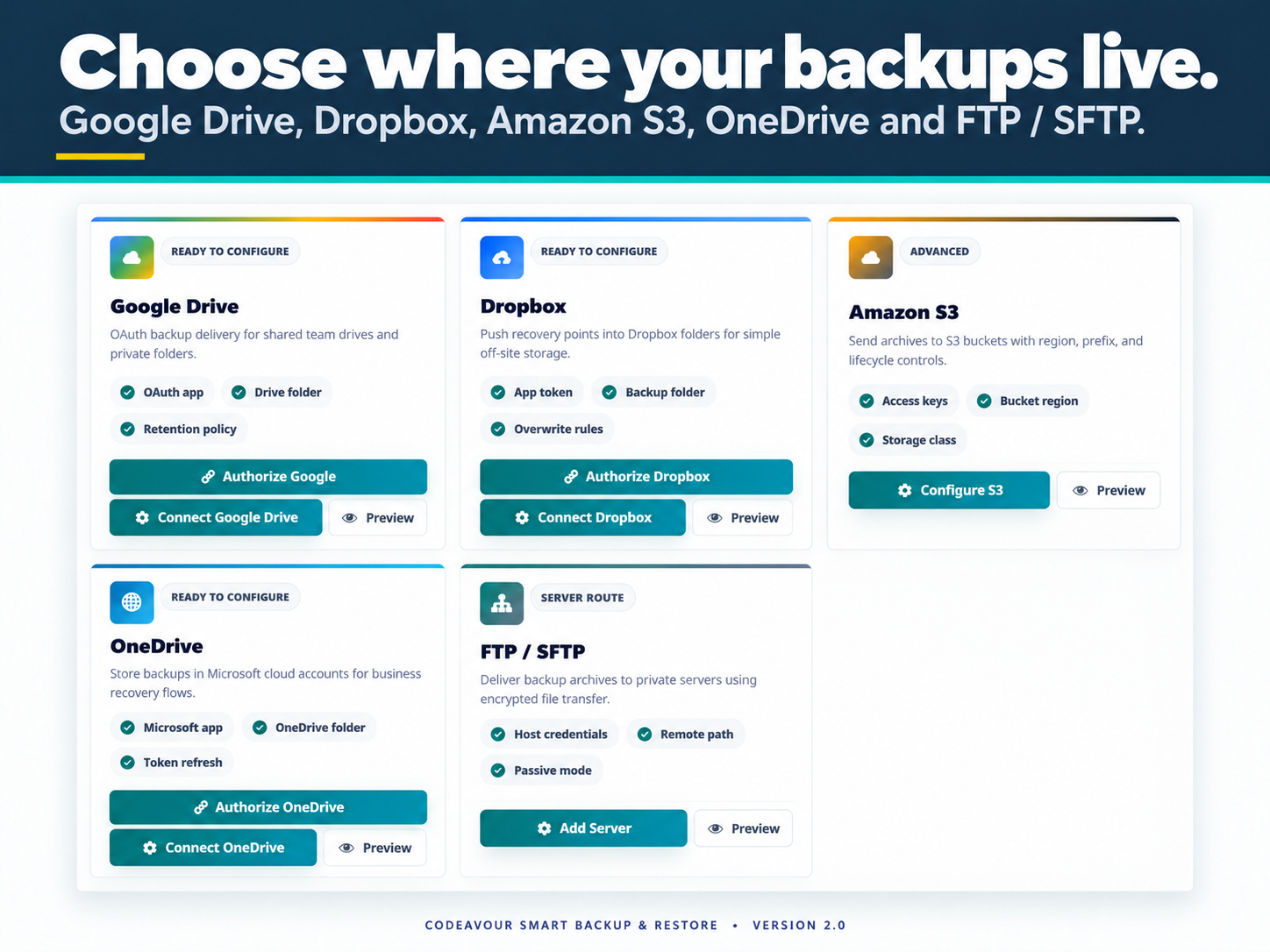
– Cloud Storage integrations (Google Drive, Dropbox, Microsoft OneDrive, Amazon S3, FTP/SFTP)
– Automated scheduling (Daily, Weekly, Monthly) via WP-Cron
– Email notifications for scheduled backup results
– Full site migration and import/export support
– Streaming-based processing to support larger backup and restore operations
– Resumable backup and restore process with auto-retry
– Safe Mode Shield that automatically isolates third-party plugins during import to prevent conflicts and white screen errors on network interruption
– Relational database foreign key constraint safety during import and cleanup
– Interactive Feature Guidelines (Onboarding Tour)
– Smart Review Notice System
– Lightweight and performance optimized
Smart Backups
Codeavour Smart Backup & Restore introduces Smart Backups using an incremental chain architecture. The first run creates a full baseline backup. Subsequent smart backups detect and package only the modified files and updated database tables. This drastically reduces backup file sizes, saves server bandwidth, and minimizes CPU utilization.
Selective Backup
With Selective Backup profiles, you can tailor your backups to specific needs. Choose to backup only the database, only themes, only plugins, or specific media folders. Exclusion patterns allow skipping cache directories, log files, or custom paths.
Cloud Storage
Secure your backups offsite by connecting your favorite remote storage providers:
– Google Drive
– Dropbox
– Microsoft OneDrive
– Amazon S3
– FTP / SFTP
Scheduled Backups
Built-in automated backups powered by WordPress WP-Cron. Site administrators can schedule Daily, Weekly, or Monthly backups from the Settings page and receive email notifications upon completion.
Review Notice
A gentle review notice appears on the plugin dashboard and WordPress admin dashboard after successful usage. You can:
– Click “Ok, you deserve it” to leave a 5-star review on WordPress.org
– Click “Nope, maybe later” to snooze the notice for 7 days
– Click “I already did” to permanently dismiss the notice