

Code Three 3D Interactive
v1.0Kauri Beguely · 2025年7月30日 上架
Easily build animated/interactive 3D scenes and embed using a shortcode. Take your site to the next dimension. Powered by Three.js
- 正在使用
- 10+
- 评分
- 暂无
- 累计下载
- 2,048
- 最近更新
- 2025年7月31日
需要 WordPress 6.2+已测试到 6.8.13PHP 7.4+
贡献者
 Kauri Beguely
截图
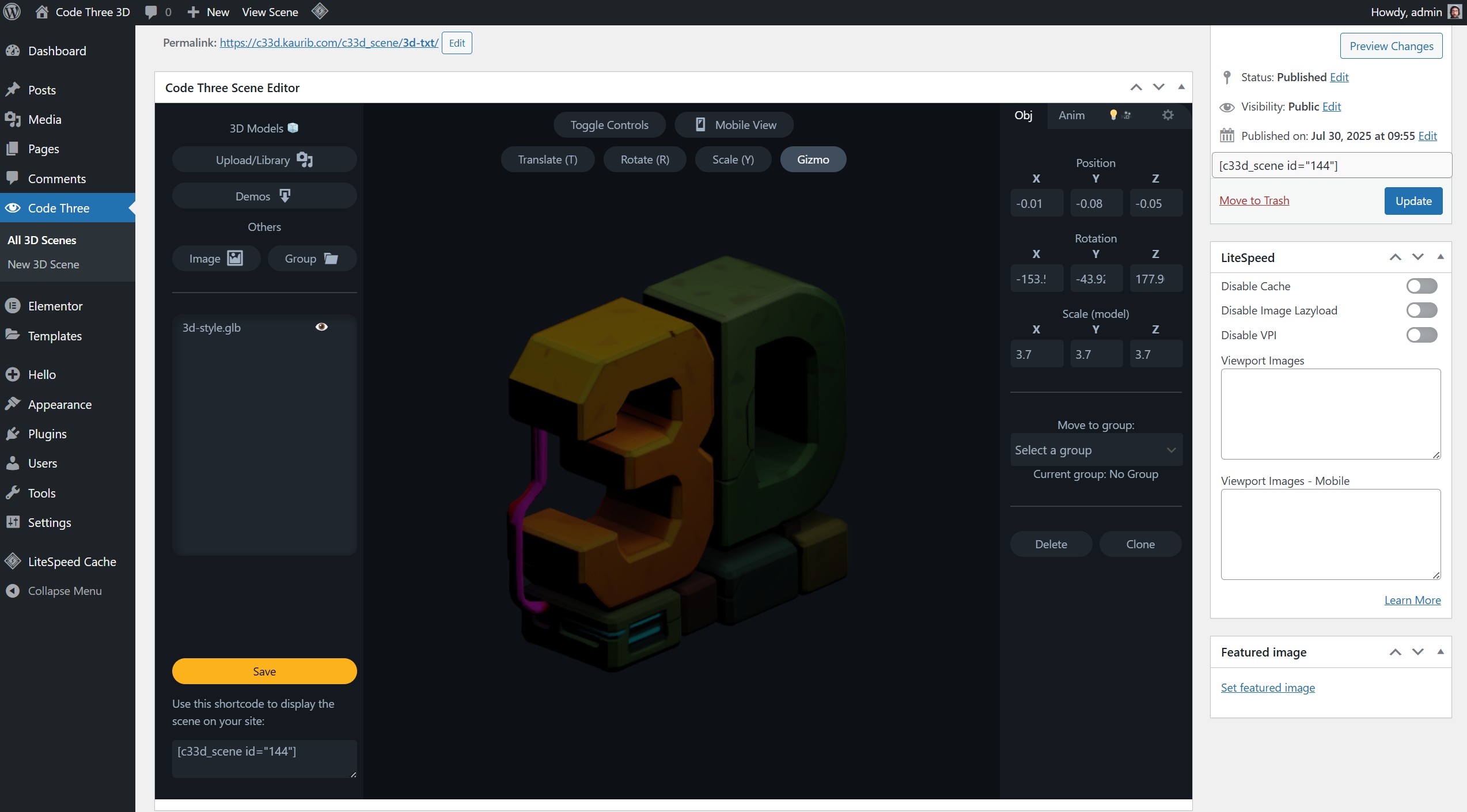
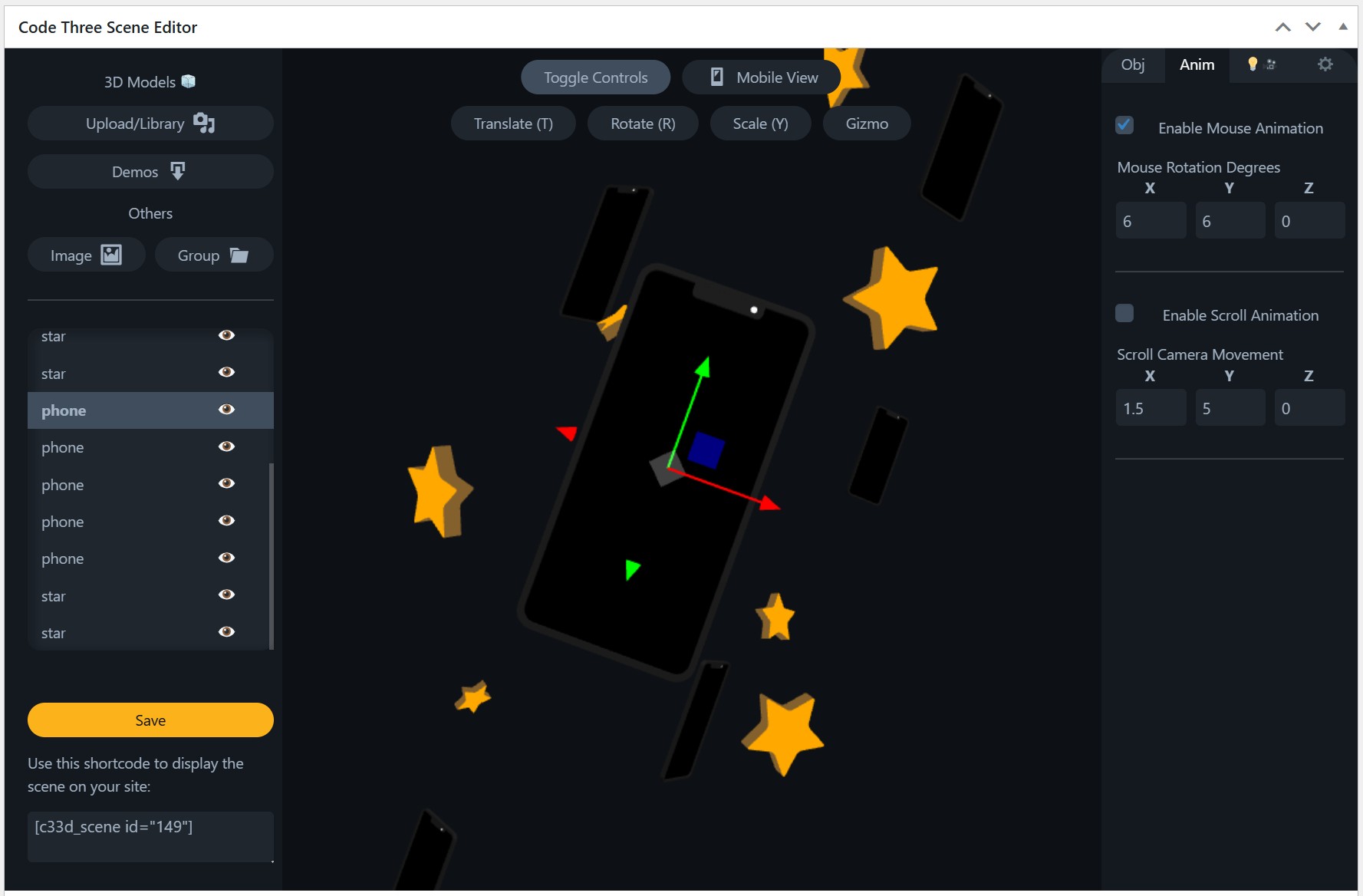


Code 3 lets you embed multi-object, interactive 3D scenes into your WordPress site using a simple shortcode.
Ideal for developers, designers, and digital creatives who want to create engaging 3D web experiences — without hardcoding them into templates.
Features
- Upload multiple GLB models to a scene and change their transforms (position, rotation, scale)
- Add images from media library as objects in the scene (fully transformable)
- Embed 3D scenes via shortcode
- Mousemove and scroll interaction
- Switch between Orthographic and Isometric camera
- Build a seperate composition for a defined breakpoint
How It Works
- After clicking Add New Scene, you can add models by uploading GLB to the media library
- You can change all objects position/rotation/scale in the scene editor
- You change global settings like light intensity and scroll/mouse interaction
- Place the shortcode anywhere you want it to display
Shortcode Examples
[codes_scene id="39"]
By default the width will be 100% of the container the shortcode is placed and the height will be 500px
[codes_scene id="39" width="500px" height="30vh"]
Set custom height and width of the shortcode, accepts all CSS measurements.