

Code Block Copy Button
v1.5.5tcstix · 2025年5月30日 上架
Add a customizable copy button to code blocks for fast, one-click copying.
- 正在使用
- 100+
- 评分
- 暂无
- 累计下载
- 1,718
- 最近更新
- 2026年7月8日
贡献者
 tcstix
截图

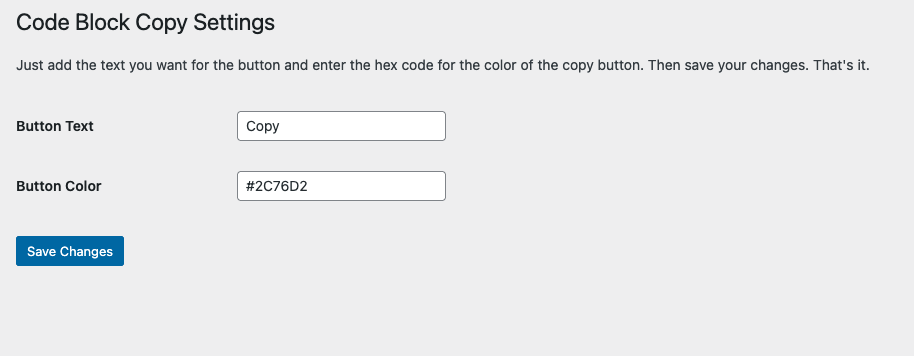
Make it easy for your readers and users to copy code snippets directly from your website. The Code Block Copy Button plugin adds a handy copy button to all code blocks, helping developers, tech writers, and educators improve user experience.
Features:
– Automatically adds a Copy button to all <pre> code blocks, including Gutenberg Code and Preformatted blocks.
– Customize the button text (e.g., “Copy”, “Copy Code”).
– Change the button color to match your site’s theme.
– Clean, modern SVG icon included in the button.
– Simple settings panel under Settings > Code Block Copy.
– Works with both Classic and Gutenberg editors.
– Includes an optional promotional banner in the admin panel.
License
This plugin is licensed under the GPL2 license. See https://www.gnu.org/licenses/gpl-2.0.html for details.