
Coaderhub Reusable Blocks
v1.0.0coaderhub · 2026年9月28日 上架
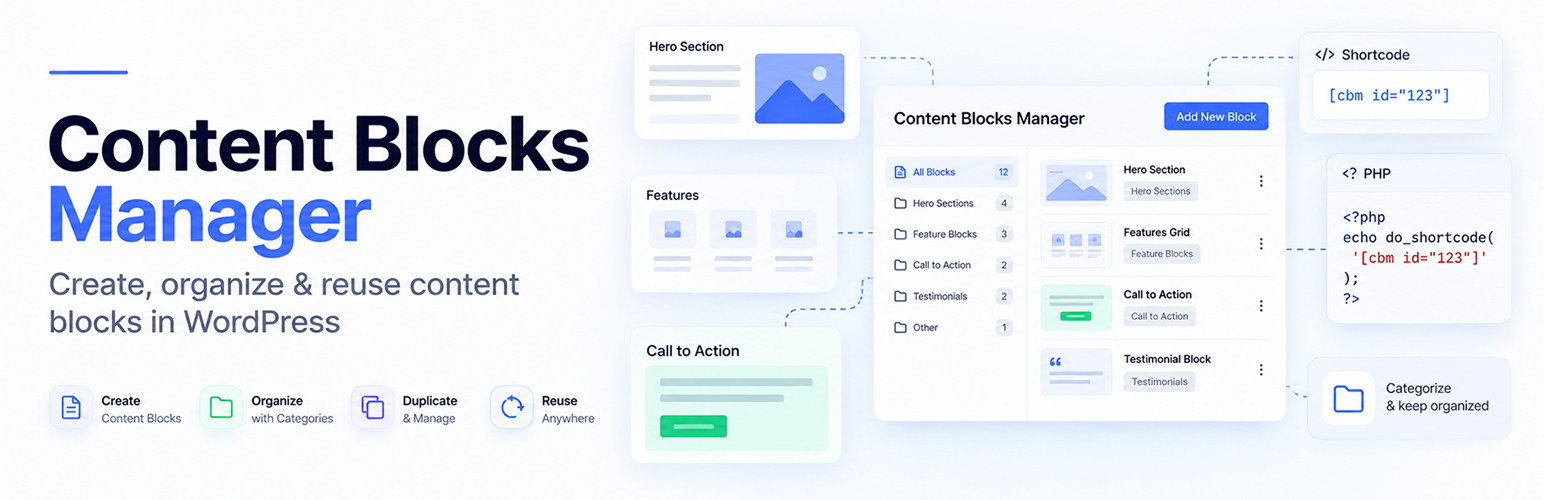
Create and manage reusable content blocks in WordPress and display them using shortcodes or PHP.
- 正在使用
- 10 以下
- 评分
- 暂无
- 累计下载
- 204
- 最近更新
- 2026年9月28日
贡献者
 coaderhub
截图


Coaderhub Reusable Blocks provides a simple way to create and manage reusable content that can be displayed in different areas of a WordPress website.
Create a reusable content block from the WordPress admin and display it using a shortcode or the provided PHP function.
The plugin uses standard WordPress functionality and keeps frontend output simple so your active theme remains in control of the design.
Content block content is processed using WordPress content sanitization before it is stored and displayed.
Arbitrary JavaScript, CSS, or PHP entered into a content block is not executed by the plugin.
Supported iframe content is restricted to approved HTTPS embed providers.
Features
- Create and manage reusable content blocks
- Use content blocks with shortcodes
- Display content blocks with PHP
- Use block IDs or slugs with shortcodes
- Categories for organizing content
- WordPress revisions
- Featured images
- Preview content
- Duplicate content
- Custom CSS classes
- Simple admin list with shortcode and ID
- WordPress permissions and nonce protection
- REST API support
- Sanitized content output
- Restricted HTTPS iframe embeds
Usage
Create a reusable content block from:
Coaderhub Reusable Blocks > Add New Reusable Block
After publishing, you can use the shortcode:
[coaderhub id=”123″]
Replace 123 with the ID of your reusable content block.
You can also use the block slug:
[coaderhub id=”homepage-cta”]
Additional shortcode attributes are available:
[coaderhub id=”123″ plain=”1″]
You can also specify a wrapper element:
[coaderhub id=”123″ wrapper=”section”]
Custom CSS classes can be added:
[coaderhub id=”123″ class=”homepage-cta”]
PHP Usage
Developers can display a reusable content block from their theme or plugin code using the provided PHP function:
echo coaderhub_show_content_block( 123 );
You can also use a slug:
echo coaderhub_show_content_block( ‘homepage-cta’ );
Optional attributes are supported:
echo coaderhub_show_content_block(
123,
array(
‘plain’ => ‘1’,
‘wrapper’ => ‘section’,
‘class’ => ‘homepage-cta’,
)
);
The PHP function is intended to be called from theme or plugin code.
PHP code entered into a content block is not executed by the plugin.
Privacy
Coaderhub Reusable Blocks does not send content or personal data to external services.
Content is stored using the standard WordPress database.
The plugin does not require an external account or third-party service.