

CNS Login Master
v1.0.2Chakramani Joshi · 2024年4月11日 上架
Allow users to customize the admin login form. You can also remove unwanted things from the form. Customize your login design.
- 正在使用
- 10 以下
- 评分
- 暂无
- 累计下载
- 1,118
- 最近更新
- 2026年6月27日
 Chakramani Joshi
 Niresh Shrestha
 Dark Coder
截图
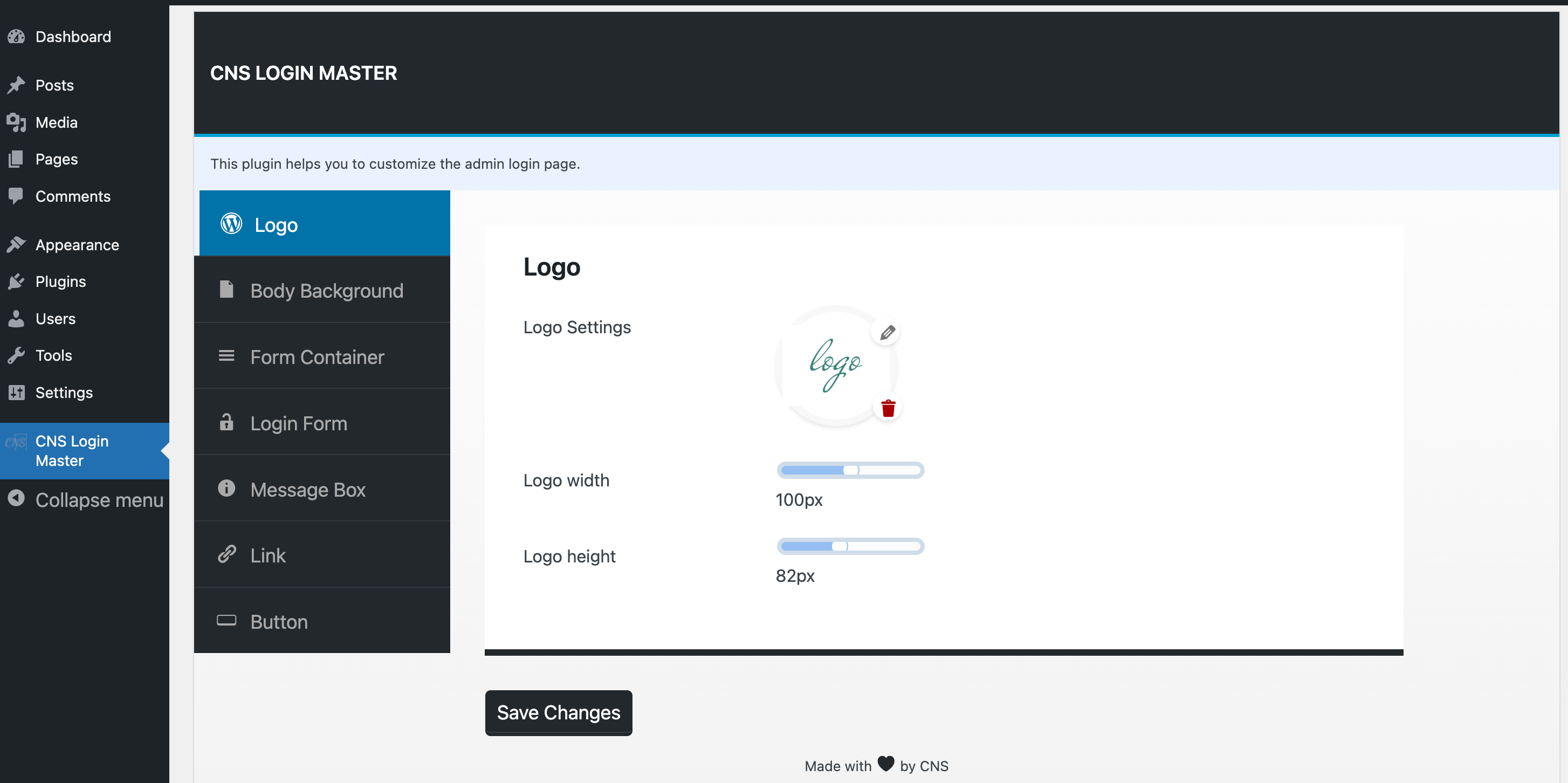

Customizing the admin login form allows users to tailor their WordPress experience. With the ability to remove unnecessary elements and add personalized touches, such as branding or custom fields, users can create a login page that reflects their unique style and enhances user engagement.
Key Features:
1. Customizable Fields: Allow users to design fields like username, password.
2. Branding Options: Enable users to customize the login form\’s colors, logo, background image, and text to reflect their brand identity.
3. Layout Options: Provide flexibility in choosing between different layouts such as single-column or multi-column, with options for field alignment.
4. Responsive Design: Ensure that the login form is responsive and adapts to different screen sizes and devices.
5. Custom CSS: Allow advanced users to further customize the login form\’s appearance using custom CSS.
This offers a range of customizable features that can greatly enhance your WordPress admin login experience. Whether you want to align the login form with your brand\’s identity, or simply streamline the login process, this plugin provides a user-friendly and flexible solution.
Support
If you need help with this plugin, please contact chakramanijoshi@gmail.com