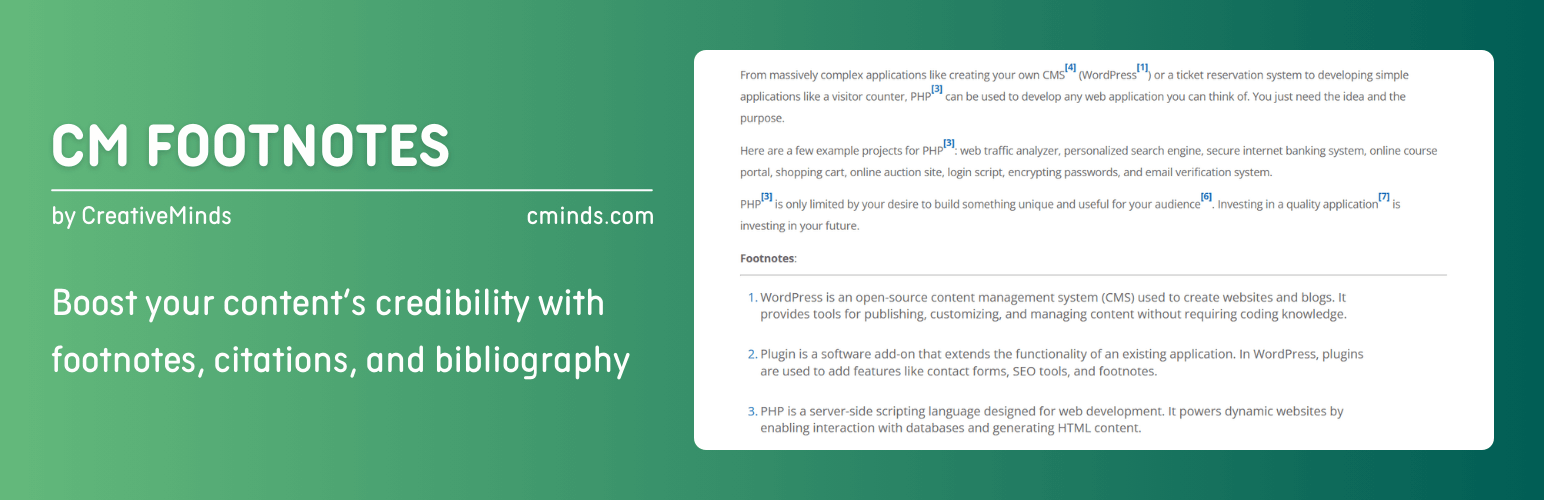

CM Footnotes – Boost your content’s credibility with footnotes, citations, and bibliography
v2.2.4CreativeMindsSolutions · 2015年6月3日 上架
Add and manage footnotes, citations, and bibliography with this footnotes Plugin. Improve clarity and provide references.
- 正在使用
- 100+
- 评分
- 4.2 / 5
- 累计下载
- 1.8 万
- 最近更新
- 2026年10月13日
 CreativeMindsSolutions
截图


Product Page | Videos | Demo | User Guide
Make the process of adding footnotes to your WordPress pages and posts effortless with the WordPress Footnotes Plugin.
This plugin allows you to seamlessly add footnotes to any page or post on your site, providing additional context and information to your readers without cluttering the main content.
With its easy-to-use interface, you can add footnotes with just a few clicks, streamlining your content creation process.
By adding footnotes to your WordPress site, you can provide additional resources, citations, or explanations for your readers, which can improve their understanding and engagement with your content.
Additionally, the plugin is fully compatible with mobile devices, ensuring that your content is accessible to all users.
Footnotes Premium Edition
The Footnotes Plugin Premium edition includes even more powerful features, such as: import footnotes from a CSV file, choose footnotes style, multiple shortcodes support and much more.
Footnotes Plugin Introduction Video
Basic Footnotes Plugin Features
- Add a footnote to every page or post, or custom post types.
- Customize the basic footnote style and design.
- Footnotes can be placed anywhere in the post or page using a shortcode.
- Specify unique footnote link symbols for each definition.
- Supports autoscrolling from the footnote link to the definition at the bottom of the page.
- Includes a user-friendly Setup Wizard for quick and easy plugin configuration.
Pro Version Features
Pro Version Detailed Features List | Demo Site
- Supports backlinks to footnotes from definitions at the bottom of the page.
- Extended styling settings for footnote links, footnote list at the bottom of the page and for tooltips.
- Add dashicons to every footnote. These are displayed next to the definition at the bottom of the page, making your articles much more attractive.
- Add external links to each footnote definition.
- Display definitions in posts and pages as nice-looking tooltips.
- Import footnotes from a CSV file.
Follow Us
Blog | Twitter | LinkedIn | YouTube | Pinterest | Facebook
Suggested Plugins by CreativeMinds
List of all WordPress Plugins by CreativeMinds
- CM Tooltip Glossary – Easily creates a Glossary, Encyclopaedia or Dictionary of your website’s terms and shows them as a tooltip in posts and pages when hovering. With many more powerful features.
- CM Download Manager – Allows users to upload, manage, track and support documents or files in a download directory listing database for others to contribute, use and comment upon.
- CM Answers Plugin – A fully-featured WordPress Questions & Answers Plugin that allows you to build multiple discussion forum systems Just like StackOverflow, Yahoo Answers and Quora, Now with MicroPayments and Anonymous posting support.
- CM OnBoarding – Superb Guidance tool which improves the online experience and the user satisfaction.