
Classic Editor
v1.7.0WordPress.org · 2017年10月24日 上架
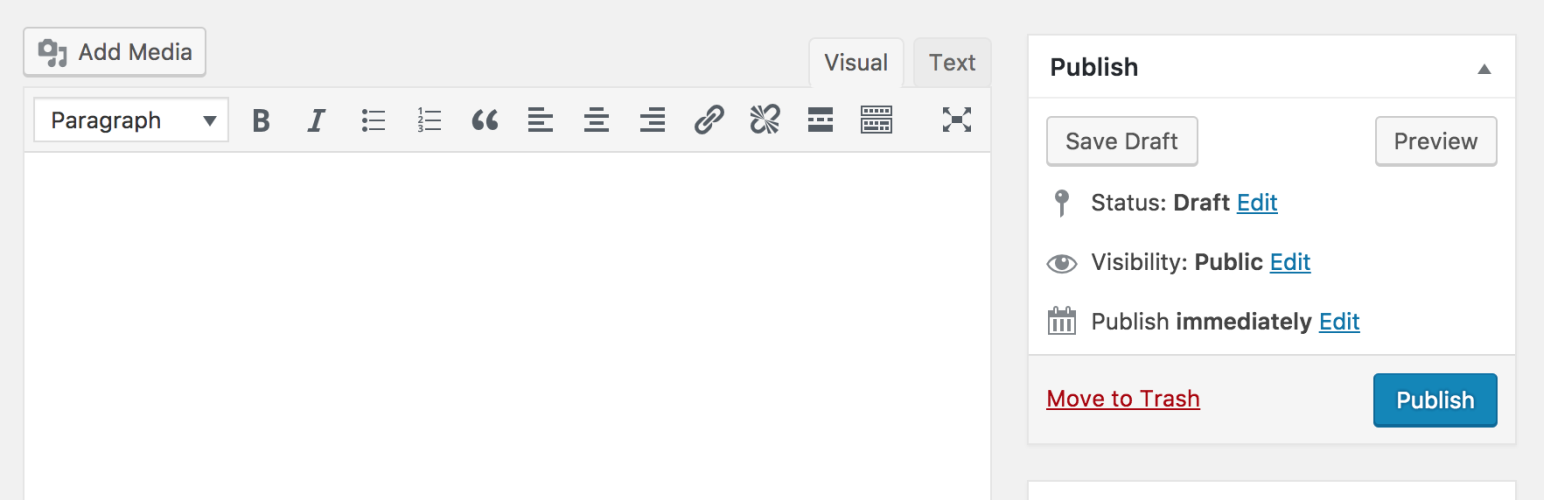
Enables the previous "classic" editor and the old-style Edit Post screen with TinyMCE, Meta Boxes, etc. Supports all plugins that extend this screen.
- 正在使用
- 800 万+
- 评分
- 4.9 / 5
- 累计下载
- 9.5 千万
- 最近更新
- 2026年5月28日
贡献者
 WordPress.org
 Andrew Ozz
 Mel Choyce-Dwan
 Josepha
 Alexis Lloyd
 Gary Pendergast
 Riad Benguella
 Jonathan Desrosiers
截图
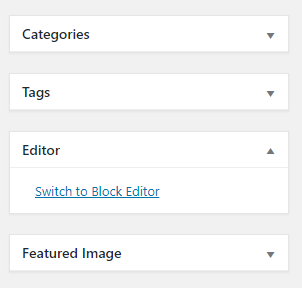
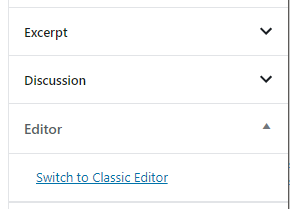

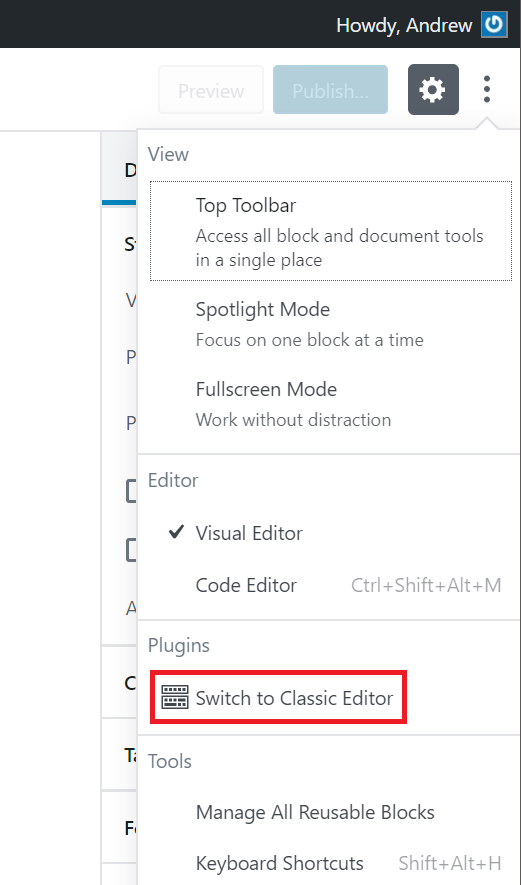
Classic Editor is an official plugin maintained by the WordPress team that restores the previous (“classic”) WordPress editor and the “Edit Post” screen. It makes it possible to use plugins that extend that screen, add old-style meta boxes, or otherwise depend on the previous editor.
Classic Editor is an official WordPress plugin, and will be fully supported and maintained until 2024, or as long as is necessary.
At a glance, this plugin adds the following:
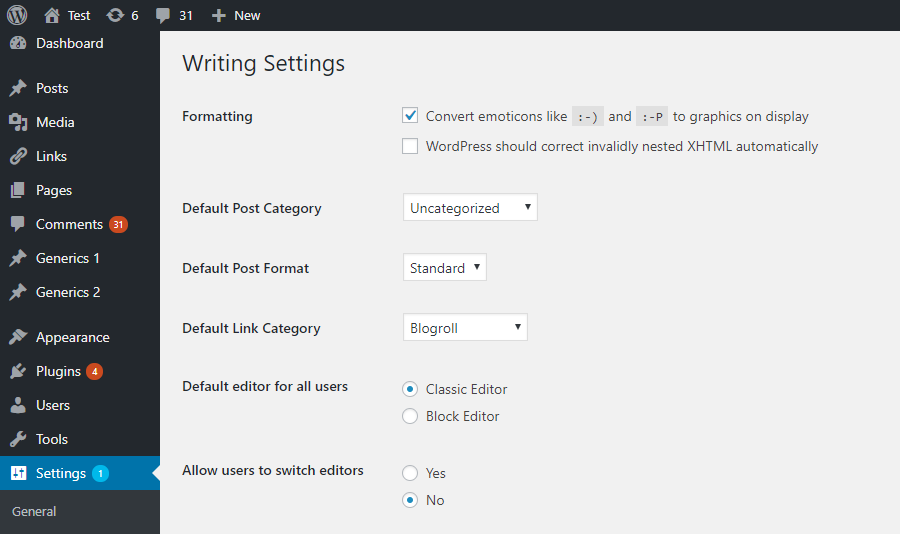
- Administrators can select the default editor for all users.
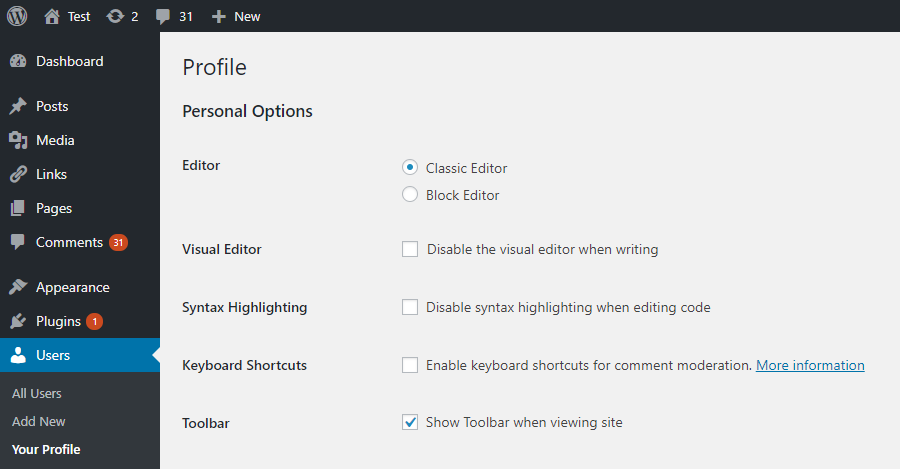
- Administrators can allow users to change their default editor.
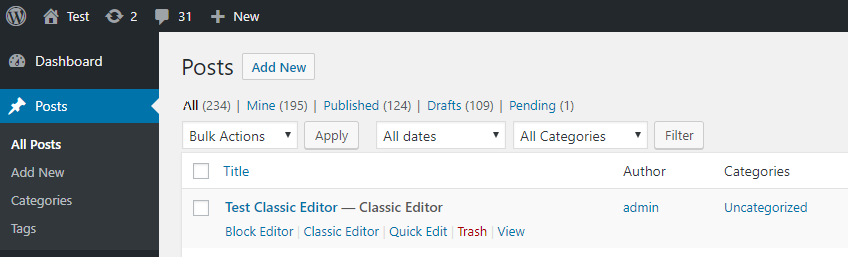
- When allowed, the users can choose which editor to use for each post.
- Each post opens in the last editor used regardless of who edited it last. This is important for maintaining a consistent experience when editing content.
In addition, the Classic Editor plugin includes several filters that let other plugins control the settings, and the editor choice per post and per post type.
By default, this plugin hides all functionality available in the new block editor (“Gutenberg”).