
Citation Note
v1.1.1Santosh Thapa Magar · 2025年6月24日 上架
Easily add, manage, and display citations, references, and footnotes in posts, pages, or custom post types using a user-friendly editor interface.
- 正在使用
- 10 以下
- 评分
- 暂无
- 累计下载
- 745
- 最近更新
- 2026年1月2日
 Santosh Thapa Magar
 YoungInnovations
截图
Citation Note plugin easily add, manage, and display citations, references, and footnotes in posts, pages, or custom post types using a user-friendly editor interface.
This is developed to help content creators manage and display content citations or references directly from the post/page editor.
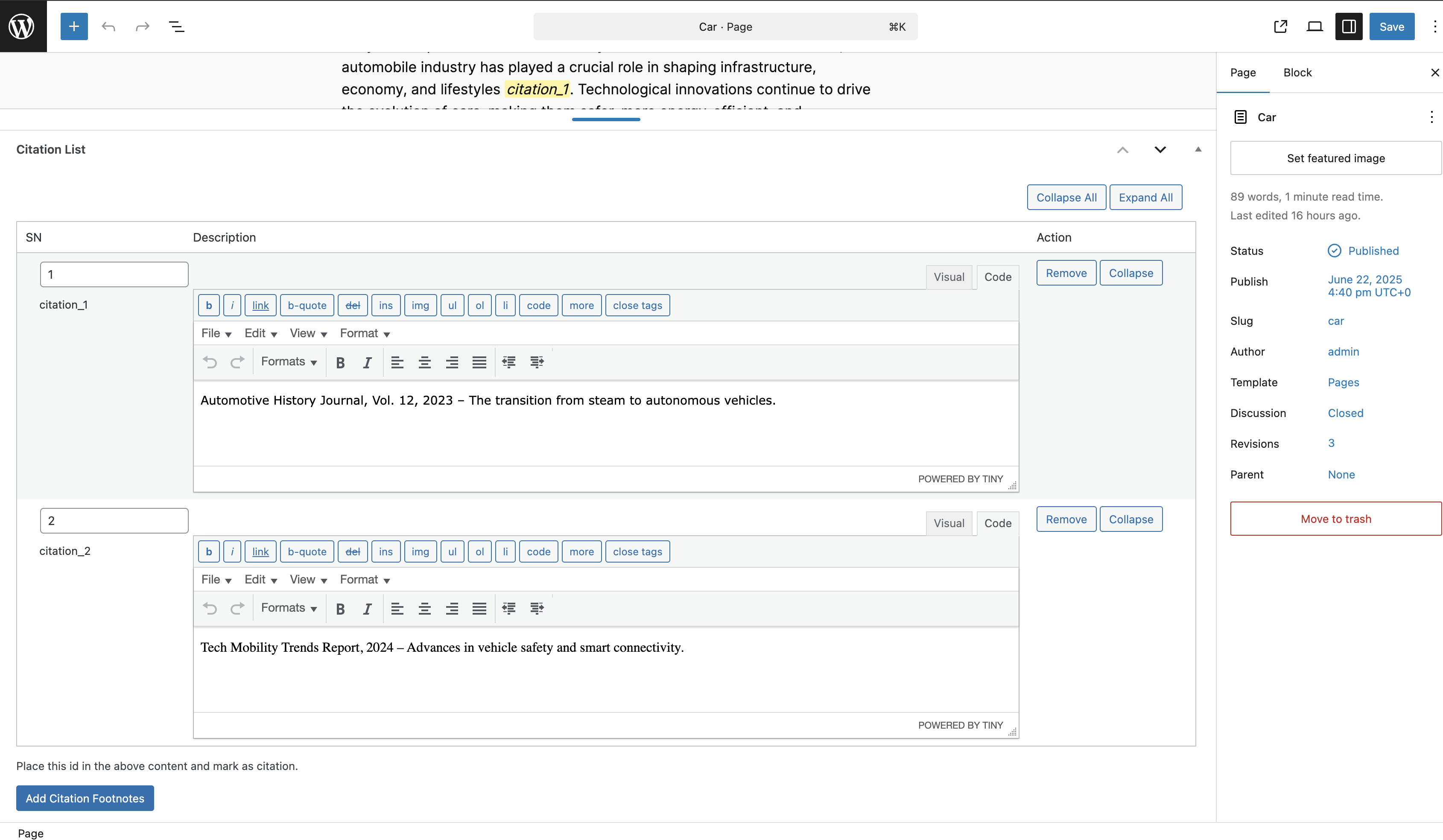
This plugin adds a custom meta box with dynamic citation fields that allow users to:
– Add multiple citation entries.
– Remove or reorder citations.
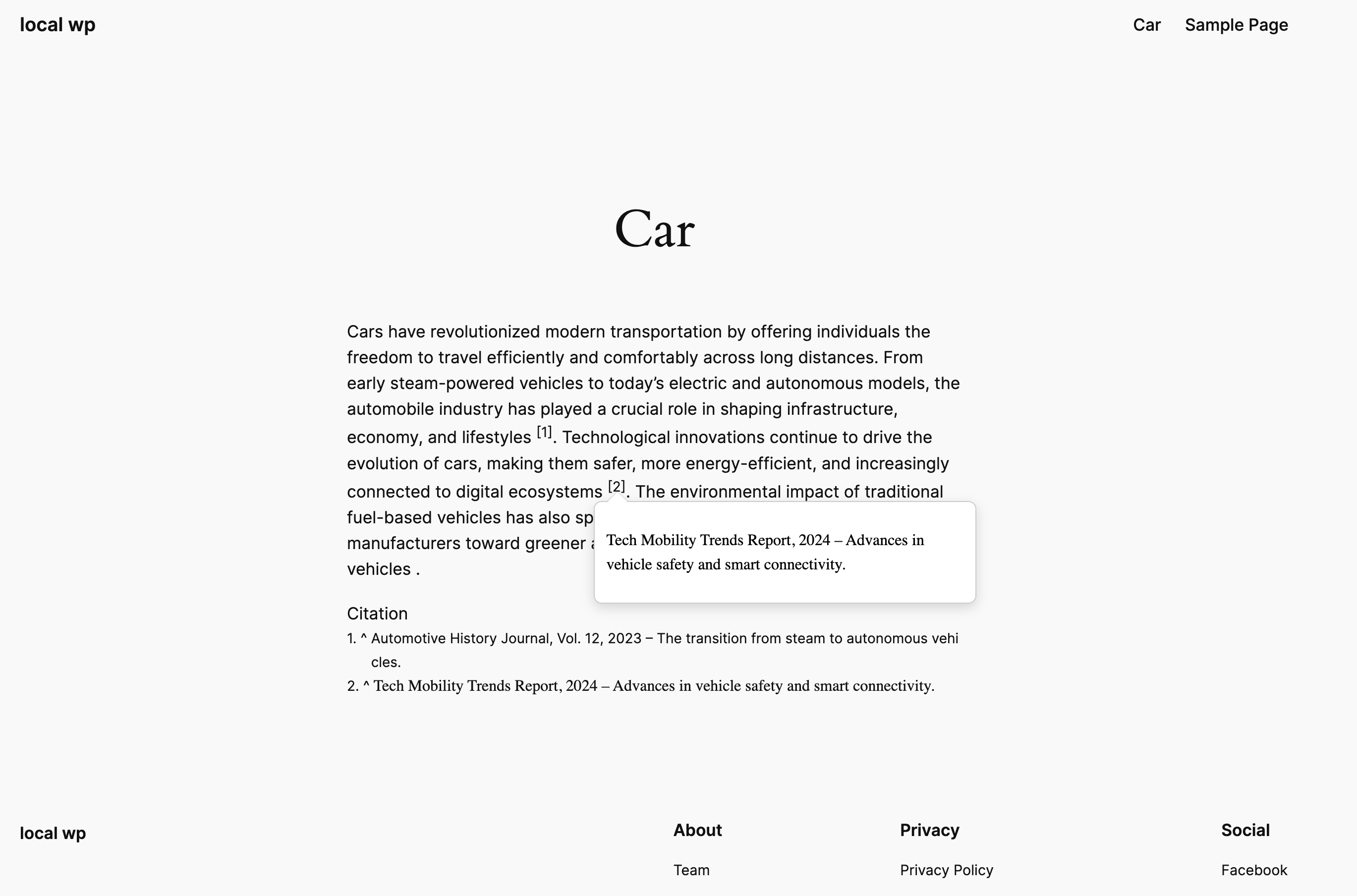
– Output citations in the frontend or within blocks.
Ideal for blogs, research publications, or any content that benefits from structured citation management.
How to use
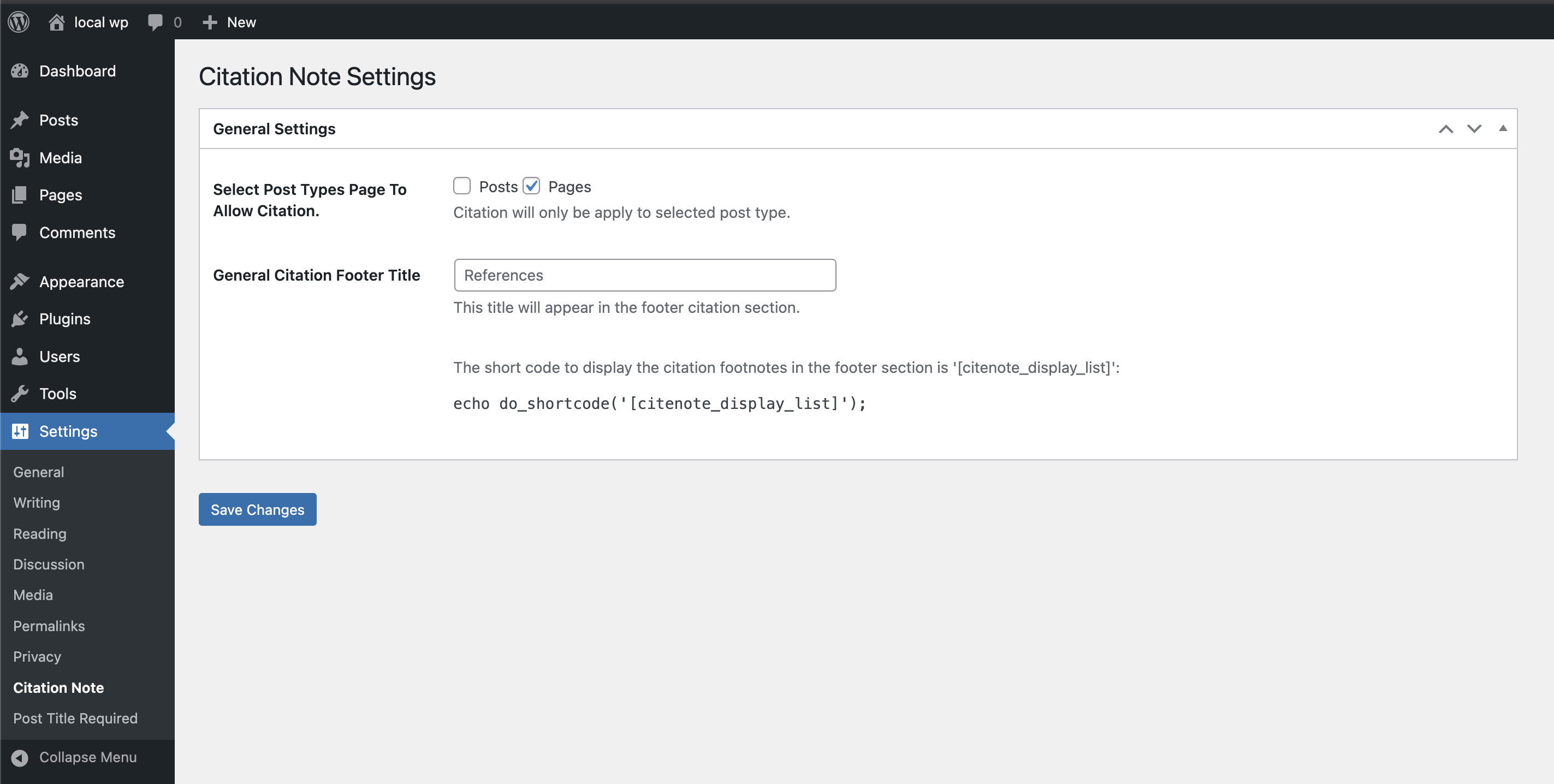
- After activate the plugin and select the post type to apply citations.
- Go to the edit screen of any selected post type.
- Scroll down to the Citation List meta box.
- Click Add Citation to insert new fields.
- Fill in your citation data (citation number and description).
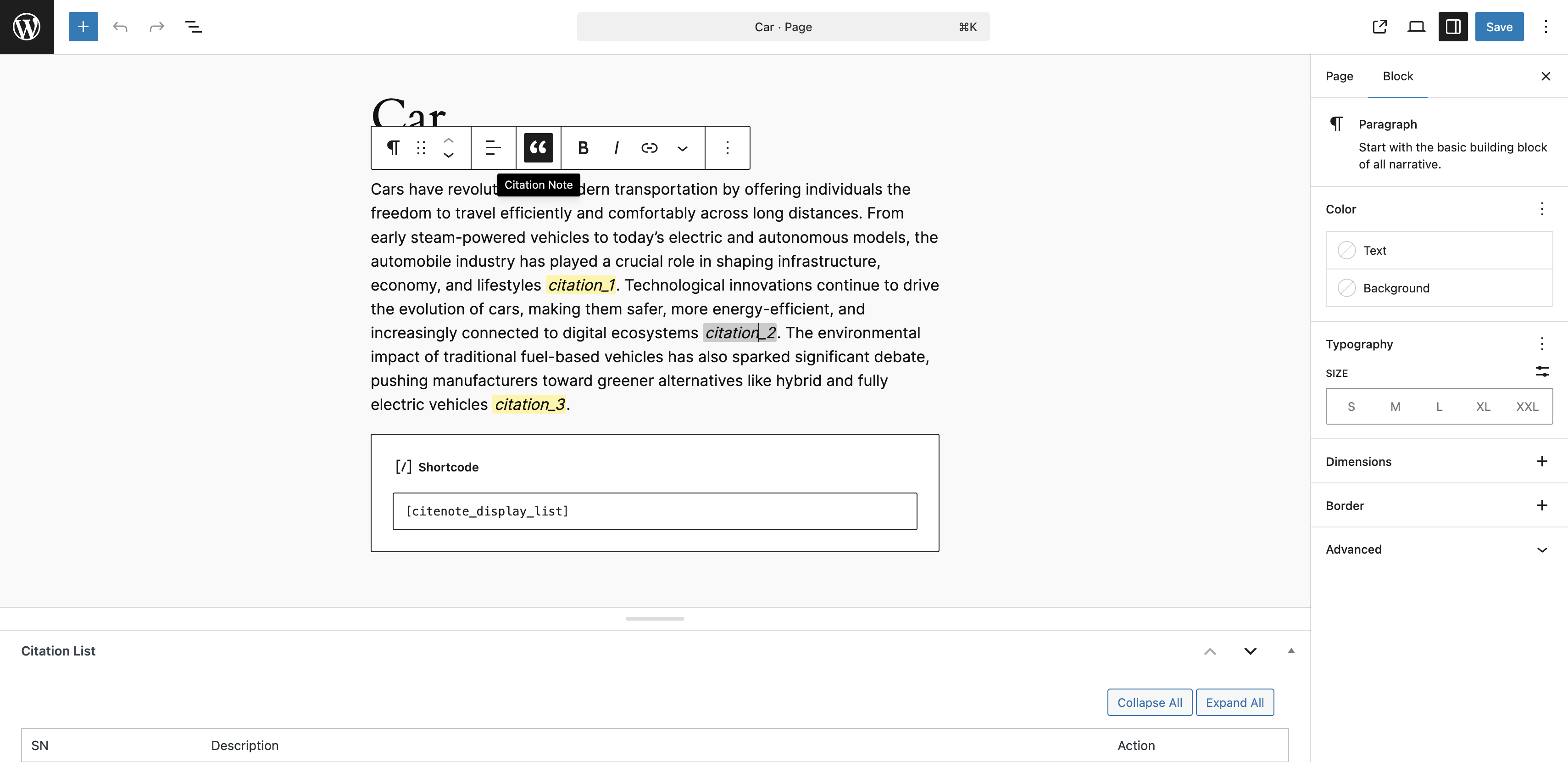
- In the content editor, insert the placeholder (e.g.,
citation_1) where the citation reference should appear. - Save or update the post.
- Use the shortcode
[citenote_display_list]or template functiondo_shortcode('[citenote_display_list]')to render the citation list on the frontend.
License
This plugin is licensed under the GPLv2 or later. For more information, see https://www.gnu.org/licenses/gpl-2.0.html.