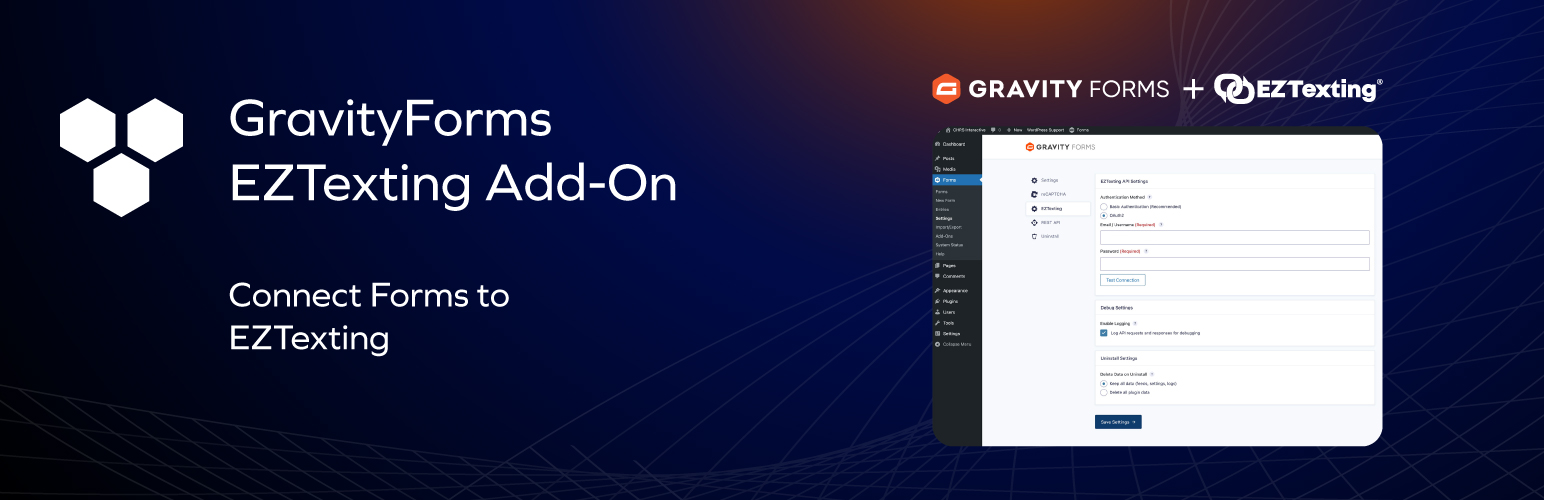

CHRS EZTexting Sync for Gravity Forms
v1.0.1CHRS Interactive · 2026年1月20日 上架
Integrate Gravity Forms with EZTexting to automatically add contacts to your EZTexting account when forms are submitted.
- 正在使用
- 10 以下
- 评分
- 暂无
- 累计下载
- 479
- 最近更新
- 2026年9月18日
贡献者
 CHRS Interactive
截图


CHRS EZTexting Sync for Gravity Forms seamlessly connects your Gravity Forms with your EZTexting account. When users submit a form, their contact information is automatically synced to EZTexting, allowing you to build your SMS marketing lists effortlessly.
Features
- Automatic Contact Sync – Automatically create or update contacts in EZTexting when forms are submitted
- Field Mapping – Map any form field to EZTexting contact properties (phone, name, email)
- Custom Fields Support – Map form fields to your EZTexting custom contact fields
- Group Assignment – Automatically add contacts to one or more EZTexting groups
- Conditional Logic – Only sync contacts when specific conditions are met
- Multiple Feeds – Create multiple feeds per form for different scenarios
- Secure Authentication – Supports both Basic Authentication and OAuth2
- Error Logging – Detailed logging and admin notifications for failed syncs
- Entry Notes – See sync status directly on form entries
Requirements
- WordPress 6.0 or higher
- PHP 7.4 or higher
- Gravity Forms 2.5 or higher
- An active EZTexting account
How It Works
- Install and activate the plugin
- Enter your EZTexting API credentials in the plugin settings
- Create a feed on any Gravity Form
- Map your form fields to EZTexting contact fields
- Select which groups to add contacts to
- Form submissions will now sync to EZTexting automatically
Links
External Services
This plugin connects to the EZTexting API to sync contact information from your Gravity Forms submissions to your EZTexting account.
What is EZTexting?
EZTexting is a third-party SMS marketing platform that allows businesses to send text messages to their customers and manage contact lists.
What data is sent?
When a form is submitted and a feed is configured, the following data may be sent to EZTexting:
- Phone number (required)
- First name
- Last name
- Email address
- Any custom fields you have mapped in the feed configuration
- Group assignments
When is data sent?
Data is sent to EZTexting only when:
- A Gravity Form with an active EZTexting feed is submitted
- The feed’s conditional logic (if configured) is met
- A valid phone number is provided in the mapped field