
Checkout for PayPal
v1.0.50Noor Alam · 2020年11月10日 上架
Accept PayPal payments and sell WordPress memberships with PayPal Checkout. Protect pages, manage members, and accept payments without WooCommerce.
- 正在使用
- 600+
- 评分
- 4.4 / 5
- 累计下载
- 6.3 万
- 最近更新
- 2026年11月25日
贡献者
 Noor Alam
截图
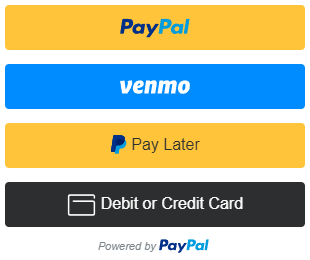
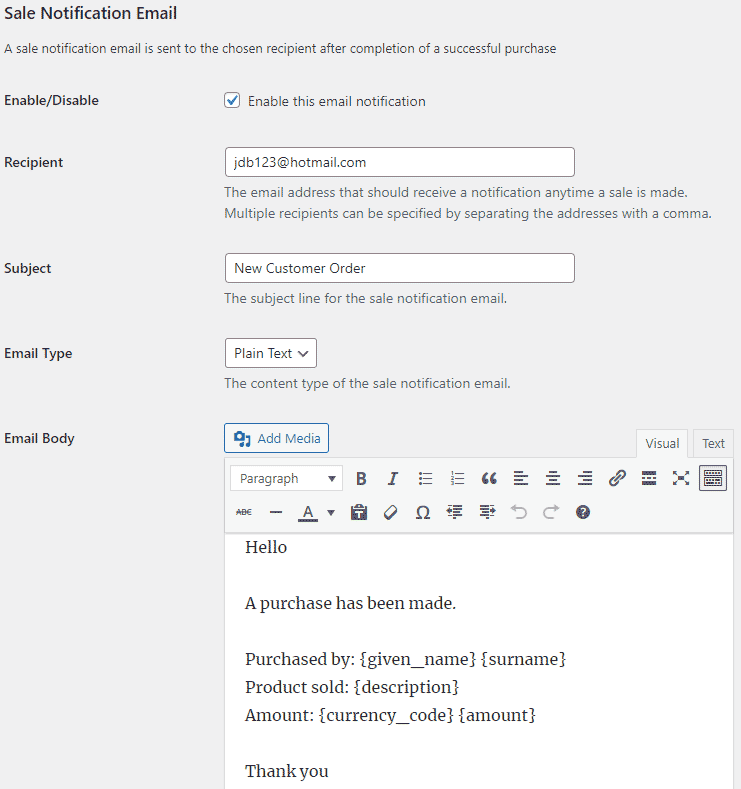
Checkout for PayPal is a lightweight WordPress PayPal plugin and membership solution that lets you accept PayPal and credit card payments directly through PayPal’s Checkout API (no shopping cart or WooCommerce required).
It gives you everything you need whether you want to add a simple PayPal Buy Now button for a single product, accept donations and service payments, or build a paid membership site with restricted content.
Checkout for PayPal Add-ons
PayPal Checkout & Credit Cards
Accept PayPal and credit/debit card payments securely through PayPal’s Checkout/Orders API.
Built-in WordPress Membership System
Turn any product into a paid membership with automatic WordPress user account creation, role assignment, and isolated member management.
Content Protection & Paywall
Restrict access to entire pages/posts via the editor box.
Membership Expiration & Renewals
Set fixed-duration memberships (e.g., 30 days, 365 days) or lifetime access. Expired members automatically lose access and see customizable renewal messages.
Customizable Paywall Messages & Emails
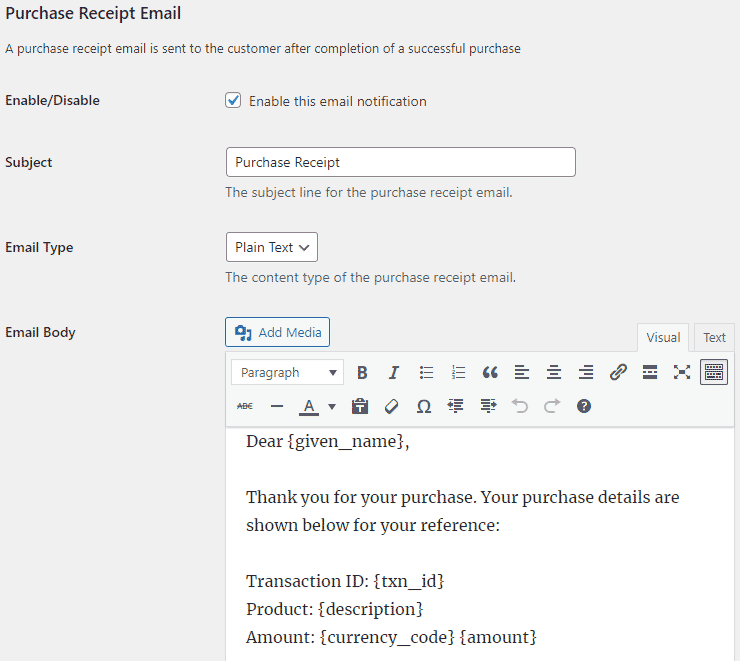
Configure distinct messages for logged-out visitors, pending accounts, and expired memberships. You can also set automated emails for new users, existing users, and membership activations.
No WooCommerce or Shopping Cart Required
Add PayPal payment buttons and paid memberships without the bloat of a full ecommerce platform.
Product & Order Management
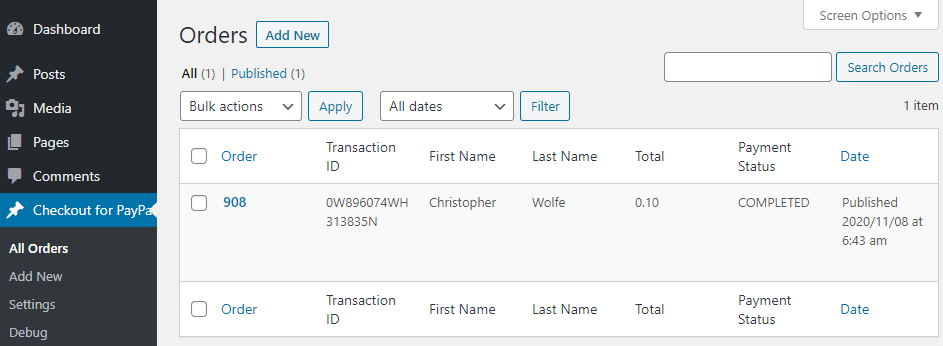
Create products with custom prices, button styles, and membership settings. View all PayPal orders and linked WordPress users from your dashboard.
PayPal Sandbox Support
Test your PayPal Checkout and membership flows safely in PayPal’s sandbox environment before going live.
Responsive & Lightweight
Works seamlessly across desktop and mobile devices without slowing down your WordPress site.
How to Use the Plugin
- Navigate to Checkout for PayPal > Settings and configure your PayPal API keys, currency, and return/cancel page URLs.
- Open your checkout page and ensure it contains the
[coforpaypal_checkout]shortcode. - Go to Checkout for PayPal > Products to create a new product.
- Add a PayPal Buy Now button to any page or post using the shortcode:
[coforpaypal_product id="1"](replace1with your product ID).
How to Set Up Paid Memberships
- Edit a product under Checkout for PayPal > Products and enable Membership Product.
- Choose the WordPress user role for new members, set the membership duration in days (or
0for lifetime access), and select the default status (ActiveorPending). - Customize your paywall messages and membership emails under Checkout for PayPal > Settings > Membership.
- Protect content by enabling Membership Protection in the page/post editor sidebar.
- Manage members, statuses, and expiration dates anytime under Checkout for PayPal > Members.
Documentation
https://noorsplugin.com/checkout-for-paypal-wordpress-plugin/
Translation
If you are a non-English speaker please help translate Checkout for PayPal into your language.
Note: This is NOT an official PayPal product.