

Chatvio – AI Webchat
v1.4.0The Tech Pad · 2026年9月29日 上架
Add AI web chat and WhatsApp to WordPress in minutes. No code or API key required; every conversation reaches one shared team inbox.
- 正在使用
- 10 以下
- 评分
- 暂无
- 累计下载
- 501
- 最近更新
- 2026年10月30日
贡献者
 The Tech Pad
截图
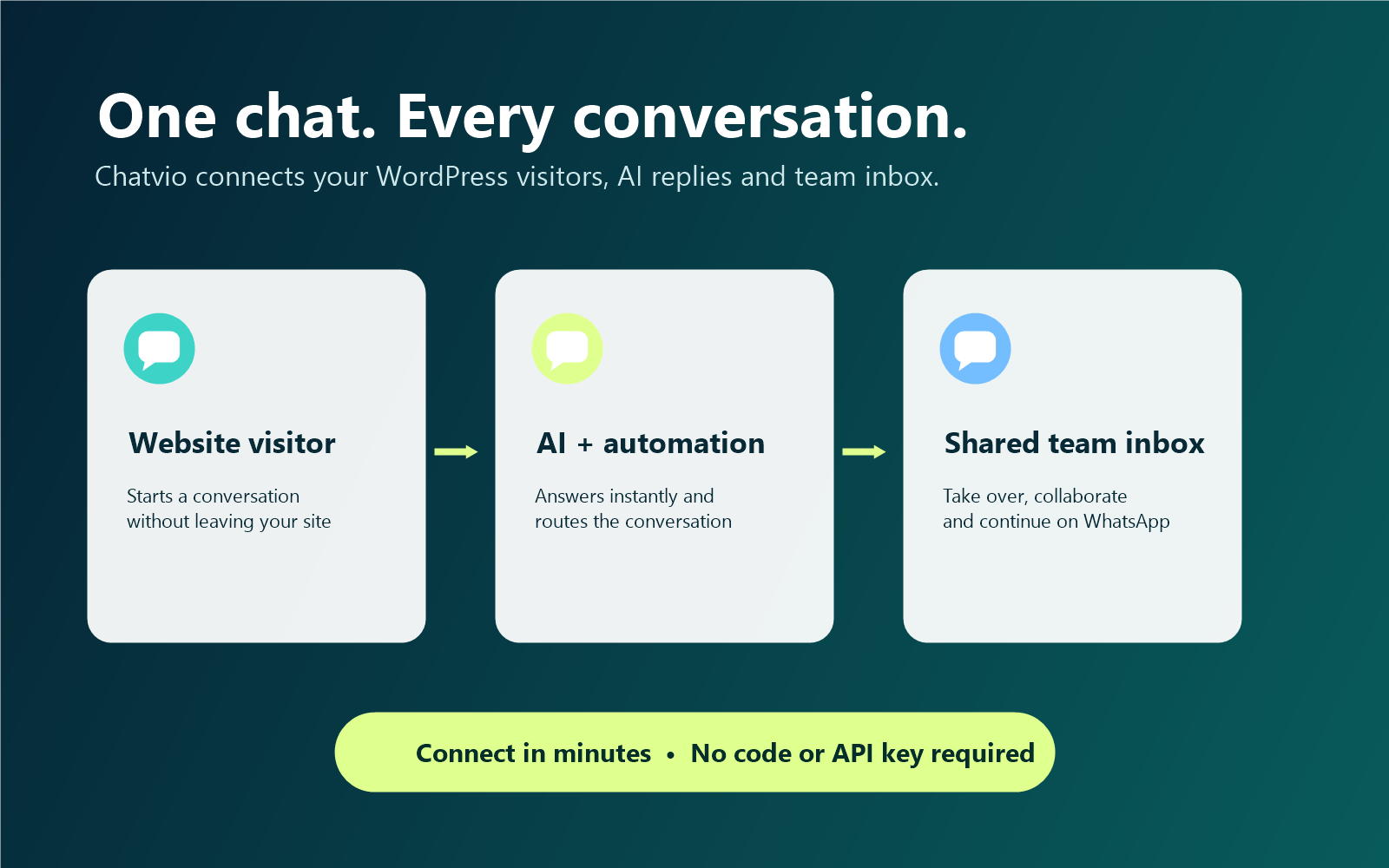
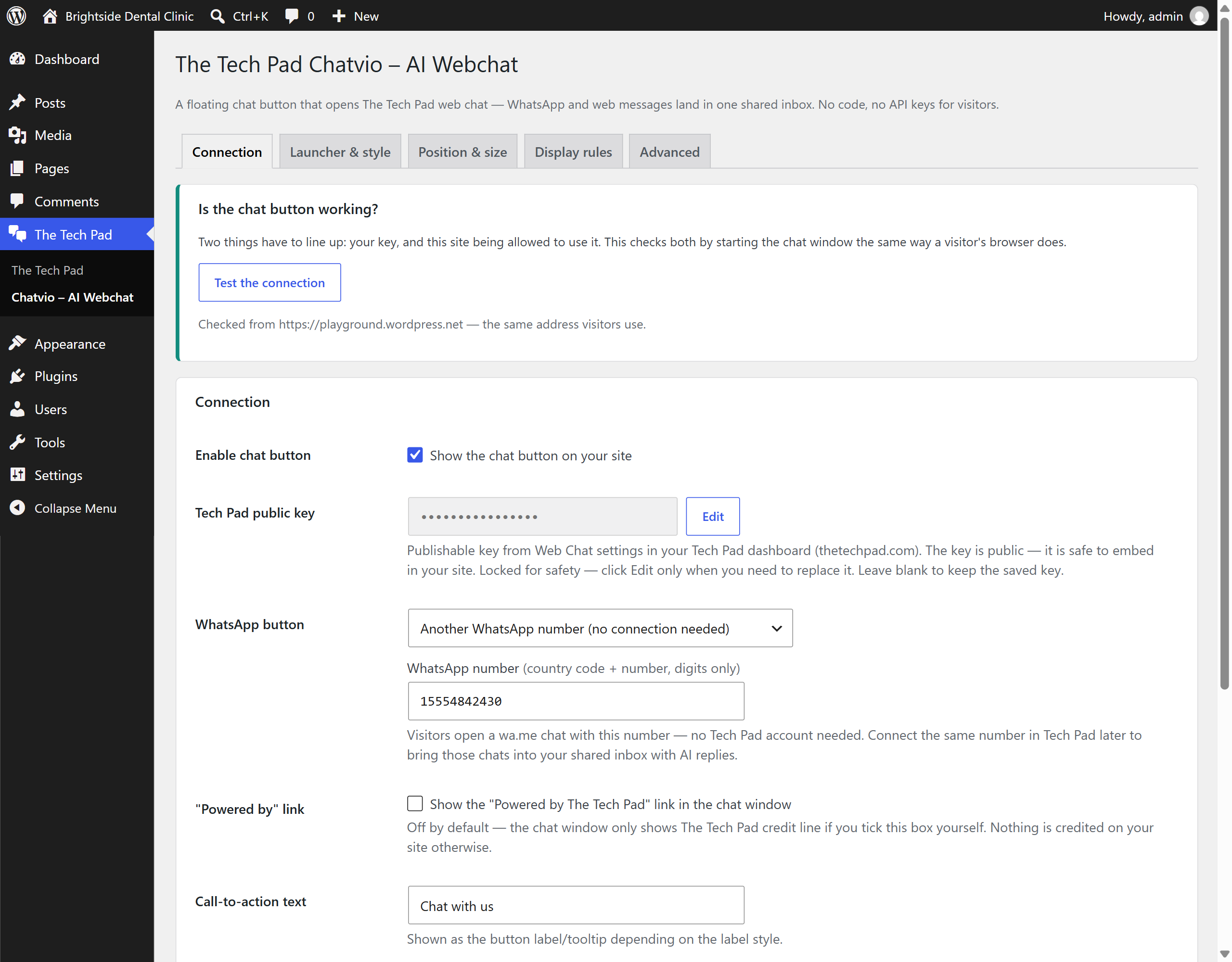
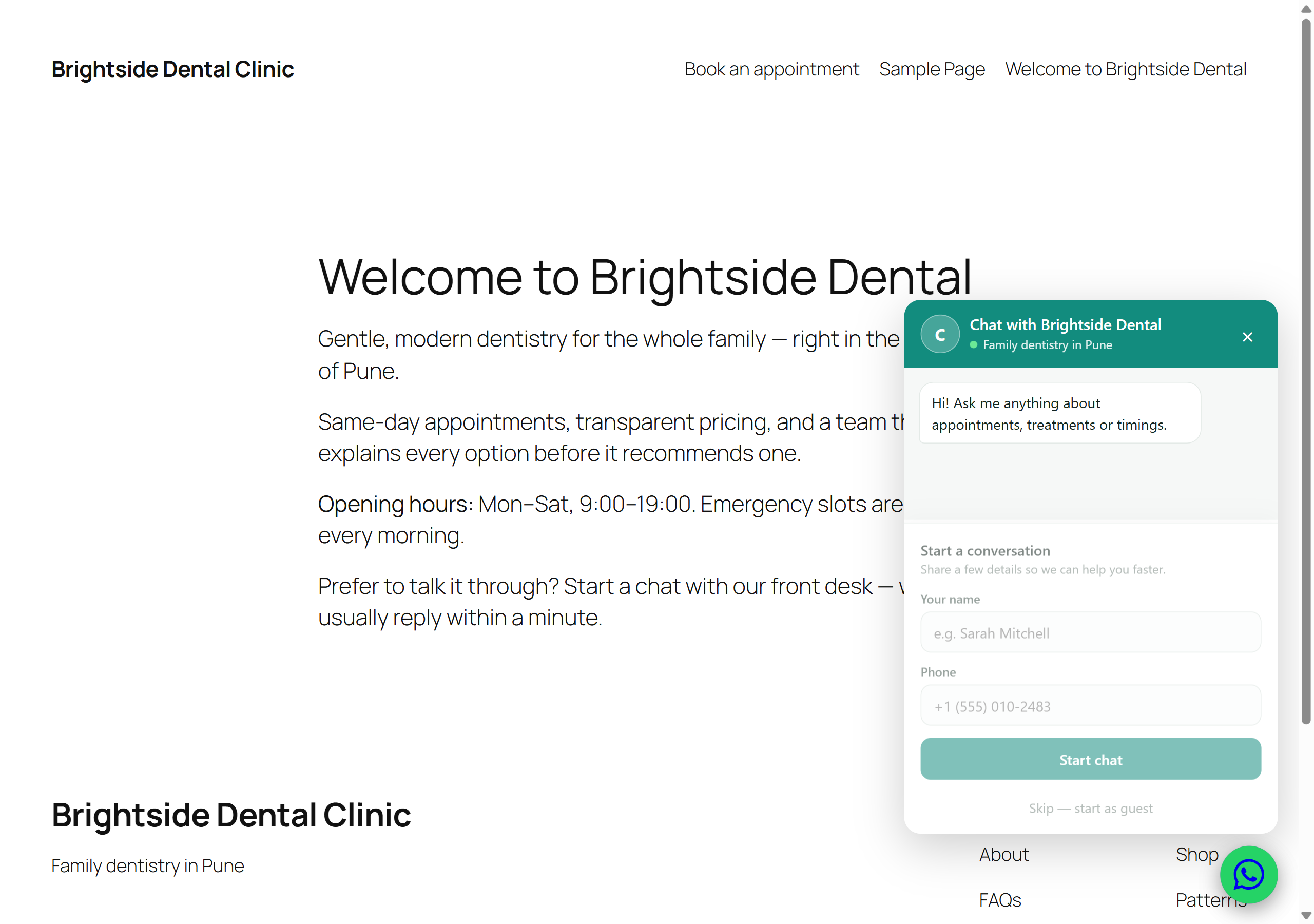
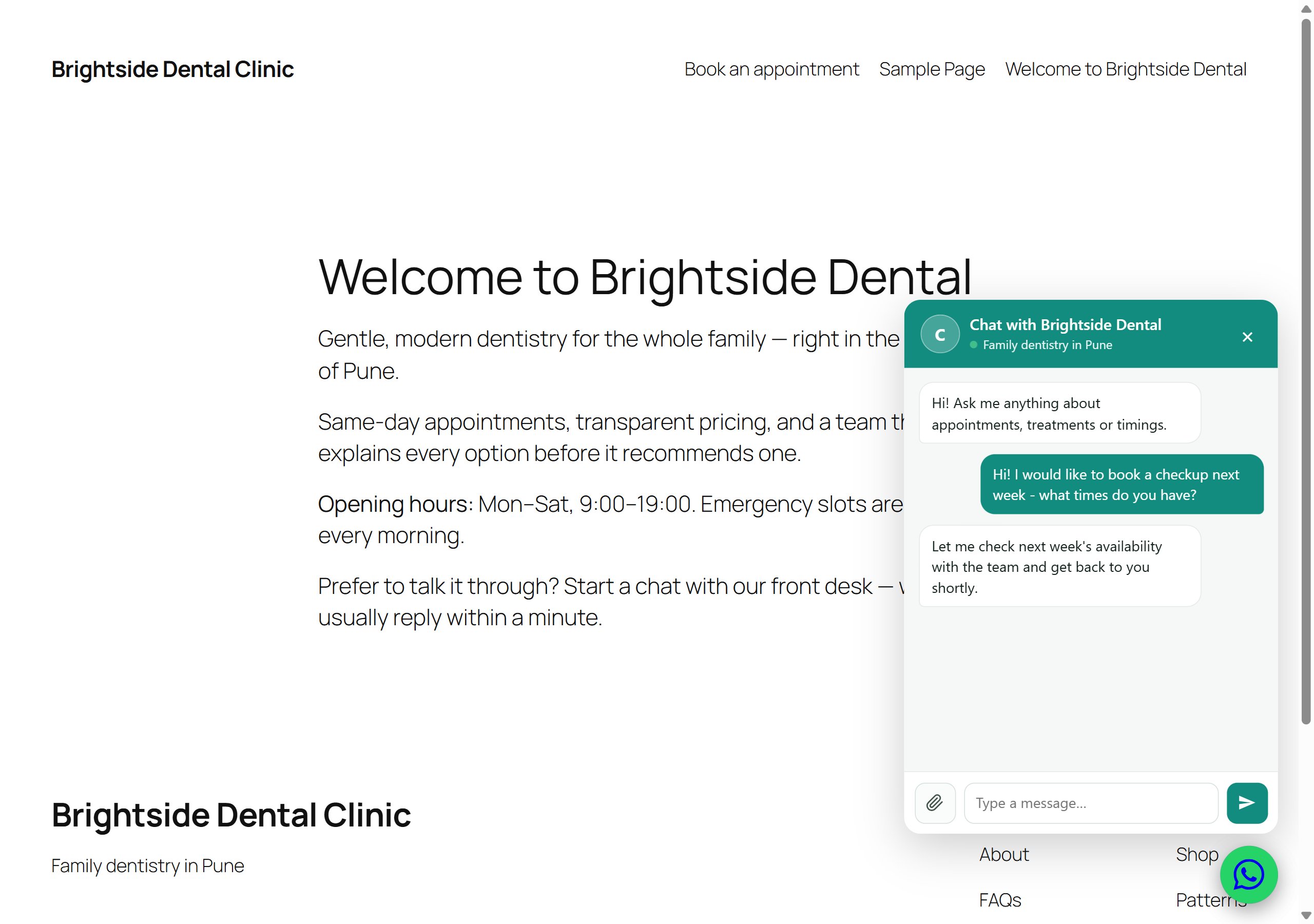
Turn more website visits into conversations. Chatvio adds a fast, customizable web-chat launcher to WordPress and routes every conversation to your shared Tech Pad inbox. AI can reply instantly, while your team can take over at any time. Visitors can also continue on WhatsApp when you connect a number.
Why choose Chatvio?
- A real chat window — not just a link. Visitors type in a chat panel right on your page; replies arrive in your Tech Pad team inbox.
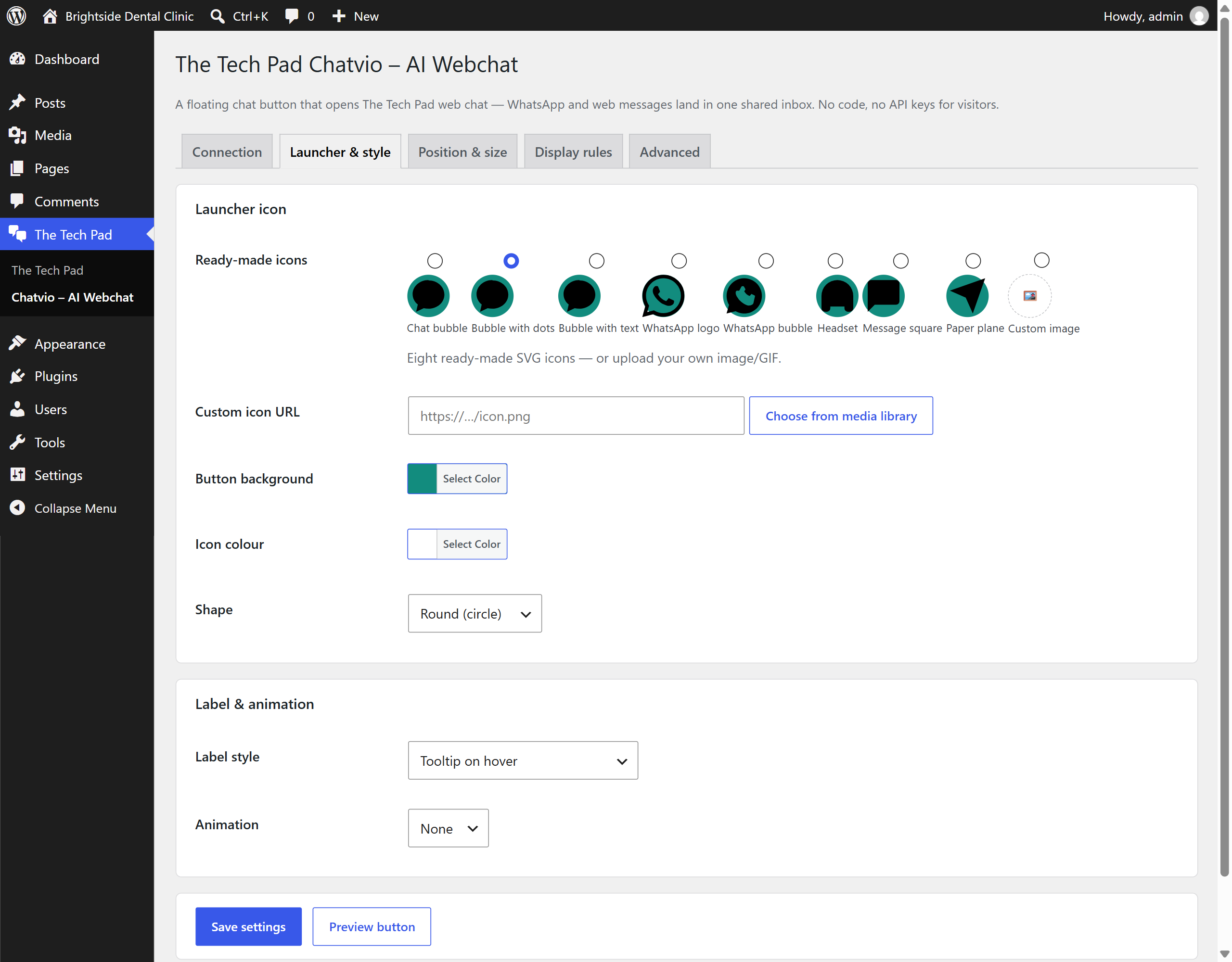
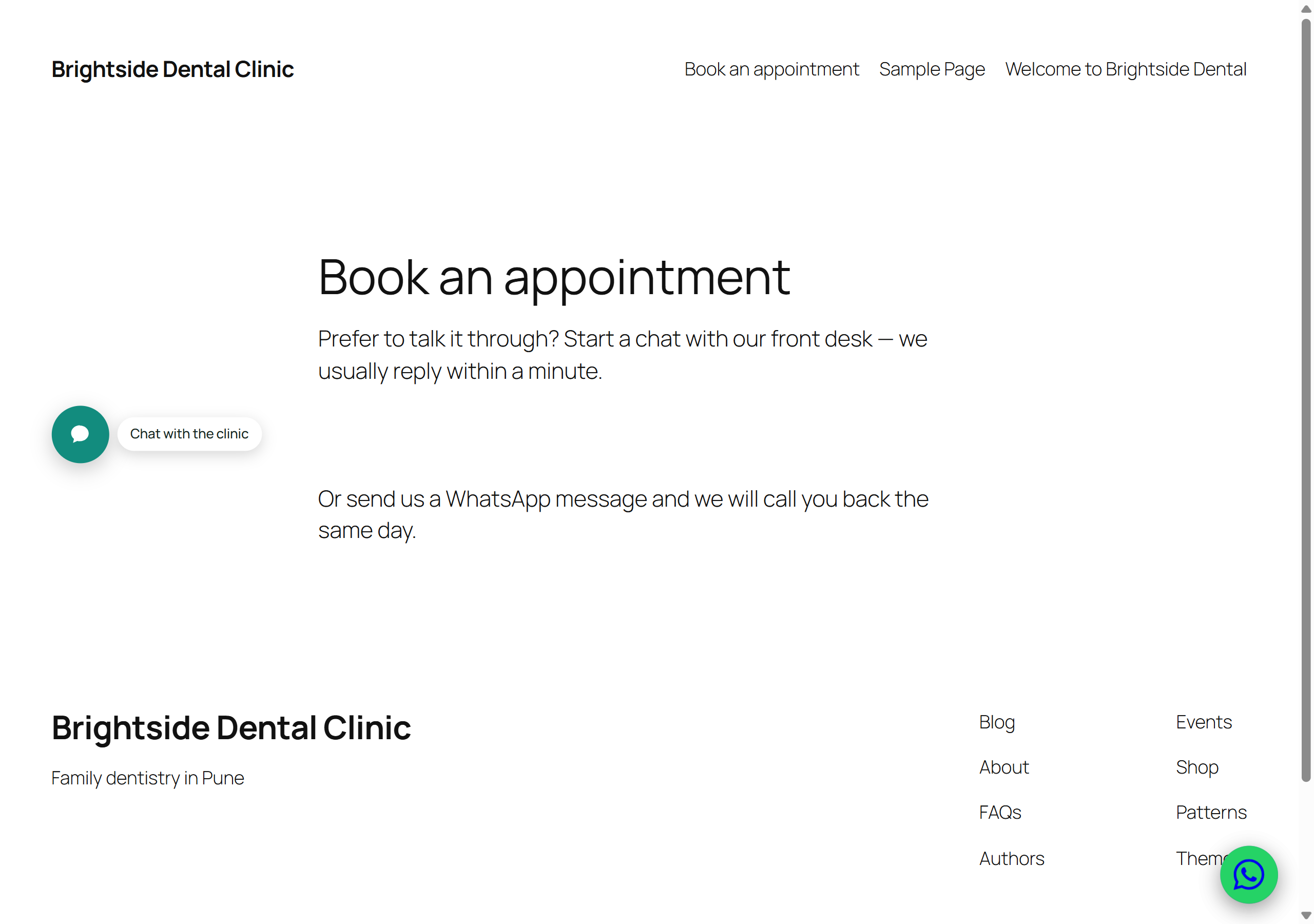
- 8 ready-made launcher icons — chat bubble, bubble with dots, WhatsApp logo, headset and more, or upload your own image/GIF.
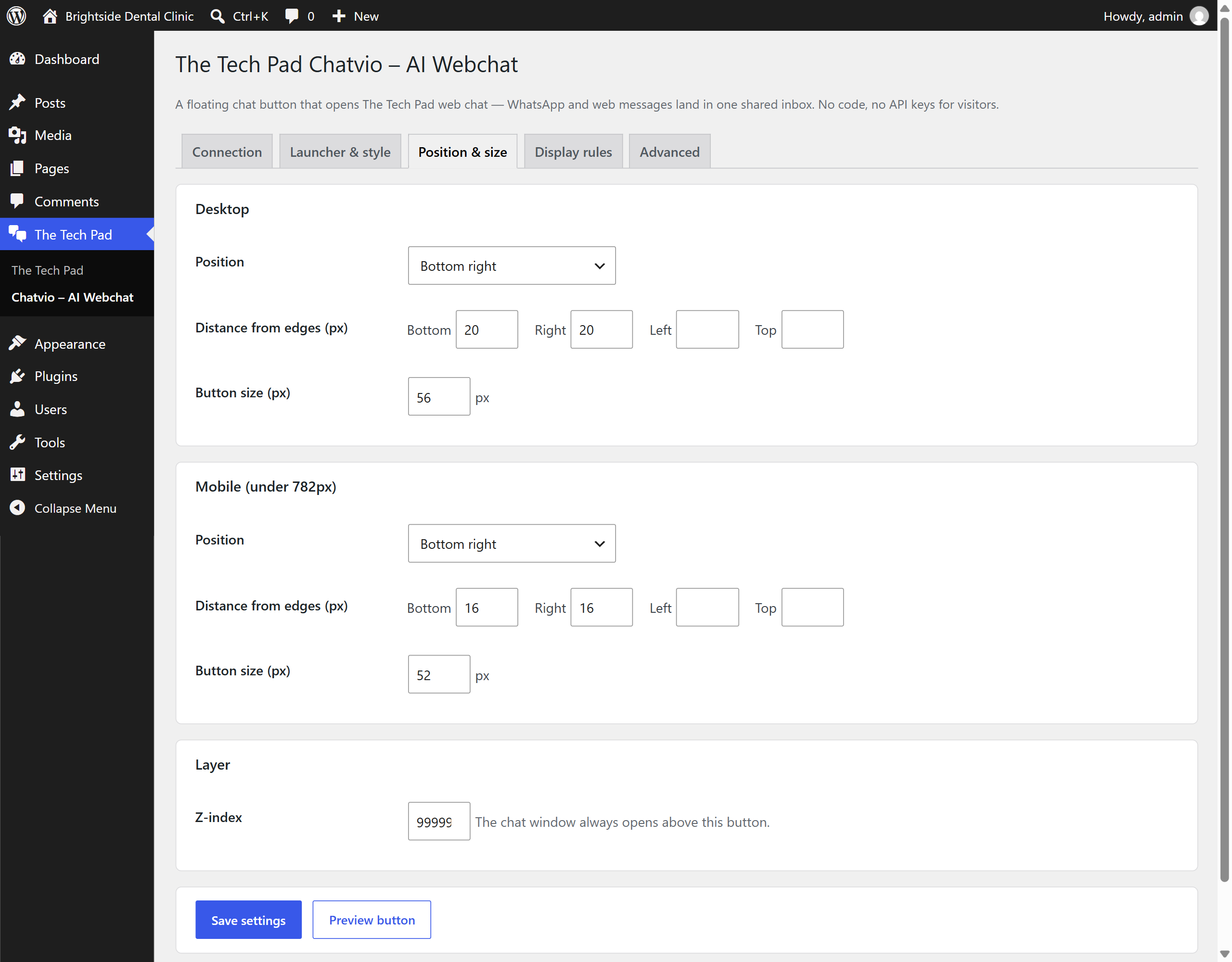
- Any position — bottom-right, bottom-left, bottom-centre, side-centre, top corners or fully custom offsets. Separate position and size for desktop and mobile.
- Animations — pulse, bounce, shake or ring to draw attention.
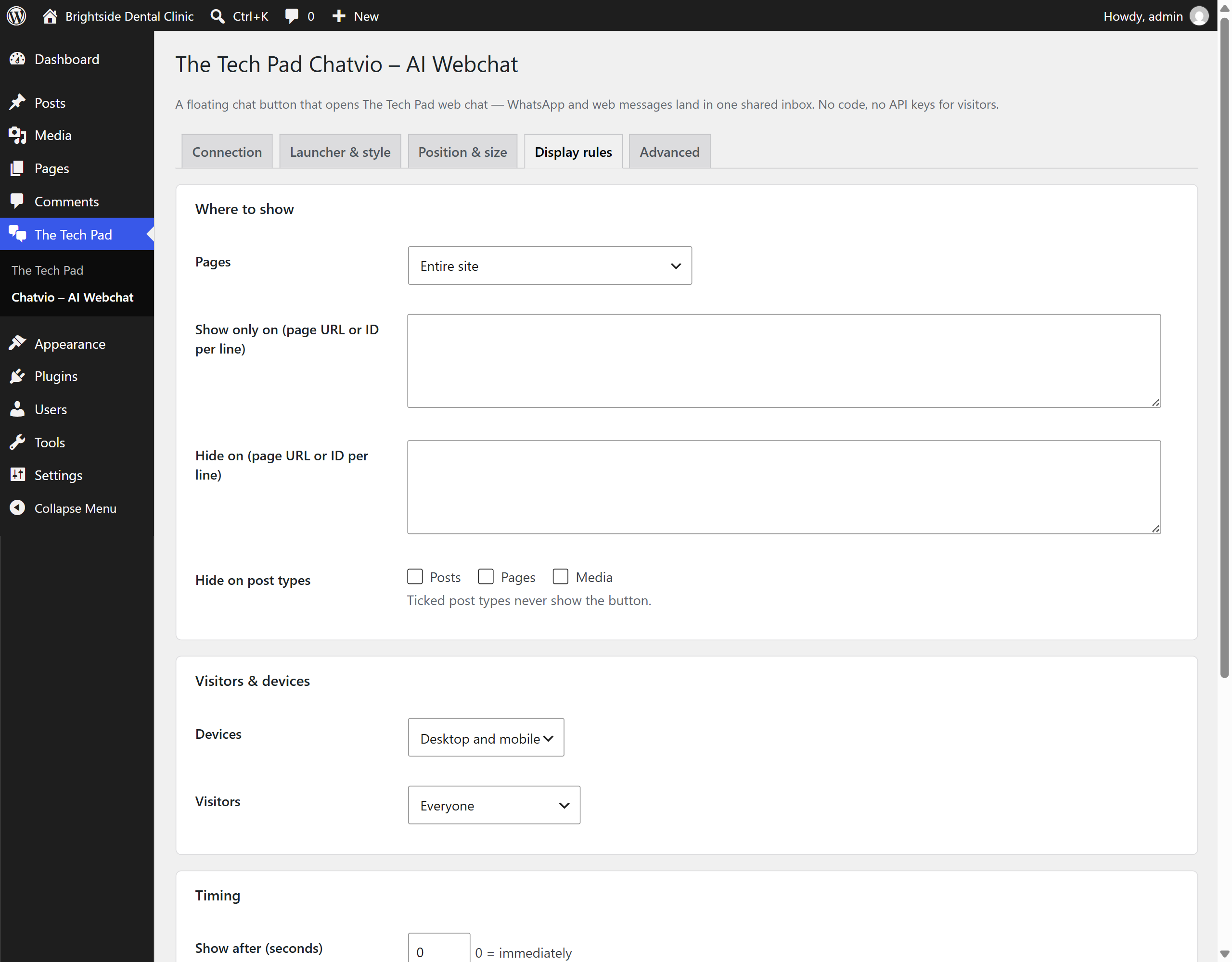
- Display rules — show on the whole site or chosen pages only, hide on specific post types, desktop/mobile only, logged-in/guests only, time or scroll delay, and business-hours scheduling.
- WhatsApp quick-launch icon — when your Tech Pad number is connected, visitors get the green WhatsApp icon next to the chat button.
- AI-powered replies — the Tech Pad AI Copilot can answer visitors instantly from your dashboard, and hand off to a human any time.
- Free to start, no API keys — connect with just your admin email (the plugin creates your free Tech Pad workspace and chat key automatically), or paste a public key from your dashboard.
- Shortcode — drop an inline chat button anywhere with
[techpad_ai_chat]. - Google Analytics — optional dataLayer event on every click (off by default).
The chat window, greeting, pre-chat form, agent handoffs and automations are all managed from your Tech Pad dashboard — this plugin just puts the button on your site.
Get started in about two minutes
- Install and activate Chatvio.
- Open The Tech Pad Chatvio – AI Webchat.
- Enter your email and click Create my workspace & connect.
- Choose your launcher style and save.
- Open your site and start a test conversation.
The free plan requires no credit card. You can connect an existing Tech Pad workspace instead by using the same email or pasting its public chat key.
External services
This plugin connects your site to The Tech Pad (thetechpad.com), the messaging workspace that hosts the chat. The connection is required: the chat window, inbox, AI replies and agent handoffs are provided by the service.
- What the service is used for: the chat button loads a small widget script from The Tech Pad that opens the chat panel on your pages; conversations (web chat and, when a number is connected, WhatsApp) are delivered to your Tech Pad team inbox, where AI Copilot and human agents reply.
- What data is sent, and when:
- On connect: the admin email you entered, your site URL and site name, so the workspace and chat key can be created and this site allowed.
- When a visitor opens the chat and sends a message: their message text and the page they are on (sent to The Tech Pad so the AI can answer from your site content). Visitors never need an account.
- The widget script is loaded from
thetechpad.com/chat/widget.json pages where the button is shown.
- How it is protected: all traffic goes over HTTPS. The Tech Pad’s Terms of Service and Privacy Policy apply to this service.