
ChatRos – AI Chat Agent
v1.1.0Ashraful Islam · 2026年7月13日 上架
Add the ChatRos AI chat agent to any WordPress site. With WooCommerce, it also answers product and order-status questions live.
- 正在使用
- 10 以下
- 评分
- 暂无
- 累计下载
- 335
- 最近更新
- 2026年8月13日
贡献者
 Ashraful Islam
截图
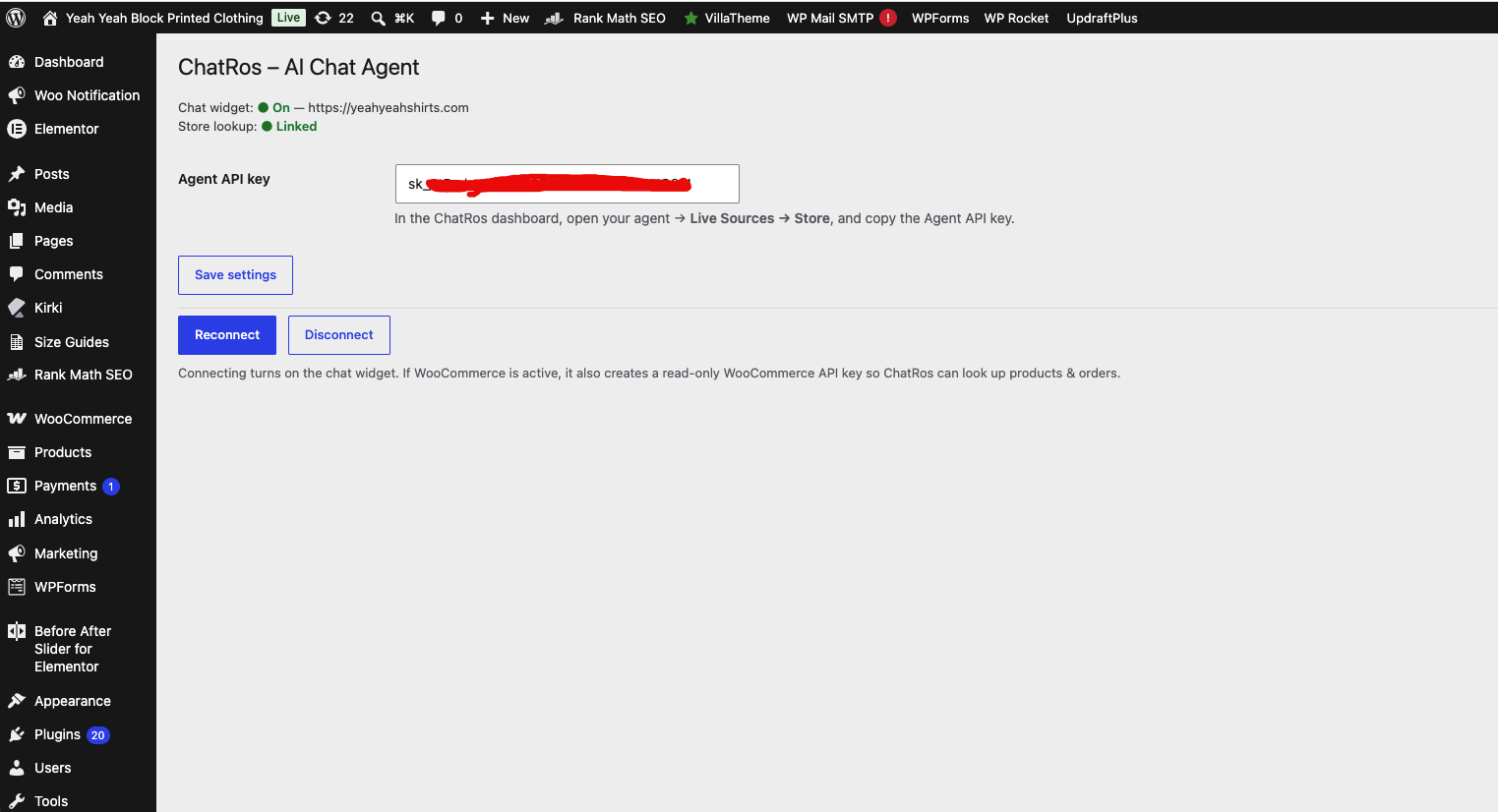
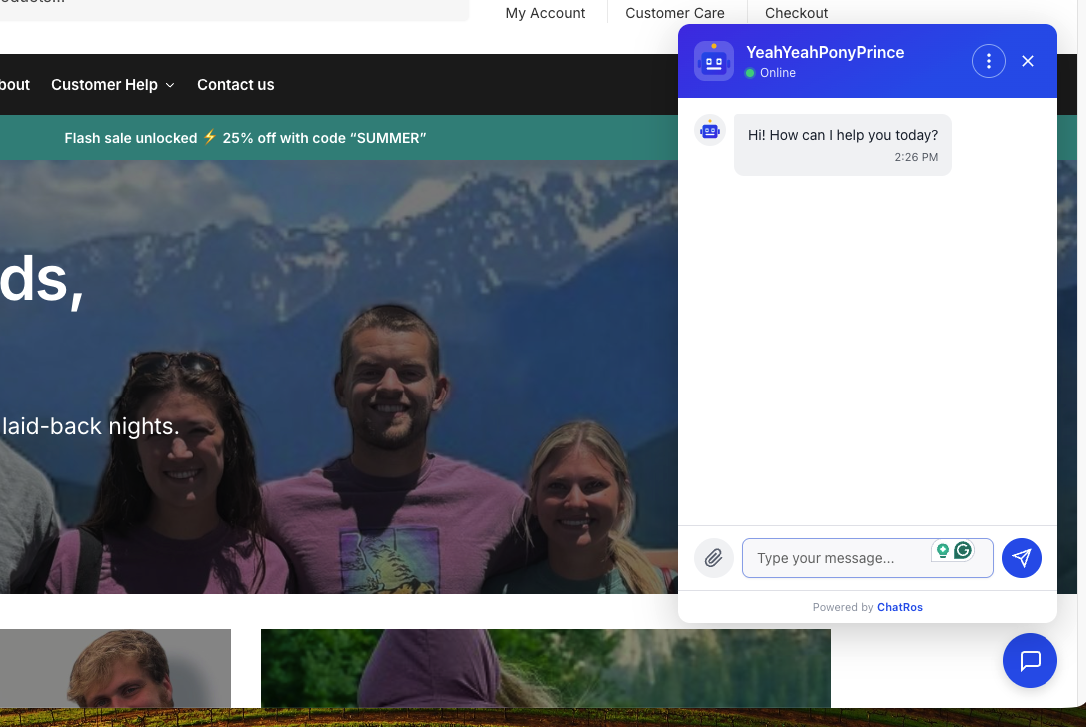
ChatRos adds an AI chat agent to your WordPress site. Visitors get instant answers in a chat widget that appears automatically once you connect your agent — no theme edits, no code.
If WooCommerce is active, ChatRos does more: the agent looks up your products and order status live from your store, so shoppers can ask “is this in stock?” or “where’s my order?” and get real answers.
You configure and train the agent in the ChatRos dashboard at https://chatros.com. This plugin connects that agent to your site.
Features
- AI chat widget on every page, added automatically after you connect.
- Works on any WordPress site — WooCommerce is optional.
- With WooCommerce: live product lookup and order-status answers.
- Read-only WooCommerce access — ChatRos never writes to your store.
- One-click connect and disconnect from Settings ChatRos.
External services
This plugin connects your site to ChatRos, a third-party service, to provide the AI chat agent. Your agent is created and managed at https://chatros.com and the plugin will not function without a ChatRos account and an Agent API key.
What the plugin sends, and when:
- When you click Connect (admin): your site URL is sent to
https://api.chatros.com/api/plugin/connect, and your Agent API key is sent as a bearer token tohttps://api.chatros.com/api/plugin/statusto verify the connection. If WooCommerce is active, the plugin generates a read-only WooCommerce REST API key (consumer key and secret) and sends it to the same endpoint so the agent can read products and orders. If WooCommerce is not active, no store credentials are sent. - When you click Disconnect (admin): a request is sent to
https://api.chatros.com/api/plugin/disconnectto stop ChatRos from using your store, and the read-only WooCommerce key is deleted. - On the front end (visitors): the chat widget script is loaded from
https://chatros.com/widget.min.js, and the widget communicates withhttps://api.chatros.comto power the conversation. Chat messages a visitor sends are processed by ChatRos to generate replies.
By using this plugin you agree to the ChatRos Terms of Service and Privacy Policy:
- Terms of Service: https://chatros.com/terms
- Privacy Policy: https://chatros.com/privacy