

ChargeForms – Contact Form, Stripe Payment Form & Multi-Step Form Builder
v0.270.15Uzair Rehman · 2026年10月20日 上架
Free drag-and-drop form builder: contact forms, Stripe & PayPal payment forms, multi-step forms and conditional logic. No paid tier, no platform fee.
- 正在使用
- 10 以下
- 评分
- 暂无
- 累计下载
- 359
- 最近更新
- 2026年11月12日
贡献者
 Uzair Rehman
截图
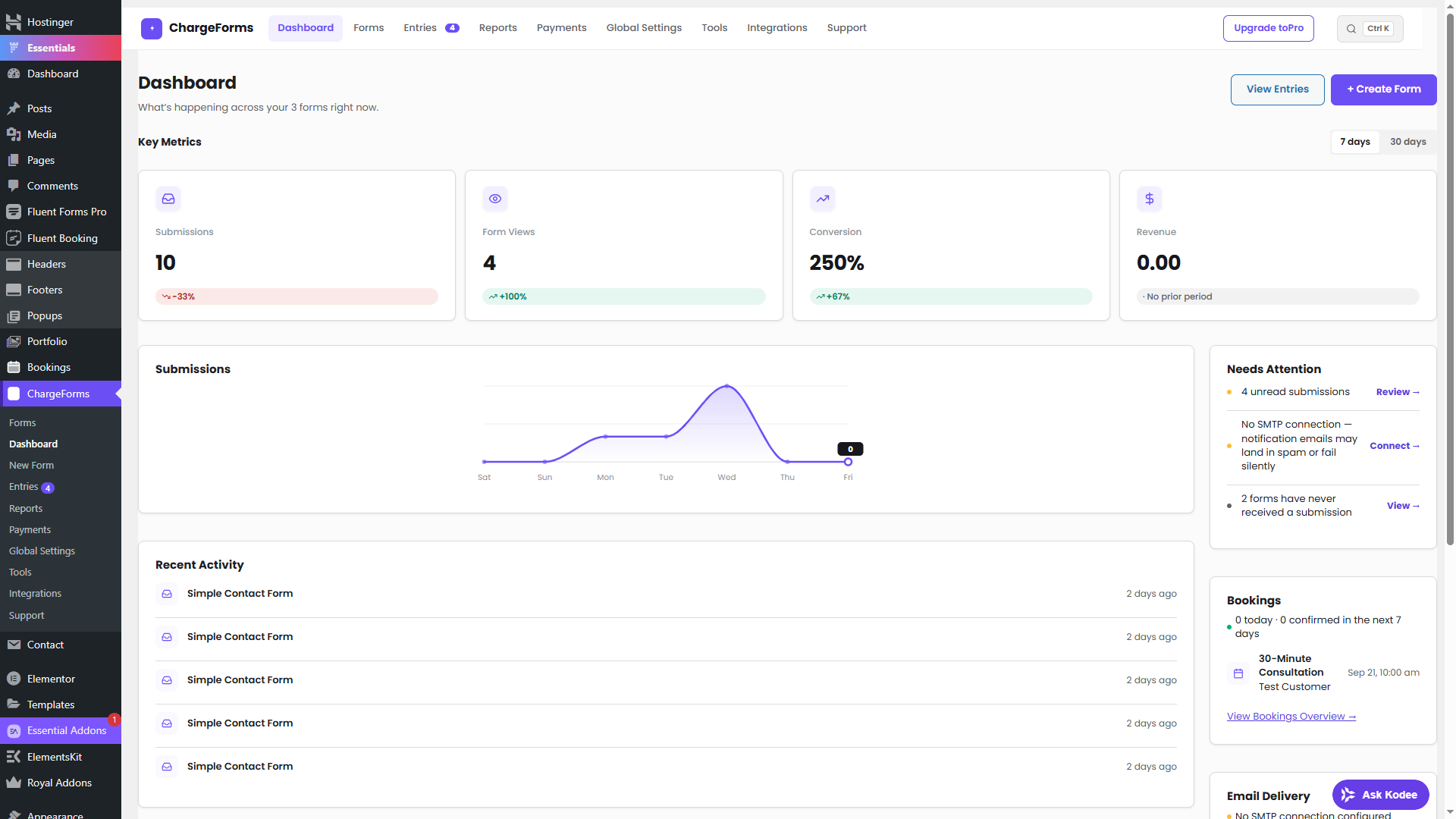
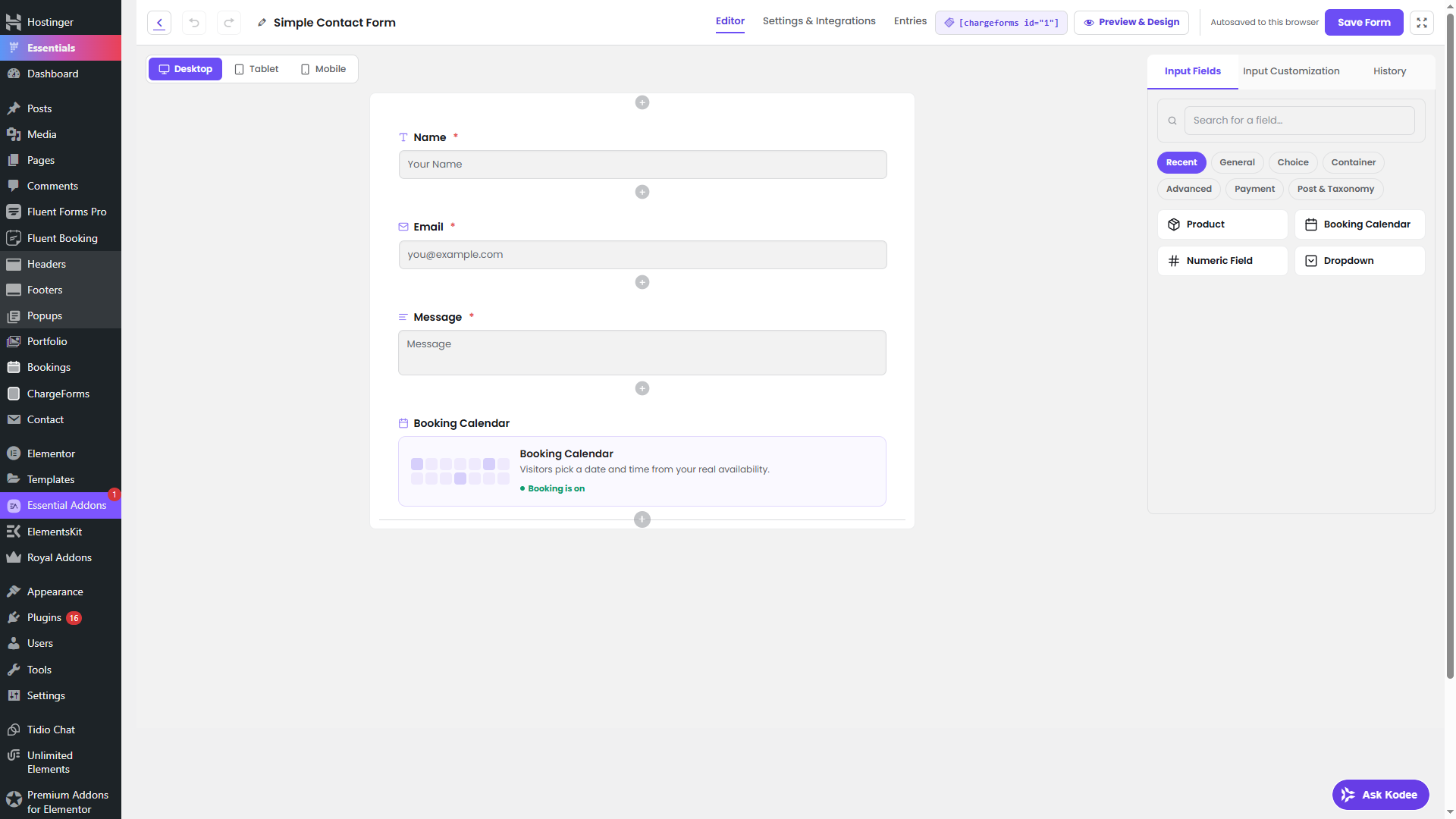
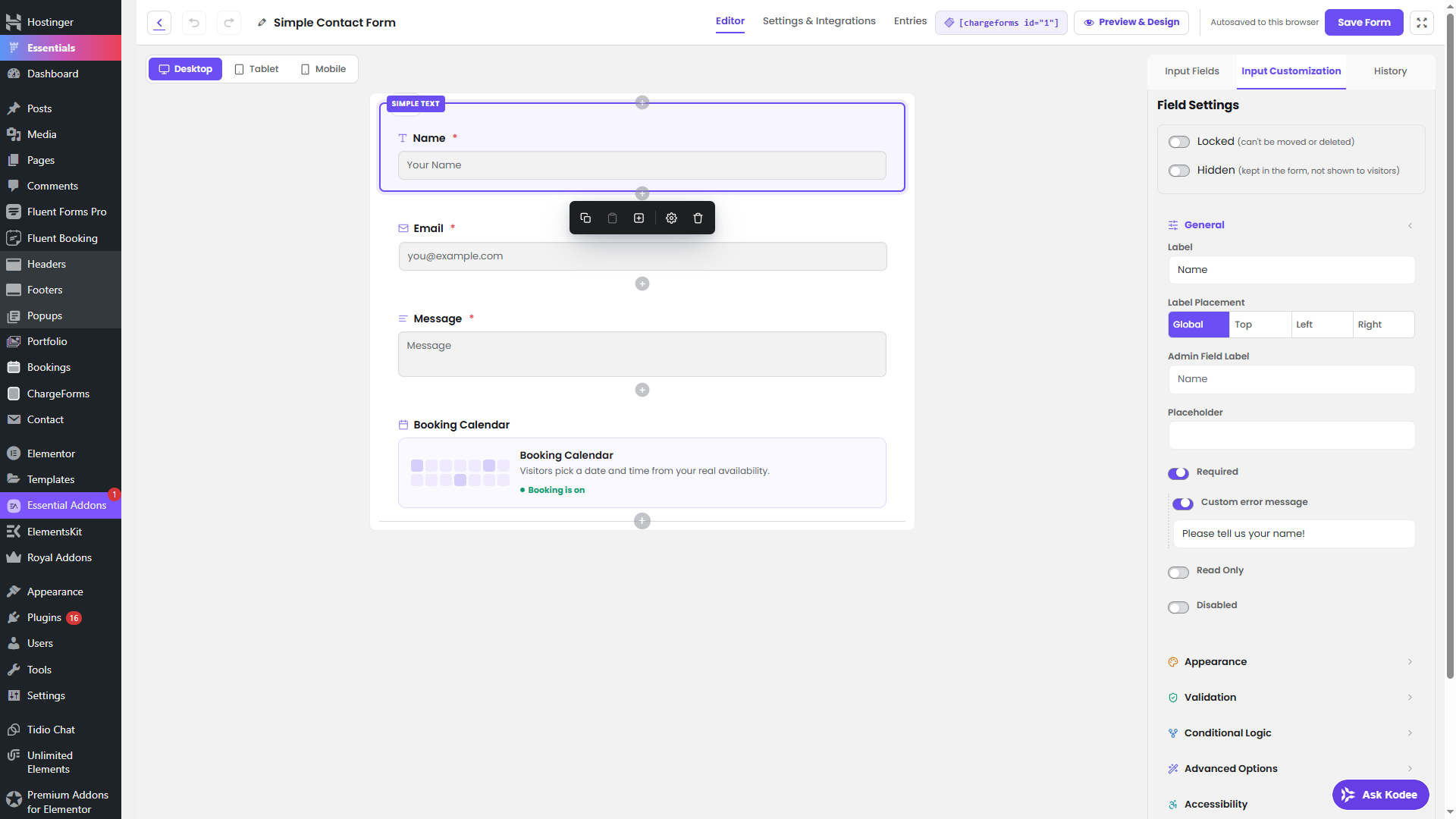
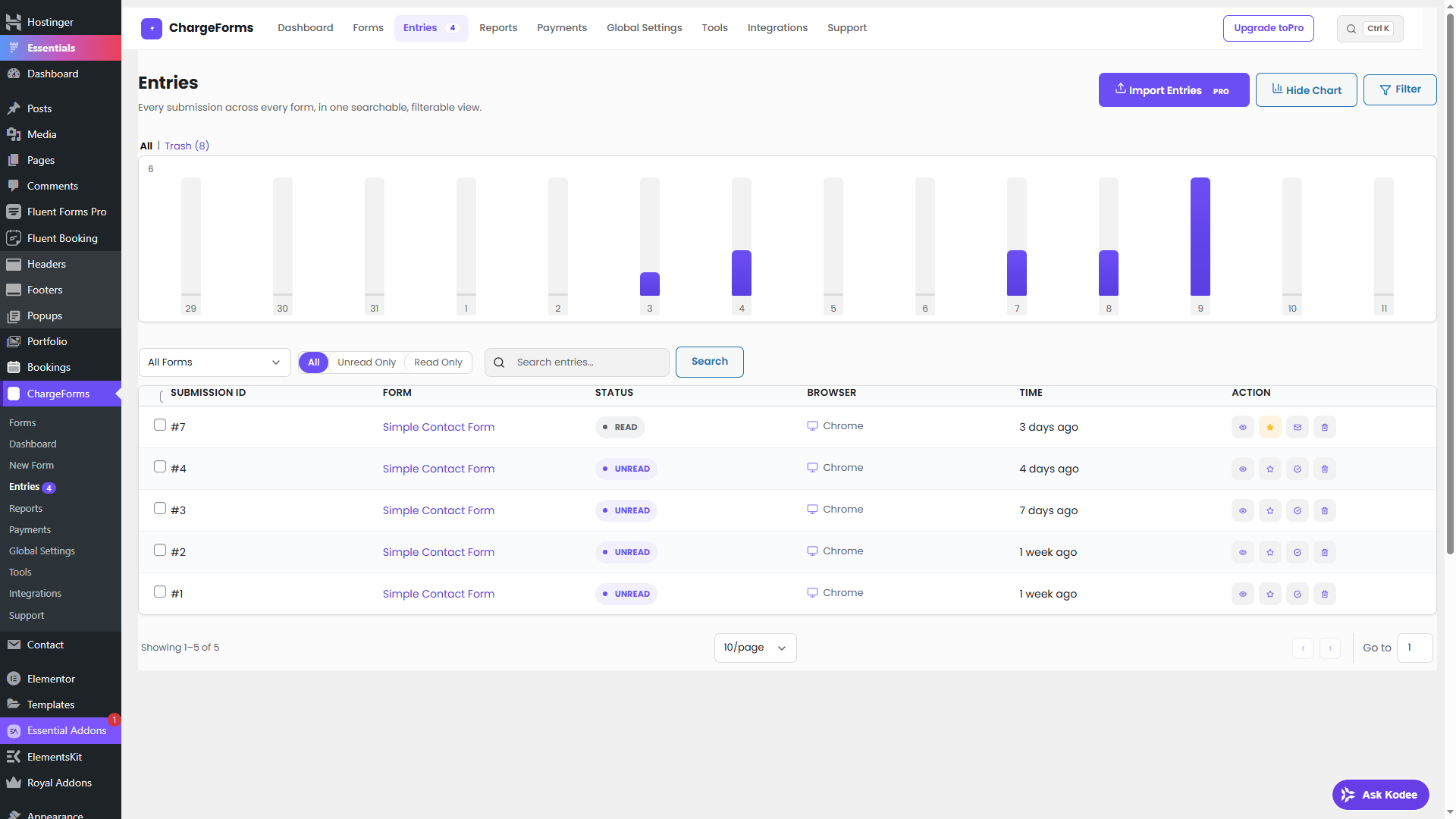
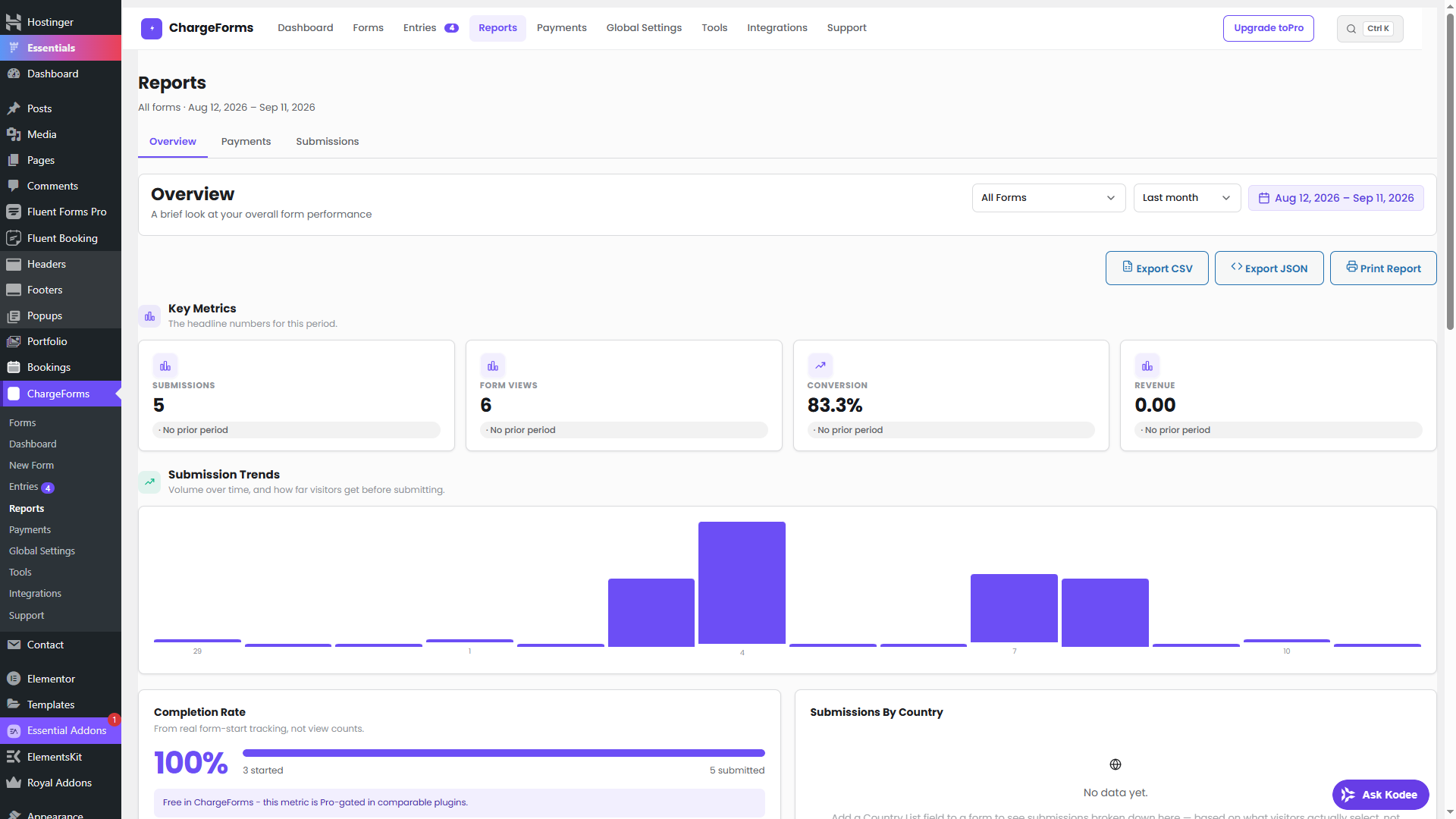
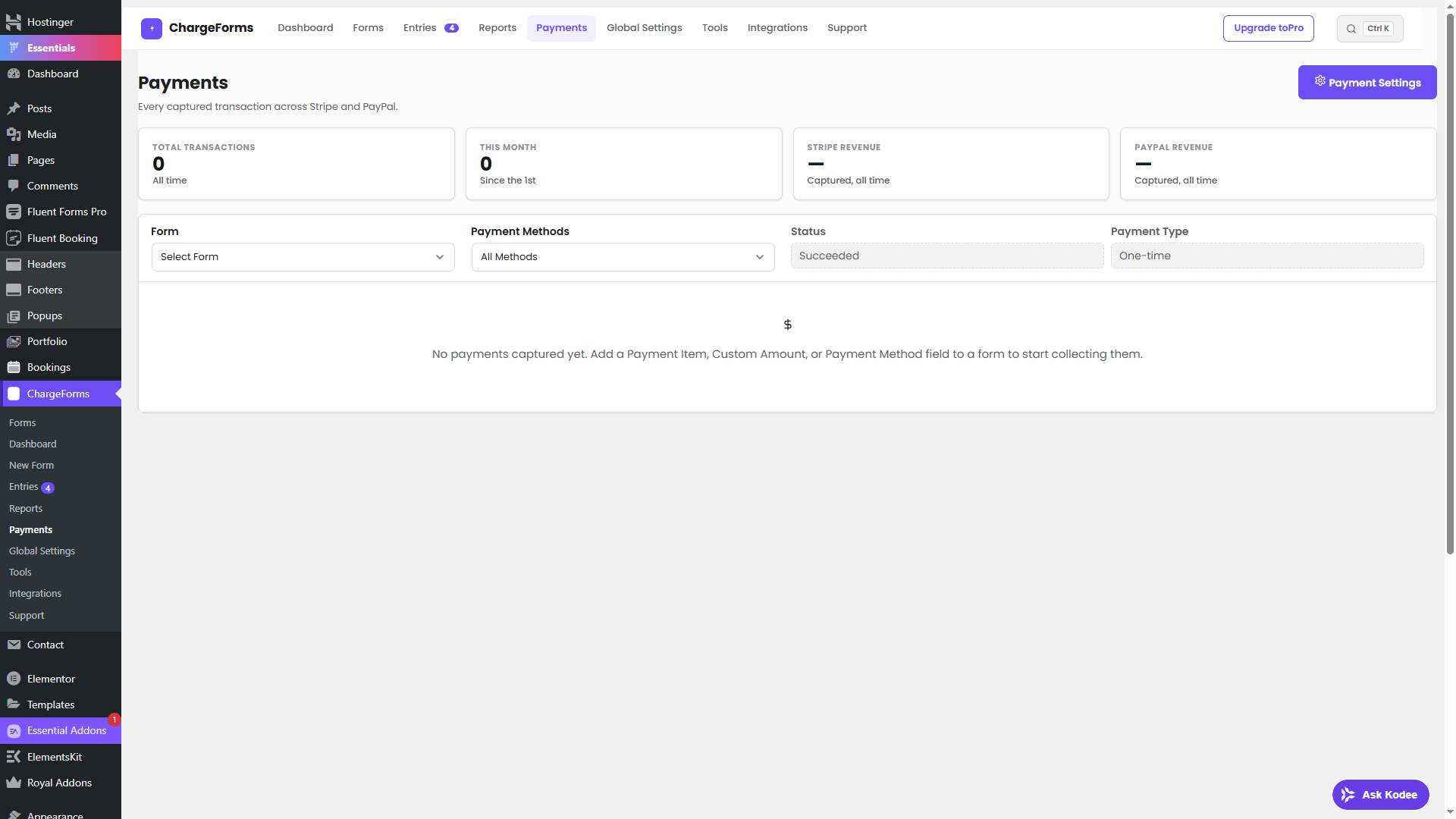
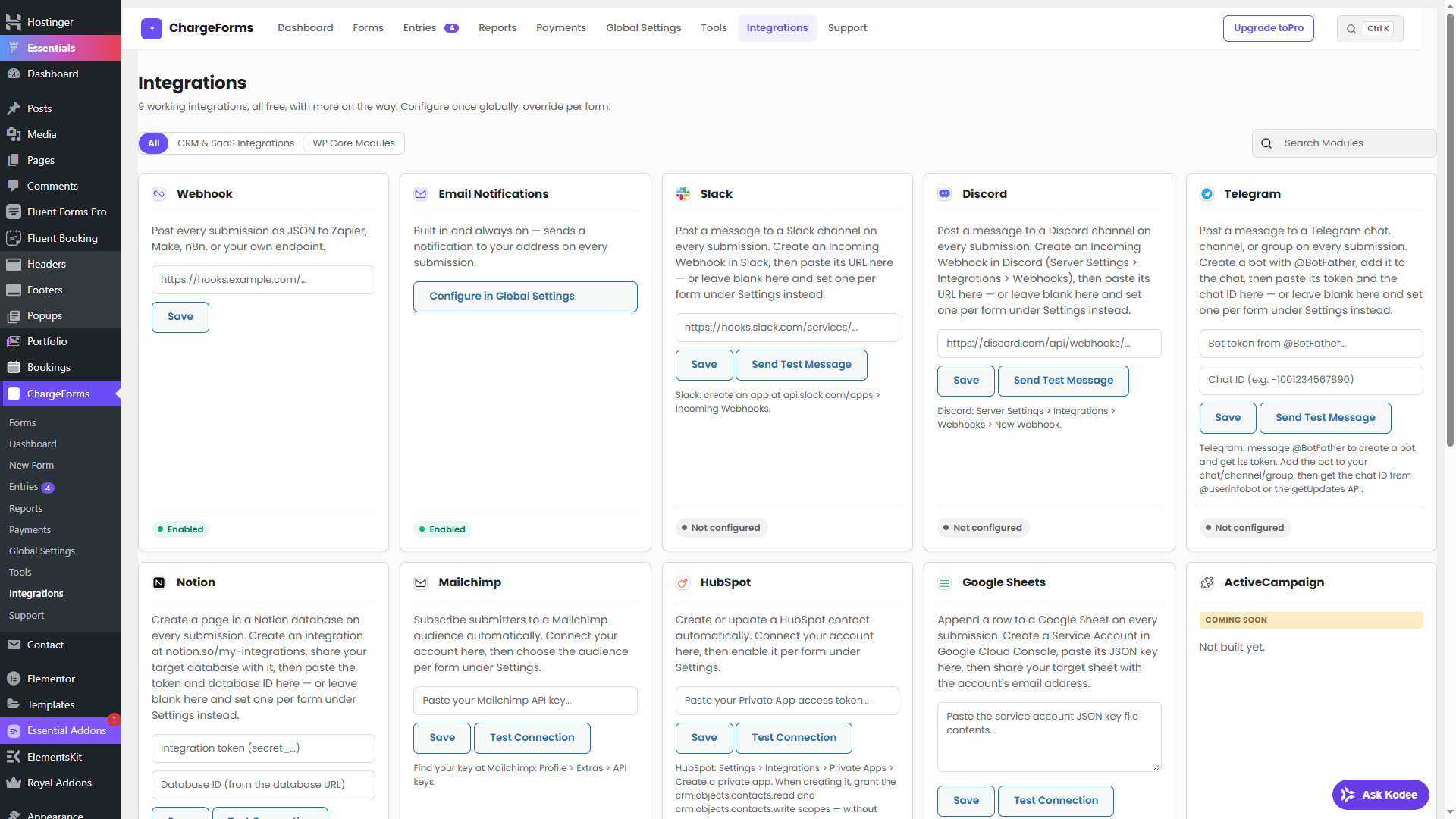
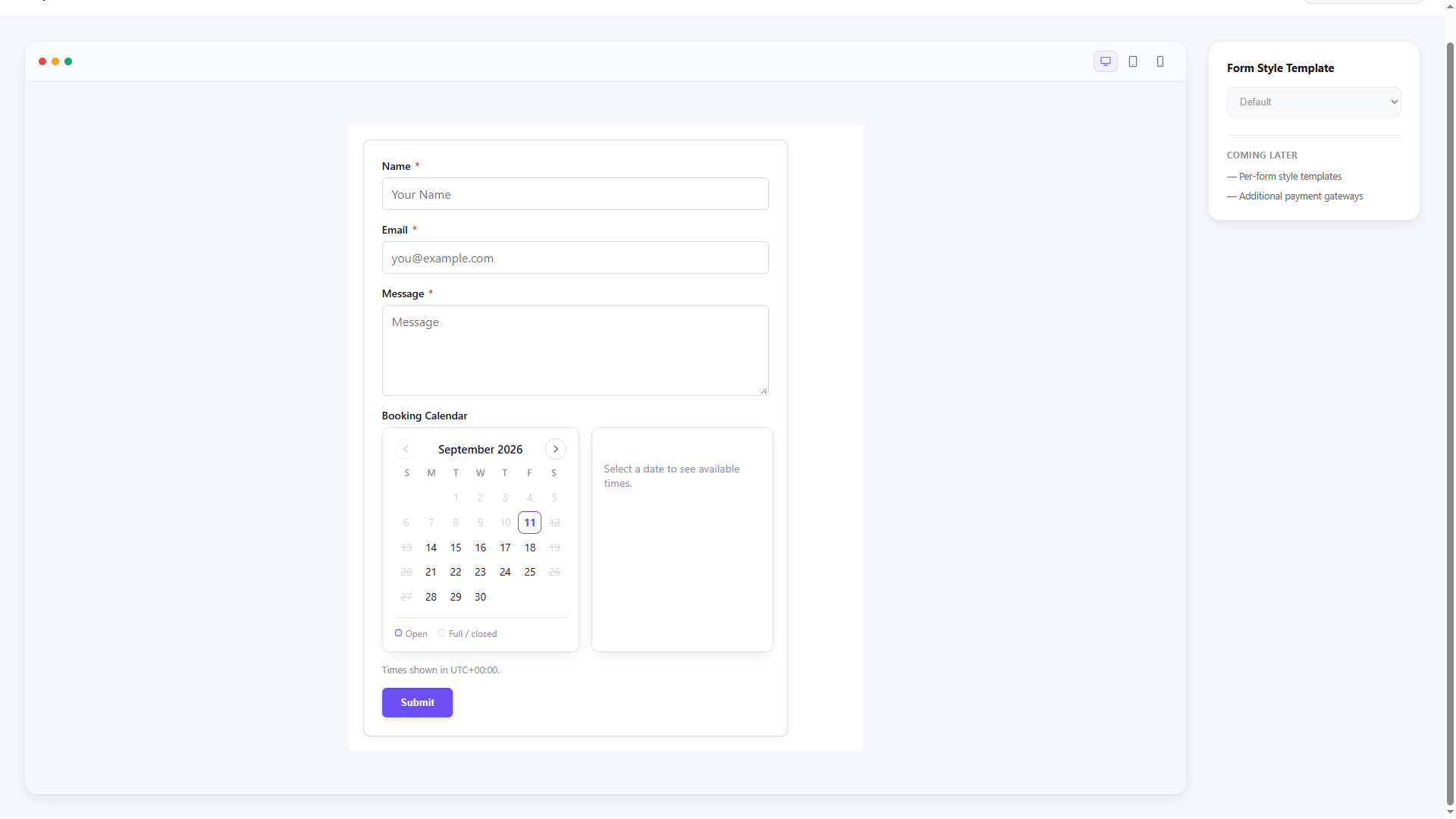
ChargeForms is a free WordPress form builder for contact forms, Stripe and PayPal payment forms, multi-step forms, surveys and lead-capture forms. Build them by drag and drop, add conditional logic, collect payments, and manage every entry from your dashboard, without a bloated front-end bundle slowing your site down.
Why people choose ChargeForms: conditional logic, multi-step forms, file uploads, Stripe and PayPal payments, SMTP email delivery and CSV import are all in the free plugin. There is no paid tier to unlock them and no platform fee on top of your payment processor’s own rate.
Every feature in this plugin — conditional logic, payments, SMTP email delivery, CSV import, every field type — is included free, with no paid license required and no feature locked behind a paywall. ChargeForms.com | Documentation
Drag-and-Drop Form Builder
- 30+ field types out of the box — text, address, ratings, file upload, payment fields, and more
- Conditional logic with nested AND/OR/NOT groups — show or hide fields based on other answers
- Multi-step forms with a progress bar and per-step validation
- All bundled form templates, Save & Resume, and CSV entry import
- Lightweight front-end rendering — visitors never load an admin-sized JS bundle
Accept Payments
- Stripe and PayPal, including Stripe recurring subscriptions (monthly/yearly plans, free trials, cancellation)
- Payment Item, Custom Amount, Payment Method, and Payment Summary fields
- No platform fee on top of your payment processor’s own rate
Entry Management
- A full entries dashboard in wp-admin — view, edit, filter, export, and manage every submission
- Email notifications on every submission, with delivery logging and automatic retry
Email Delivery (Native SMTP)
- Connect Gmail, Microsoft 365, Amazon SES, SendGrid, Mailgun, Brevo, Postmark, Zoho, or any custom SMTP server
- Encrypted credentials, multiple SMTP connections, real test-email sending, and a full delivery log
Integrations
- Webhook — send every submission as JSON to Zapier, Make, n8n, or your own endpoint
- Mailchimp, Brevo, ActiveCampaign, Slack, Discord, Telegram, Notion, HubSpot, Google Sheets
Spam & Security
- Honeypot spam protection built in
- reCAPTCHA, hCaptcha, Cloudflare Turnstile, or CleanTalk — your choice, off by default
- Double opt-in for email confirmation
Migrate From Another Form Plugin
- The built-in Migrator (Tools screen) imports forms from Fluent Forms, Contact Form 7, WPForms and Ninja Forms, mapping their fields instead of making you rebuild each form by hand
Works With Your Stack
- Elementor widget for placing a form visually
- Built-in MCP server so AI assistants you connect with a WordPress Application Password can list and manage forms
Planned for Future Releases
- Conversational (one-question-at-a-time) form mode
External services
This plugin optionally connects to a number of third-party services, every one of them off by default. Full detail on each is in the “What external services does this plugin use?” FAQ above; summarized here per the WordPress.org guideline:
- Google Fonts — loads the Poppins typeface on ChargeForms’ own wp-admin screens only (never your site’s front end), when enabled under Global Settings. Sends the admin’s IP/browser info to Google on every admin page load while enabled. Terms / Privacy.
- reCAPTCHA, hCaptcha, Cloudflare Turnstile, CleanTalk — optional spam-protection providers; only loaded on a form’s front end if you enable one under Global Settings > Security. Processes the visitor’s IP/browser data when a protected form is viewed/submitted. Google Privacy / hCaptcha Privacy / Cloudflare Privacy / CleanTalk Privacy.
- Stripe, PayPal — only active on a form with a Payment field where you’ve connected your own account. Sends the payment amount and the payer’s entered billing details when a visitor pays. Stripe Privacy / PayPal Privacy.
- Webhook, Mailchimp, Slack, Discord, Telegram, Notion, HubSpot, Google Sheets — only send data if you explicitly connect them yourself under the Integrations screen, to the endpoint/account you configure, at the moment a form is submitted. Mailchimp Terms / Privacy — Notion Terms & Privacy / Privacy — HubSpot Terms / Privacy — Telegram Terms / Privacy.
- Address autocomplete — optional; sends each keystroke in an Address field’s autocomplete box to OpenStreetMap’s Nominatim API. Usage Policy / OSMF Privacy.
- chargeforms.com license API — only contacted if you activate a Pro license key, to verify it. Terms / Privacy.