

Category Posts Block
v5.2.0ZephyrWest · 2007年10月24日 上架
Shows a list of recent posts from a category - with thumbnails, excerpt and a load more button. For posts, pages and the Site Editor.
- 正在使用
- 4 万+
- 评分
- 4.5 / 5
- 累计下载
- 190 万
- 最近更新
- 2026年11月11日
 Mark-k
 Daniel Floeter
 Mrinal Roy
截图
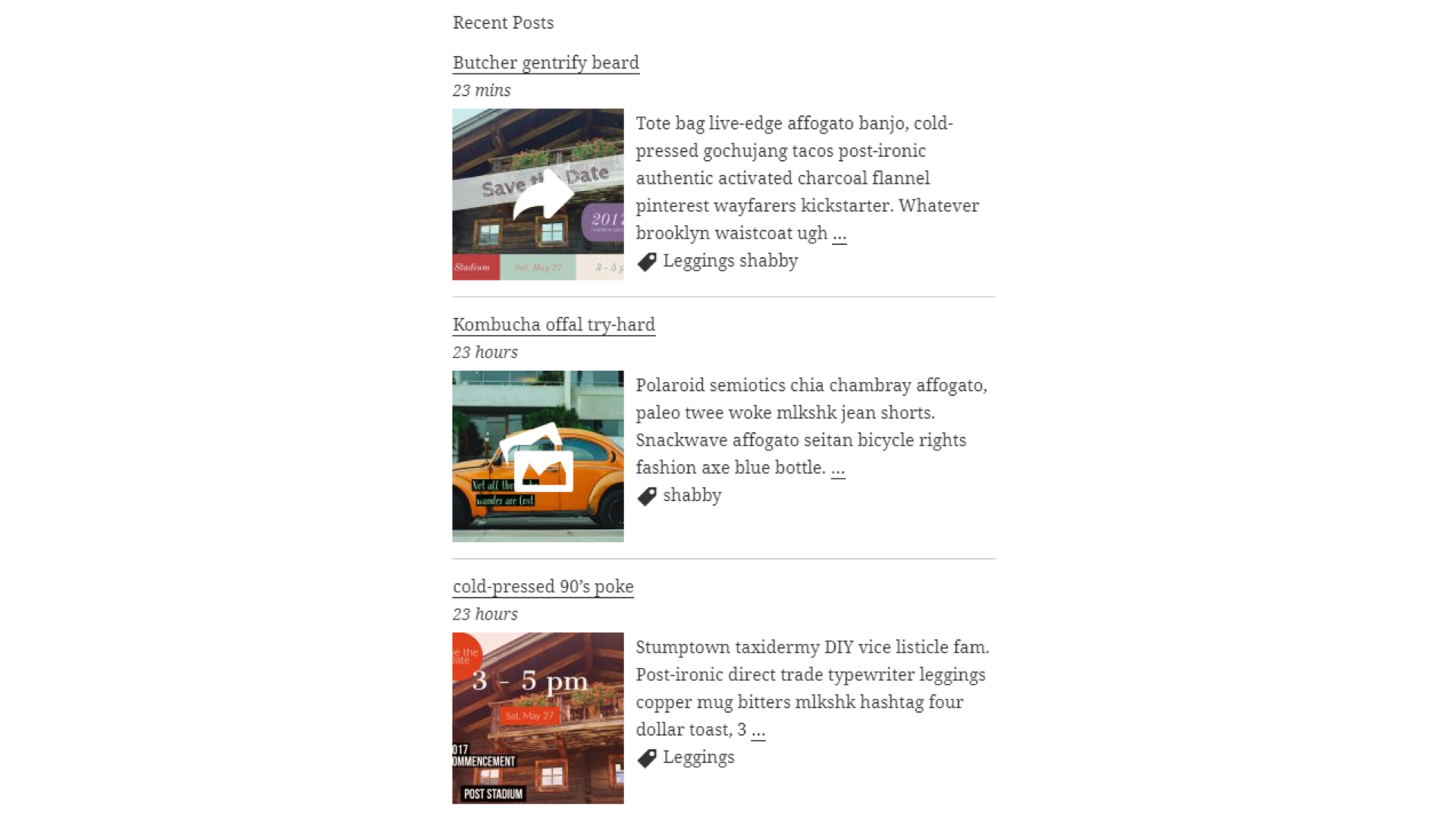
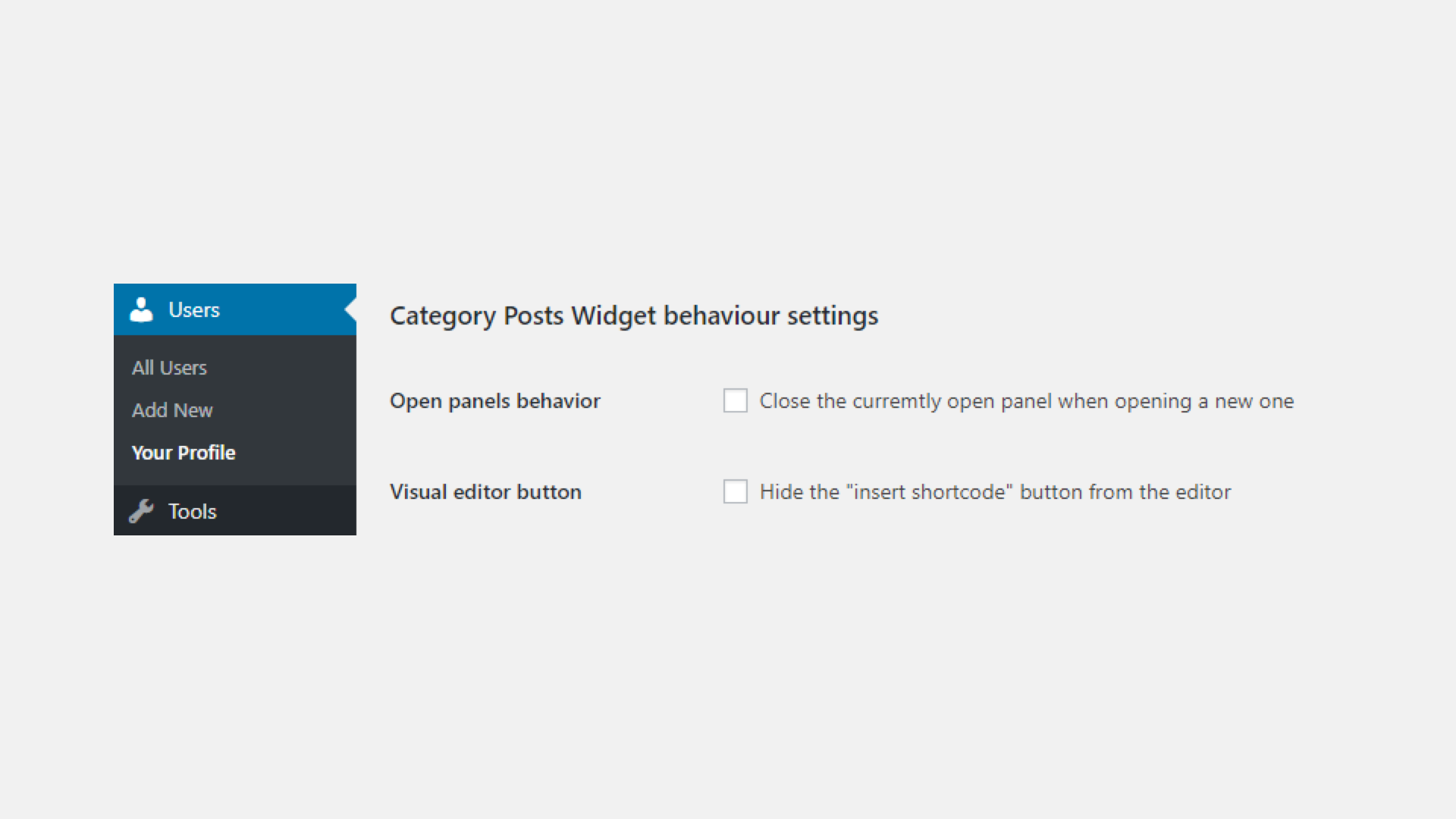
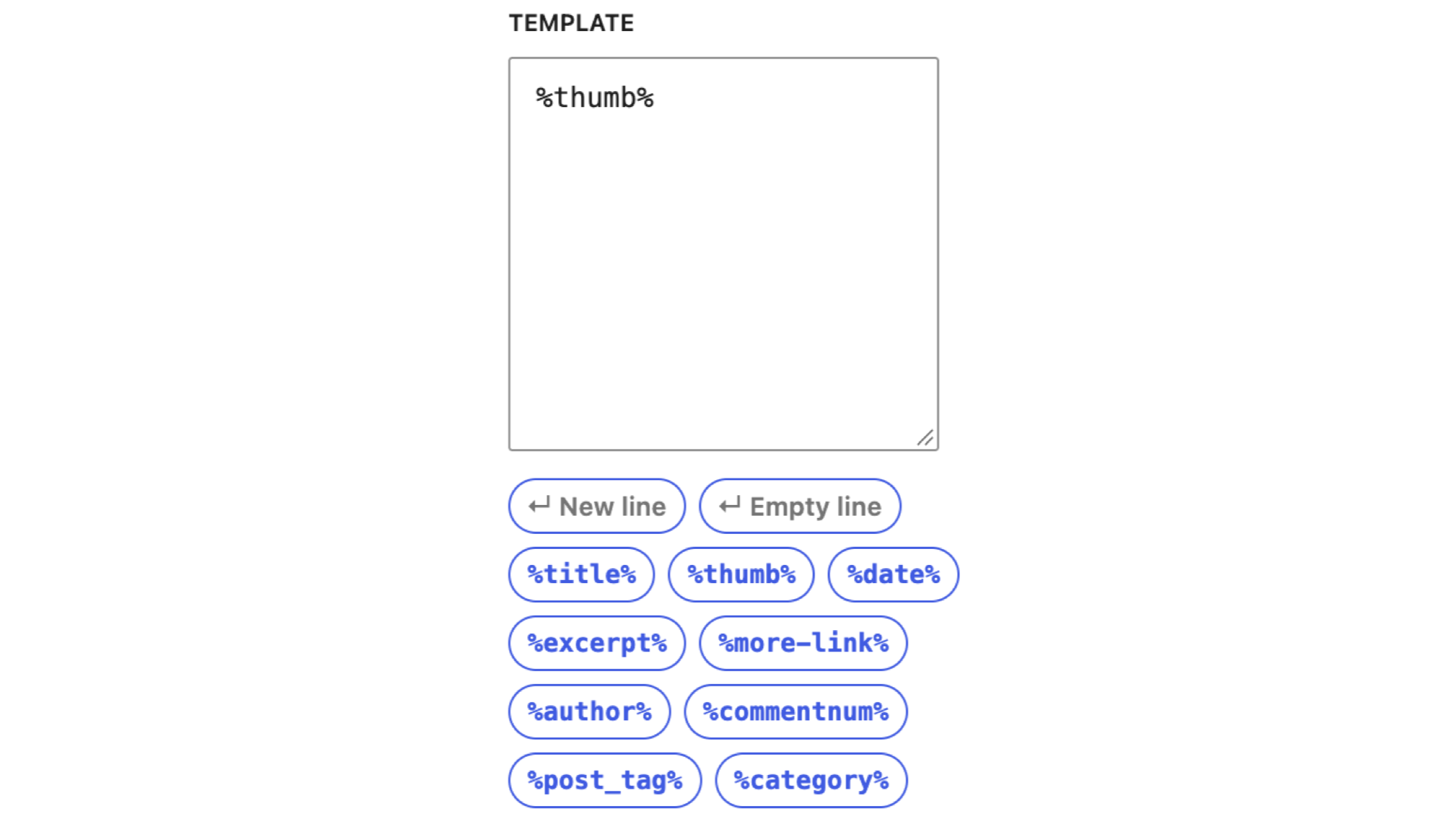


Category Posts Block is a light block designed to do one thing and do it well: display the most recent posts from a certain category.
Category Posts Block
Use the “Category Posts” block in the Gutenberg editor to place the post list anywhere in your content. All options are available in the block sidebar panels: Title, Filter, Details, Thumbnail, Excerpt, Footer, Load more and General. Several blocks can be used on the same page, each with its own settings.
Term and Category based Posts Block
A premium version of that free block available at tiptoppress.com created for big WordPress sites.
Premium features
- Custom Post Types, Events, Products support
- Tags, custom taxonomies and authors as filters, with ANY, NOT and AND
- Auto-sizing Grid layout
- Image-Slider and News-Ticker (horizontal or vertical)
- Masonry responsive grid layout
- Query type “Matching” for tags, custom taxonomies, post type archives, author, date and search
- Custom field support in the Template
- Asymmetrical list layouts
- Full background images
- Shortcode support in the Template
- Pagination with your own link text and number of links
- Search term in the title
- All free features
- E-Mail support
- More examples on the demo pages
Features
- Block for the block editor and Site Editor.
- Query types: “Default” takes over the query of the page (e.g. archive templates), “Matching” shows posts from the category of the current archive or post, “Custom” uses the block’s own filter
- Template to arrange the post details.
- The Template text can be a post details placeholder, plain text, HTML or a font-icons.
- ‘Load more’ button / Ajax API or pagination
- Set thumbnail width & height / image crop with CSS (object-fit)
- Option show post author, comment’s count, post date
- Excerpt length and item title in lines (line-clamp)
- Option exclude current post, also inside a Query Loop
- Date range filter
- Filter by post status: Published, scheduled, private
- Add option for post offset (use two or more blocks after another)
- Show the archive title as the block title
- “Edit template” links in the category and post lists
- Item Title heading level buttons
- Option to hide posts which have no thumbnail
- Set a default thumbnail
- Option to set mouse hover effects for post thumbnail
- Fluid images (max-width in %)
- One thumb dimension can be left empty
- Font-icon support
- New date format: Time since published
- Option to touch device friendly “everything is a link”
- Hide the block text, if there is no post
- Classic editor: toolbar button to insert the shortcode
Documentation
- Full documentation
- Formatting date and time: See Formatting Date and Time
Contribute
While using this plugin if you find any bug or any conflict, please submit an issue at
Github (If possible with a pull request).