

Carve Markup
v0.1.13markmarkmark · 2026年7月6日 上架
Write posts, pages and comments in Carve markup: a visual editor, live preview, multi-format paste, frontmatter-to-meta and a REST API.
- 正在使用
- 10 以下
- 评分
- 暂无
- 累计下载
- 1,072
- 最近更新
- 2026年11月13日
需要 WordPress 6.3+已测试到 7.1.5PHP 8.2+
贡献者
 markmarkmark
截图
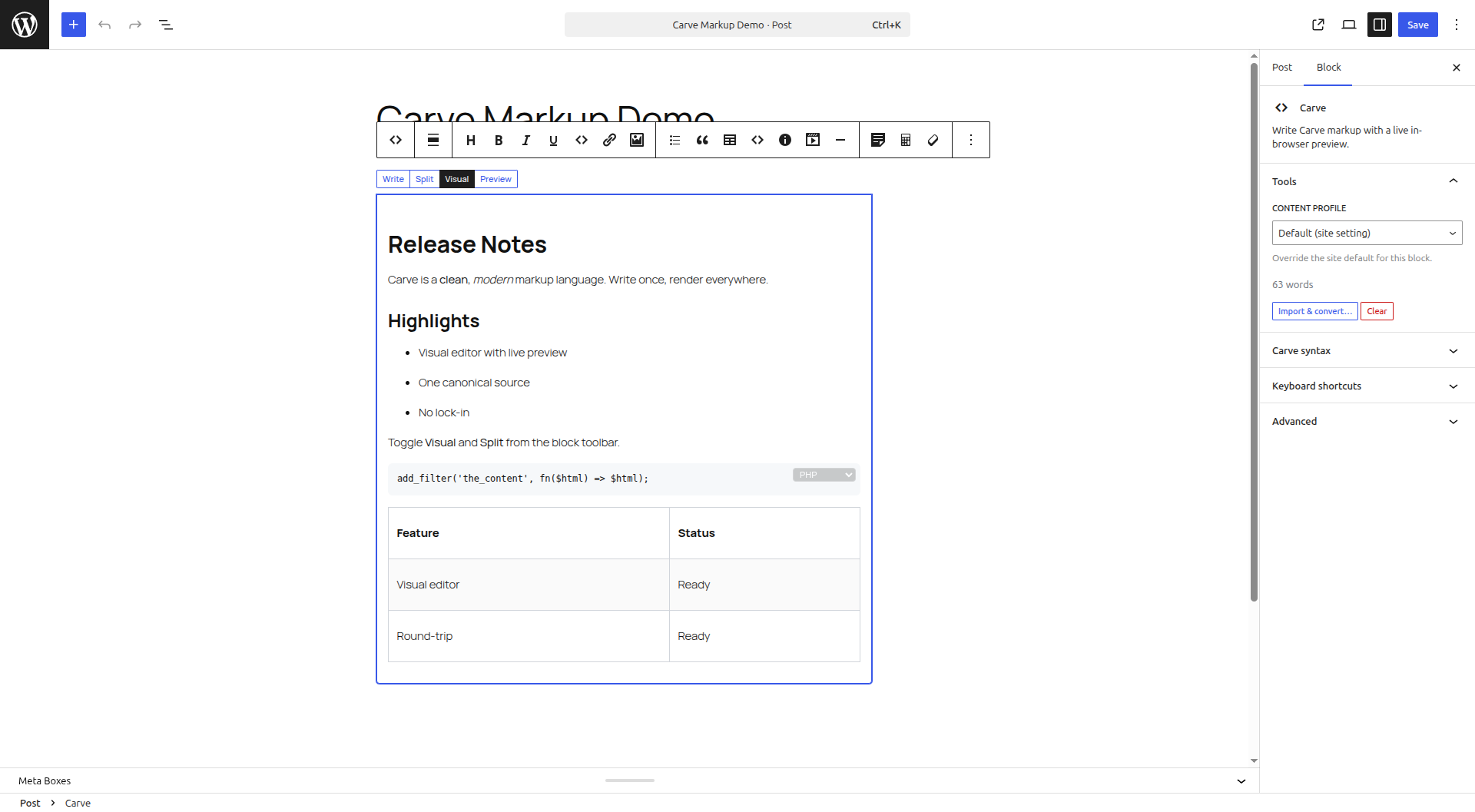
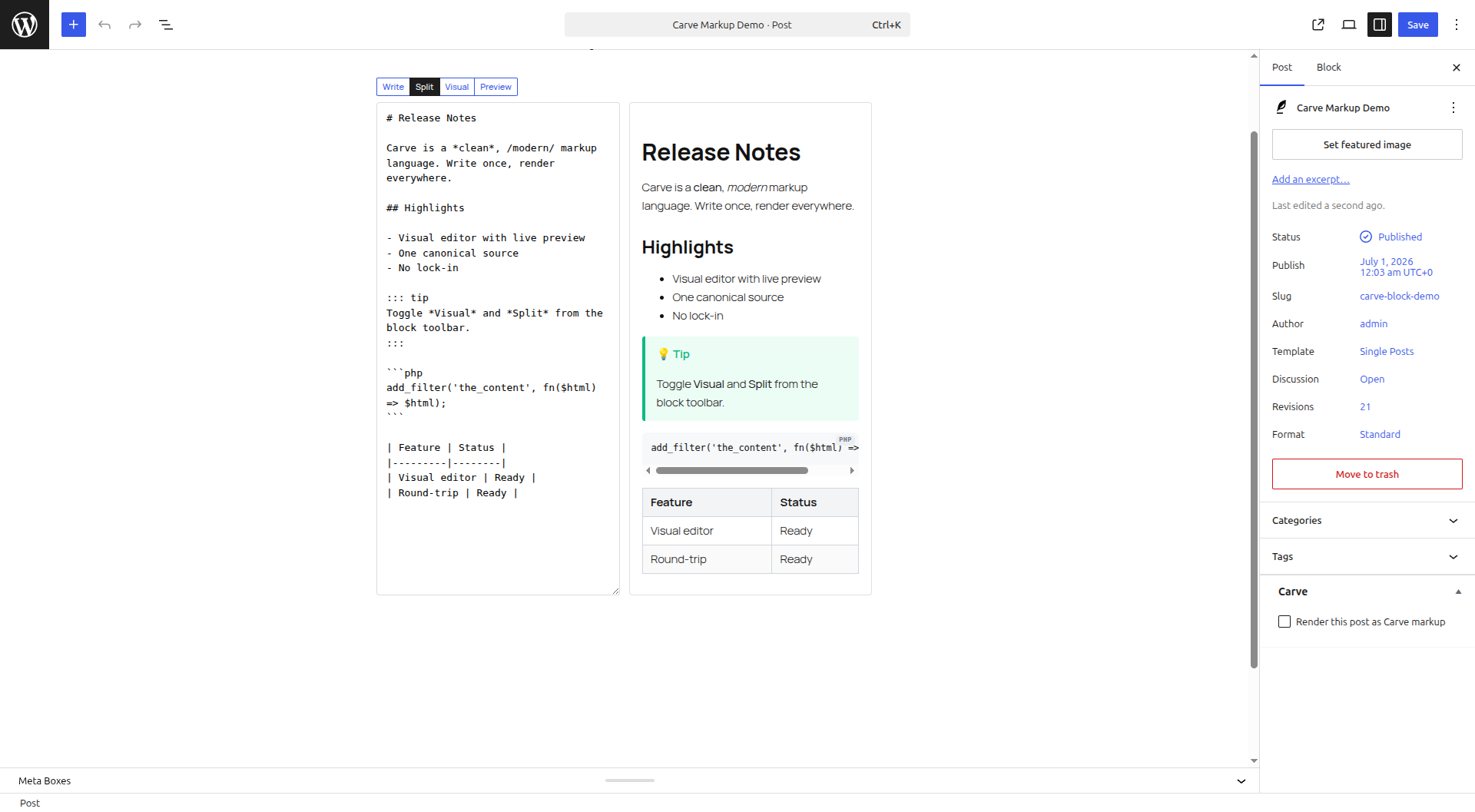
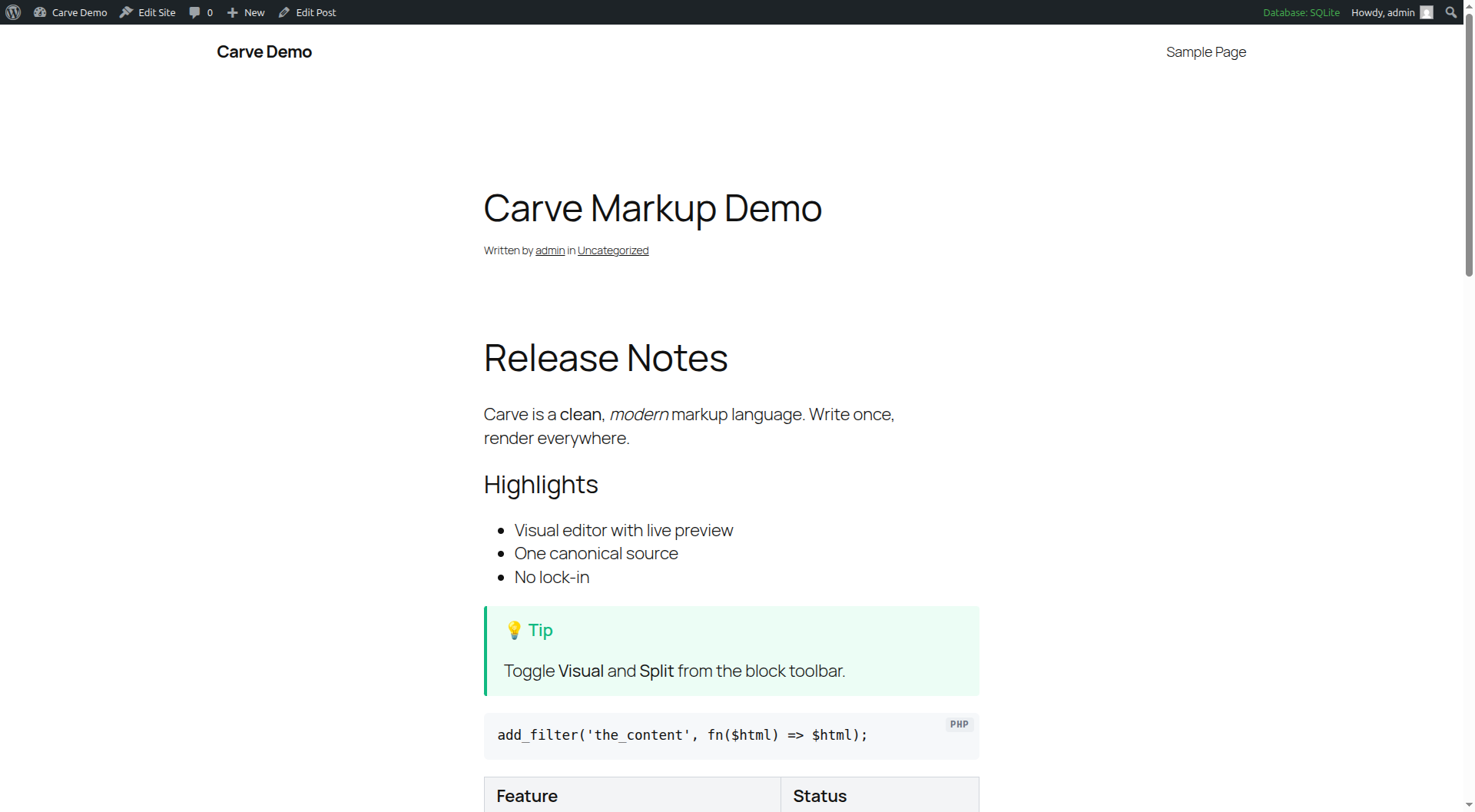
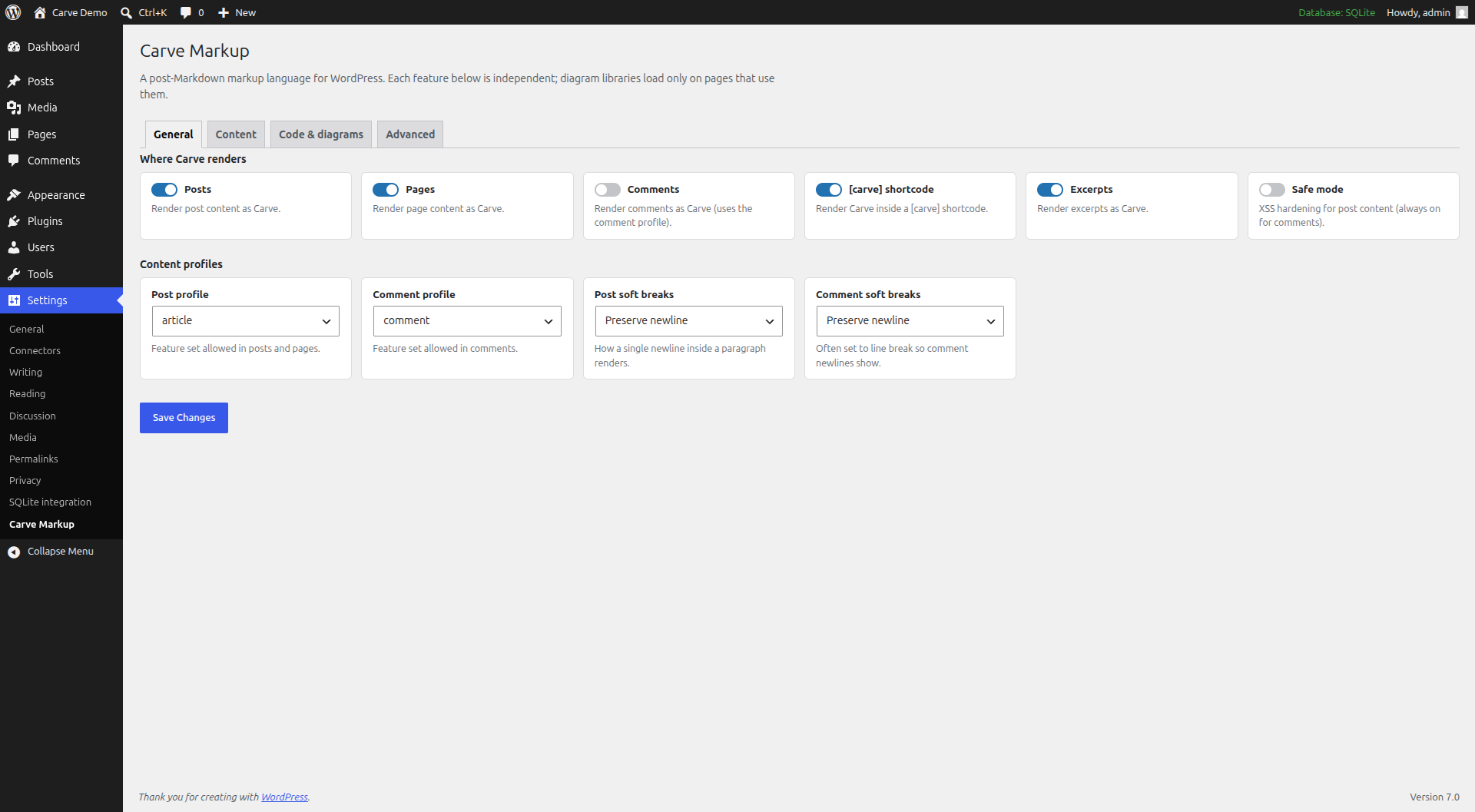
Carve is a lightweight markup language for documents and the web. This plugin renders Carve to HTML in WordPress, powered by the markup-carve/carve-php engine.
Watch the WordPress demo:
Features: per-post “Render as Carve” mode, a [carve] shortcode, a Gutenberg block with a visual (WYSIWYG) editor, comment support, content profiles, table of contents, heading permalinks, smart quotes, Mermaid, and WP-CLI migration.
Beyond a typical markup plugin:
- Visual editor with Write / Split / Visual / Preview tabs. Edit visually or in source; every change round-trips to canonical Carve, and you are only warned when visual editing would change the rendered output.
- Instant in-browser preview using the Carve JS engine (no server round-trip).
- Paste or import Markdown, Djot, BBCode or HTML and convert to Carve in place; export any post as a .crv file.
- Map typed frontmatter (yaml/json/toml) to excerpt, SEO and post meta.
- Cache rendered HTML at save time; render via REST for headless WordPress.