
Checkout Shield for WooCommerce – Stop Fake Orders, Spam Bots & Card Testing
v1.5.0carticy · 2026年1月25日 上架
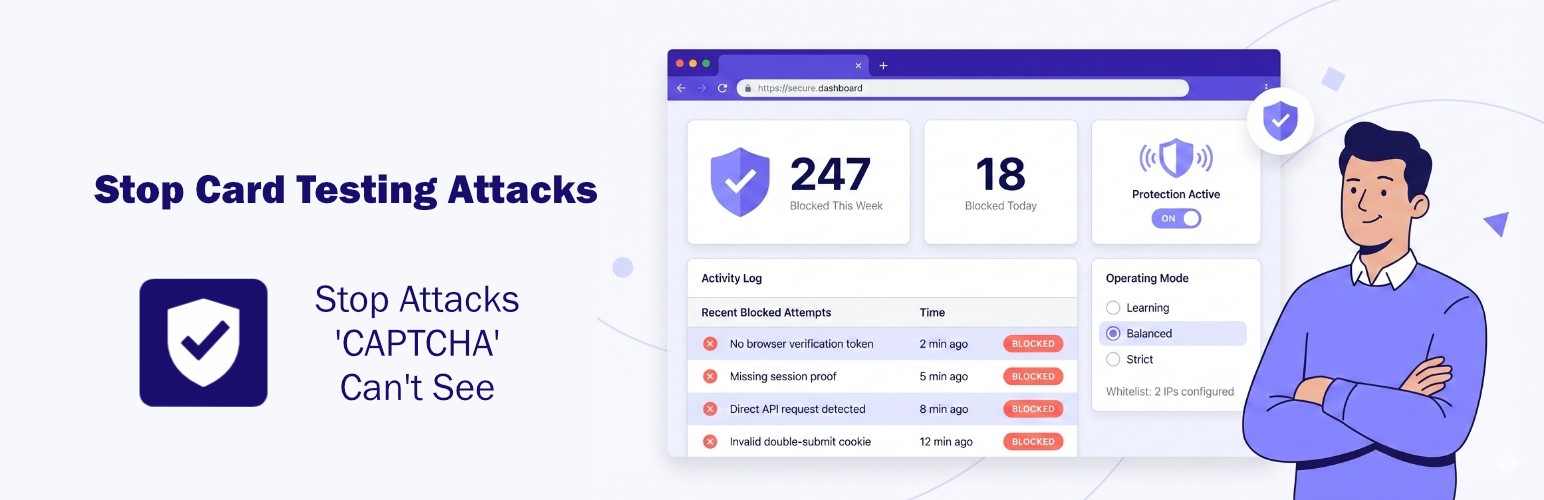
Stop card testing and fake orders. Blocks checkout submissions that never loaded your checkout page, with no CAPTCHA. Classic and block checkout.
- 正在使用
- 400+
- 评分
- 5.0 / 5
- 累计下载
- 3,366
- 最近更新
- 2026年11月17日
 carticy
 Ali Khallad
 Freemius
截图


Checkout Shield stops the bots behind card testing, fake orders and spam orders on WooCommerce stores, without asking your customers to solve anything.
These bots don’t browse your store. They send checkout requests straight to WooCommerce, either to the classic checkout handler or to the Store API that powers block checkout, without ever opening your checkout page. A CAPTCHA lives on that page, so it never sees them. That is why a store can have reCAPTCHA or hCaptcha installed and still be flooded with failed card payments.
How it works
Your site signs a proof into every checkout page it serves. A real shopper’s browser loads the page and carries that proof back with their order, without them noticing anything. A checkout submission that arrives without a valid proof never loaded your checkout page, so it is stopped before WooCommerce creates an order or contacts your payment gateway.
This covers your whole checkout: the classic checkout form, the block-based checkout, and every payment gateway. There is no challenge for customers and nothing to configure.
What it stops, and what it does not
Being straight about this is more useful than a bigger promise.
It stops anything that submits a checkout without loading your checkout page first: curl scripts, bots calling the Store API directly, replayed form posts, and the card testing runs that work this way. This is the large majority of automated checkout abuse, and it is exactly the part CAPTCHA misses.
It does not stop a bot that drives a real browser. Something that genuinely loads your checkout page receives a genuine proof, because that is what the proof records, and it can reuse that proof for the rest of the shopping session. It also cannot see orders created inside your WordPress admin, which never pass through checkout.
For real-browser bots, Checkout Shield shows you when it is happening: the dashboard reports payments that fail repeatedly from a single checkout visit, which is what working through stolen card numbers looks like, and you can set a limit that turns that visit away. Pair the plugin with a bot mitigation service in front of your site (Cloudflare Bot Fight Mode, Sucuri) for the strongest protection.
Free and Pro
The free plugin protects your checkout: classic and block checkout, every payment gateway, with the dashboard, card testing alerts and controls described below. Checkout is where card testing starts, and this covers it fully.
Pro is the complete protection. Once checkout is locked, some card testers move to the account area instead: they register throwaway accounts and try stolen cards through My Account, Add payment method. Pro protects sign-up forms and saved payment methods as well, bans repeat offenders automatically, and adds a live timeline of every blocked attempt, a one-click protection test and a customer blocklist.
Why store owners choose Checkout Shield
- Catches what CAPTCHA misses: stops bots that submit checkouts directly, without asking shoppers to prove anything
- Never blocks your customers by mistake: it only starts once it has seen a real checkout on your store work, and if your theme ever stops carrying the proof it notices, keeps letting real shoppers through, and tells you what to fix
- Works with any caching: LiteSpeed, Cloudflare, WP Rocket and W3TC, with no conflicts or exclusions
- Nothing to configure: no rules to write and no thresholds to tune
- No external services: every check runs on your own server, with no third-party API and no subscription
- Adds milliseconds: the check is local, with no third-party call to wait on
Free features
- Checkout protection: blocks scripted submissions on classic and block checkout, with every payment gateway
- Automatic arming: switches itself on once it has seen one checkout on your store work
- 4 protection levels: Learning, Permissive, Balanced and Strict, so you choose how strict to be
- Card testing alerts: an admin notice and dashboard report when payments keep failing from one checkout visit, with an optional limit that turns that visit away
- Checkout Shield screen: a live overview of whether you’re protected and how many attempts were stopped in the last 24 hours, the last 30 days and since you installed it
- Dashboard widget: blocked vs verified orders at a glance, with a 7-day chart
- Order status column: see whether each order passed the check, came from a trusted source, or arrived while protection was learning
- IP whitelist: let trusted addresses through, with CIDR support
- API key authentication: for headless and custom checkout setups
- HPOS compatible: works with High-Performance Order Storage
- WooCommerce logging: full integration with WooCommerce Status logs
Pro features
Everything in the free plugin, plus:
- Sign-up protection: the same no-CAPTCHA proof on your My Account and WordPress registration forms, so scripts can’t create fake accounts. It only starts blocking once it has seen a real sign-up come through your own form, so a custom sign-up form is never affected
- Saved payment method protection: only customers with a paid order or a subscription can add a card from My Account, with a limit on tries per account and per address. It stops the card check itself with Stripe, WooPayments and PayPal, and checkout is untouched
- Throwaway email blocking: rejects known disposable inboxes at checkout and at sign-up, from a domain list the plugin keeps up to date
- Auto-ban repeat offenders: once switched on, a source that keeps failing payments or keeps trying cards is blocked for a while, then released on its own
- Customer blocklist: block by email, name, address and postcode, phone, or IP, or straight from any order screen
- Live attack timeline: every blocked attempt as it arrives, with where it hit, why it was stopped, and a masked email and IP
- One-click protection test: fire the real card testing request at your own store and watch it get blocked, with no order created
- Logging control: log nothing, blocked attempts only, or everything, including the email and payment method bots tried to use
- Automatic CDN/proxy detection: reads real visitor IPs behind Cloudflare, Sucuri, or Akamai
- Stronger permissive mode: tighter checks using the referrer and user-agent