

CartProtect – Bot Protection for WooCommerce
v1.0.1Cartsera · 2026年7月14日 上架
Bot Protection add Cloudflare Turnstile to your WordPress and WooCommerce forms to protect your website from bots without CAPTCHA.
- 正在使用
- 10 以下
- 评分
- 暂无
- 累计下载
- 403
- 最近更新
- 2026年8月21日
 Youssef
 Cartsera
截图
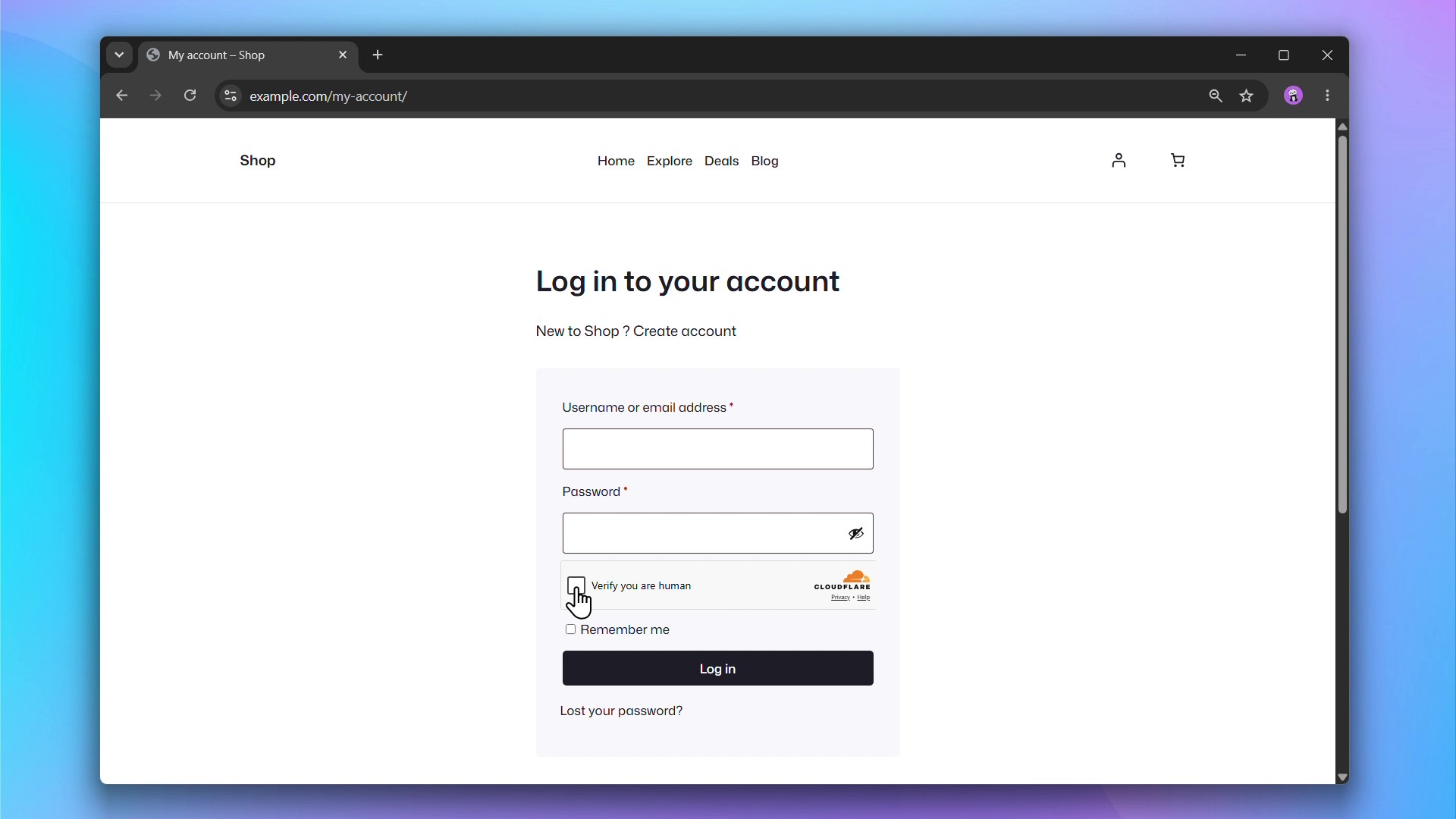
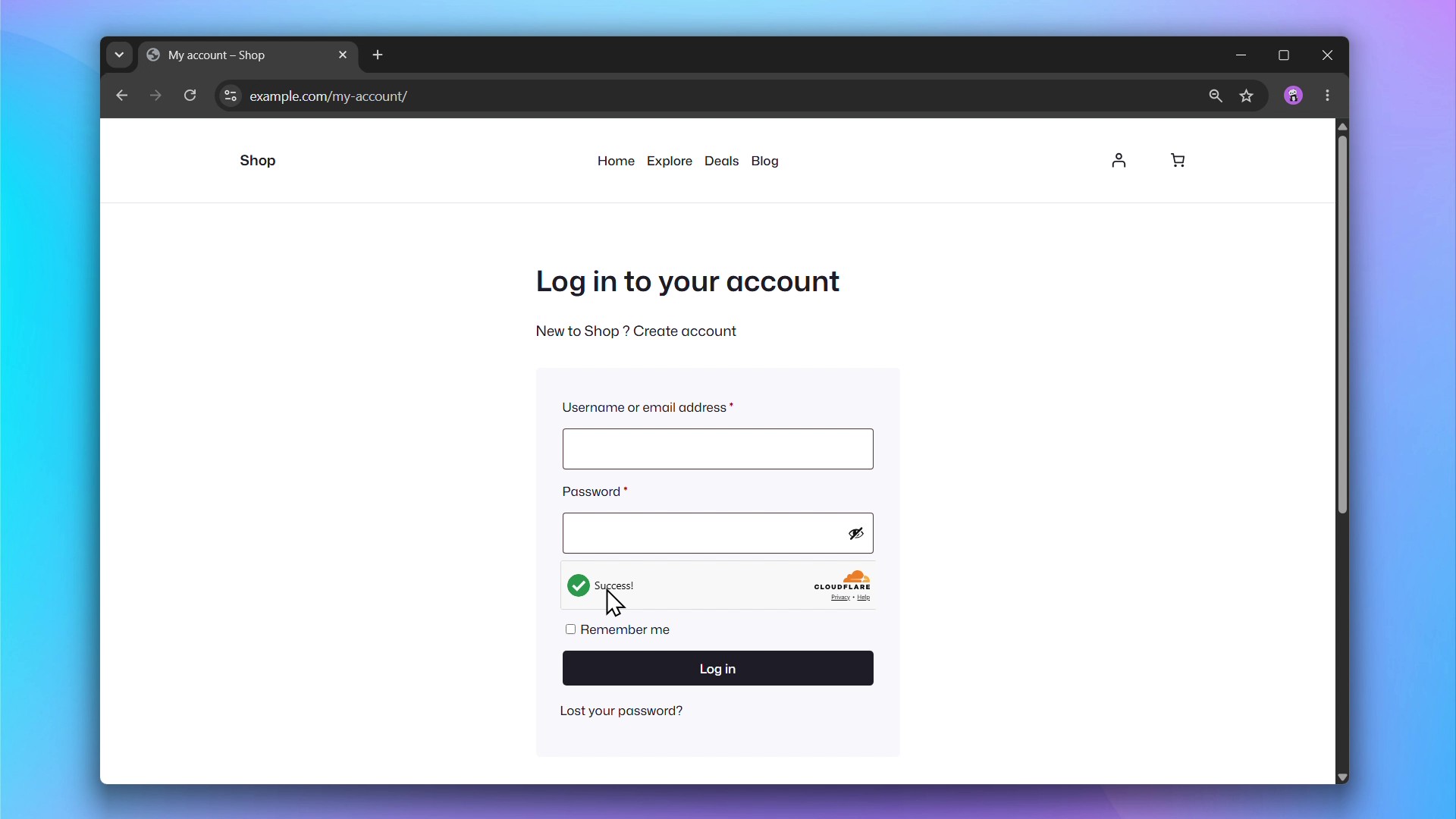
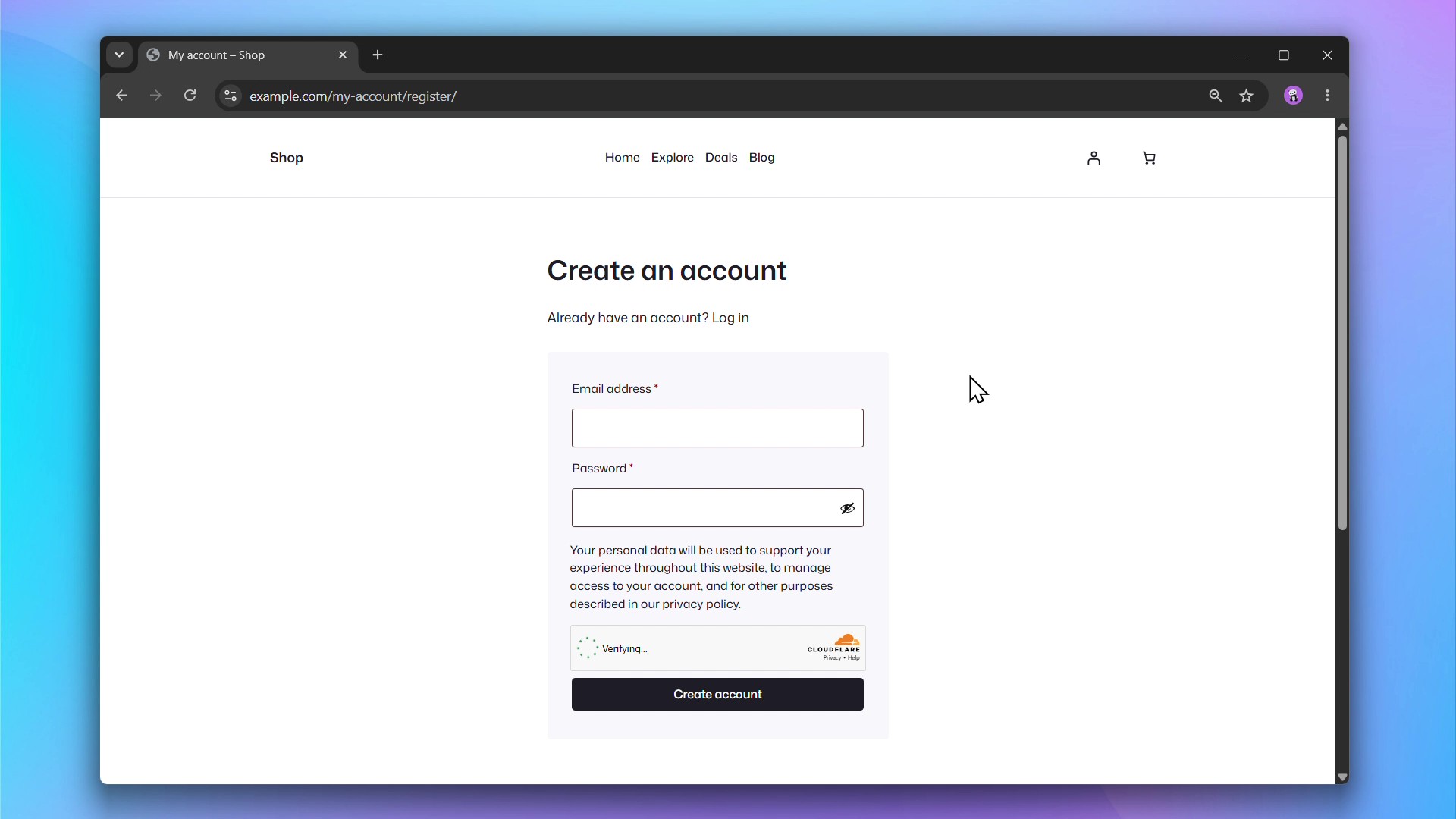
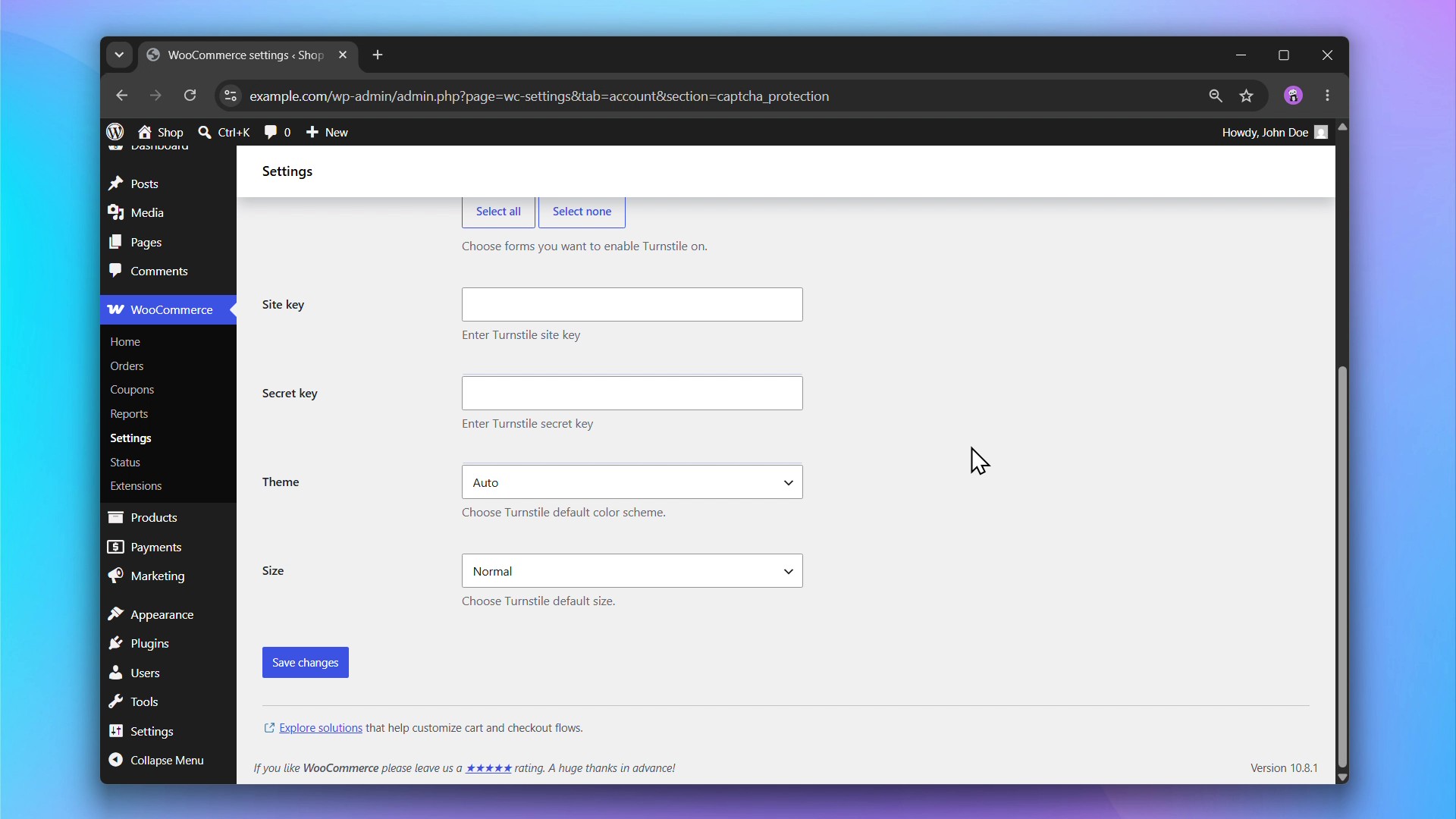
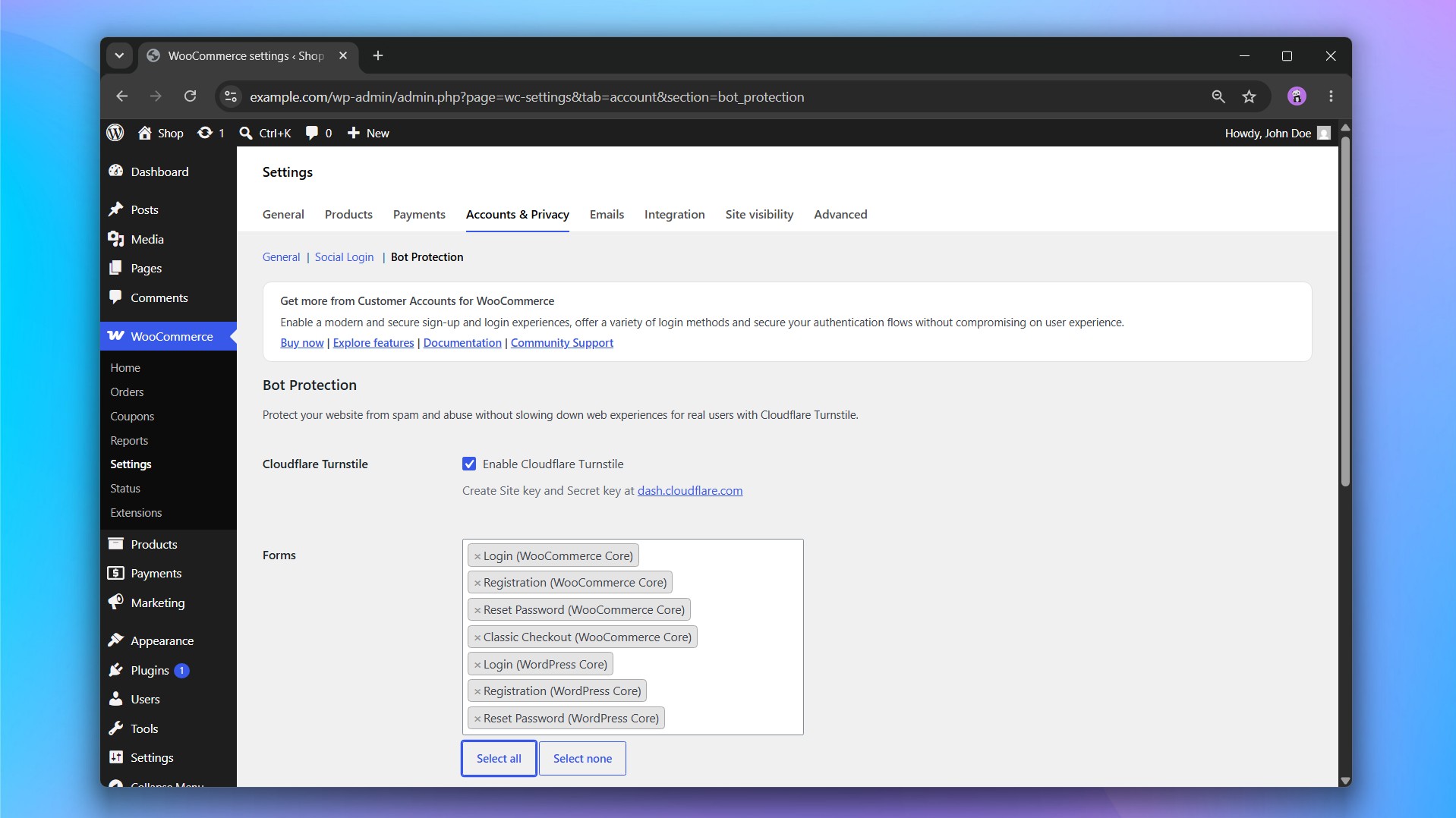
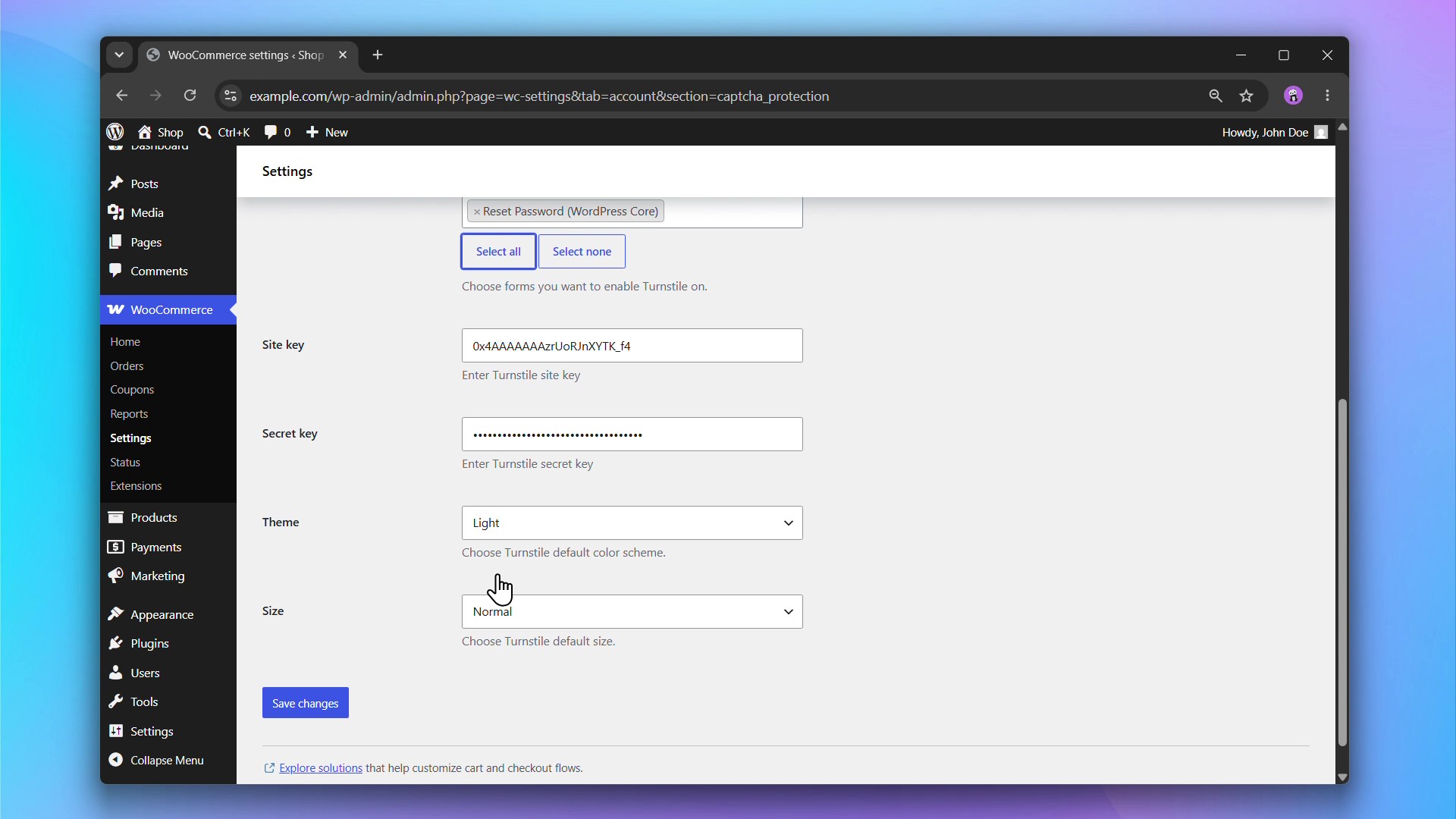
Bot Protection adds Cloudflare Turnstile to your WordPress and WooCommerce forms, protecting your site from bots, spam registrations, and more without impacting the user experience.
Cloudflare Turnstile protects your forms from spam and bot abuse without showing visitors a CAPTCHA. It runs a challenge invisibly in the background and only interrupts users when suspicious behavior is detected.
Supported Forms
WooCommerce
- Login
- Registration
- Reset Password
- Classic Checkout
WordPress
- Login
- Registration
- Reset Password
Getting Started
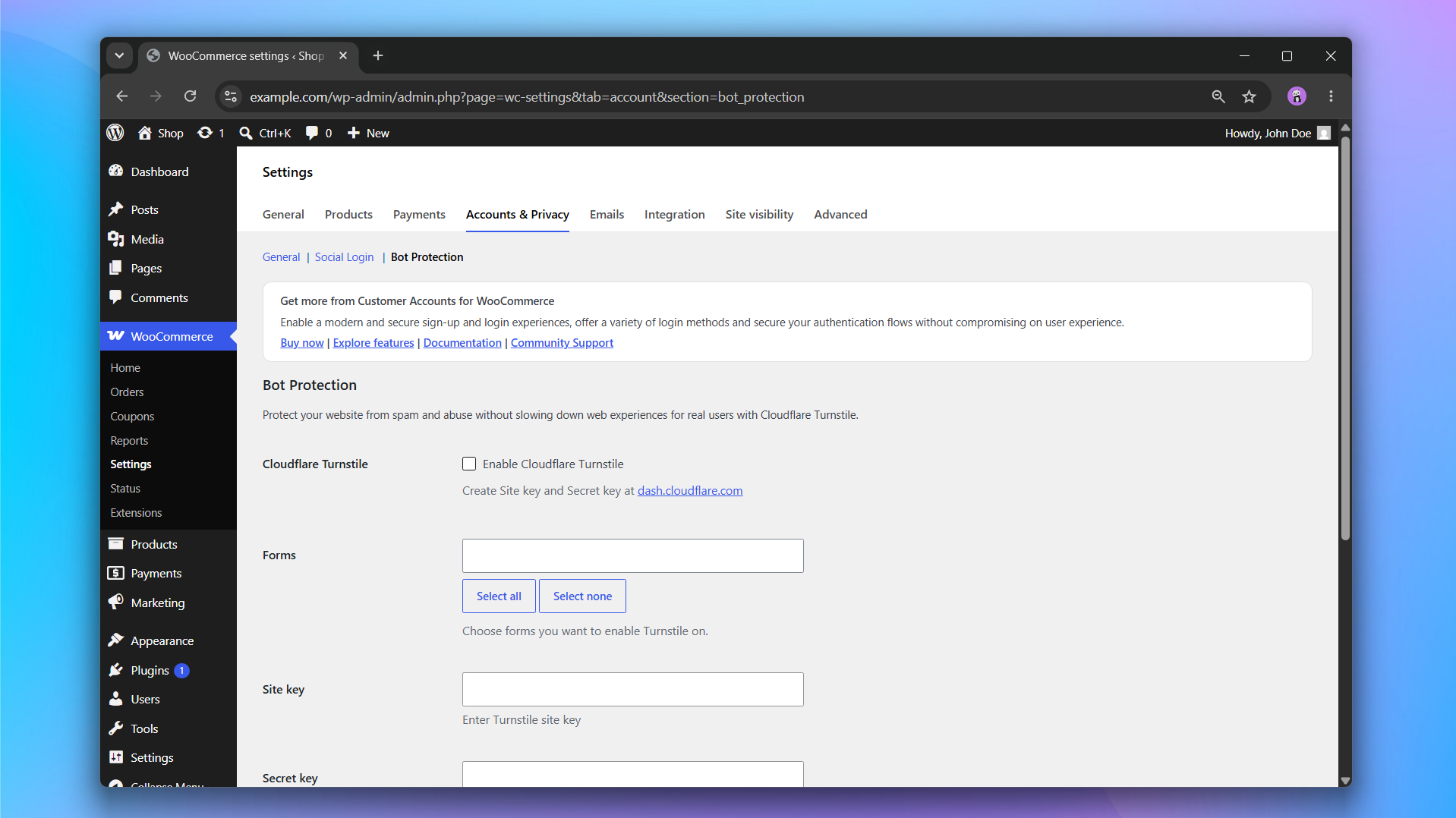
- Sign up for a free Cloudflare account and generate a Turnstile Site Key and Secret Key.
- Go to WooCommerce > Settings > Accounts & Privacy > Bot Protection and enter your keys.
- Choose which forms to protect.
- Done. Turnstile widgets will appear automatically on your selected forms.
Read our Documentation for a step-by-step guide to installing and setting up Bot Protection.
External services
This plugin uses Cloudflare Turnstile to verify that form submissions come from real users and not bots, protecting the site from spam and abuse.
It loads the Turnstile JavaScript API from Cloudflare’s servers whenever a protected form (e.g. login) is displayed. When the form is submitted, the widget’s response token, along with the user’s IP address, is sent to Cloudflare’s siteverify endpoint to confirm the submission is human.
This service is provided by “Cloudflare, Inc.”: Terms of Use, Privacy Policy.