

Cart Abandonment Recovery via Chat
v1.0.1appdibetu · 2020年9月5日 上架
Recover your lost revenue. Capture whatsapp number of users on clicking add to cart button and send follow up whatsapp messages if they don't com …
- 正在使用
- 10+
- 评分
- 暂无
- 累计下载
- 1,757
- 最近更新
- 2020年9月15日
贡献者
 appdibetu
截图


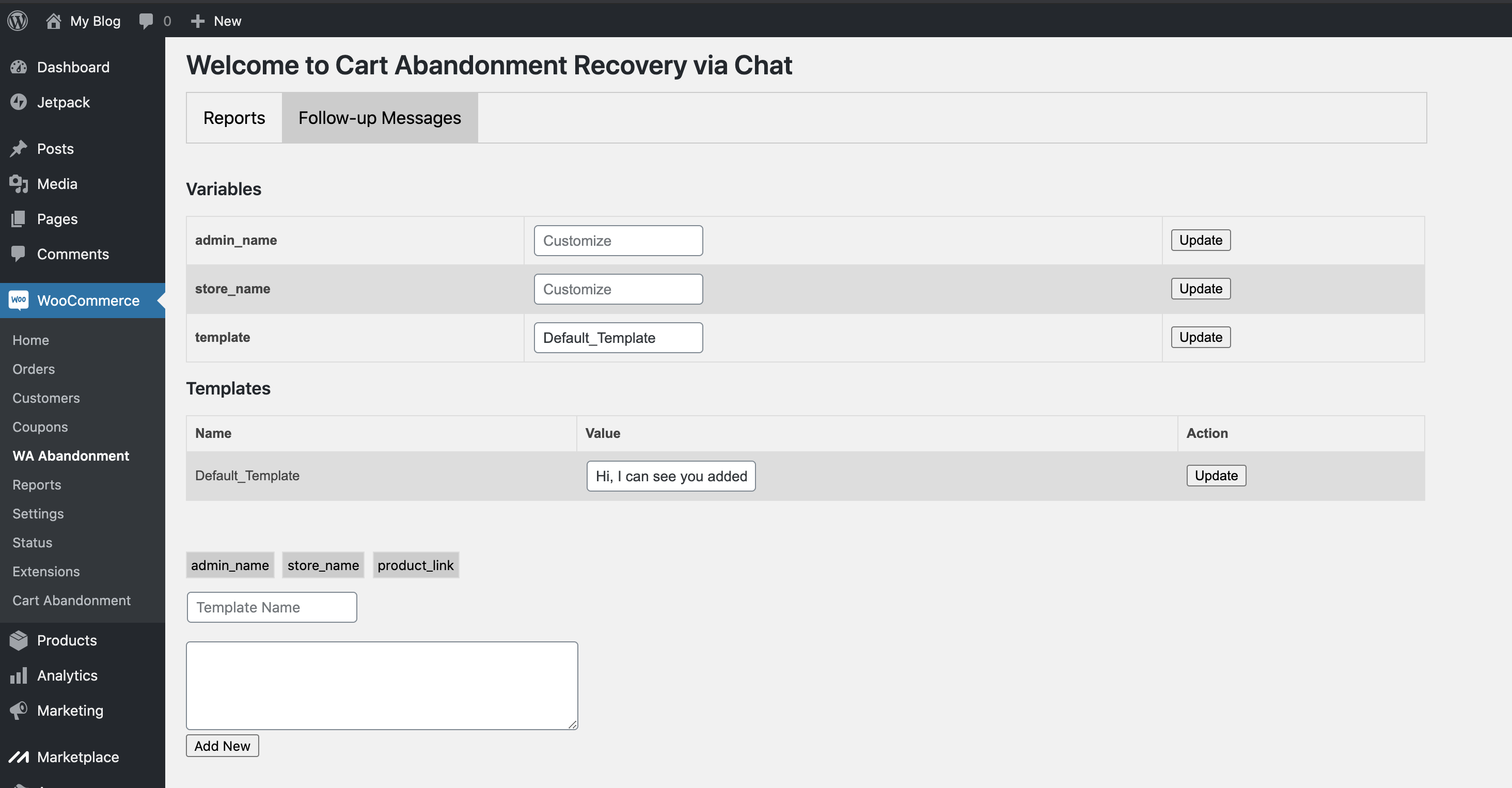
It’s time to Stop Cart Abandonments and Recover Your Lost Revenue! and all on mostly used messaging app whatsapp
Research shows about 60% to 80% of the users who go to the checkout page, do not complete their purchase. Even the best optimized checkout process has an abandonment rate of 20%
Cart gets abandoned for many reasons.
But we have good news for you. Install our plugin and automatically recover your lost revenue absolutely free.
How Does This Plugin Work?
-
The plugin asks for the whatsapp number on clicking add to cart to users on the shop page.
-
If the purchase is not completed within 15 minutes, you will start seeing such users on your abandoned cart page and you have an option to send pre-set messages to those customers on WhatsApp.
-
The messages are sent using WhatsApp Web.
Through the WhatsApp message, you can: remind them to complete the purchase, ask for feedback or offer a custom discount that will entice potential buyers to complete the purchase. You can send as many WhatsApp as you would like.
Some Amazing Features
Cart Abandonment Recovery via Chat Plugin offers everything you need to recover your abandoning carts.
- Reports: You get a full report of how the plugin is working behind the scenes, and recovering your lost revenue.
Is This Plugin Really Free? What’s the Catch?
Absolutely. There is no catch at all. This is a 100% free gift for all WooCommerce users.
Will It Affects the Performance of My WooCommerce Shop?
No. Just as WooCommerce, this plugin stores everything locally in the database of WordPress. WhatsApp messages are sent via WhatsApp Web.
How Can I Get Started?
Getting started is very easy.
-
Step 1: Install and activate the Cart Abandonment Recovery via Chat plugin.
-
Step 2: Review the default templates. Make necessary changes if required.
-
Step 3: You’re done!
The plugin will start recovering your lost sales in as quickly as 15 minutes.