
Caresort Pricing Table for Elementor
v1.0.2caresortsolutions · 2026年9月24日 上架
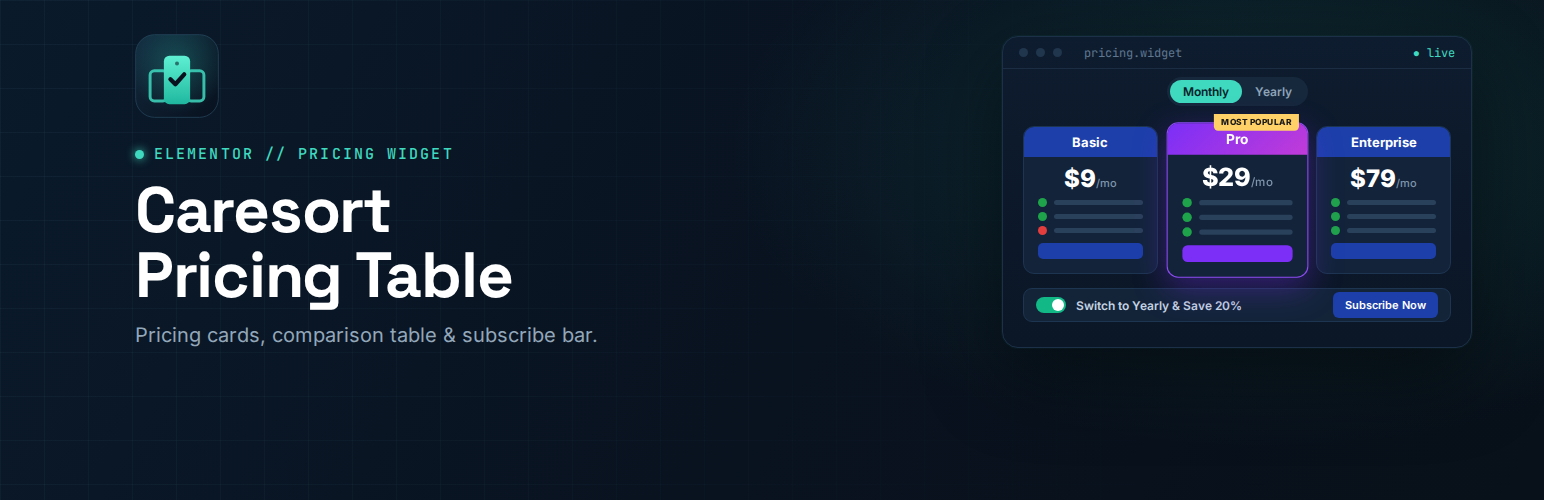
Adds a pricing card section with a Monthly/Yearly toggle, a feature comparison table, and a bottom subscribe bar.
- 正在使用
- 10 以下
- 评分
- 暂无
- 累计下载
- 246
- 最近更新
- 2026年9月24日
需要 WordPress 5.8+已测试到 7.1.5PHP 7.0+
 caresortsolutions
截图


Caresort Pricing Table for Elementor adds one Elementor widget, “Pricing Table & Comparison”, that lets you build a complete pricing section without writing any code. It has three parts that you can show or hide independently.
What you get
- Pricing cards – add as many plans as you need. Each plan has a name, price, feature list with check and cross icons, a button, and an optional “Most Popular” badge.
- Monthly / Yearly toggle – a pill toggle that updates the price on every card at once.
- Comparison table – compare features row by row across three columns, with the middle column optionally highlighted. Each cell can be plain text, a check icon, a cross icon, or an icon with text.
- Bottom subscribe bar – a “Switch to Yearly & Save” toggle switch and a call-to-action button, kept in sync with the pricing cards.
Fully customizable
Every color, typography setting, spacing value, border radius and the featured card gradient can be changed from the Style tab in Elementor. No custom CSS is needed.
Lightweight
- No external libraries, no jQuery dependency
- One small stylesheet and one small script
- Fully responsive: cards stack, the table tightens up and the bottom bar adapts on mobile
Requirements
This plugin requires the free Elementor plugin to be installed and active.