

Capybara SEO Lead Source Tracker
v0.9.0Capybara SEO · 2026年8月18日 上架
Captures UTMs and click IDs and adds them to your WhatsApp messages via a floating button, existing buttons, or a shortcode.
- 正在使用
- 10+
- 评分
- 暂无
- 累计下载
- 664
- 最近更新
- 2026年10月21日
贡献者
 Capybara SEO
截图
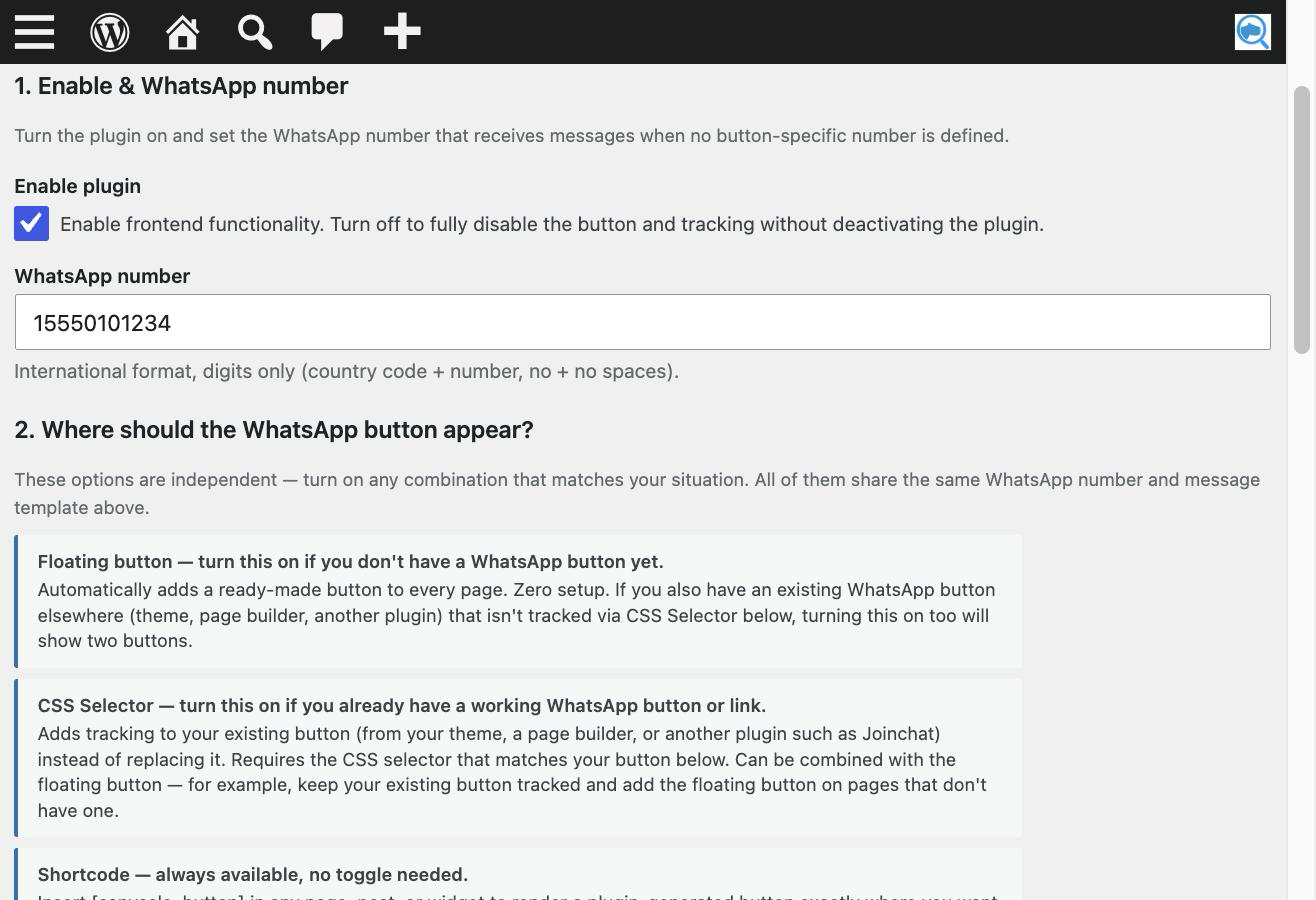
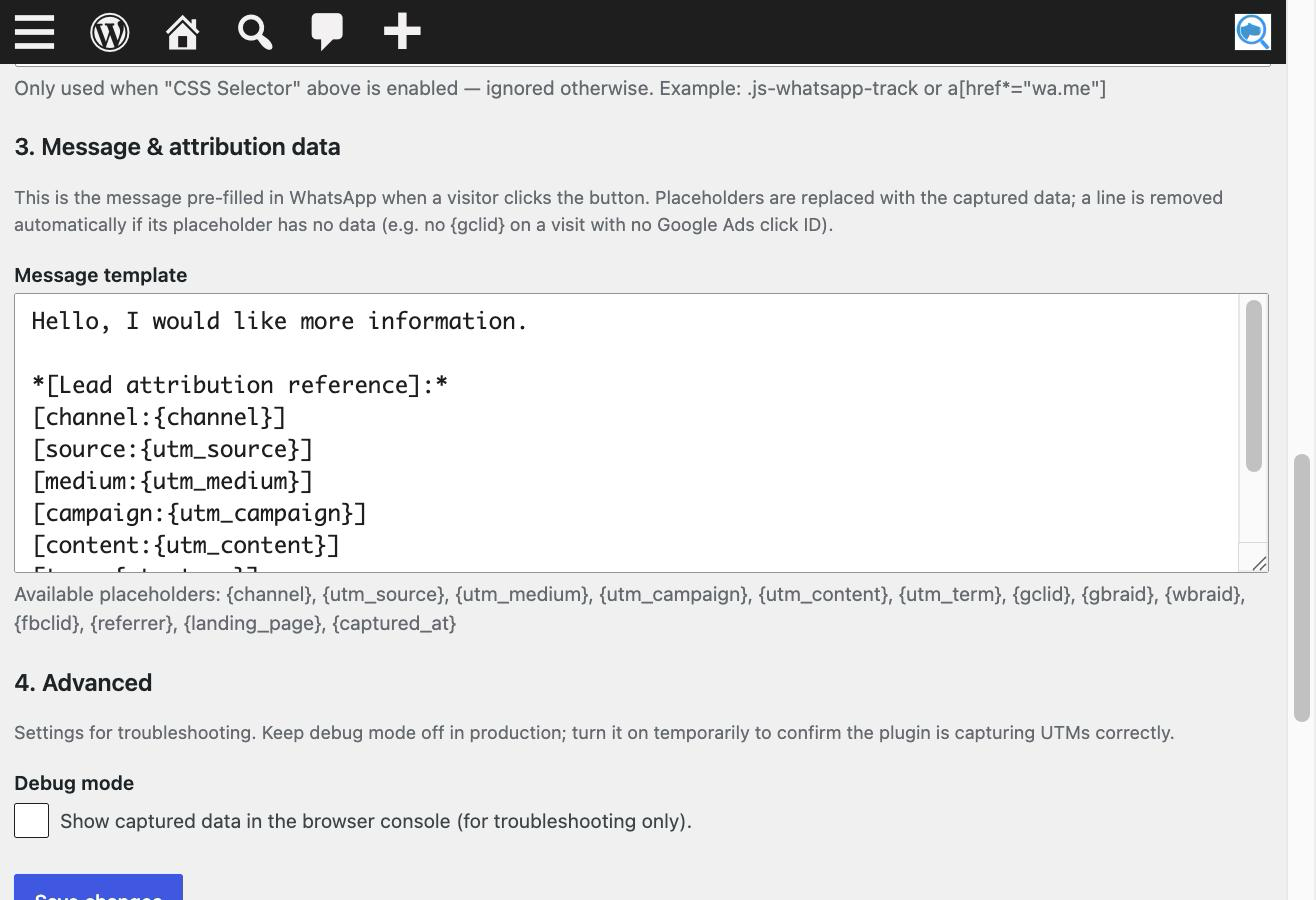
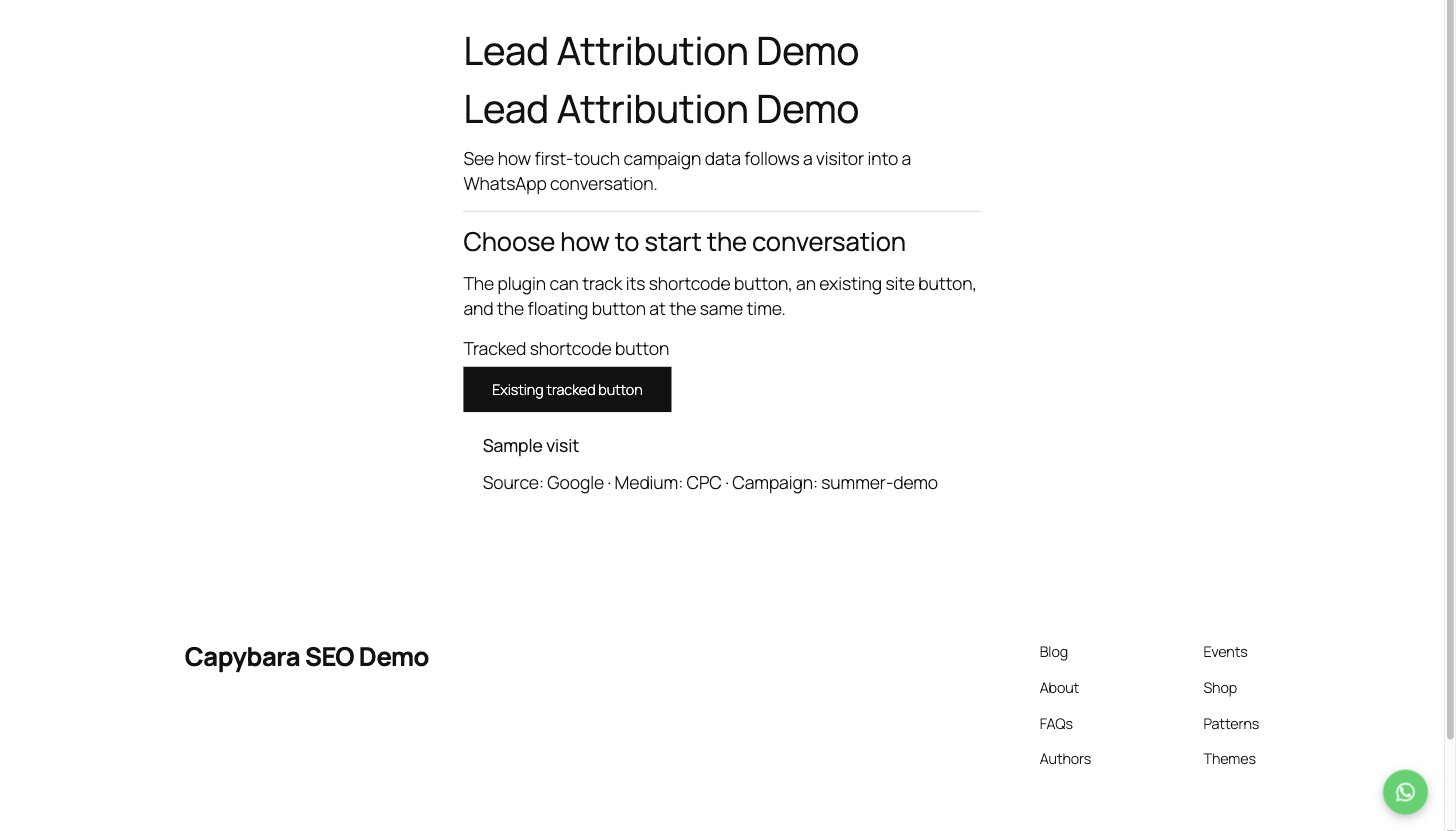
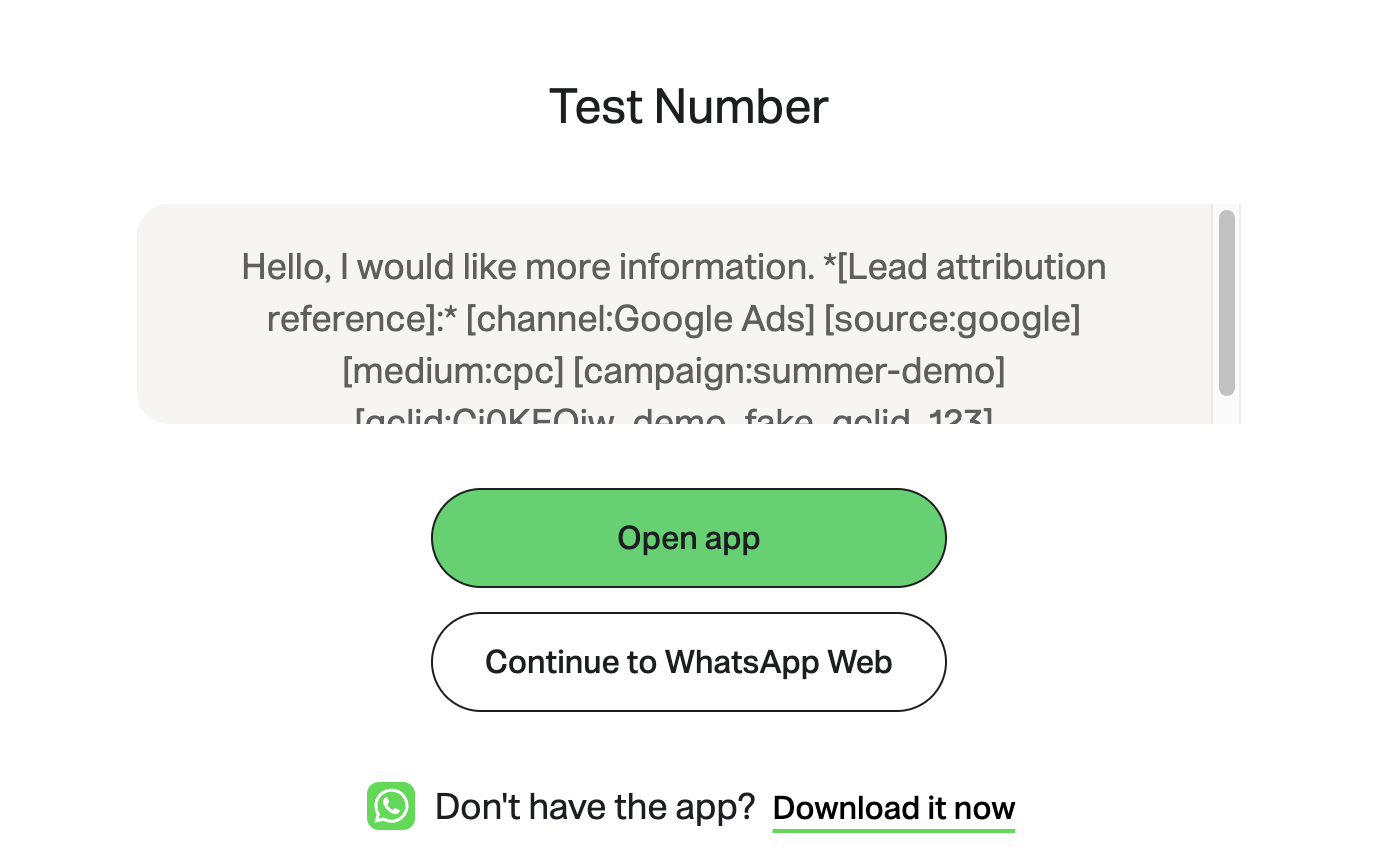
Capybara SEO Lead Source Tracker captures UTM parameters and click IDs (gclid, gbraid, wbraid, fbclid) from the URL, stores them in localStorage with a configurable attribution model (last click by default, or first click; kept for 7 days from the selected capture), and automatically updates WhatsApp links with a dynamic message that includes the lead source data.
Key features:
- Captures utm_source, utm_medium, utm_campaign, utm_content, utm_term, gclid, gbraid, wbraid, fbclid
- Configurable attribution model: last click (default) credits the most recent identifiable entry before the WhatsApp click; first click keeps the first identifiable entry. Both keep the selected source for 7 days from its capture, and visits without source signals never erase or renew it
- Automatic channel detection: Google Ads, Meta Ads, Organic, Referral, and AI platforms (ChatGPT, Claude, Gemini, Copilot, Perplexity)
- Lines with no captured data are omitted from the WhatsApp message
- Combinable button placements: Floating button (auto-injected, zero setup) and CSS Selector (reuse existing buttons) can both be turned on at once, plus the always-available [capysele_button] shortcode — all sharing the same number and tracking
- Customizable message template with placeholders
- Click-time page tracking: {exit_page} reports the complete URL where the visitor clicks, including its query string and fragment, and {exit_page_title} reports that page’s title
- Translation-ready: approved locales are delivered separately through WordPress.org language packs based on the WordPress site or user locale
- Debug mode: logs captured data, its capture and expiry dates, and why the channel was assigned to the browser console
Available placeholders for the message template:
{channel}, {utm_source}, {utm_medium}, {utm_campaign}, {utm_content}, {utm_term}, {gclid}, {gbraid}, {wbraid}, {fbclid}, {referrer}, {exit_page}, {exit_page_title}, {landing_page}, {captured_at}
Use {exit_page} for new templates. The legacy {landing_page} placeholder remains supported and now returns the same click-time URL for backward compatibility. Use {exit_page_title} for the title of the page where the visitor clicks (read at click time); you can use the title, the URL, or both. Existing templates are not changed automatically.