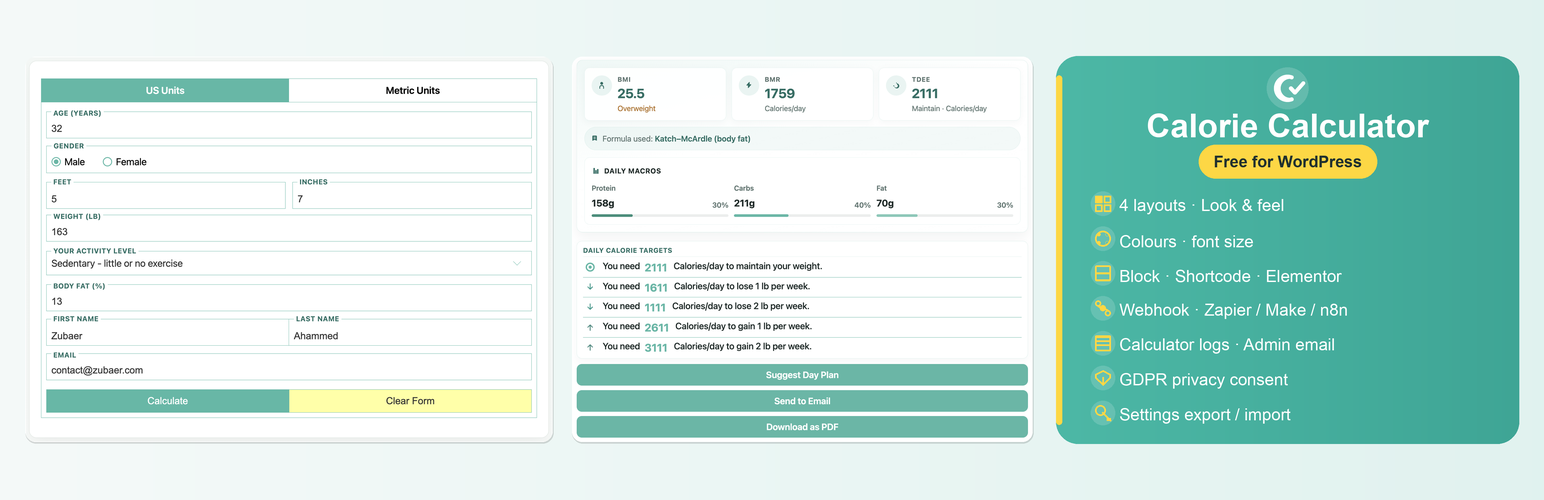

Calorie Calculator
v3.8.86Md. Zubaer Ahammed · 2016年10月8日 上架
Estimate daily calories with BMI, BMR, TDEE, and lose/gain guidelines. GDPR-ready privacy consent. Embed via block, shortcode, Elementor, or widget.
- 正在使用
- 100+
- 评分
- 3.4 / 5
- 累计下载
- 2 万
- 最近更新
- 2026年10月18日
 Md. Zubaer Ahammed
截图
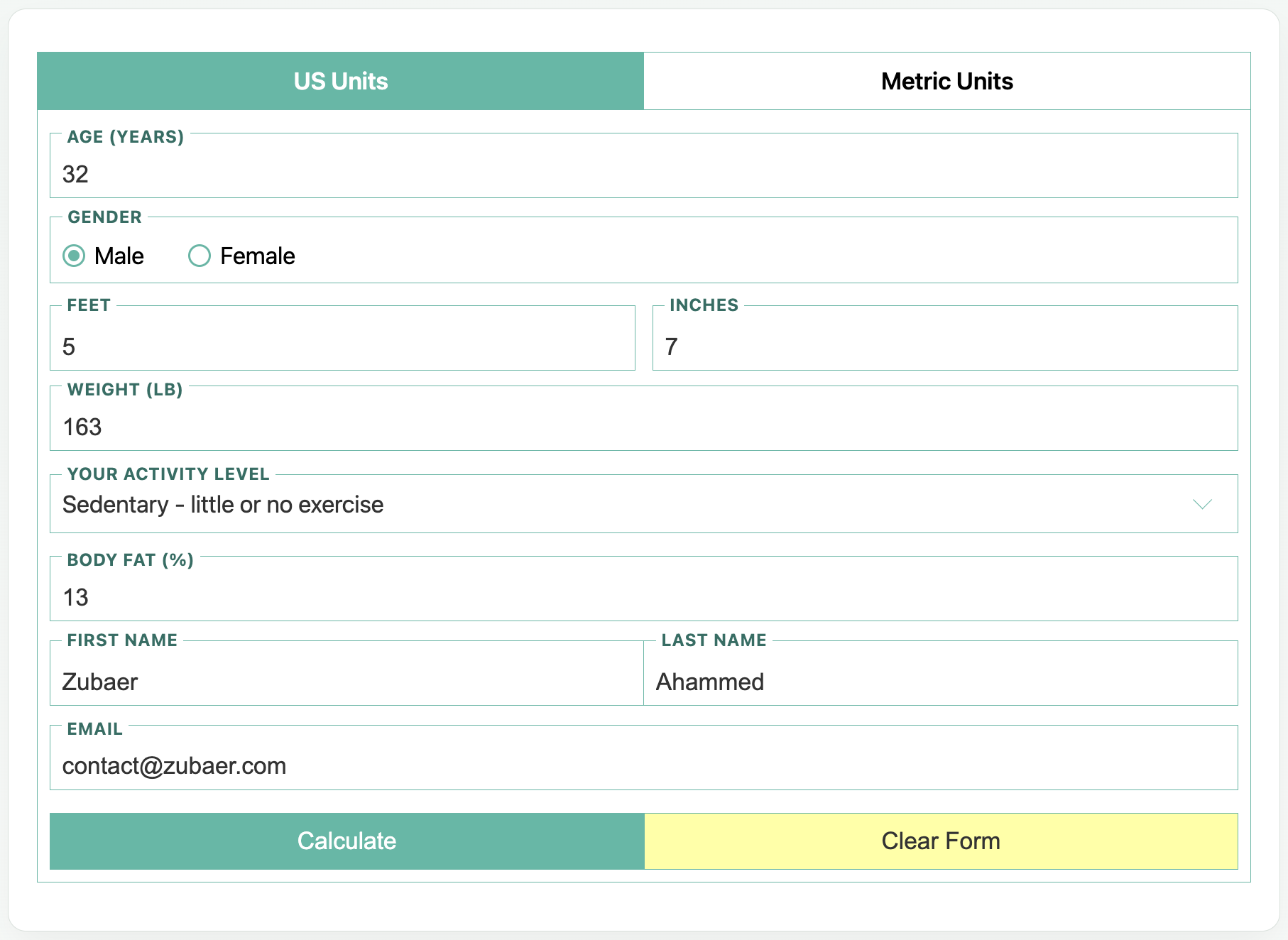
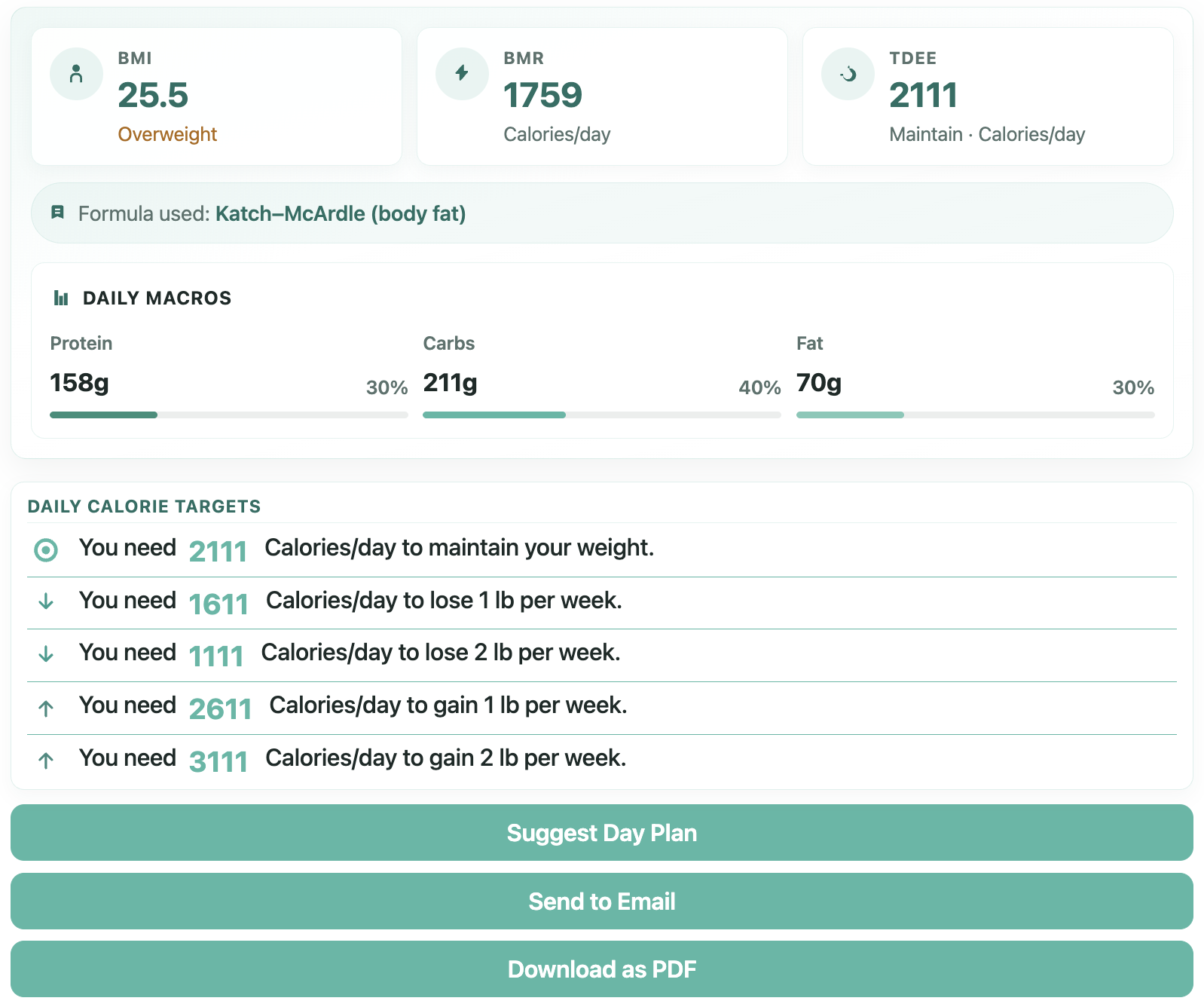
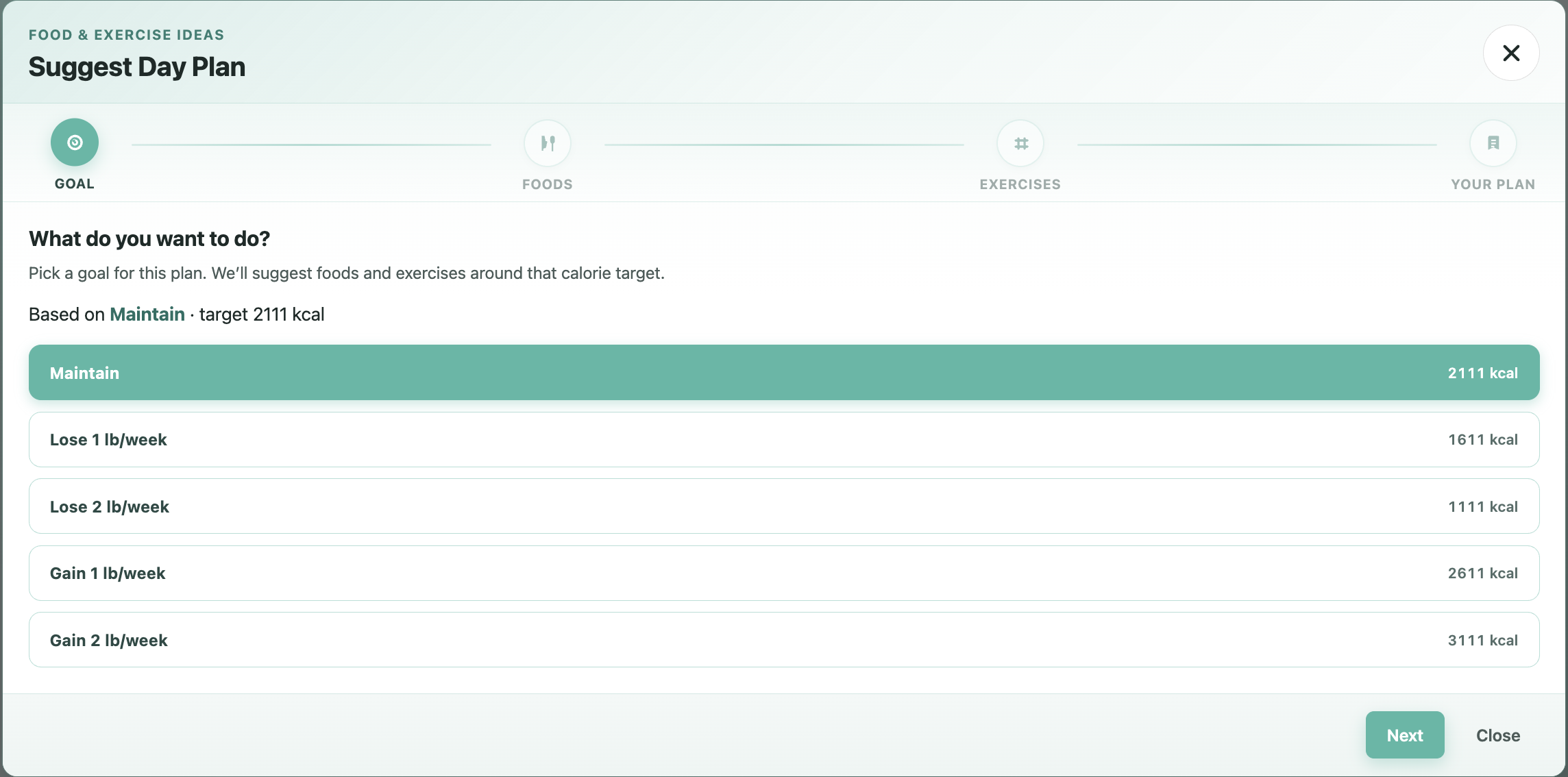

GDPR-ready: Optional privacy consent before storing calculator logs — turn it on under Behaviour, with a customisable consent label.
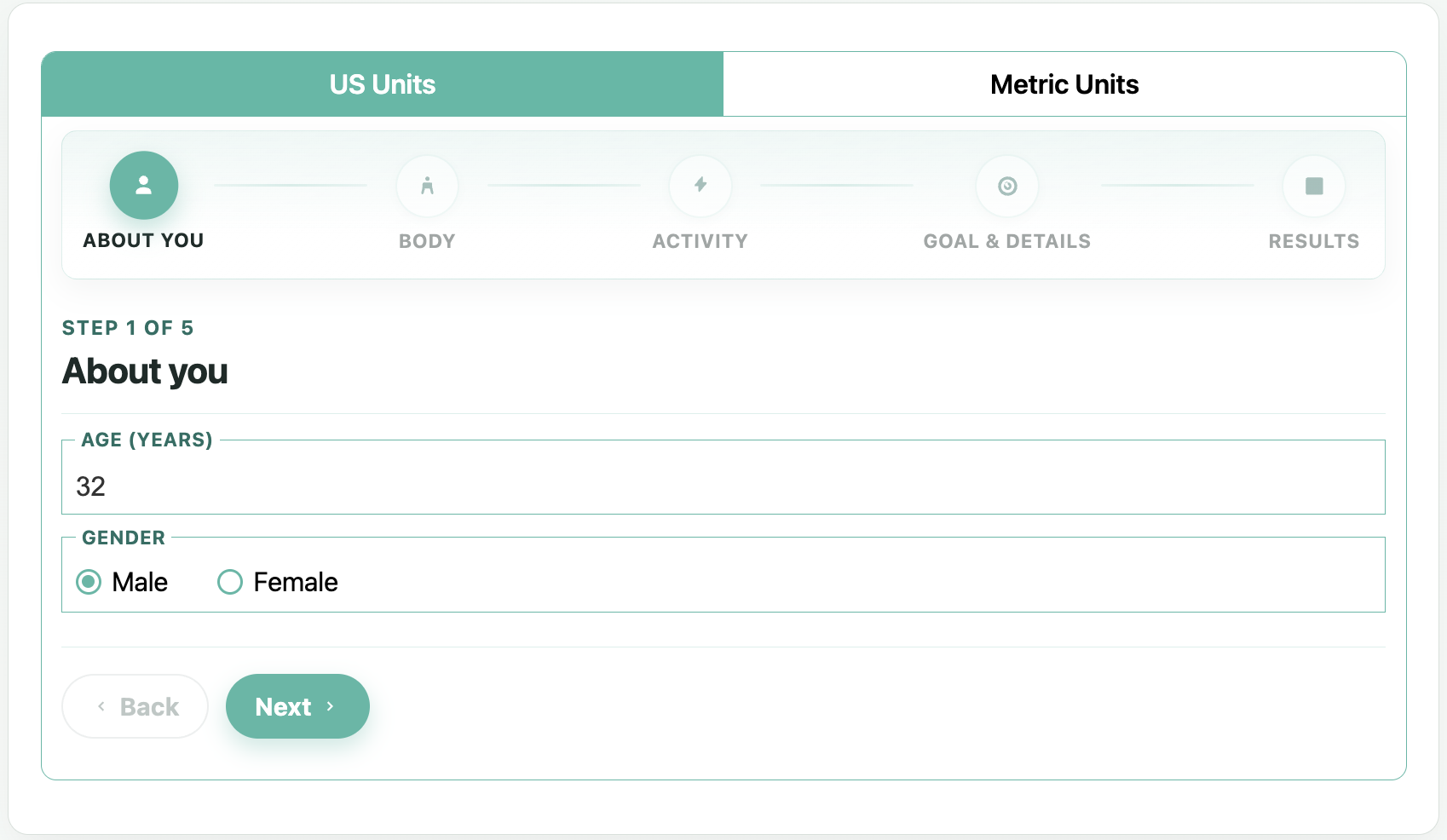
Calorie Calculator is a free WordPress calorie calculator for fitness, nutrition, health, and coaching sites. Visitors estimate daily calorie needs from age, sex, height, weight, and activity — then see clear BMI, BMR, TDEE, and lose/gain guidelines.
Embed it with a block, shortcode, Elementor widget, or classic sidebar widget. Configure layouts and colours once under Look & feel, then reuse the same calculator across pages.
Results are estimates based on averages. Encourage a balanced diet and sensible activity alongside the numbers.
Why add a calorie calculator?
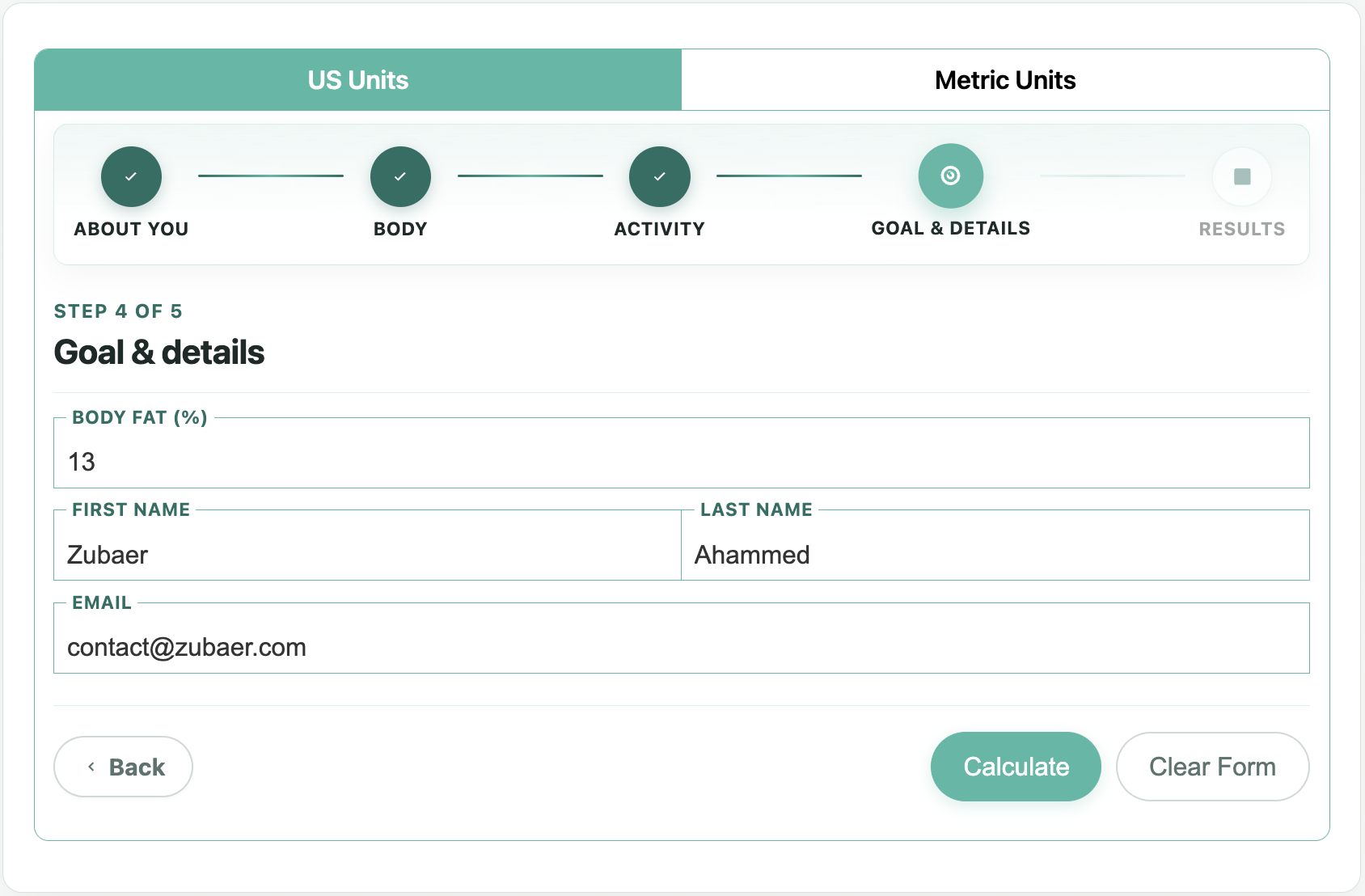
Interactive tools keep visitors on the page longer and turn curiosity into leads. Optional name and email fields store private Calculator Logs in wp-admin, and Free can notify you or fire a webhook when a log is created.
Science behind the numbers
Free uses the Mifflin–St Jeor equation for basal metabolic rate (BMR), then an activity multiplier for total daily energy expenditure (TDEE / maintain calories). BMI uses height and weight and shows a category label. Results always name the formula used.
What Free results include
- BMI with category (underweight, normal, overweight, or obese)
- BMR — calories at rest
- TDEE — calories to maintain weight for the selected activity level
- Lose / gain calorie targets (for example 0.5 kg / 1 lb per week)
- Goal display as lose/gain lines or a single goal dropdown
How to use
- Install and activate Calorie Calculator.
- Add the Calorie Calculator block, shortcode
[calorie_calculator], Elementor widget, or classic widget. - Units default to both US and Metric; you can show only one.
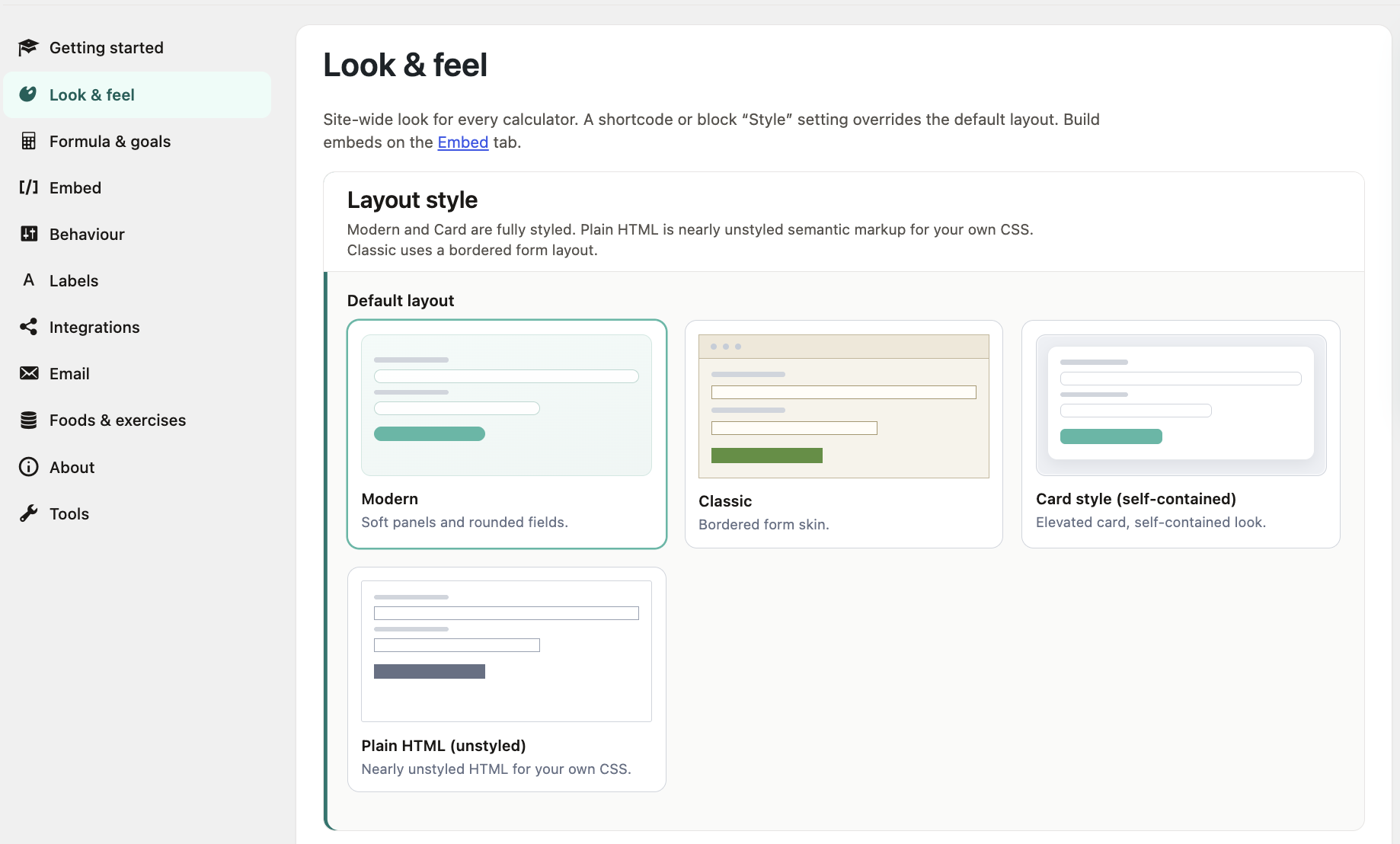
- Pick a layout: Modern, Card, Plain HTML (theme-friendly), or Classic — or set a site-wide default under Look & feel.
- Optionally show Name and Email fields to store calculator logs.
Using shortcodes
- Default:
[calorie_calculator] - In PHP/themes:
<?php echo do_shortcode( '[calorie_calculator]' ); ?> - Useful Free attributes:
unit="usunit/metricunit/both"(defaultboth)template="general/bootstrap-general/plain/old"(omit to use the Look & feel default)show_name_field="true/false"(defaulttrue)show_email_field="true/false"(defaulttrue)show_firstname_only="true/false"(defaultfalse)goal_ui="lines/dropdown"(default follows Behaviour, otherwiselines)
- Example:
[calorie_calculator unit="metricunit" template="general"]
Tip: open Calorie Calculator Embed for a shortcode builder with live preview and Copy.
Calculator logs
When name and/or email fields are used, submissions can be stored as private Calculator Logs (including BMI and basal BMR). Open Calorie Calculator Logs to review them. Logs are not publicly queryable.
Look & feel (Free)
Under Calorie Calculator Look & feel you can:
- Set the site-wide default layout (Modern, Card, Plain HTML, or Classic)
- Choose a base font size (small / normal / large)
- Set primary and alert / error colours (defaults match the Modern teal + yellow brand)
Behaviour (Free)
Under Calorie Calculator Behaviour you can:
- Choose the default goal display: lose/gain lines or a single goal dropdown
- Require a GDPR / privacy consent checkbox before a log is stored (customisable label)
- Send an outbound webhook (Zapier / Make / n8n Catch Hook) when a log is created
- Optionally email the admin when a calculator log is stored
Tools (Free)
Under Calorie Calculator Tools you can:
- Export / import settings (and restore defaults) for migration or support
- Copy a system info report for support threads (no secrets)
Pro locked previews
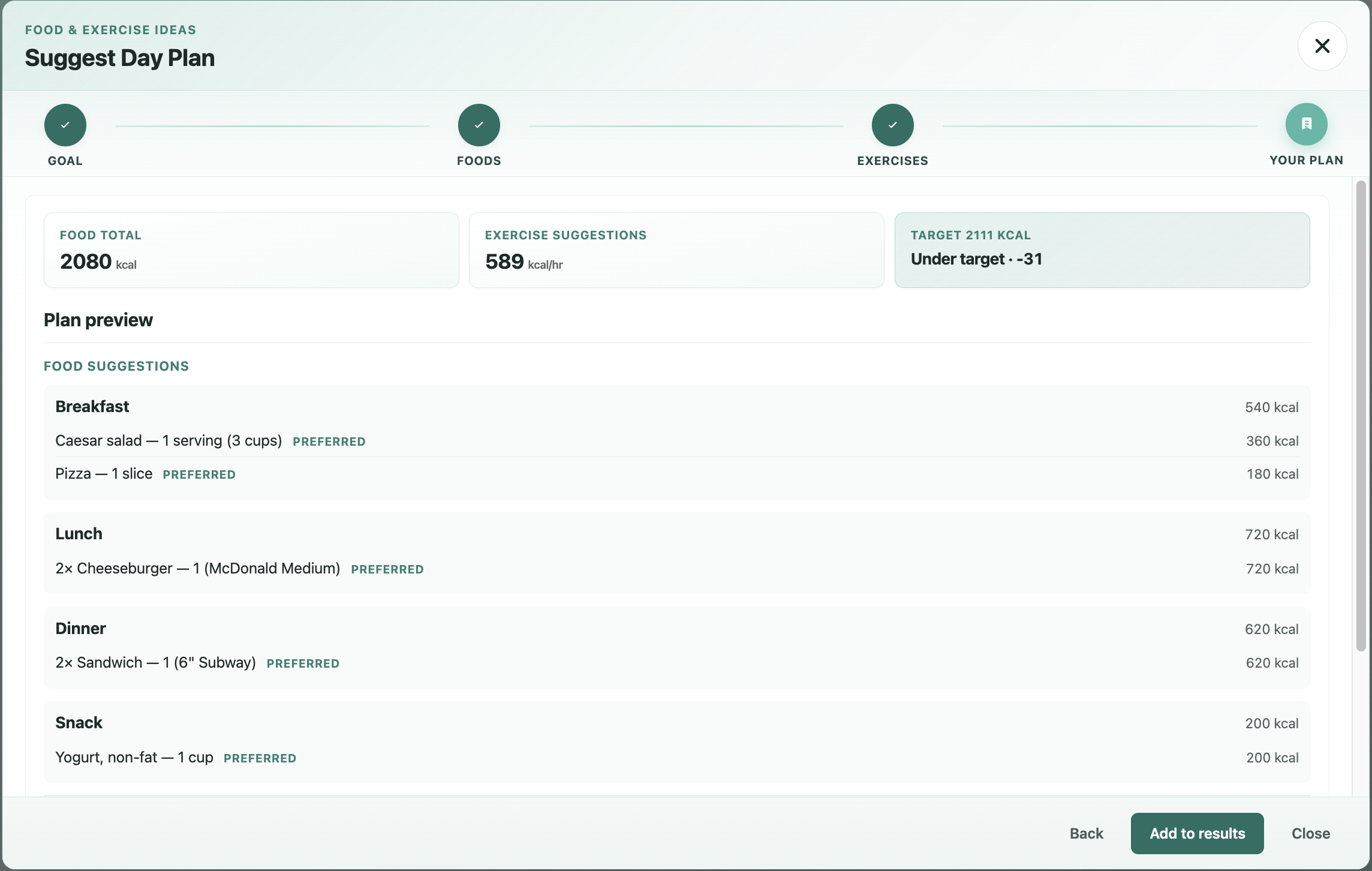
Settings also show locked Pro tabs (Formula & goals, Labels, Integrations, Email, Foods & exercises) so you can preview upgrades without leaving Free. The calculator itself remains fully usable on Free.
Pro version
Calorie Calculator Pro adds PDF download, email results, email-required lead gate, macronutrient breakdown, mailing-list integrations, foods and exercises tables, body fat / Katch–McArdle, Labels overrides, multi-step form flow, and premium support.